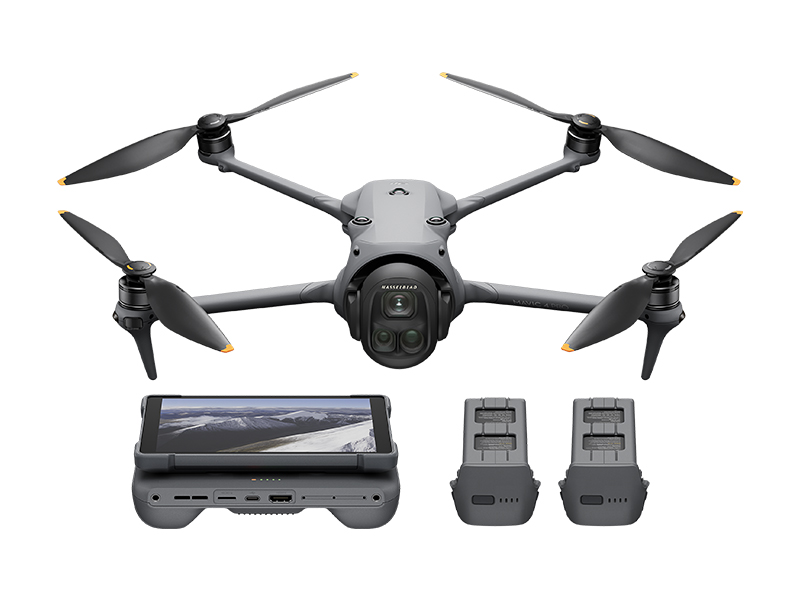
 DJI Mavic 4 Pro Creator Combo (512GB)
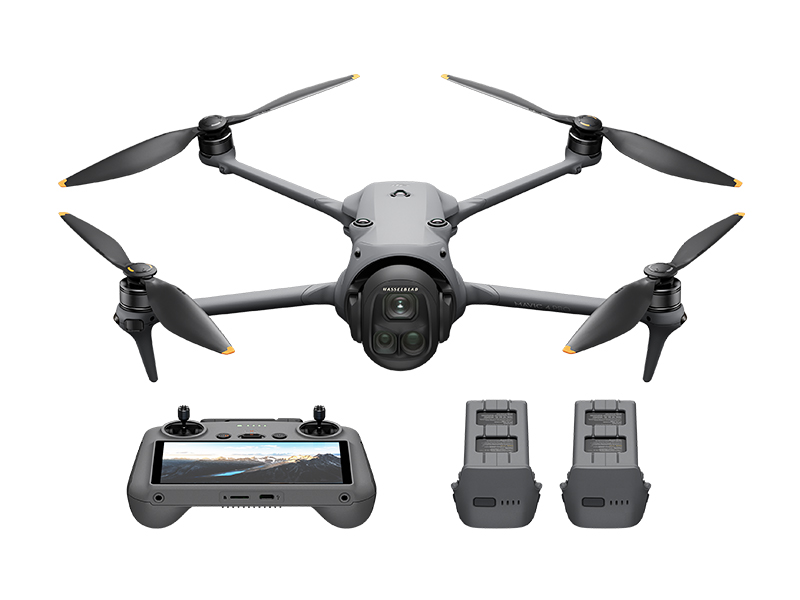 DJI Mavic 4 Pro Fly More Combo
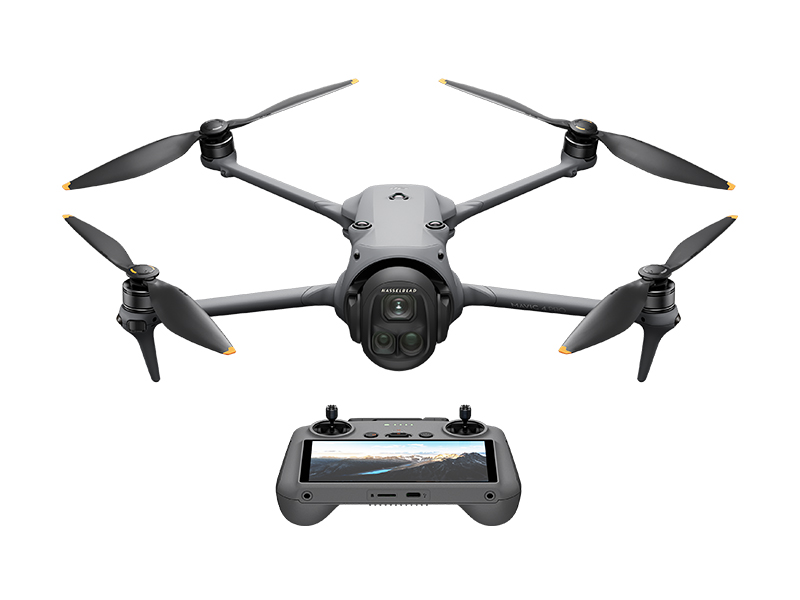 DJI Mavic 4 Pro
 DJI Care Refresh 1-Year Plan (DJI Mavic 3 Pro)
 DJI Care Refresh 2-Year Plan (DJI Mavic 3 Pro)
 DJI Care Refresh 1-Year Plan (DJI Mavic 3 Pro Cine)
 DJI Care Refresh 2-Year Plan (DJI Mavic 3 Pro Cine)
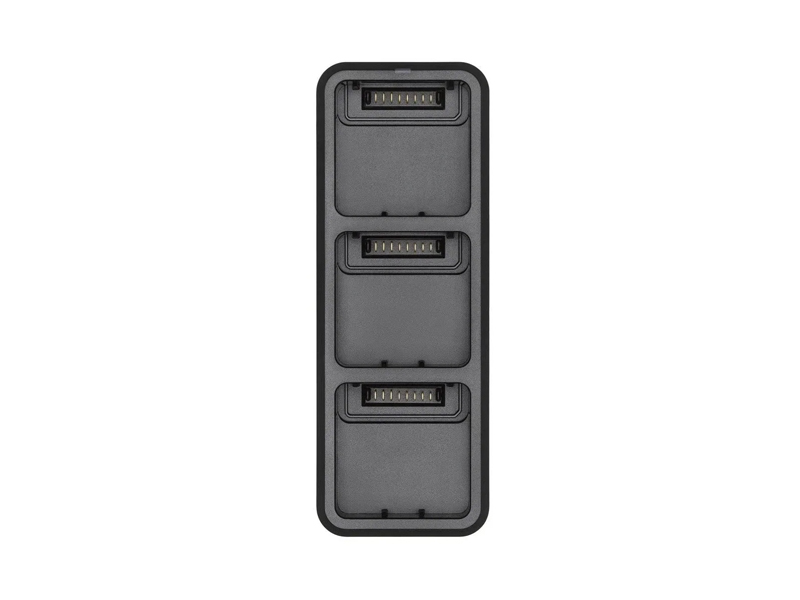 DJI Mavic 3 Series 100W Battery Charging Hub
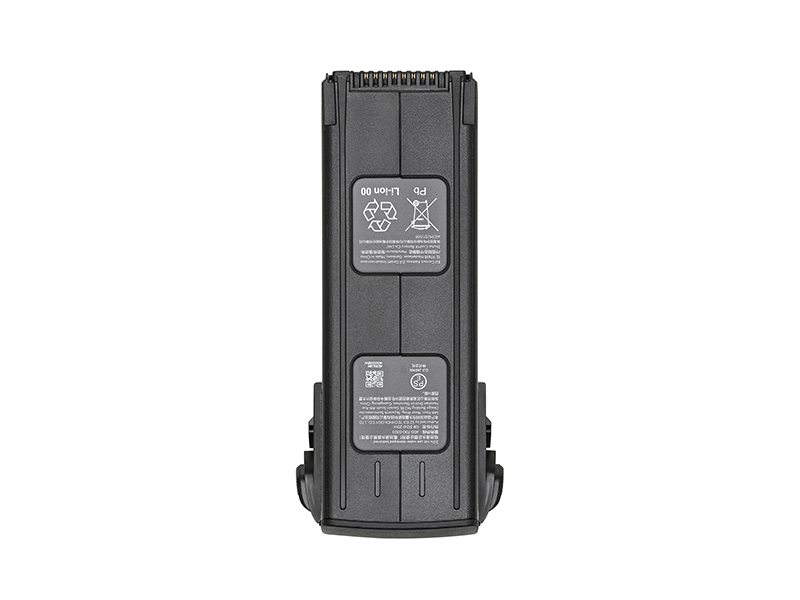 DJI Mavic 3 Series Intelligent Flight Battery
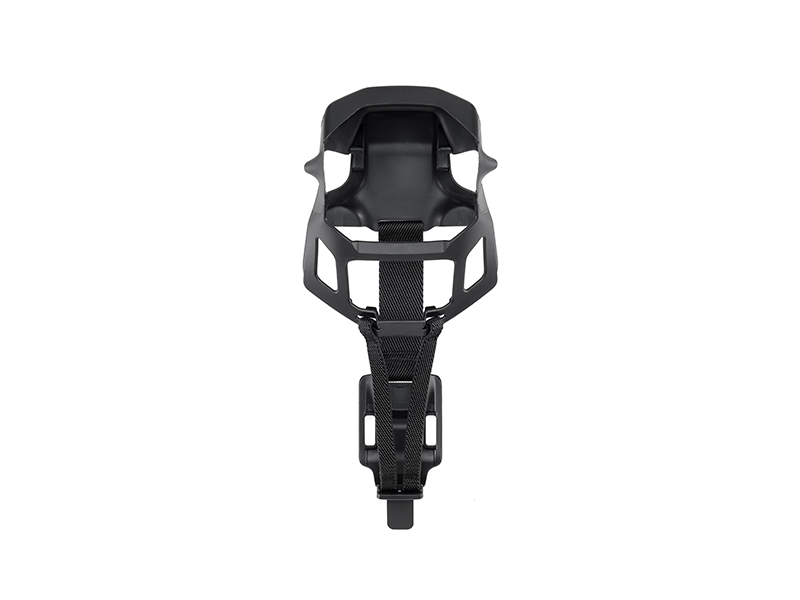 DJI Mavic 3 Classic Storage Cover
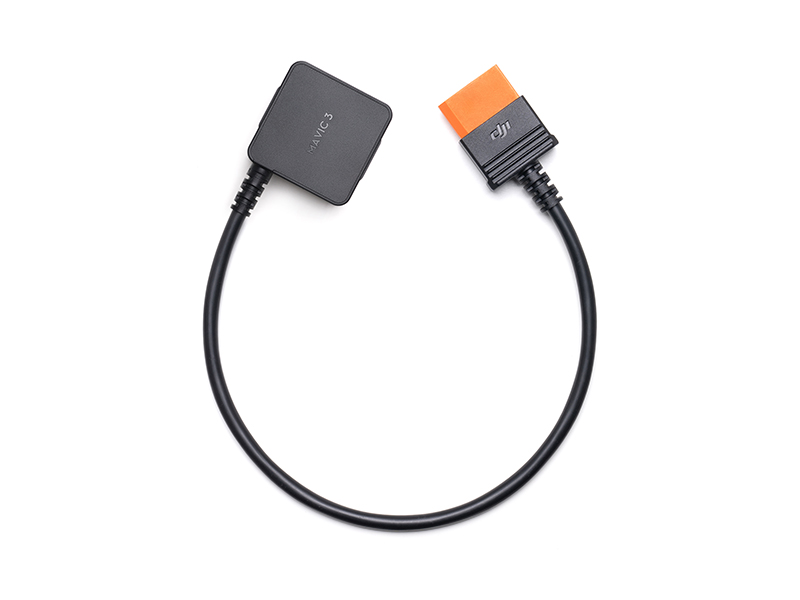 DJI Power SDC to DJI Mavic 3 Series Fast Charge Cable
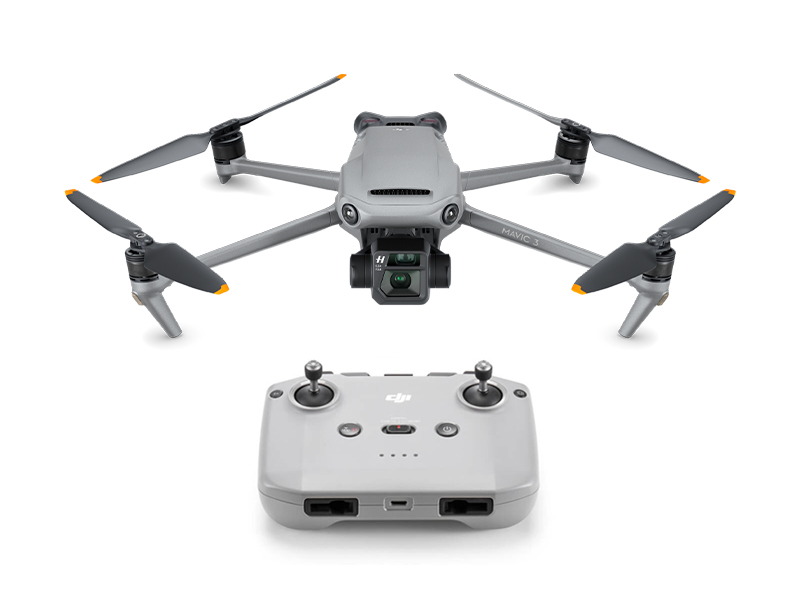 DJI Mavic 3
 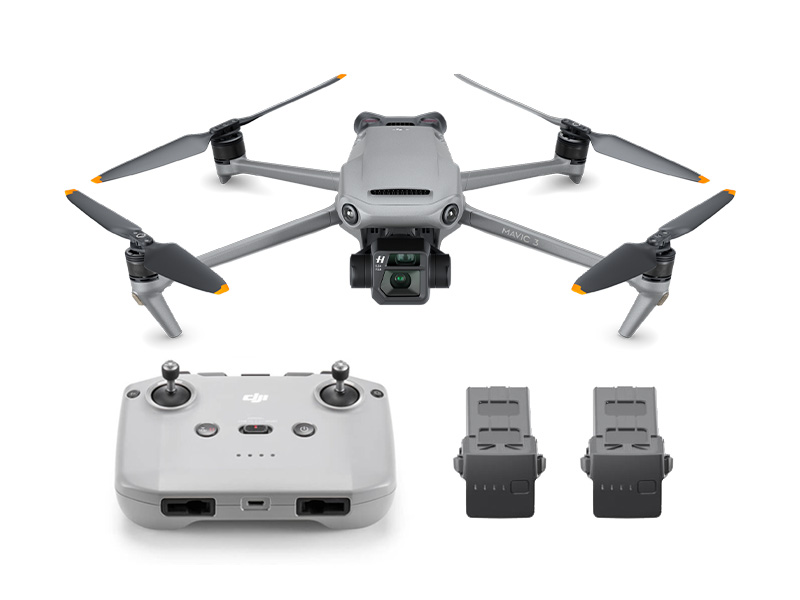 DJI Mavic 3 Fly More Combo
 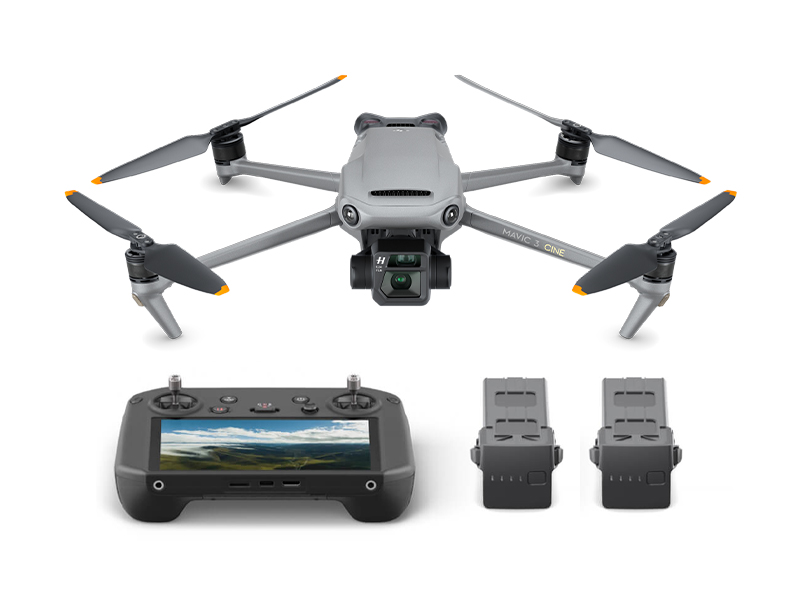 DJI Mavic 3 Cine Premium Combo (Open Box)
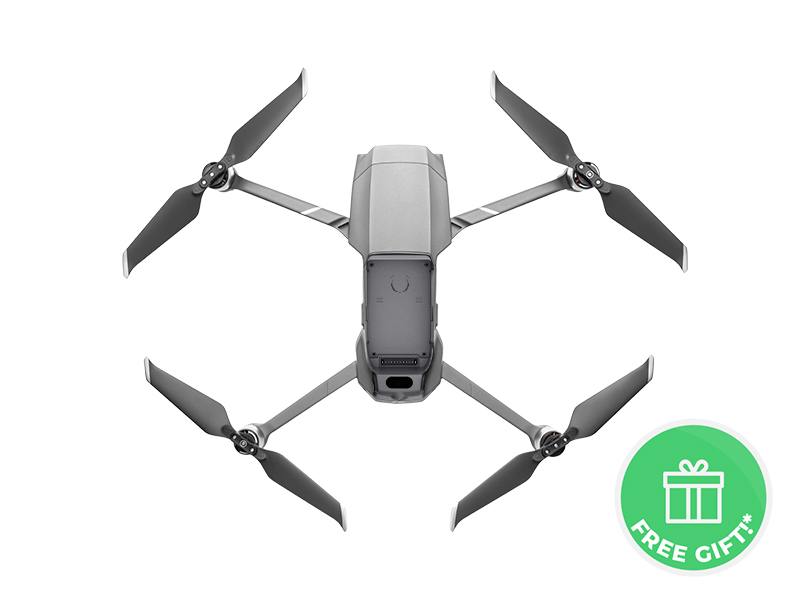 Mavic 2 Pro (Drone Only, No Battery)
.jpg) Mavic 2 Zoom (Drone Only)
Mavic 2 Zoom (Drone Only)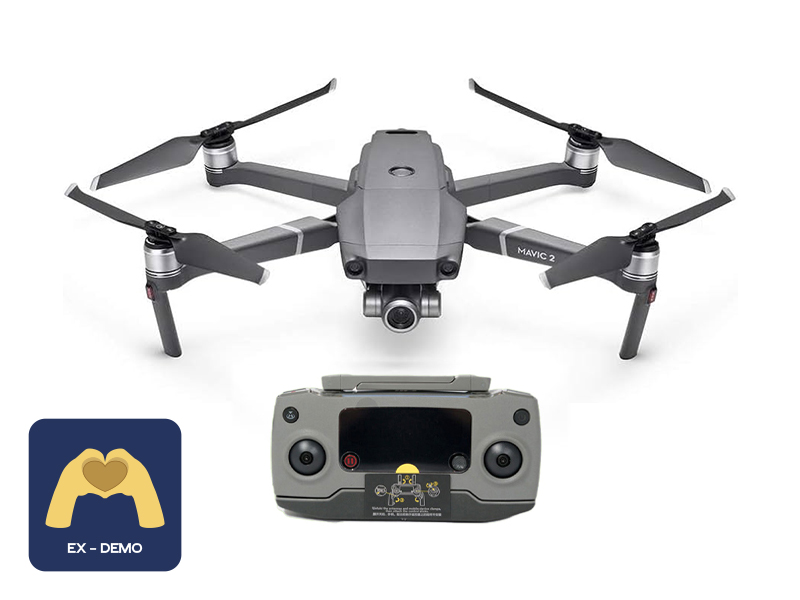 Ex-Demo Mavic 2 Zoom
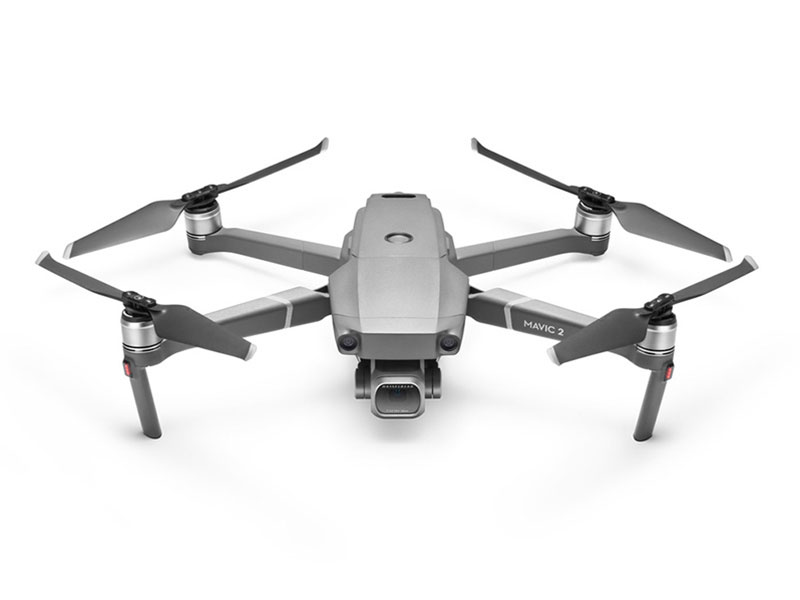 Mavic 2 Pro
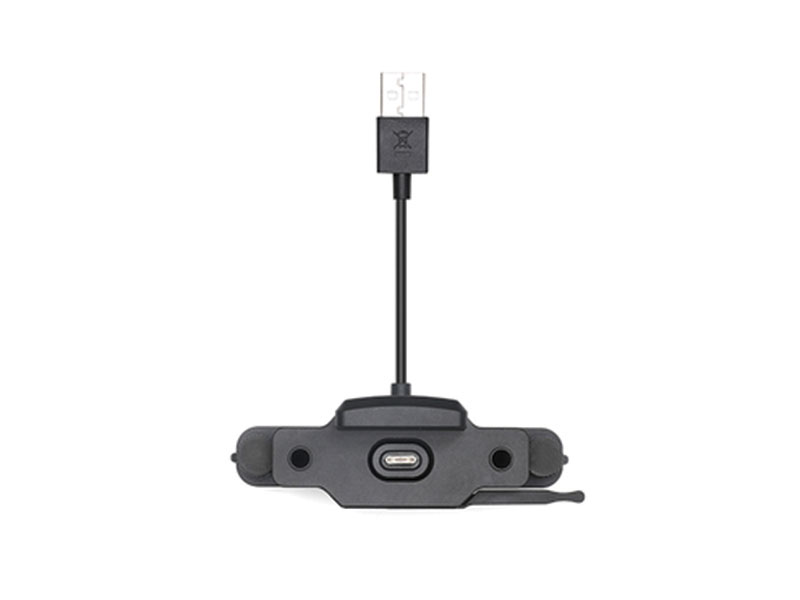 CrystalSky Mavic/Spark Remote Controller Mounting Bracket
 D1 Aircraft Sleeve
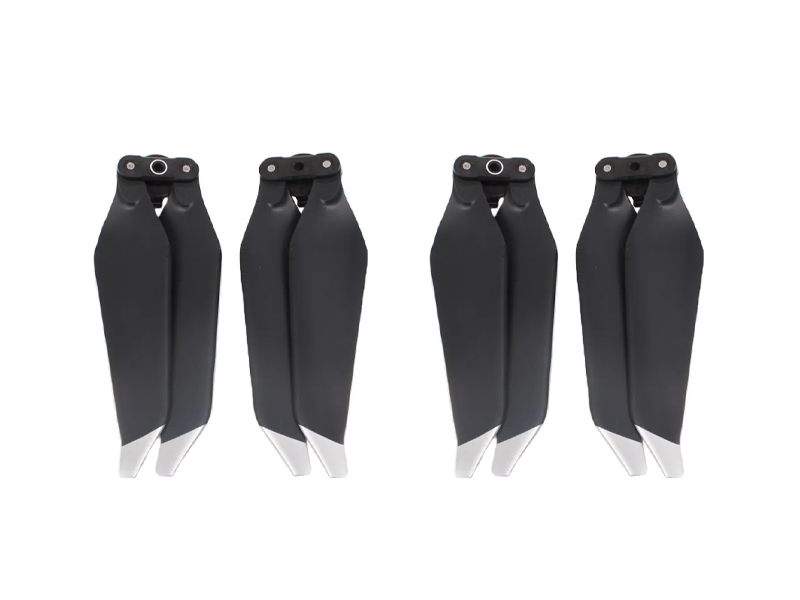 SunnyLife Low-Noise Propellers for Mavic Pro (2 Pairs)
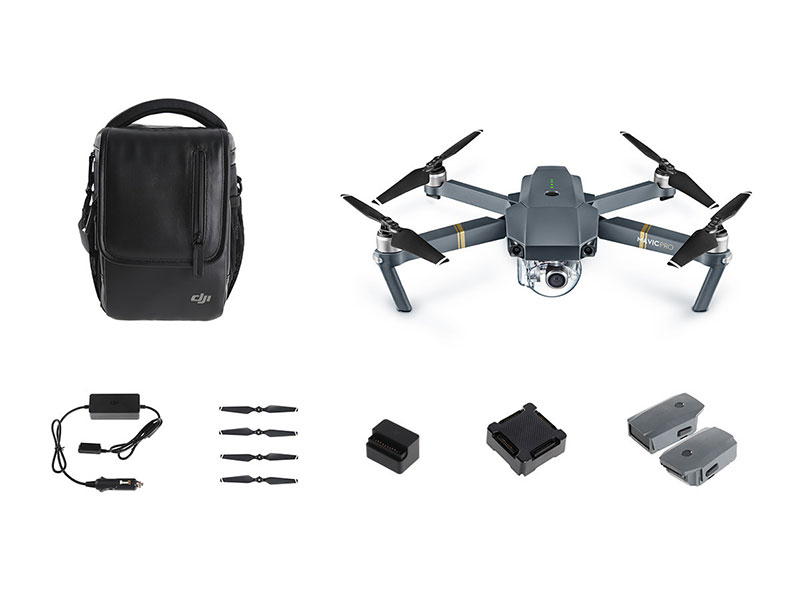 Mavic Pro Fly More Combo
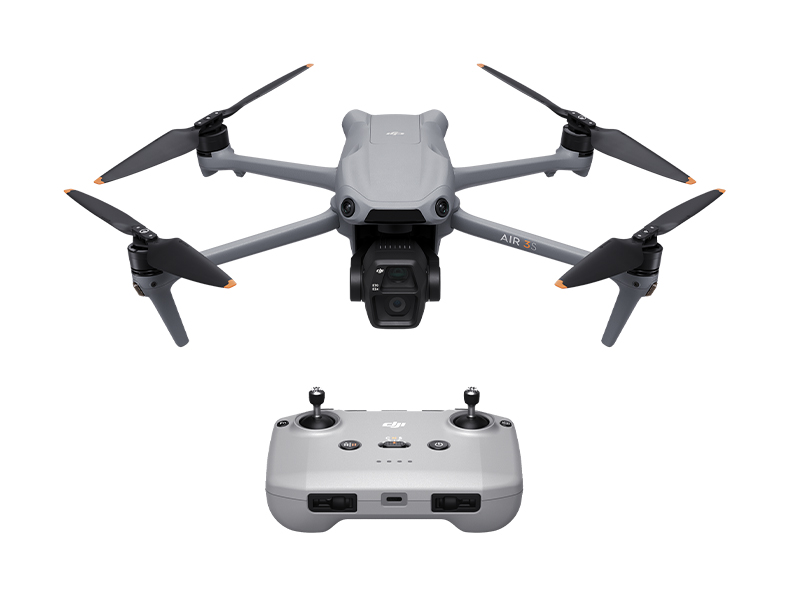 DJI Air 3S
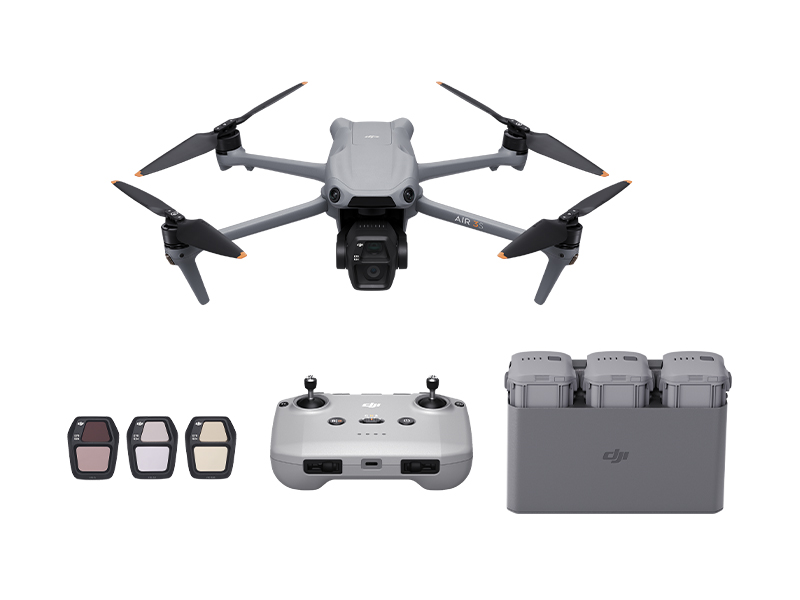 DJI Air 3S Fly More Combo w. DJI RC-N3
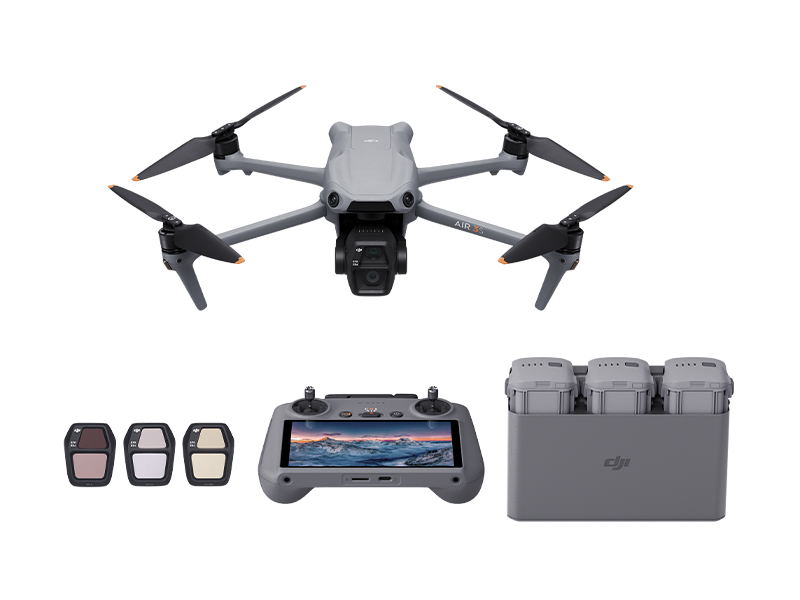 DJI Air 3S Fly More Combo w. DJI RC 2
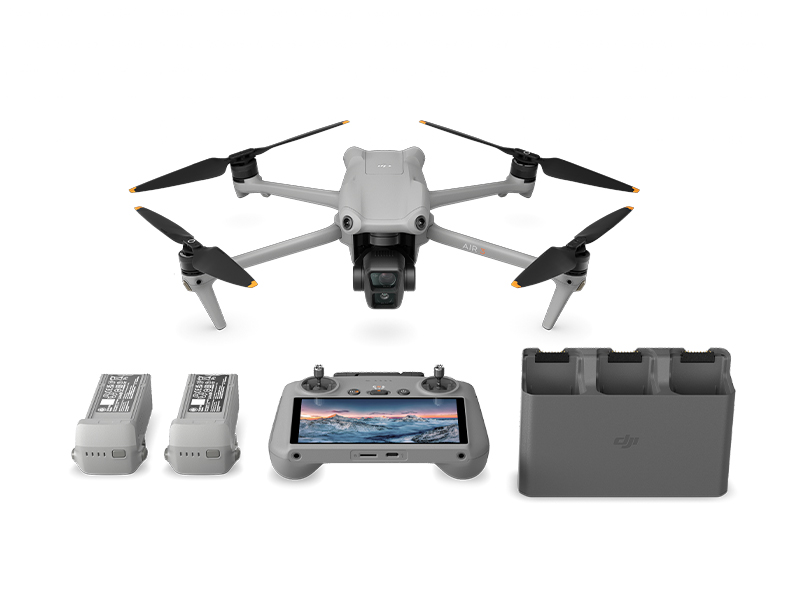 DJI Air 3 Fly More Combo w. DJI RC 2
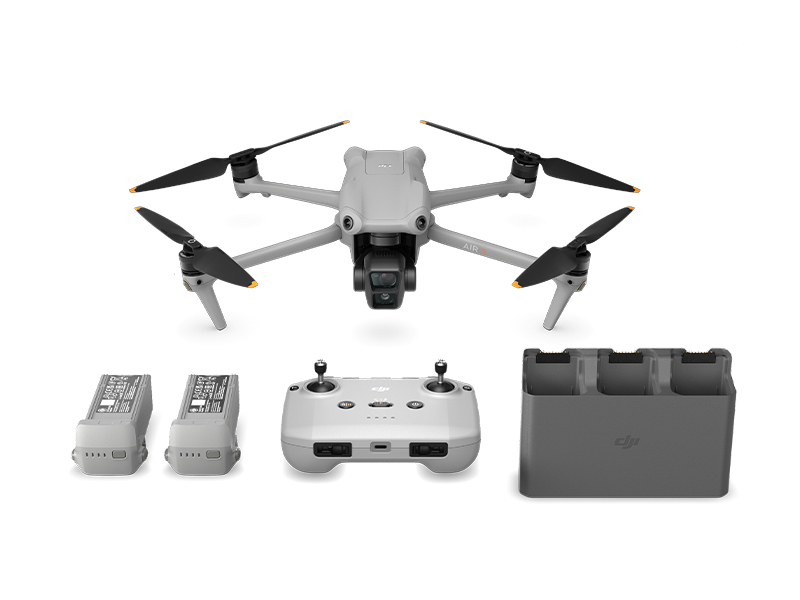 DJI Air 3 Fly More Combo
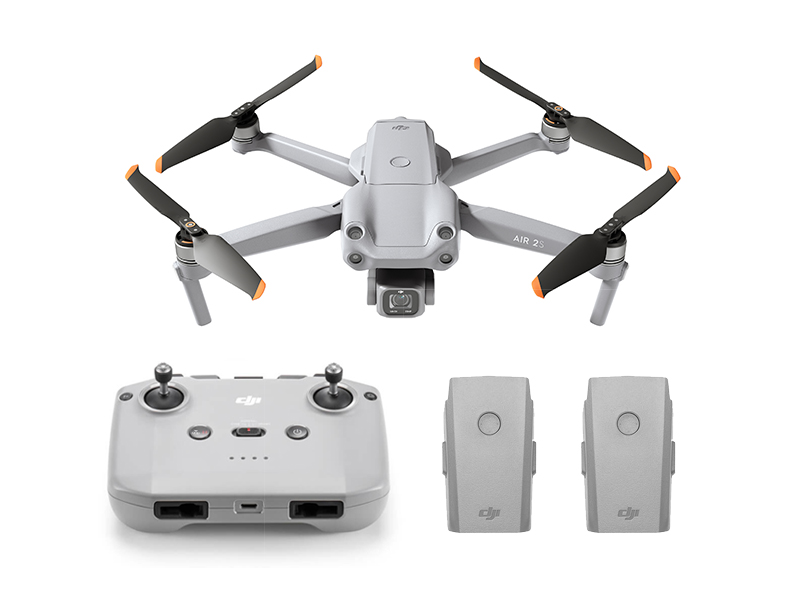 DJI Air 2S Fly More Combo
 DJI Mini Shoulder Bag
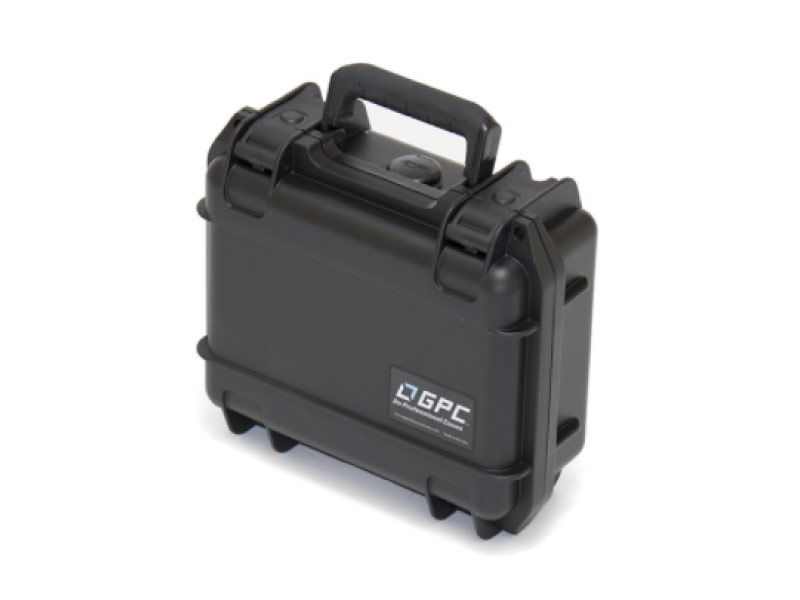 GPC Safety Case V2 for Mavic Air 2
 Mavic Air 2 Battery to Power Bank Adaptor
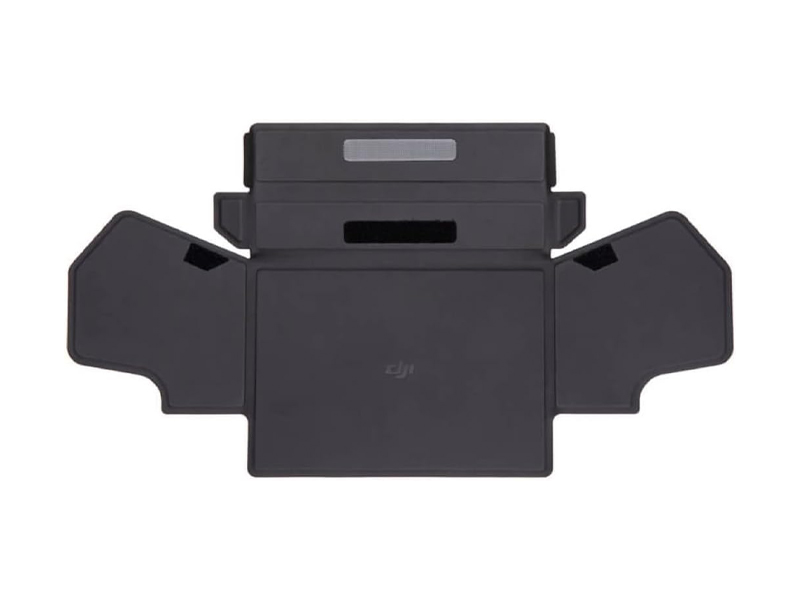 DJI RC-N Series Remote Controller Monitor Hood
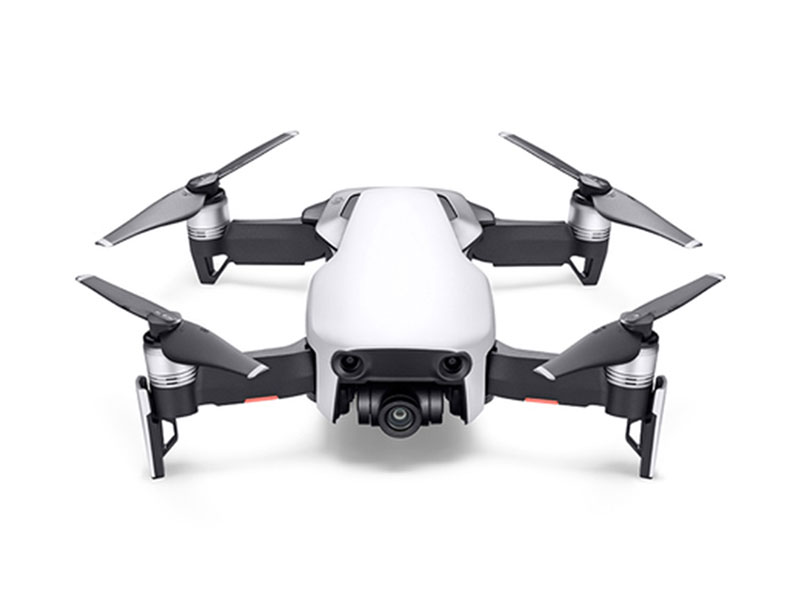 Mavic Air
 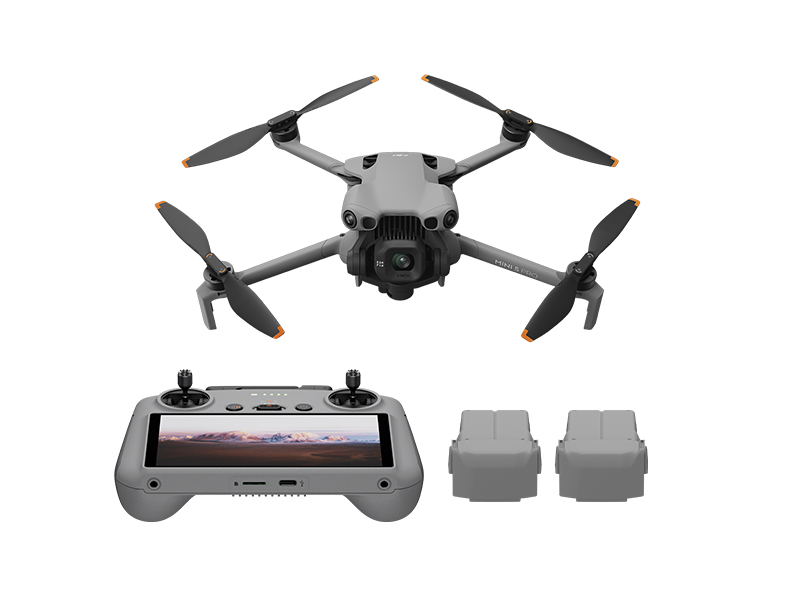 DJI Mini 5 Pro Fly More Combo
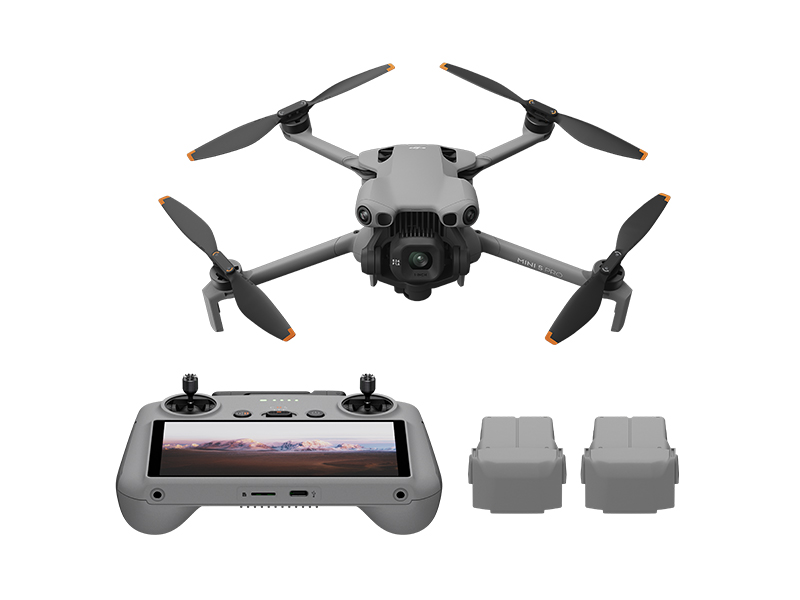 DJI Mini 5 Pro Fly More Combo Plus
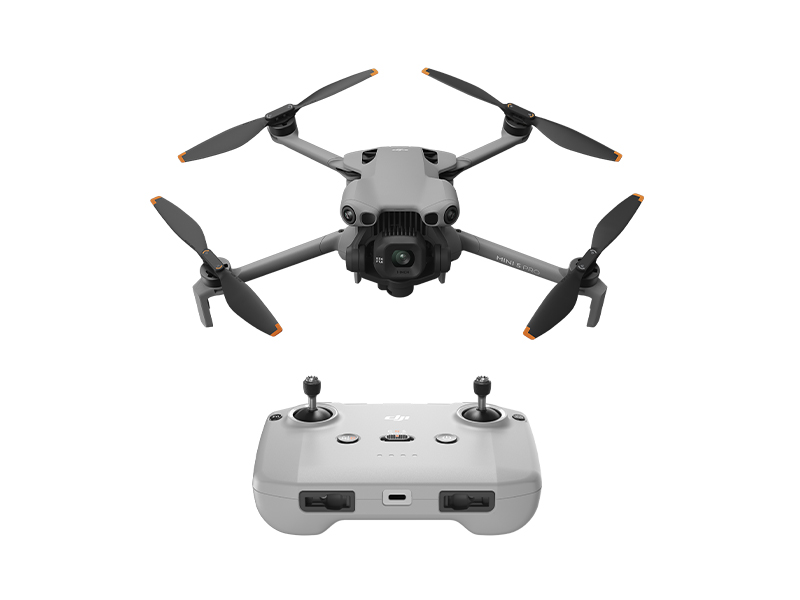 DJI Mini 5 Pro
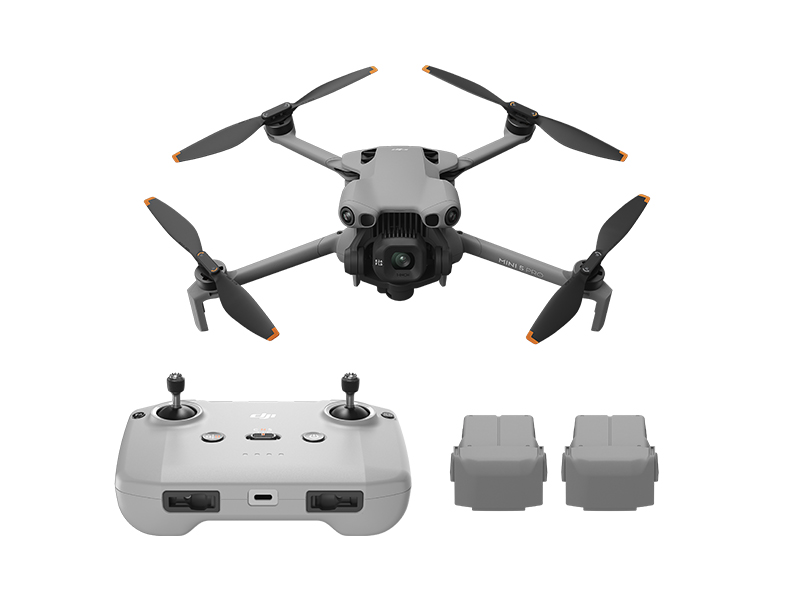 DJI Mini 5 Pro Fly More Combo w. DJI RC-N3
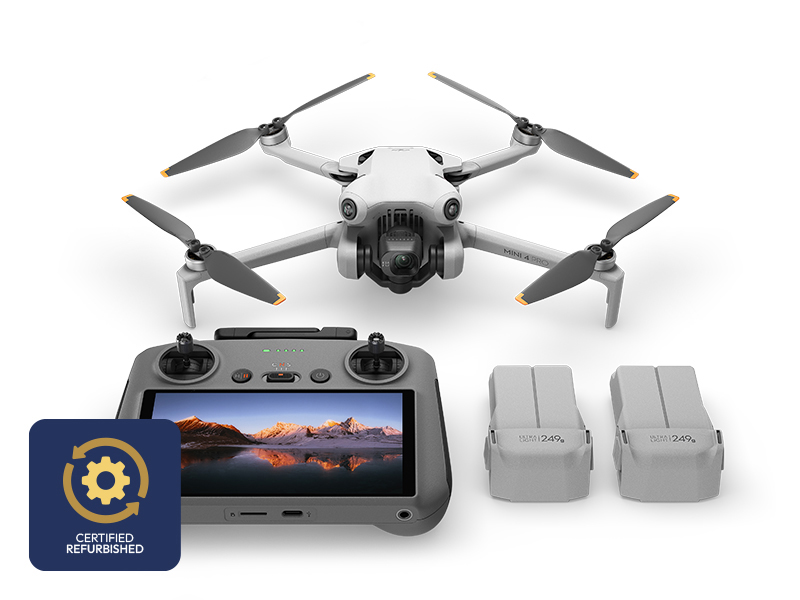 DJI Mini 4 Pro Fly More Combo (Refurbished)
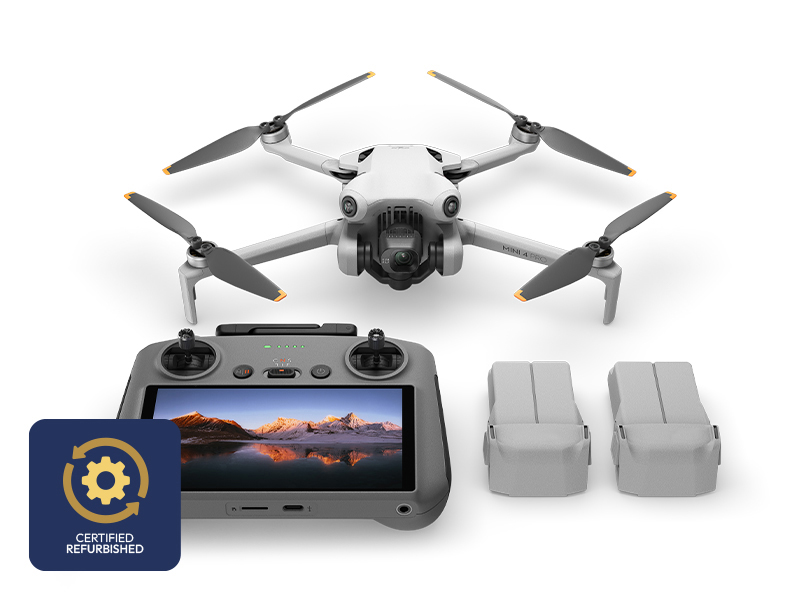 DJI Mini 4 Pro Fly More Combo Plus (Refurbished)
 DJI Care Refresh 1-Year Plan (DJI Mini 3)
 DJI Care Refresh 2-Year Plan (DJI Mini 3)
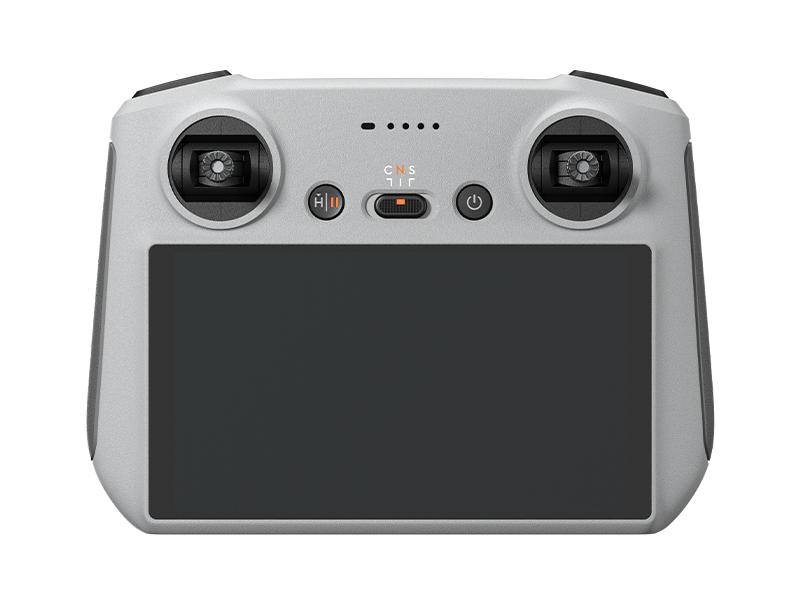 DJI RC
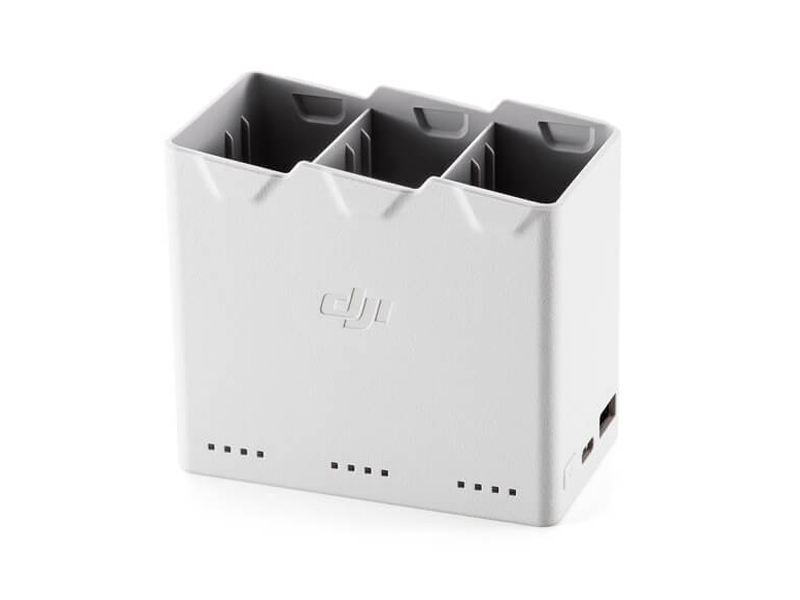 DJI Mini 4 Pro/Mini 3 Series Two-Way Charging Hub
 DJI Care Refresh 1-Year Plan (DJI Mini 2 SE & DJI Mini 4K)
 DJI Care Refresh 2-Year Plan (DJI Mini 2 SE & DJI Mini 4K)
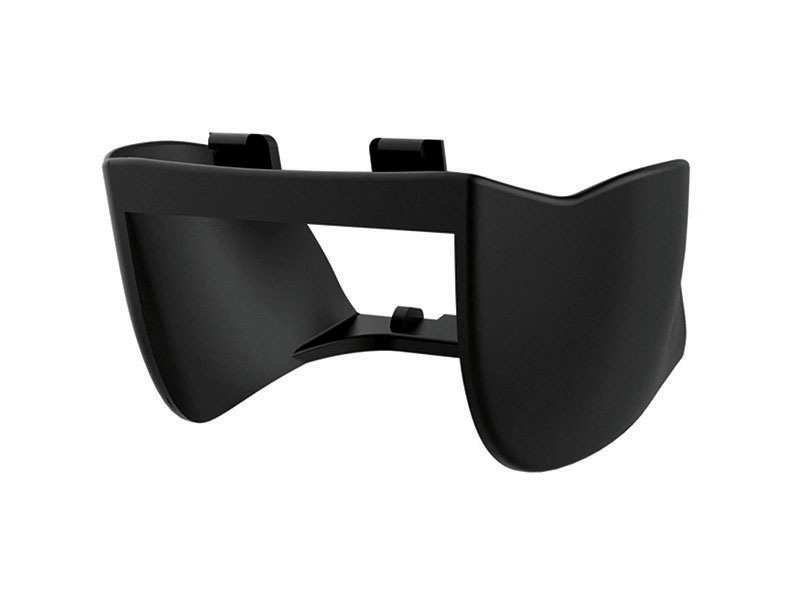 PGYTECH Lens Hood for DJI Mini Series
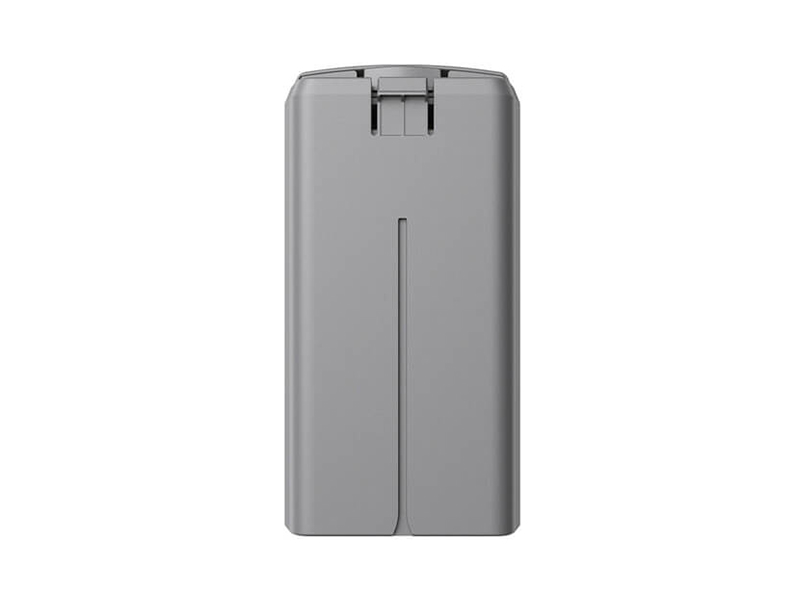 DJI Mini 2 / SE Intelligent Flight Battery
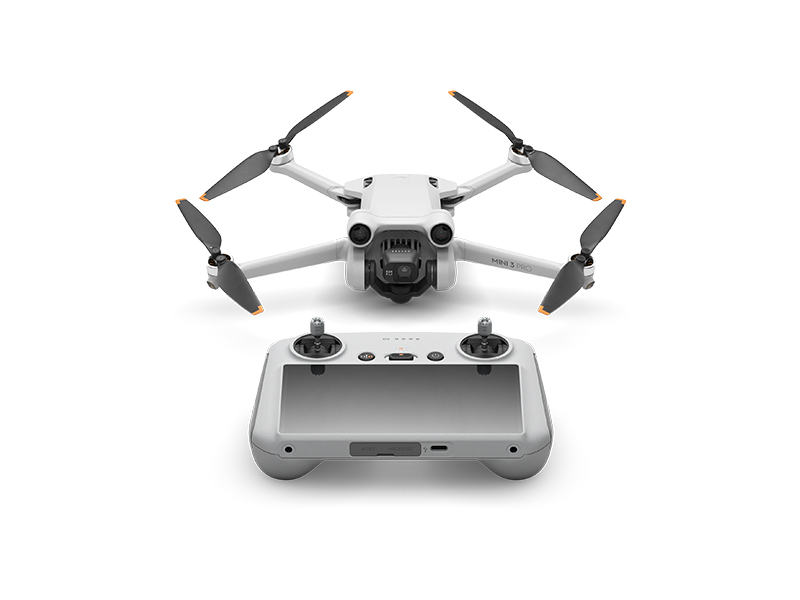 DJI Mini 3 Pro w. DJI RC
 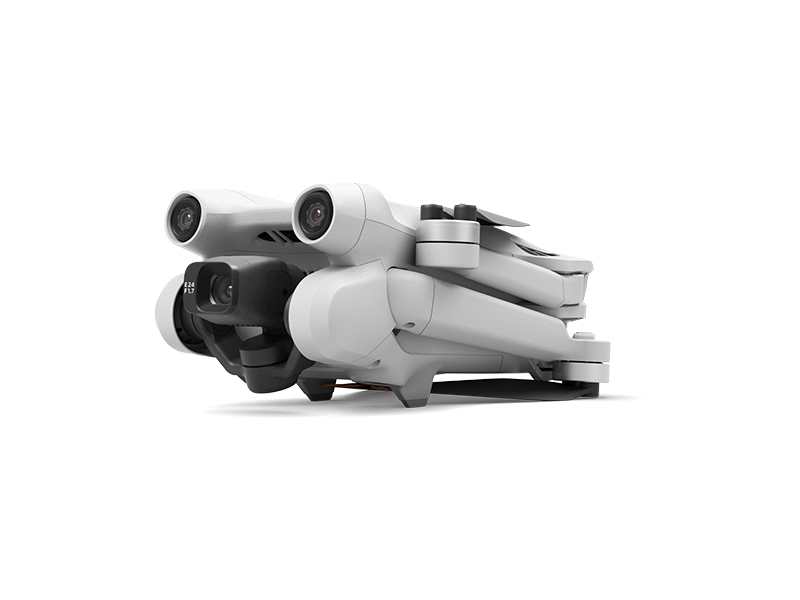 DJI Mini 3 Pro (Drone Only, No Battery)
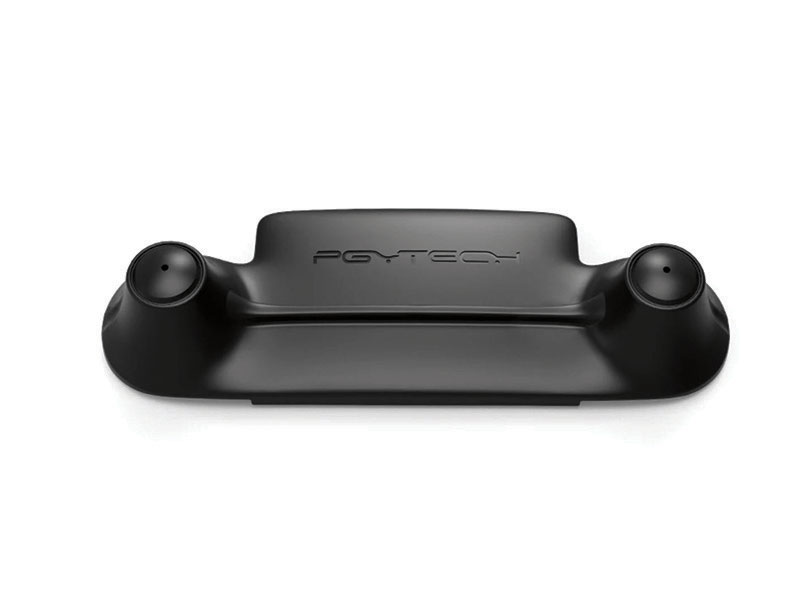 PGYTECH Control Stick Protector for Mavic Mini
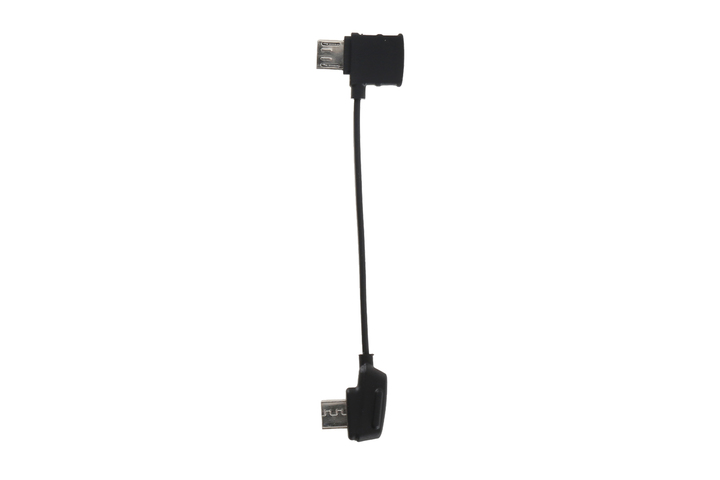 Mavic - RC Cable (Reverse Micro USB connector)
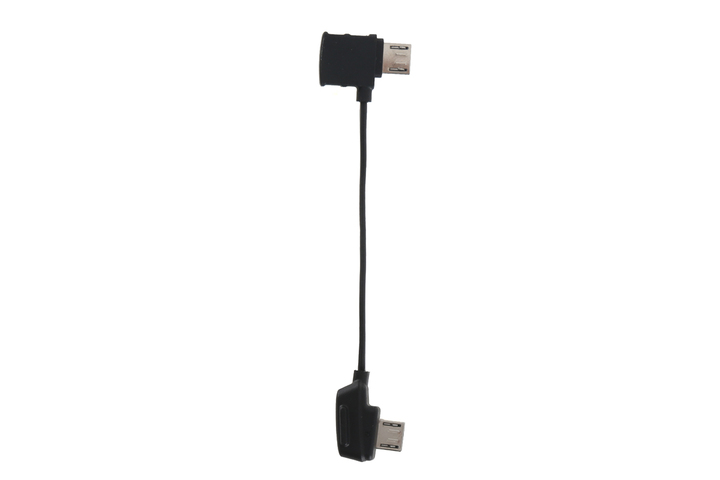 Mavic - RC Cable (Standard Micro USB connector)
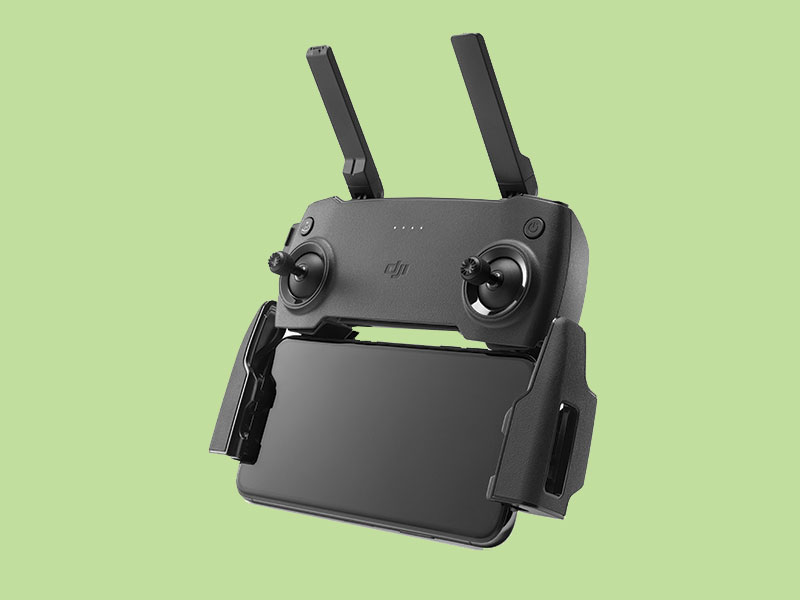 Mavic Mini Remote Controller (open box)
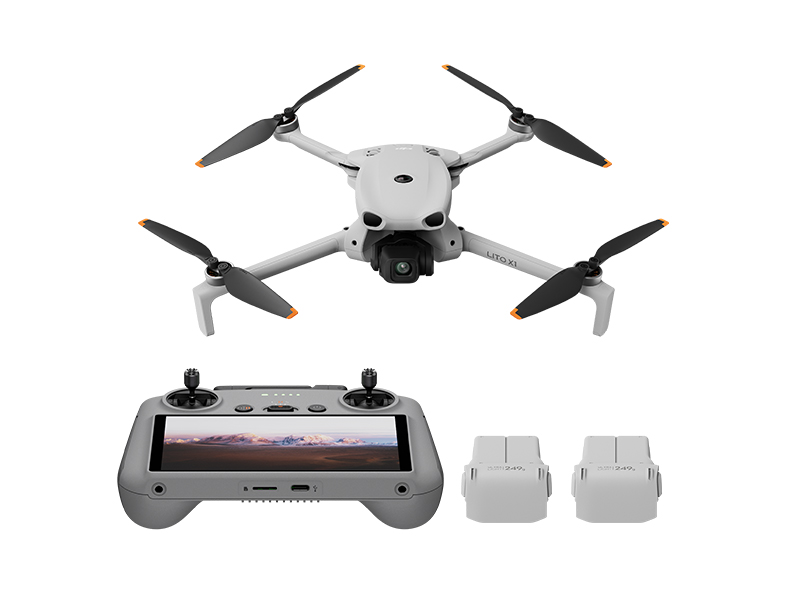 DJI Lito X1 Fly More Combo
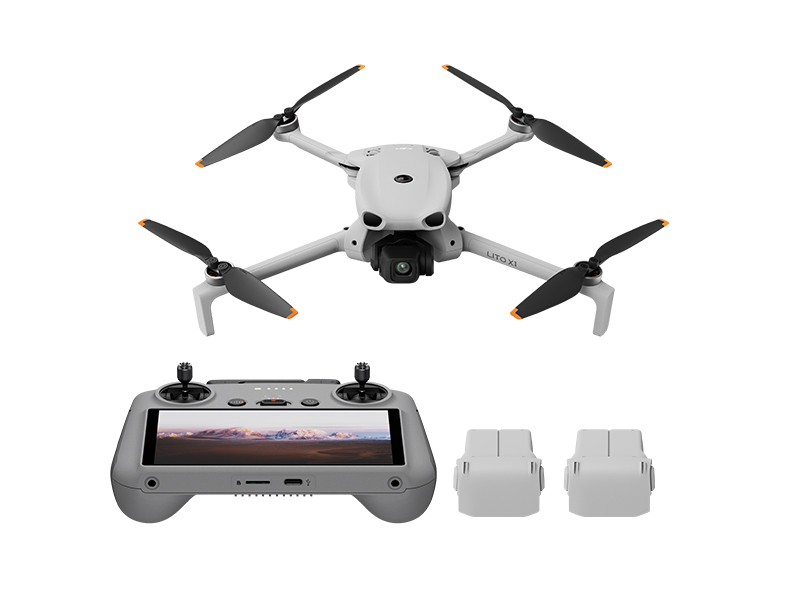 DJI Lito X1 Fly More Combo Plus
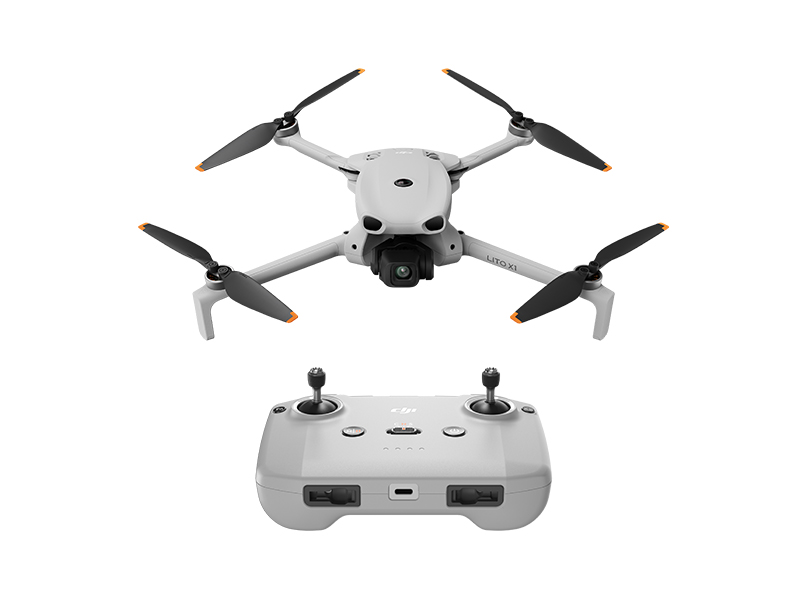 DJI Lito X1
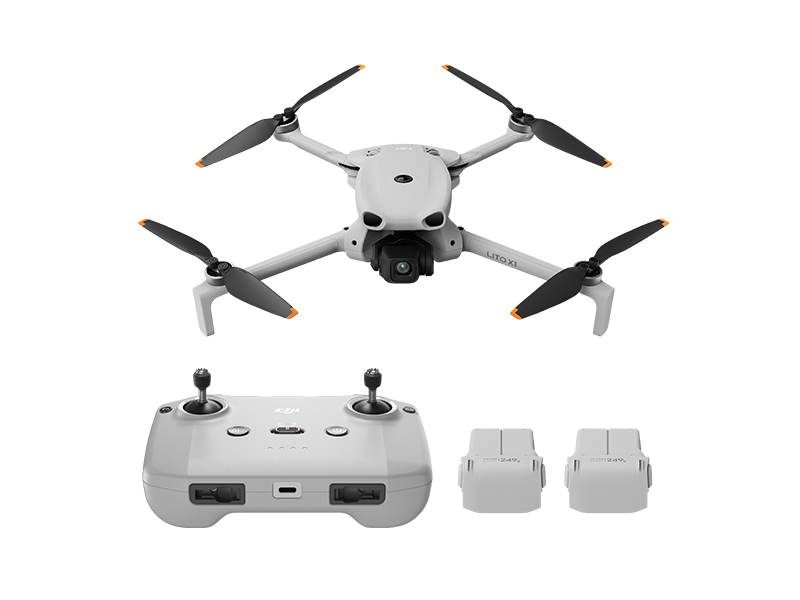 DJI Lito X1 Fly More Combo (DJI RC-N3)
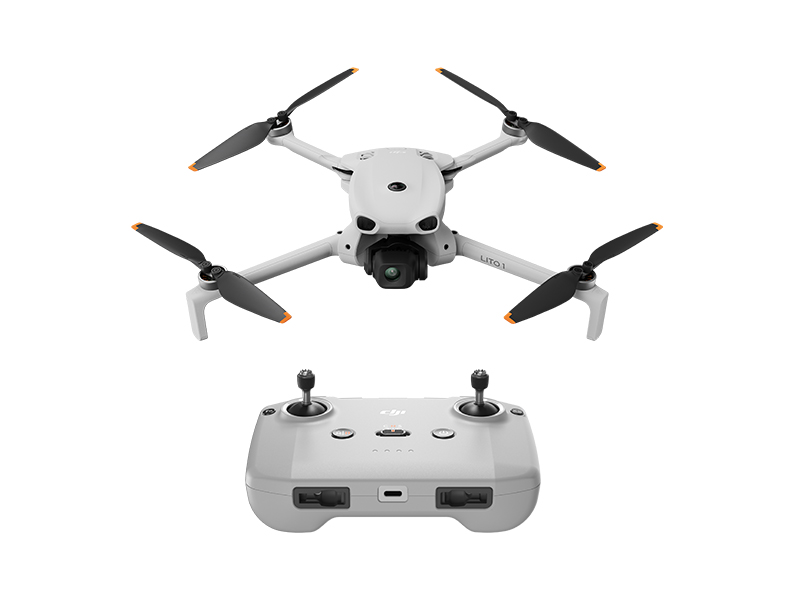 DJI Lito 1
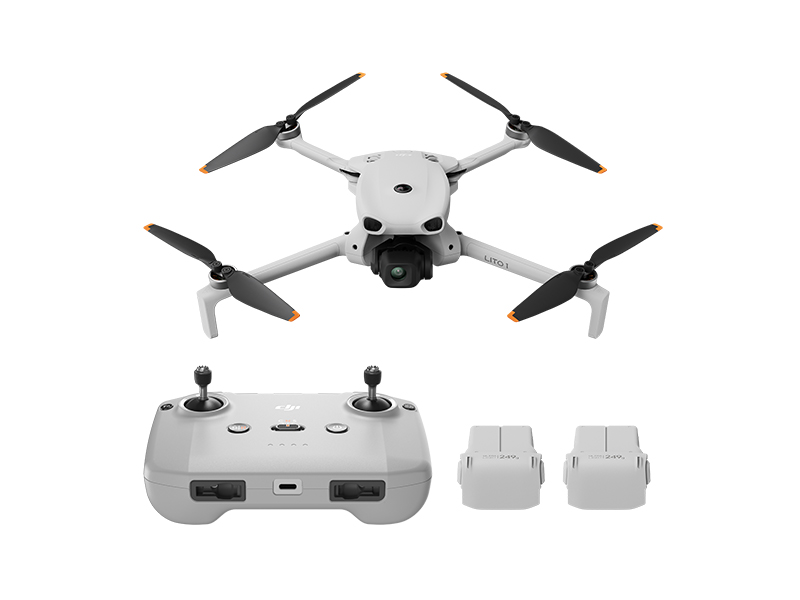 DJI Lito 1 Fly More Combo
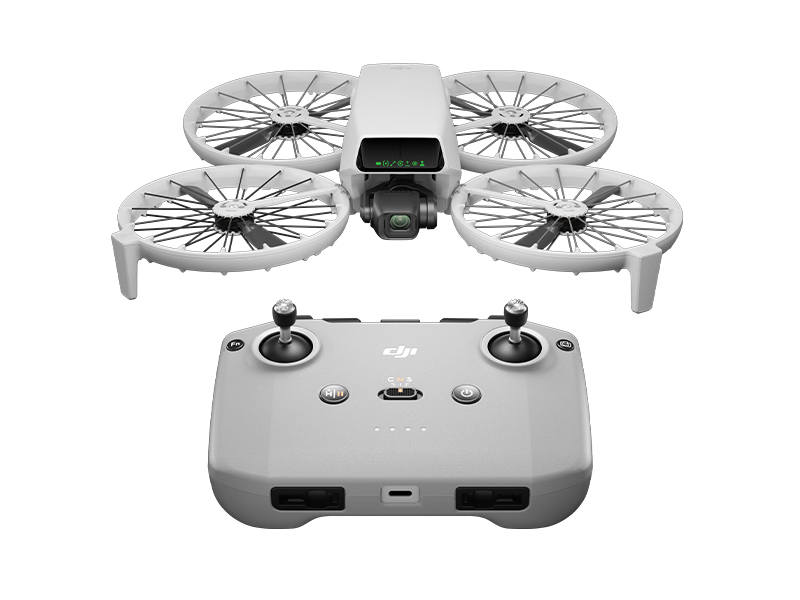 DJI Flip
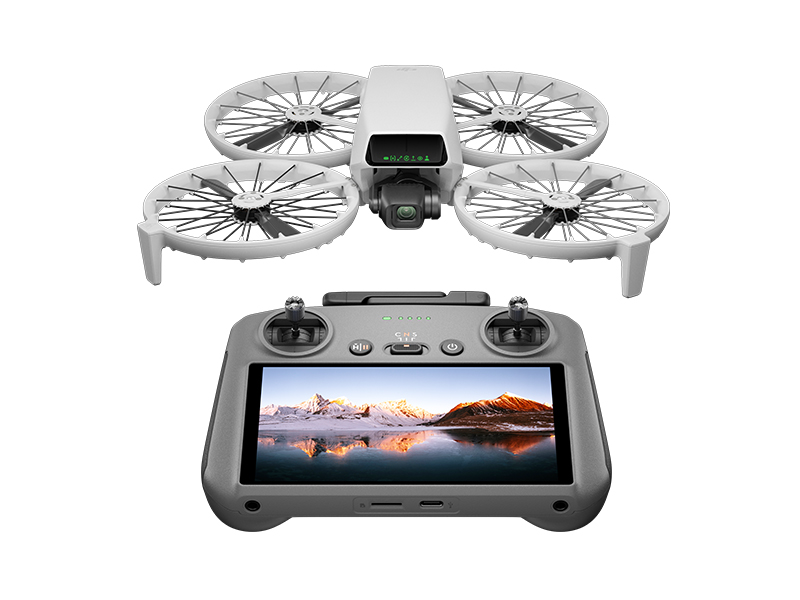 DJI Flip w. DJI RC 2
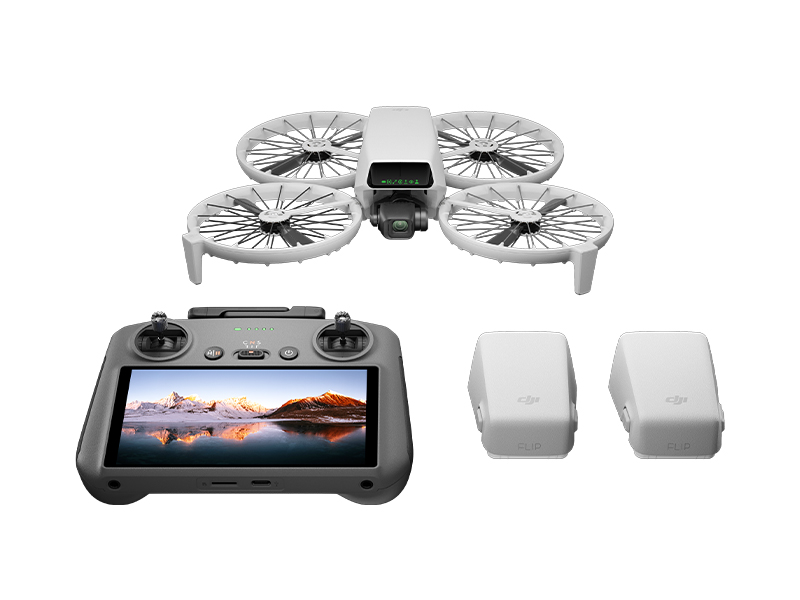 DJI Flip Fly More Combo
 DJI Care Refresh 1-Year Plan (DJI Flip)
 DJI Care Refresh 2-Year Plan (DJI Flip)
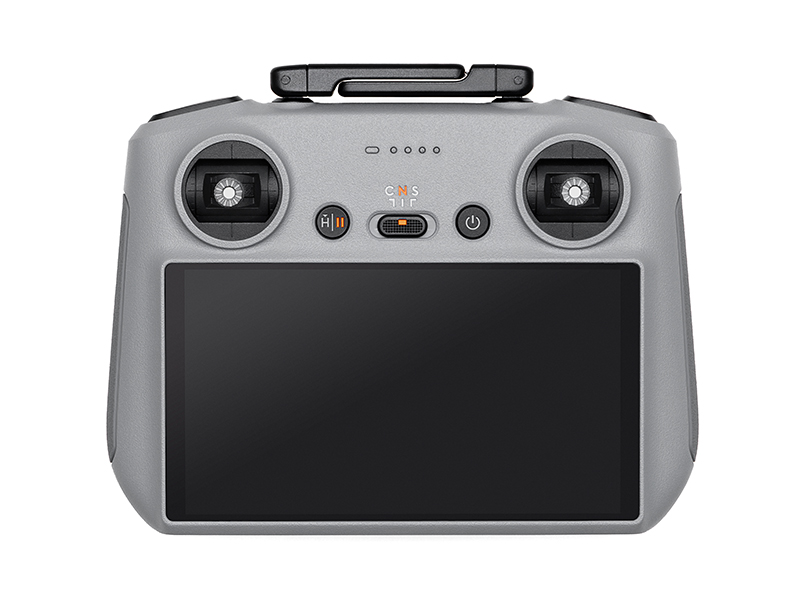 DJI RC 2
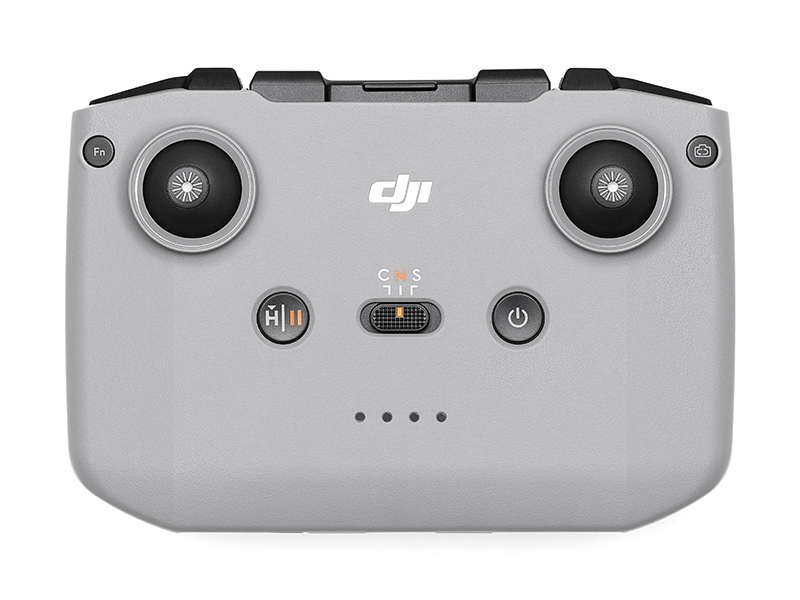 DJI RC-N3 Remote Controller
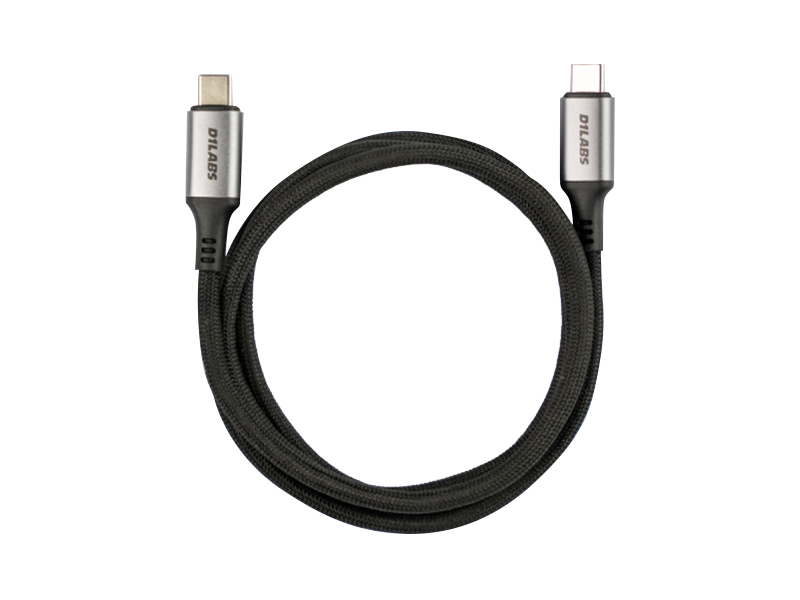 D1 Labs 100W Braided USB-C Cable
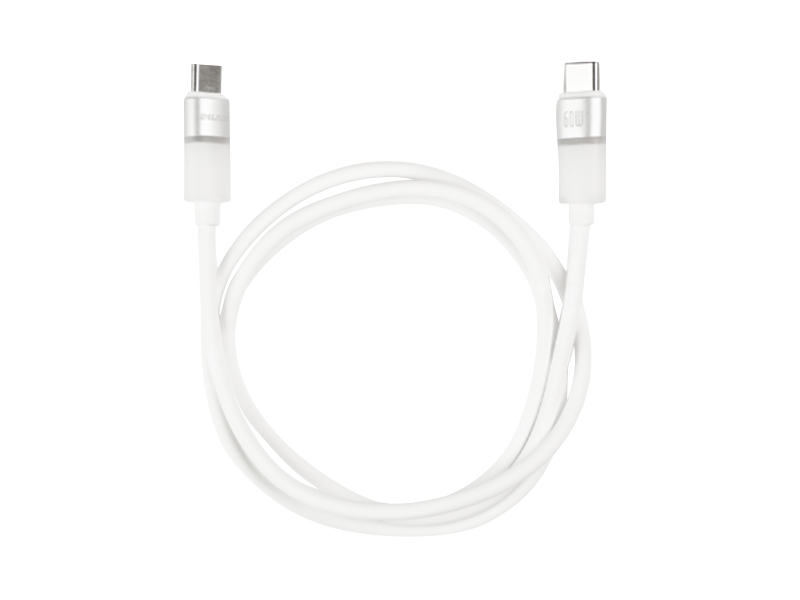 D1 Labs Lunar Glow USB-C Cable
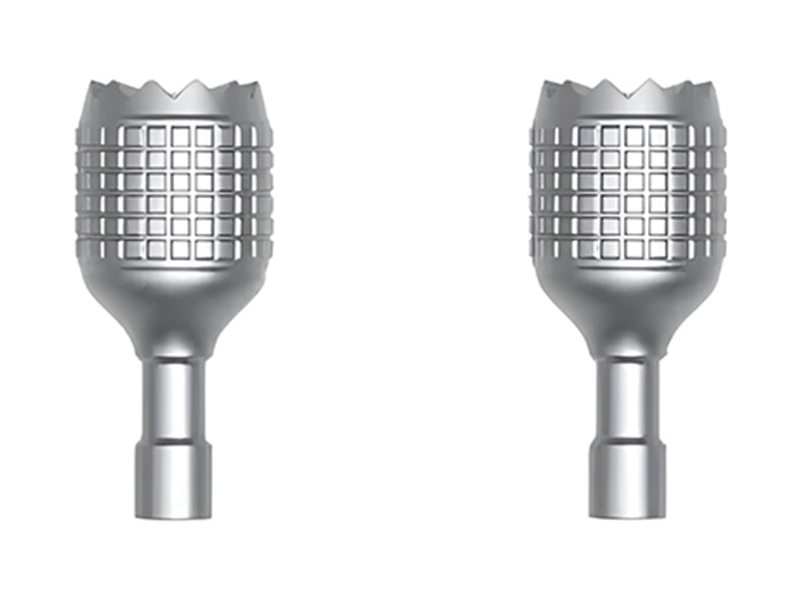 DJI RC/RC 2 Control Sticks
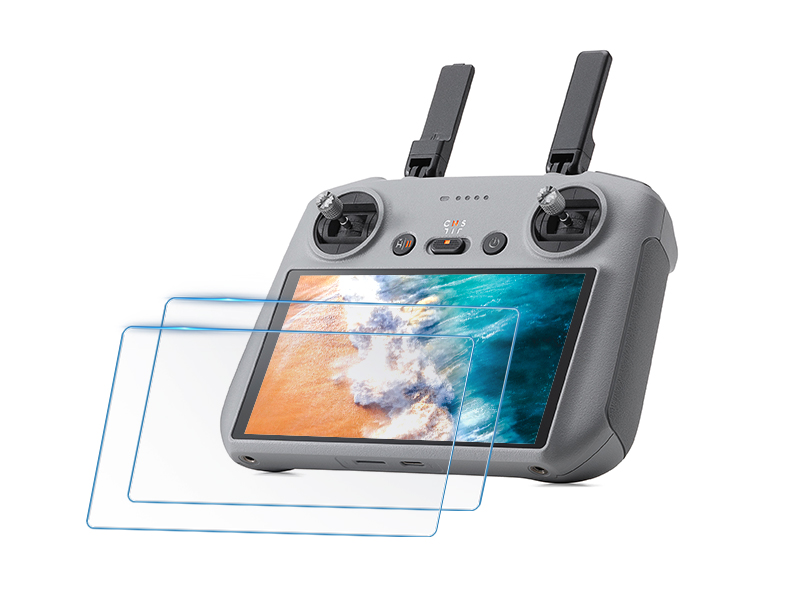 D1 Labs Screen Protector for DJI RC Series
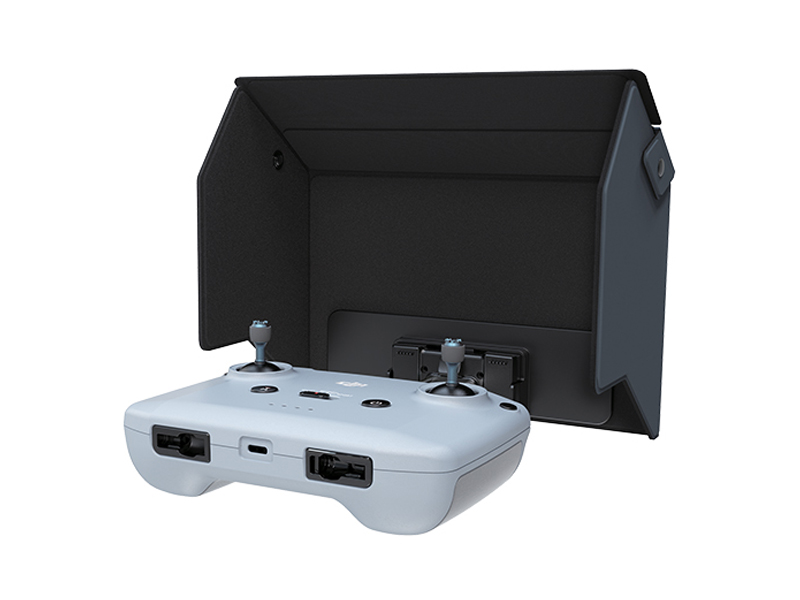 D1 Labs Monitor Hood for DJI RC-N Series
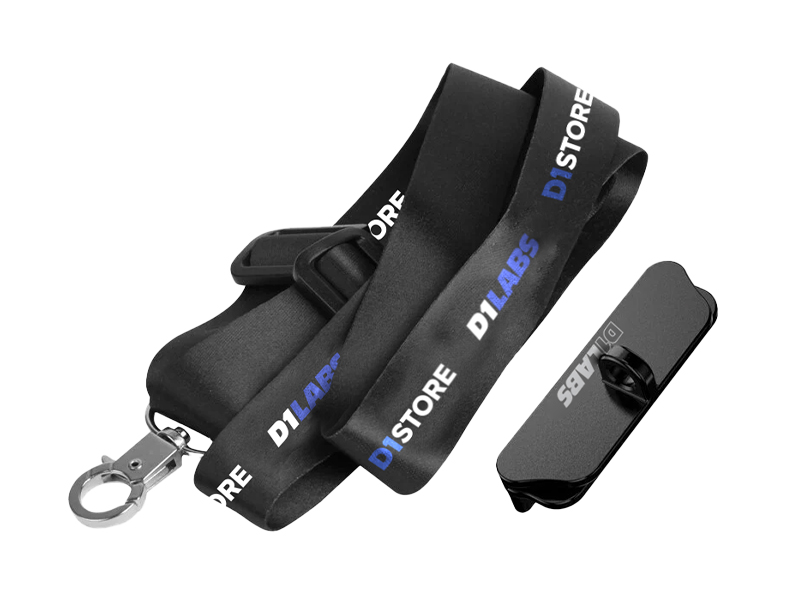 D1 Labs Lanyard Kit for DJI RC-N Series
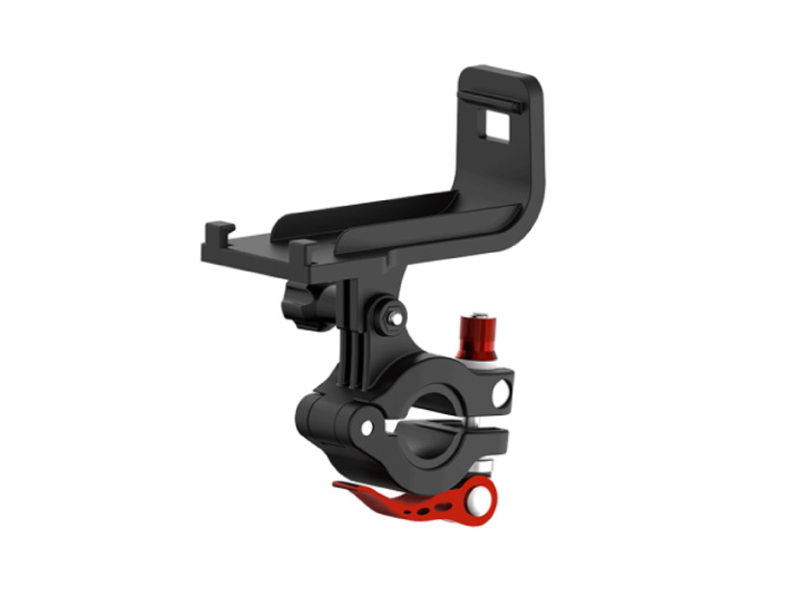 SunnyLife Bicycle Mount for DJI RC-N Series
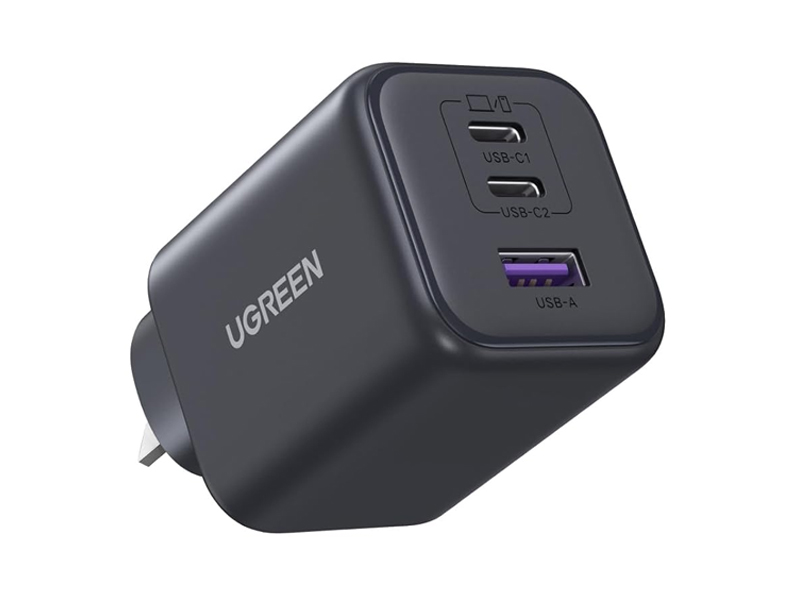 UGREEN 45W 3-Port GaN Fast Charger
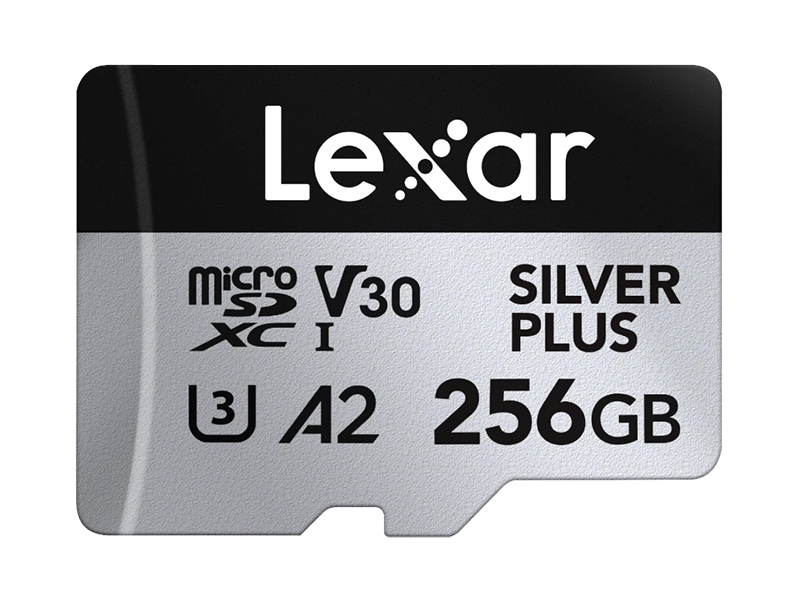 Lexar Professional 256GB Silver Plus MicroSD Card
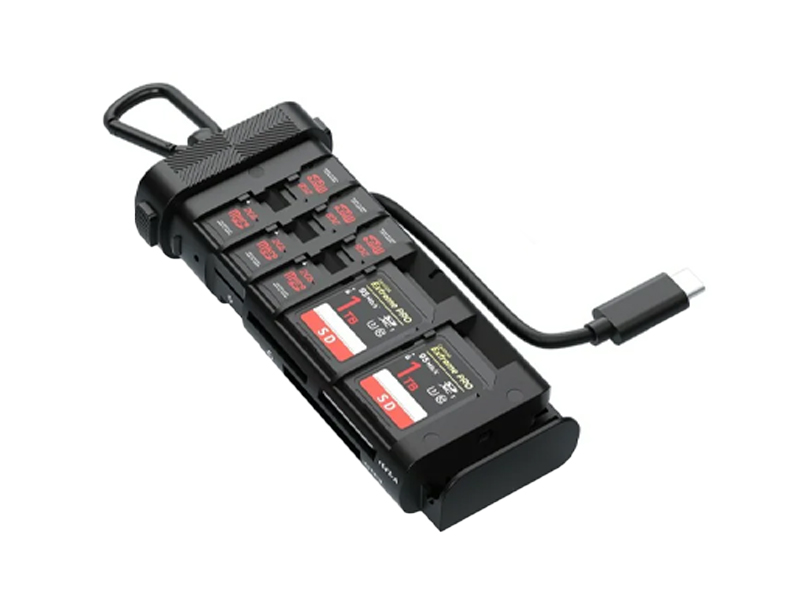 Freewell Pro Card Reader (CF A/B, SD, TF)
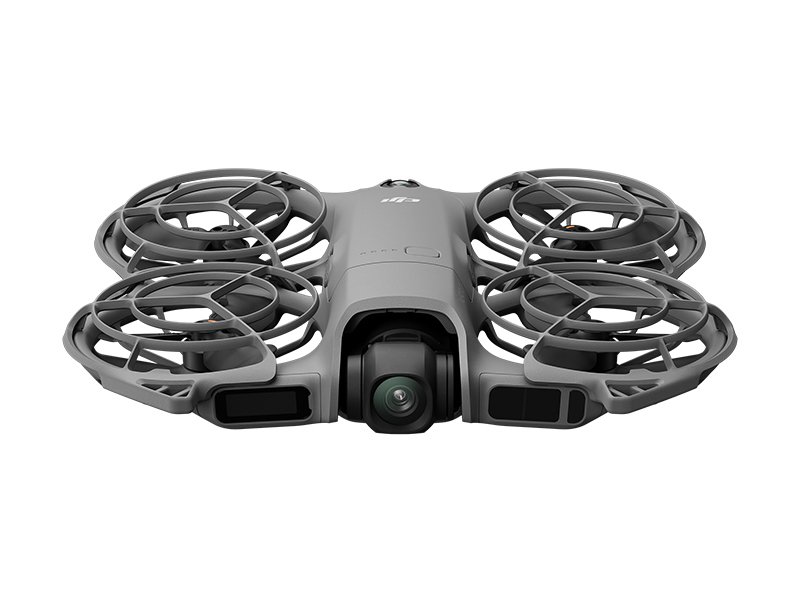 DJI Neo 2 (Drone Only)
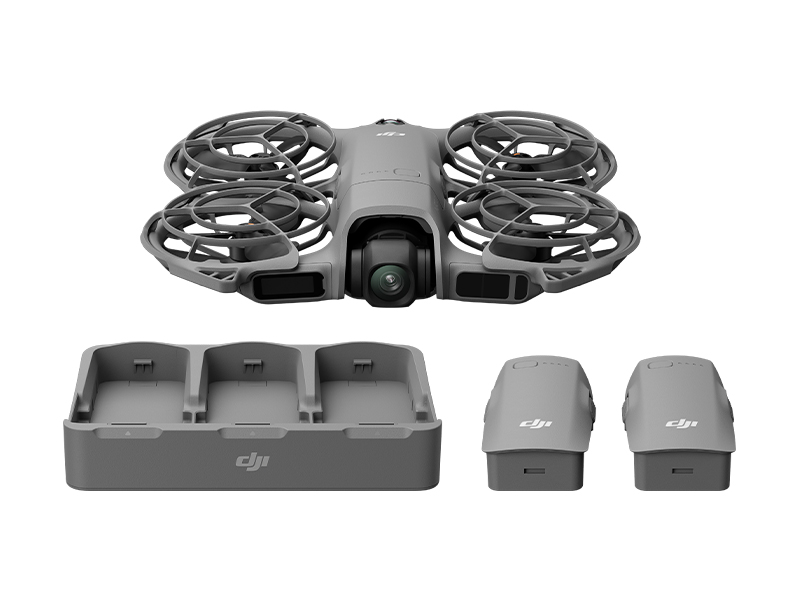 DJI Neo 2 Fly More Combo (Drone Only)
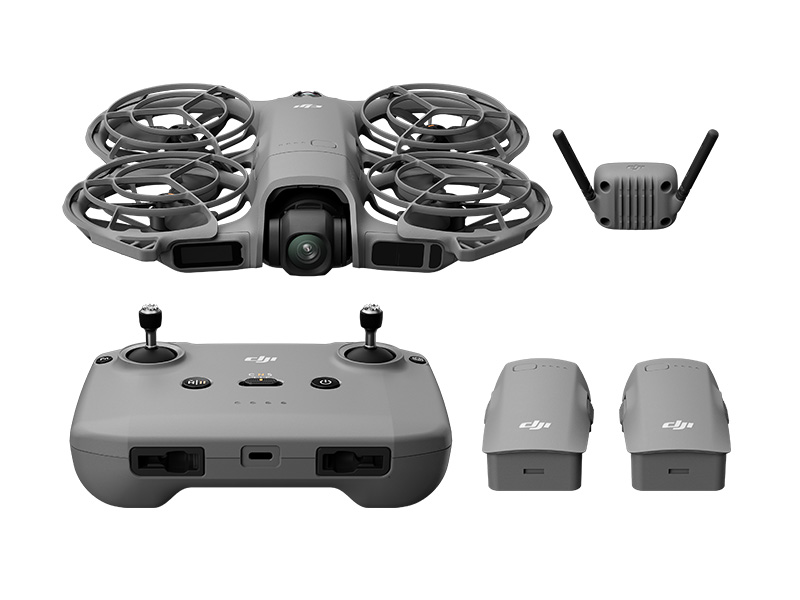 DJI Neo 2 Fly More Combo
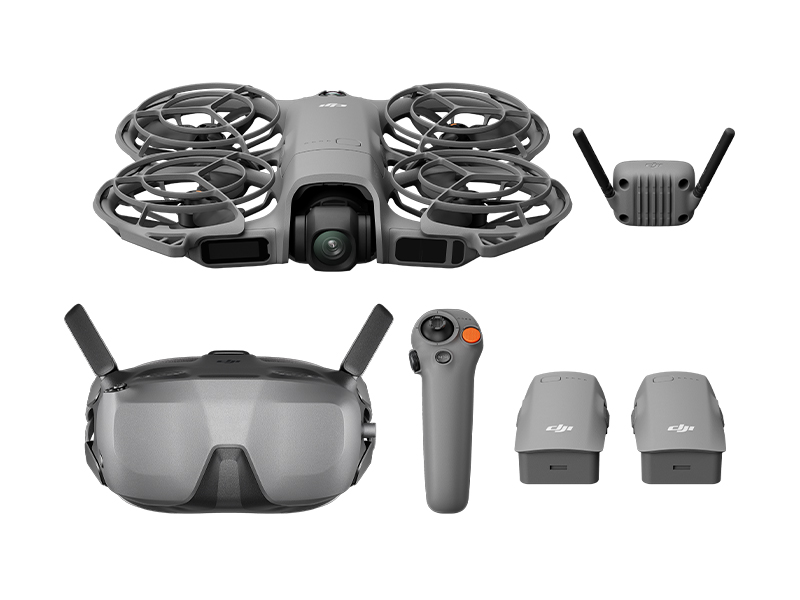 DJI Neo 2 Motion Fly More Combo
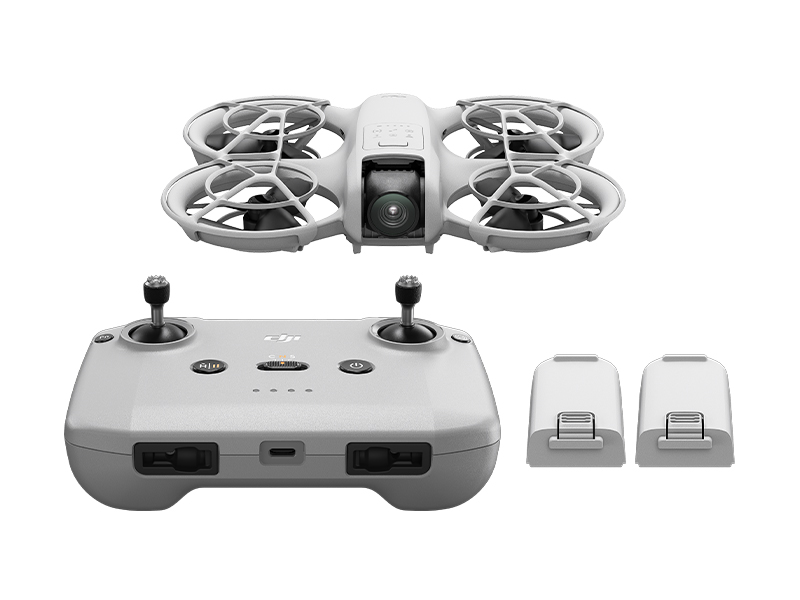 DJI Neo Fly More Combo
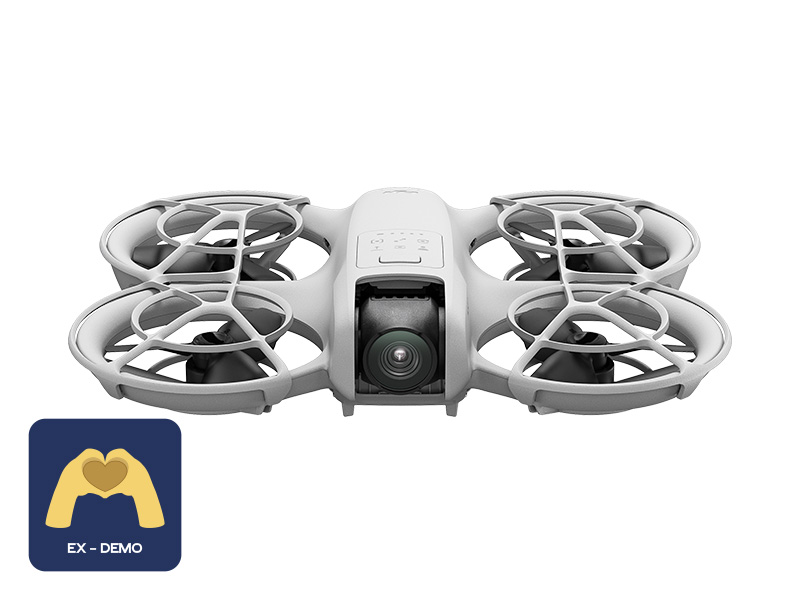 Ex-Demo DJI Neo
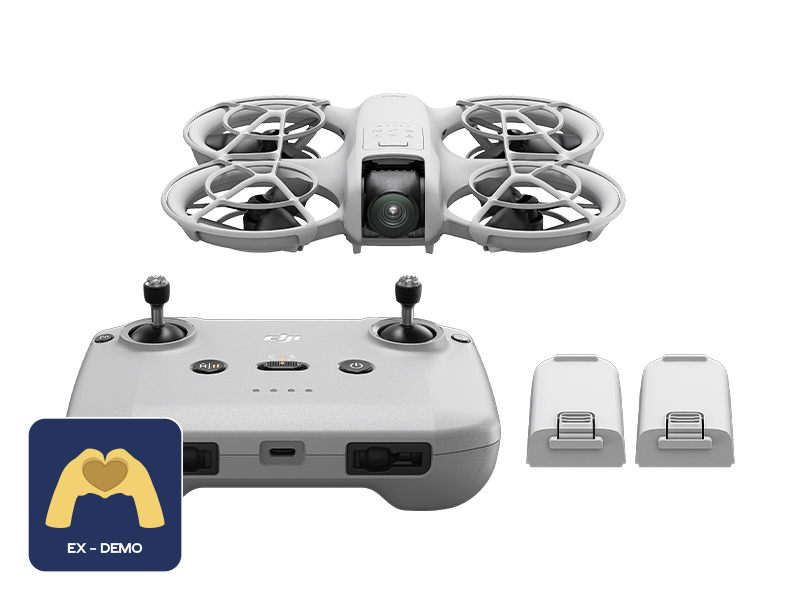 Ex-Demo DJI Neo Fly More Combo
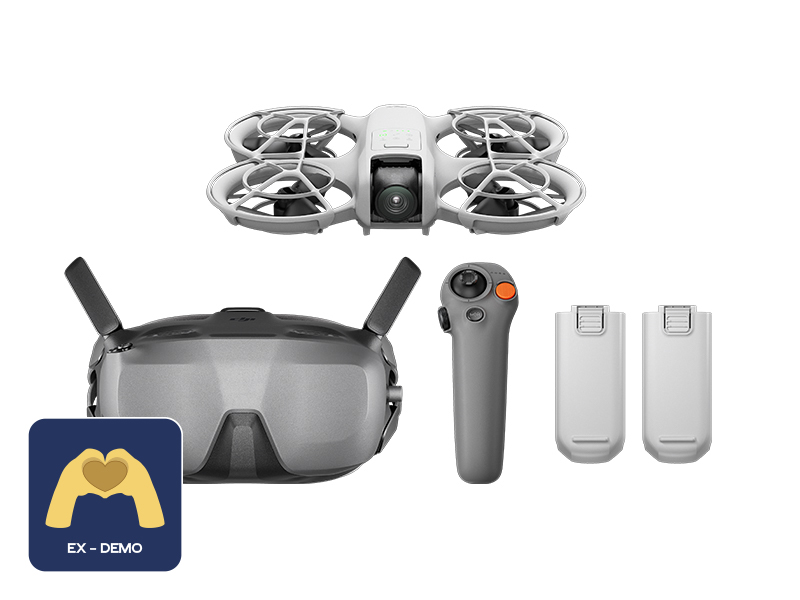 Ex-Demo DJI Neo Motion Fly More Combo
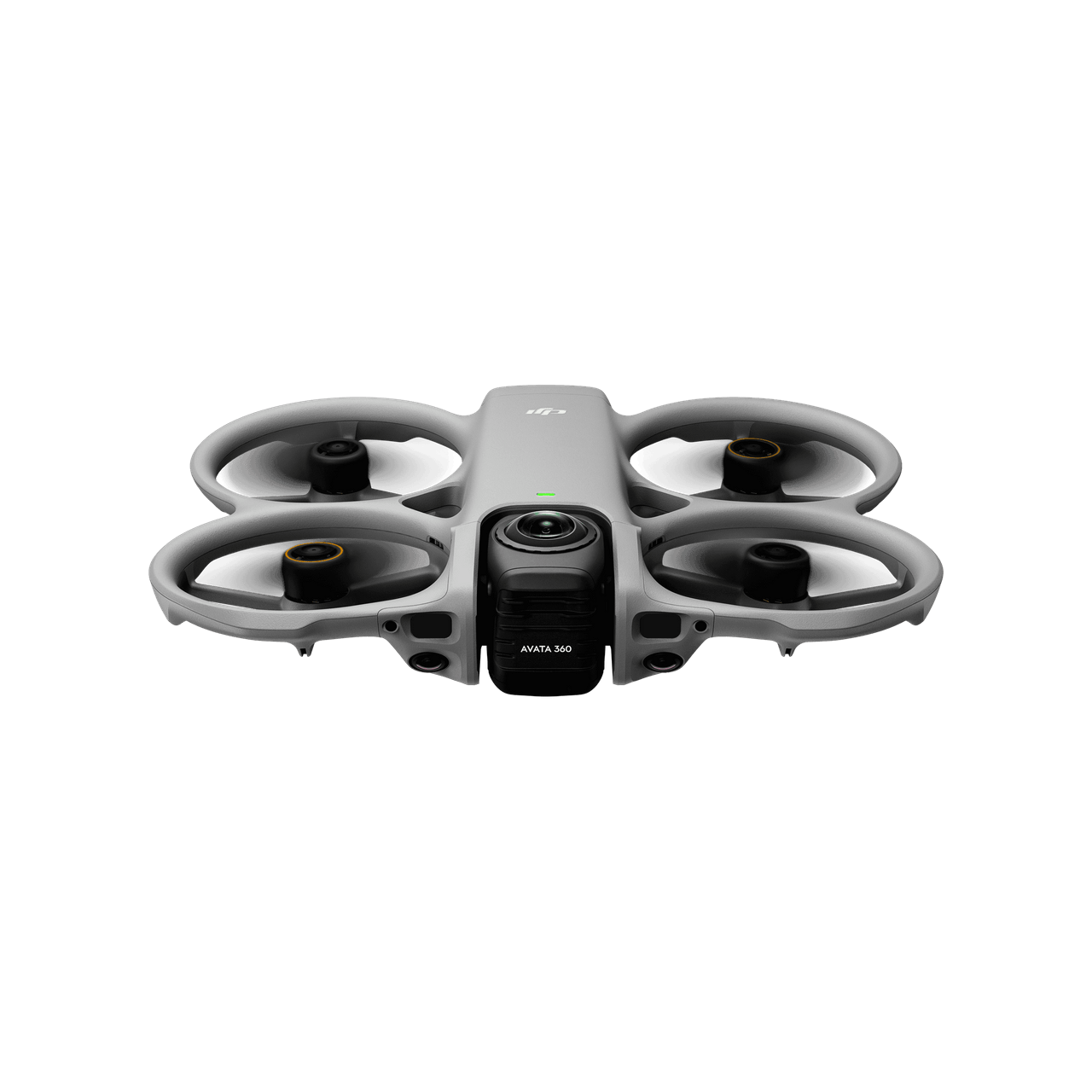
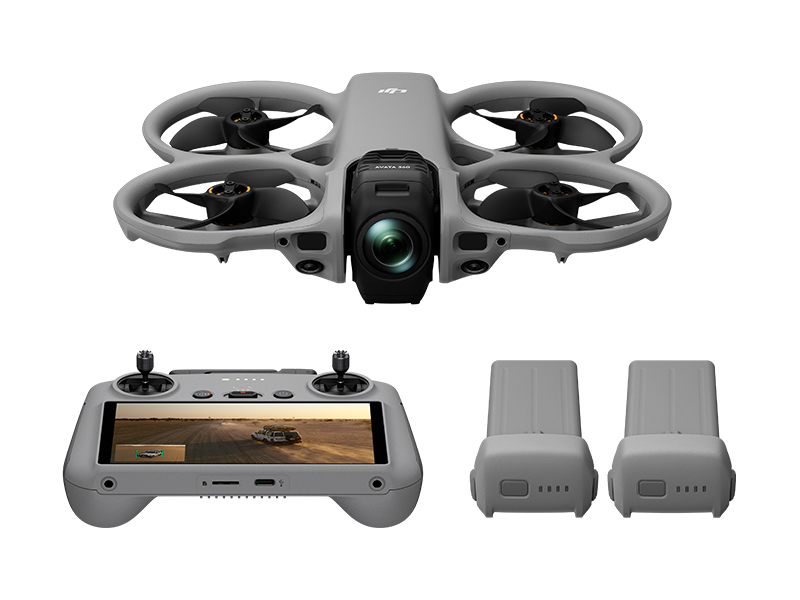 DJI Avata 360 Fly More Combo
 DJI Avata 360 Motion Fly More Combo
 DJI Avata 360 (Drone Only)
 DJI Avata 360 w. DJI RC 2
 DJI Avata 2 Fly Smart Combo
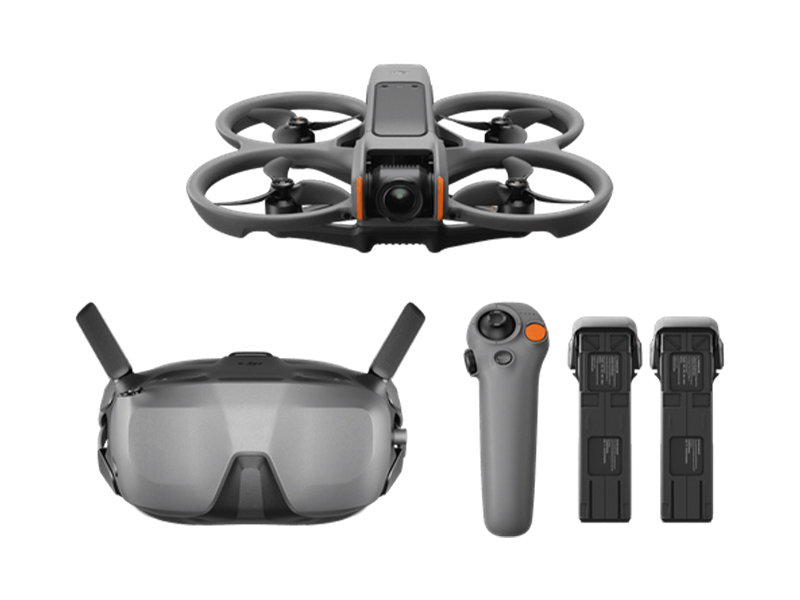 DJI Avata 2 Fly Smart Combo (Three Batteries)
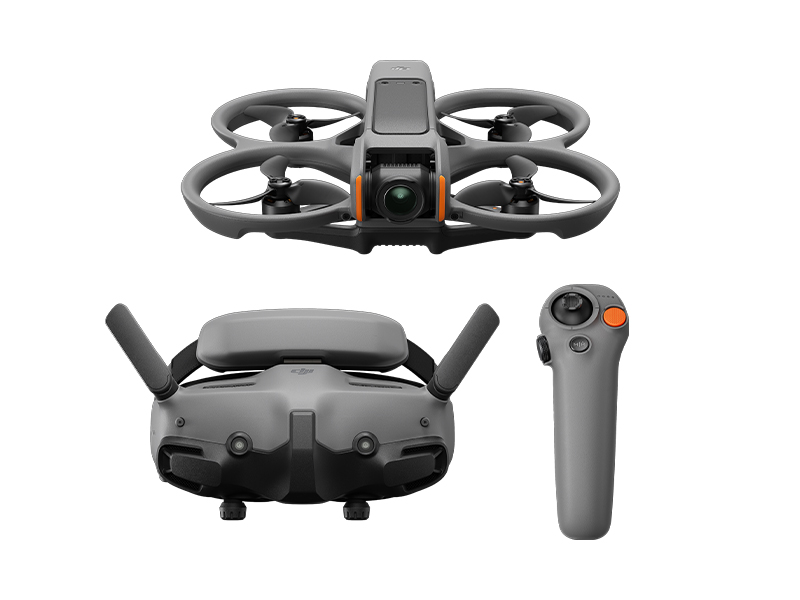 DJI Avata 2 Fly More Combo
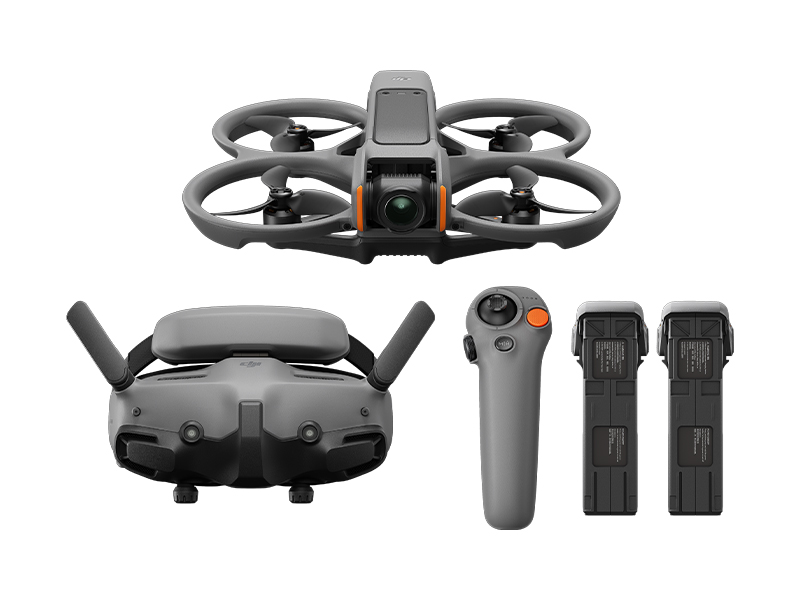 DJI Avata 2 Fly More Combo (Three Batteries)
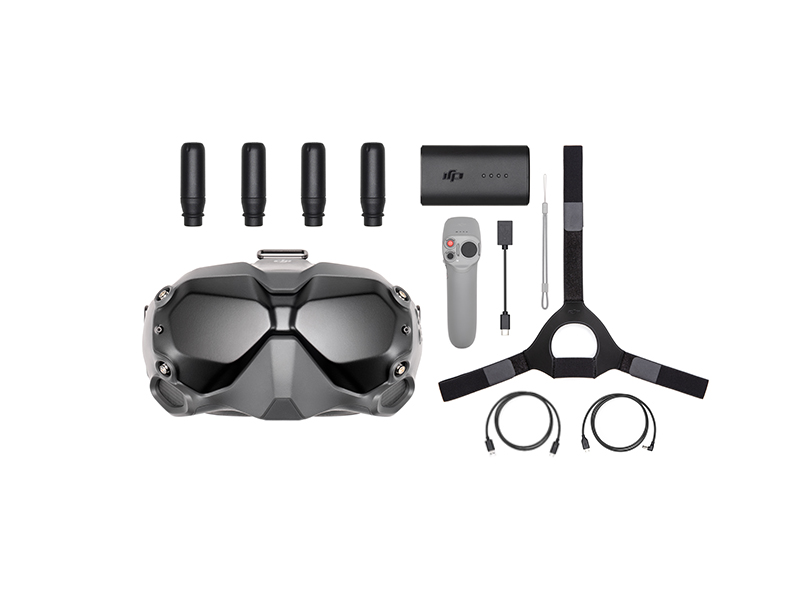 DJI FPV Goggles V2 Motion Combo
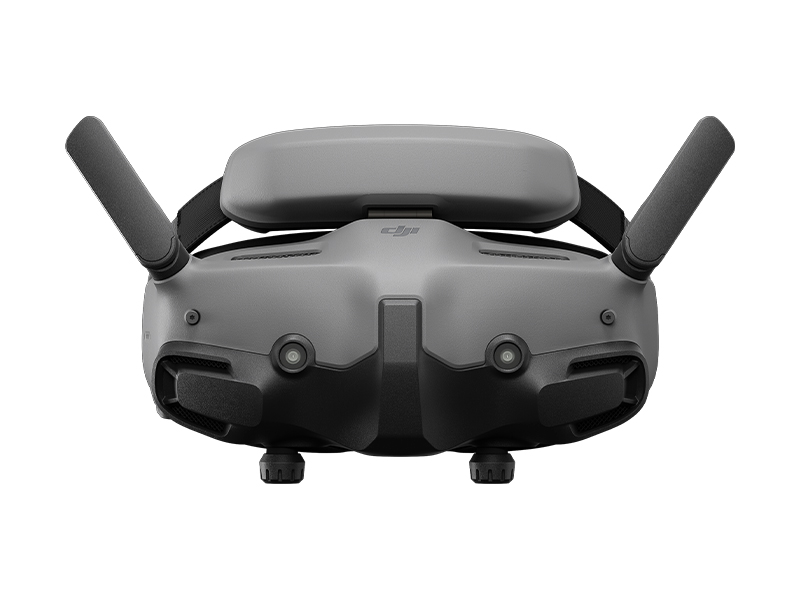 DJI Goggles 3
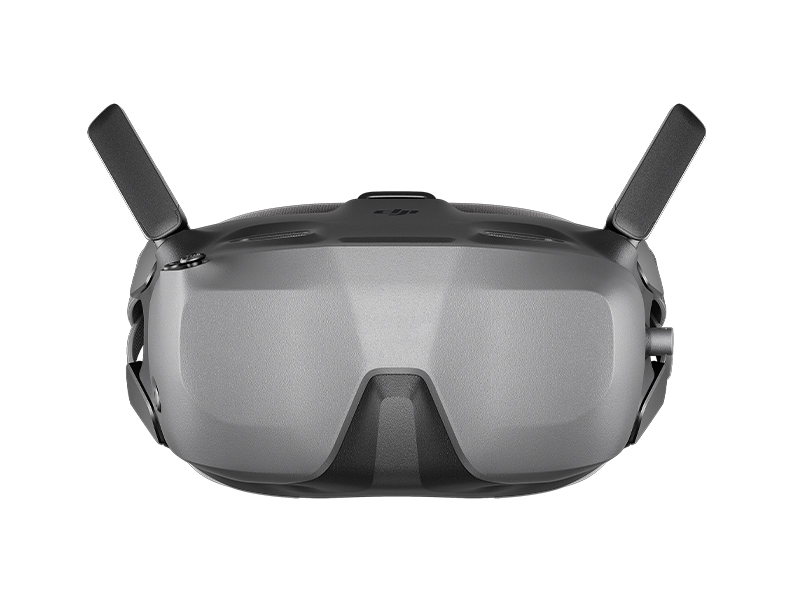 DJI Goggles N3
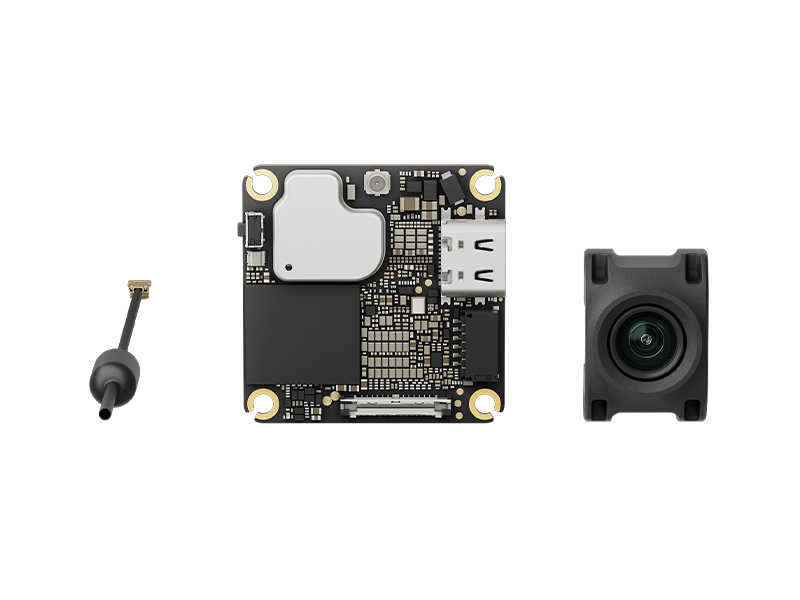 DJI O4 Air Unit
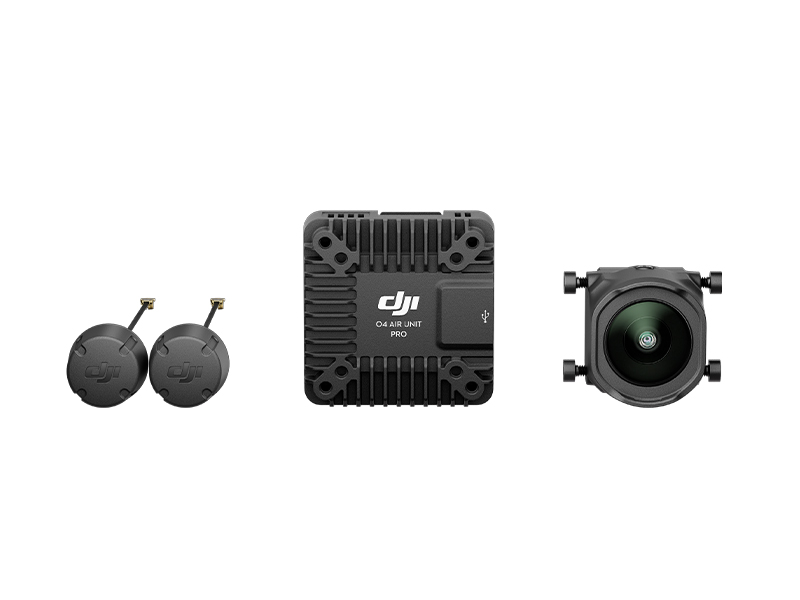 DJI O4 Air Unit Pro
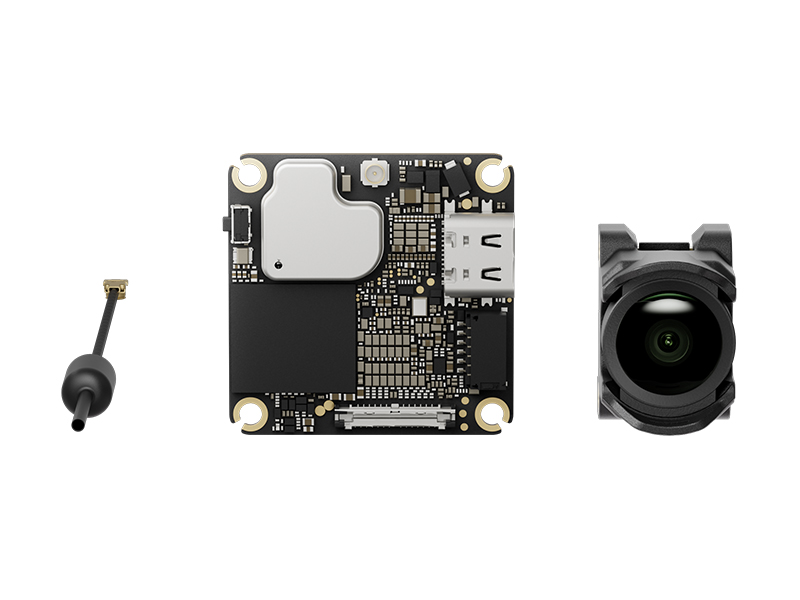 DJI O4 Wide Air Unit
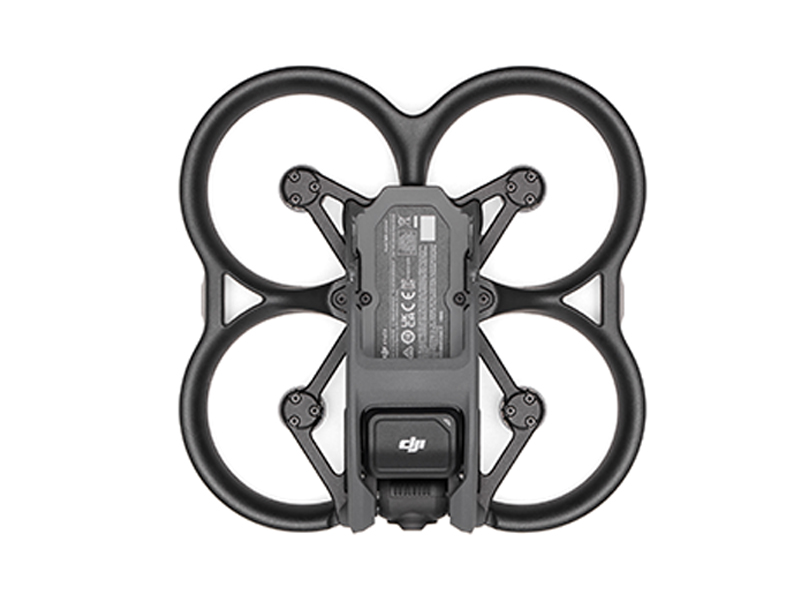 DJI Avata (Drone Only, No Battery)
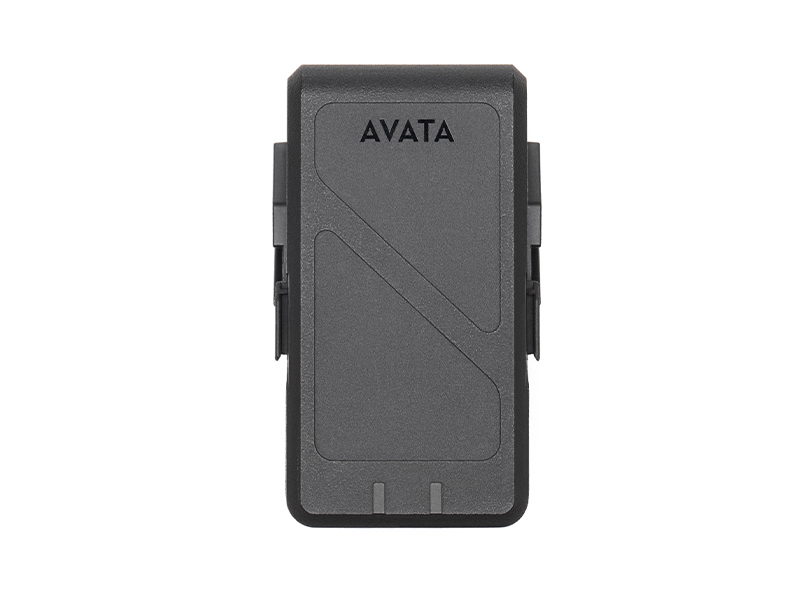 DJI Avata Intelligent Flight Battery
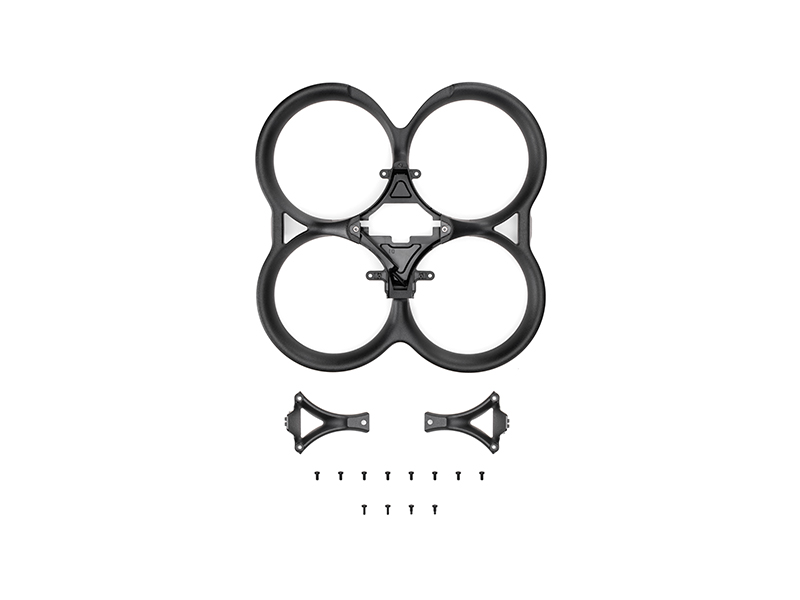 DJI Avata Propeller Guard
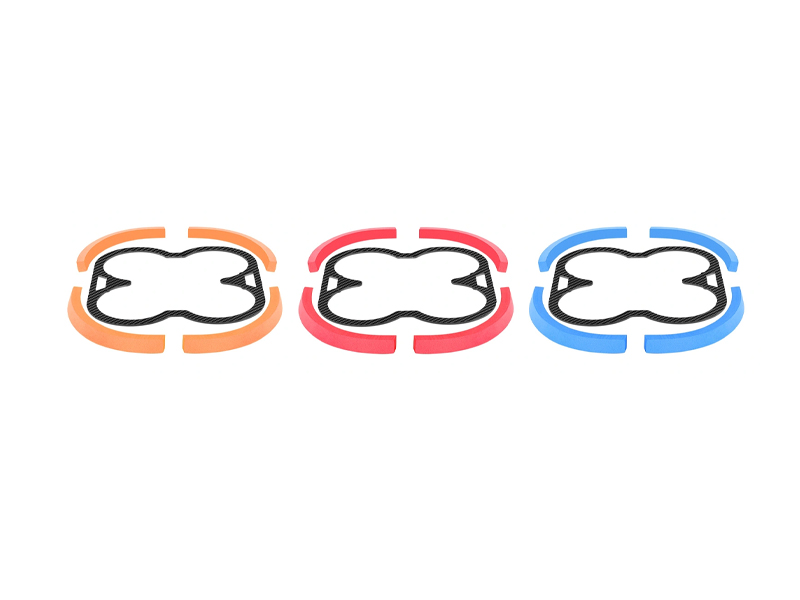 SunnyLife Propeller Guard Protector for DJI Avata
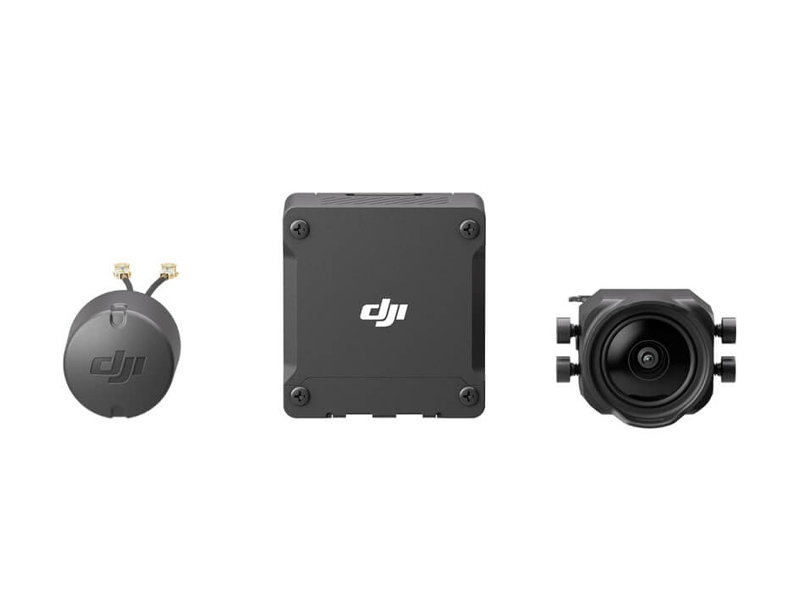 DJI O3 Air Unit
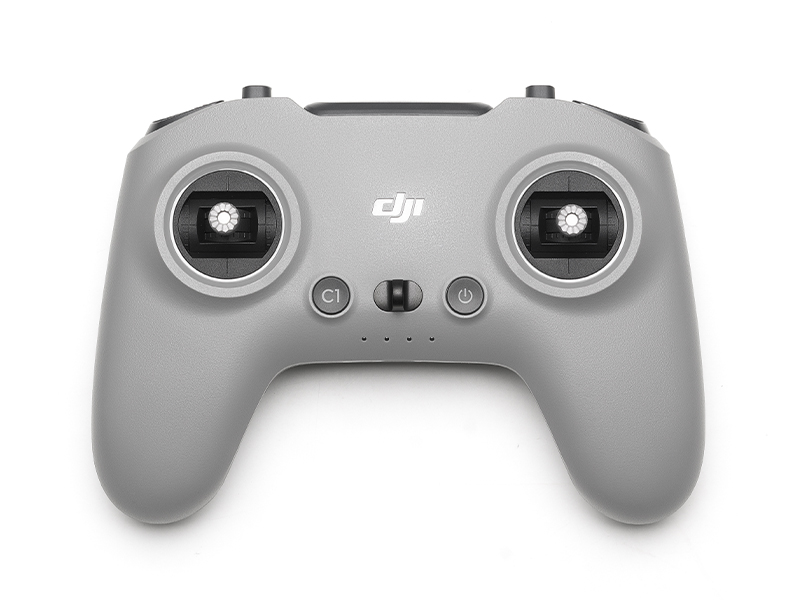 DJI FPV Remote Controller 3
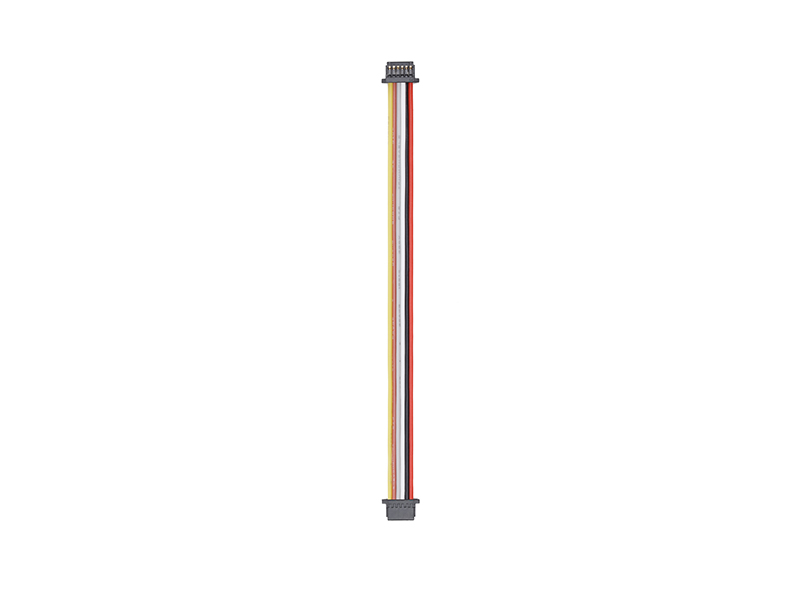 DJI O3 Air Unit 3-in-1 Cable
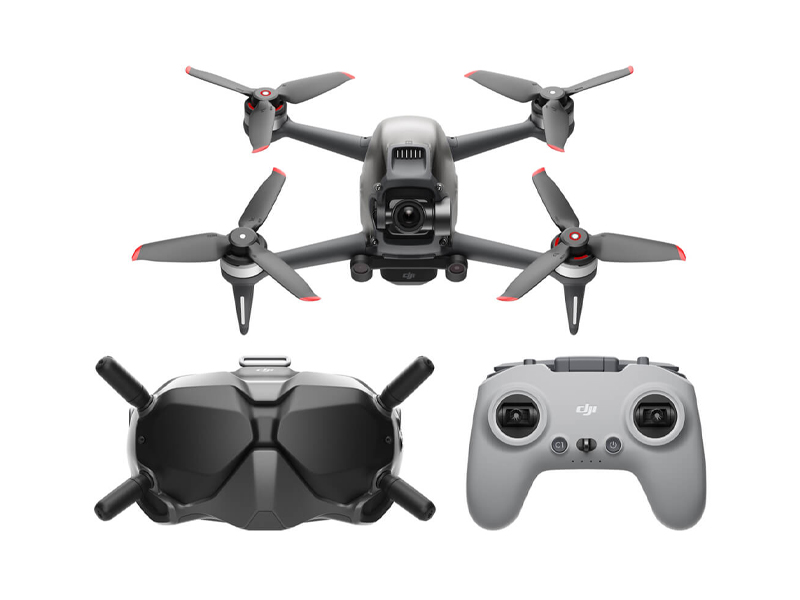 DJI FPV Combo
 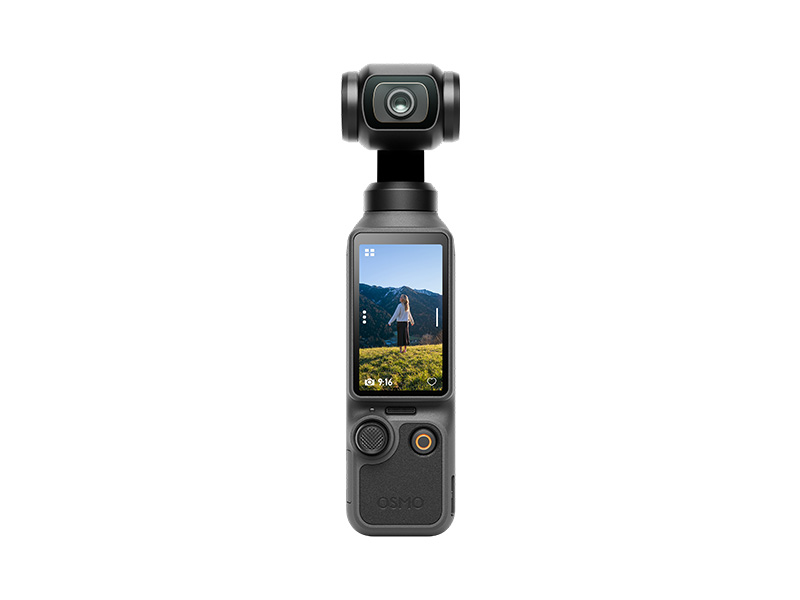 Osmo Pocket 4 Standard Combo
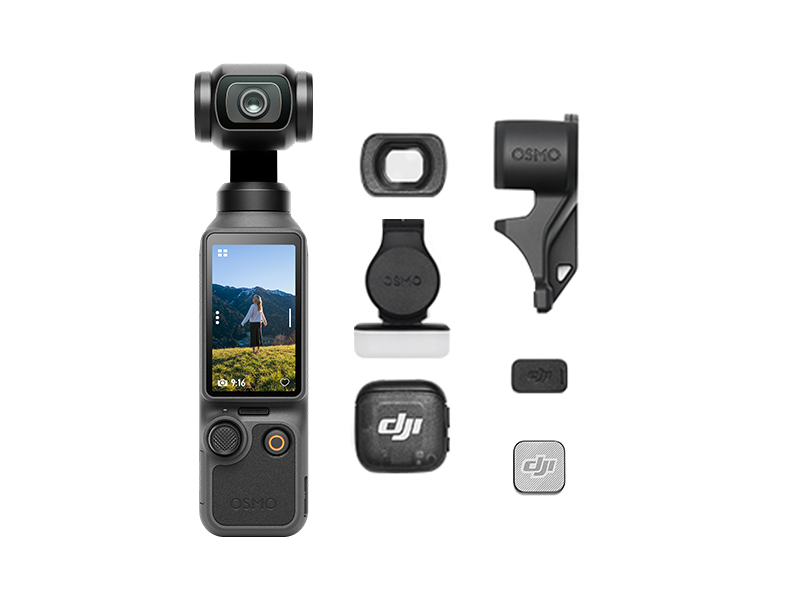 Osmo Pocket 4 Creator Combo
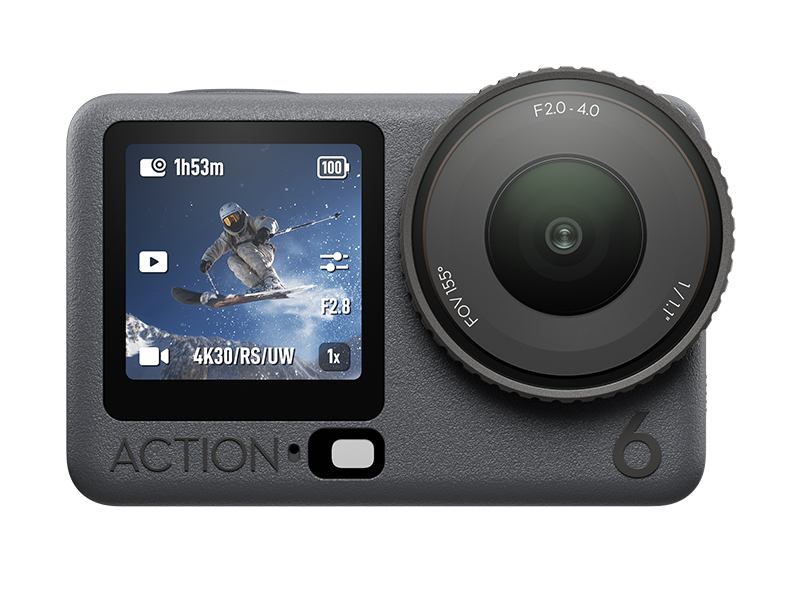 Osmo Action 6 Standard Combo
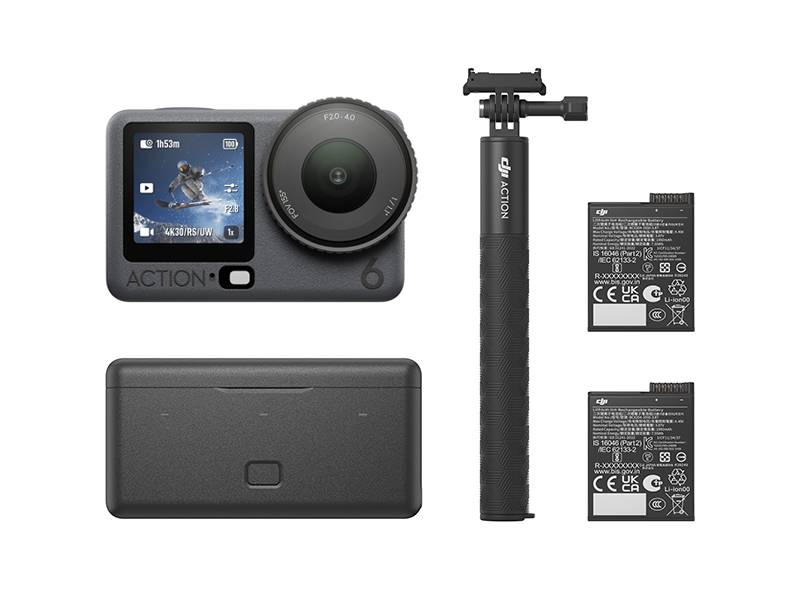 Osmo Action 6 Adventure Combo
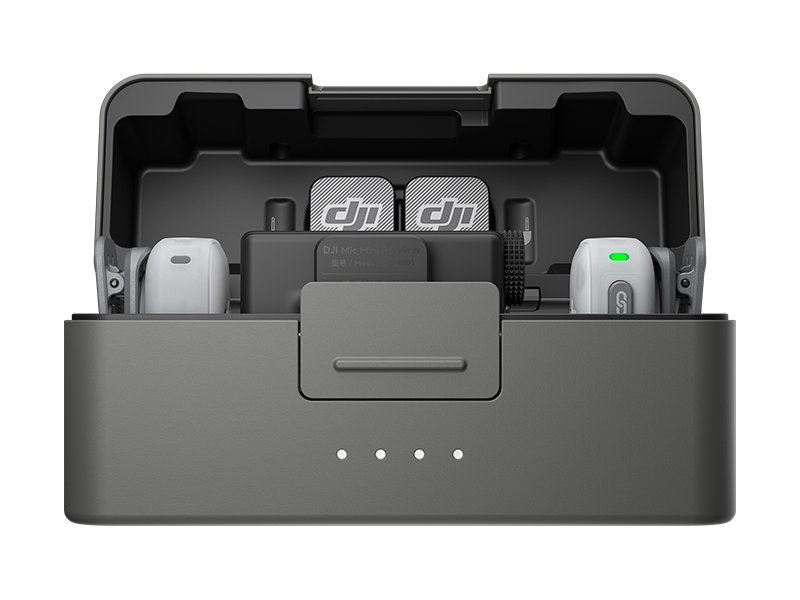 DJI Mic Mini 2 Dual Microphone Combo
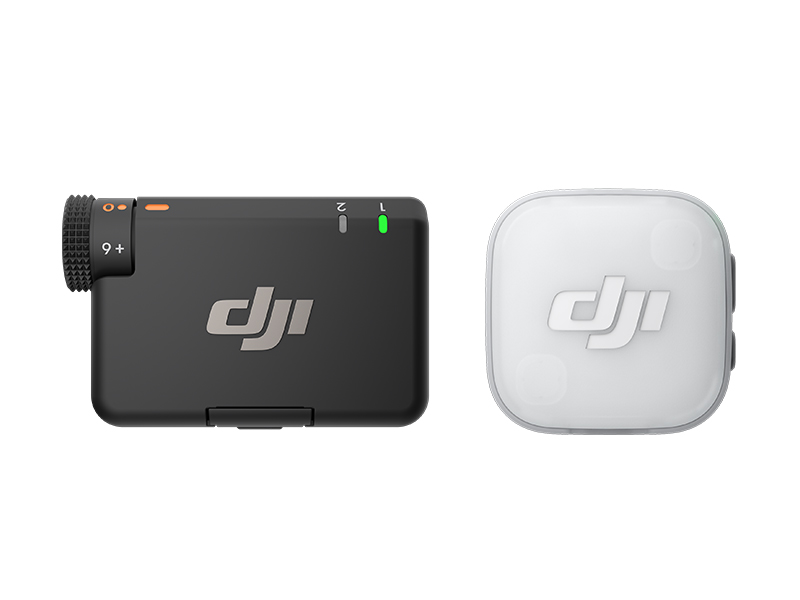 DJI Mic Mini 2 Single Microphone Kit
 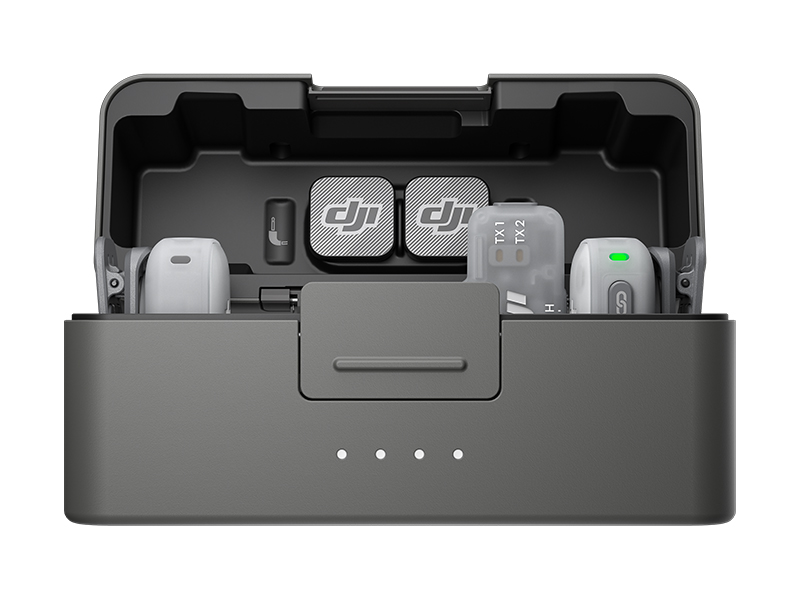 DJI Mic Mini 2 Dual Microphone Combo (Mobile)
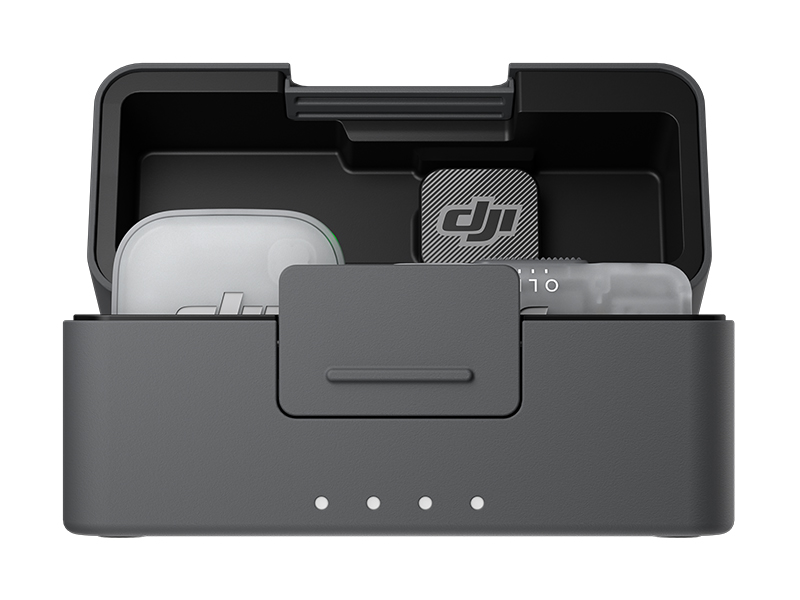 DJI Mic Mini 2 Single Microphone Kit (Mobile)
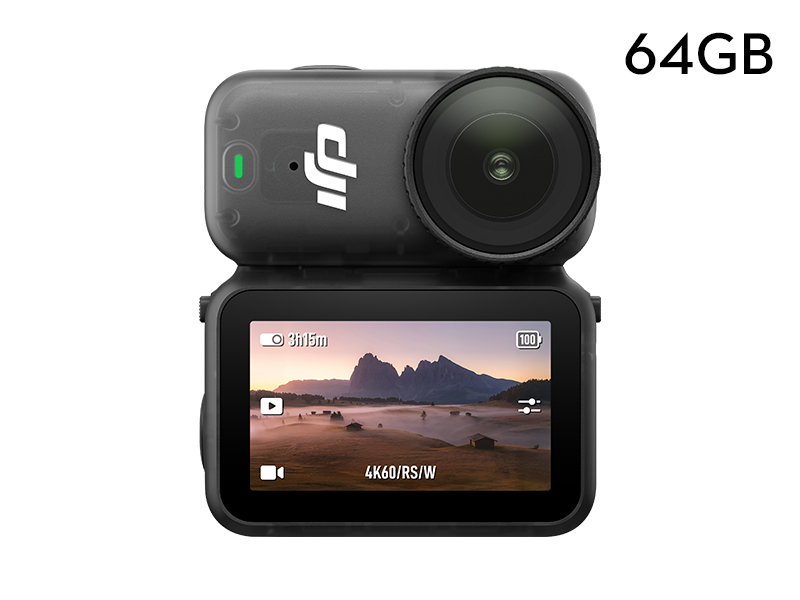 Osmo Nano Standard Combo (64GB)
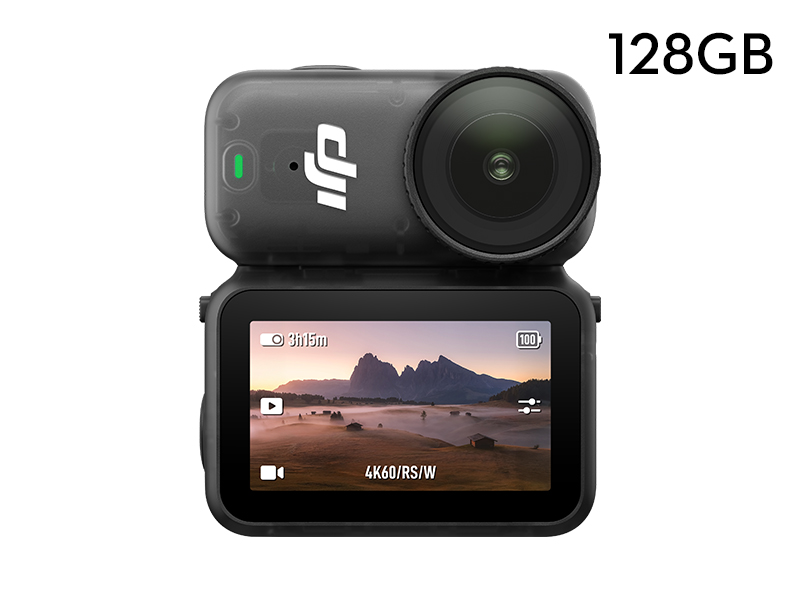 Osmo Nano Standard Combo (128GB)
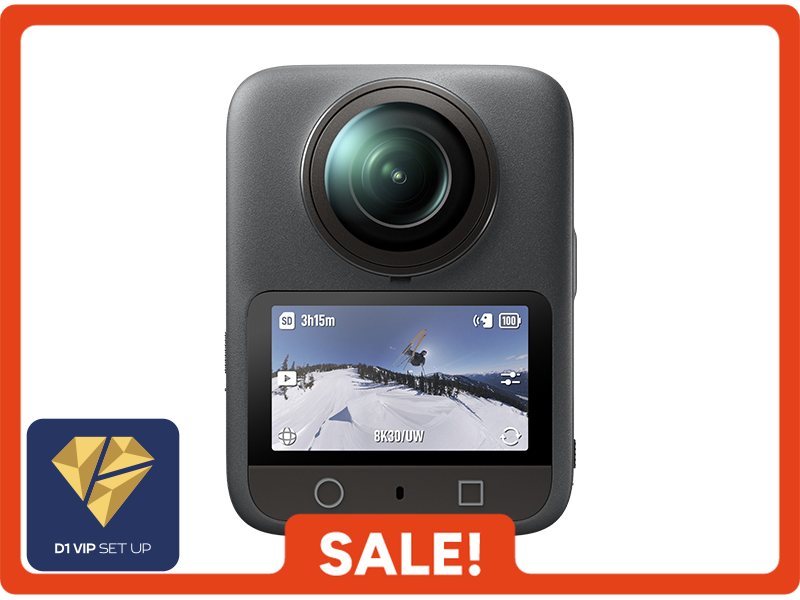 Osmo 360 Standard Combo
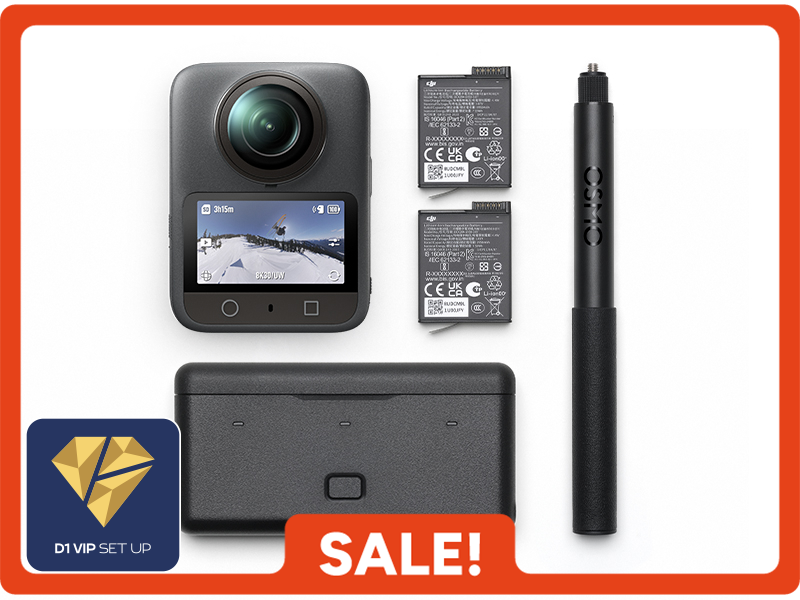 Osmo 360 Adventure Combo
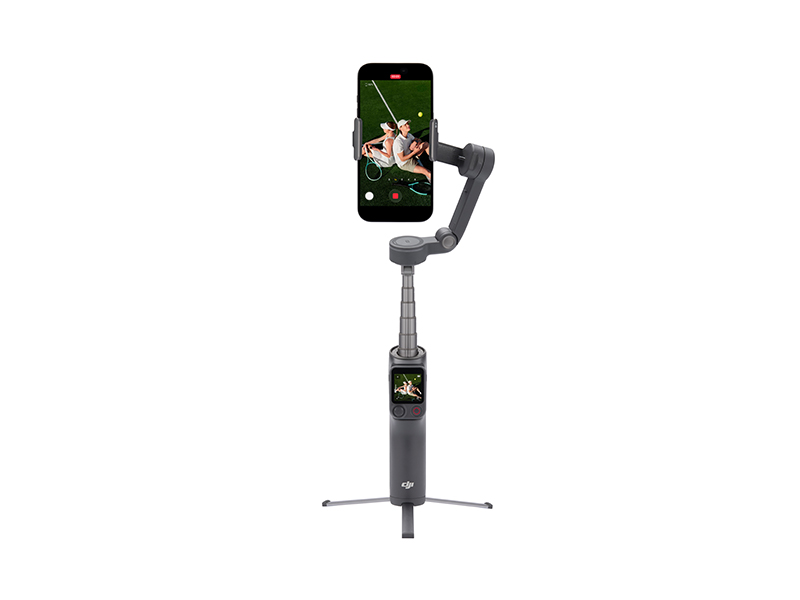 Osmo Mobile 8P Standard Combo
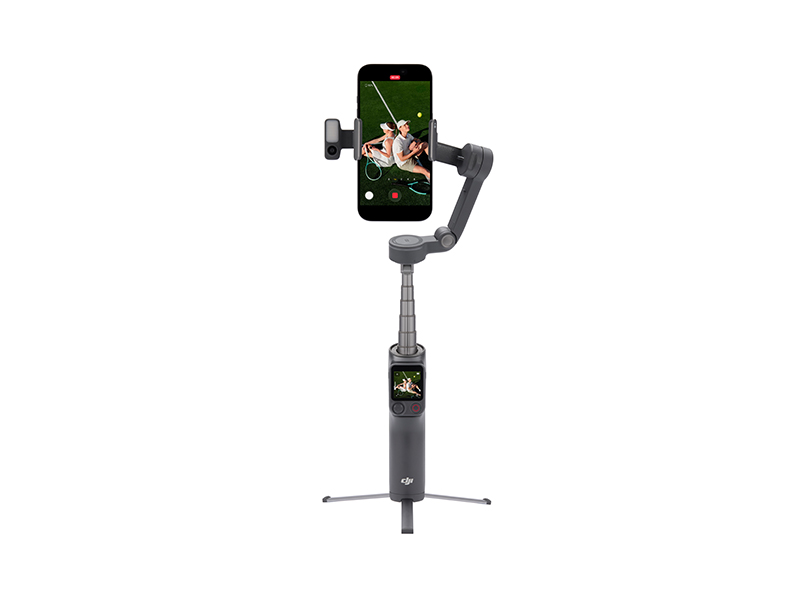 Osmo Mobile 8P Advanced Tracking Combo
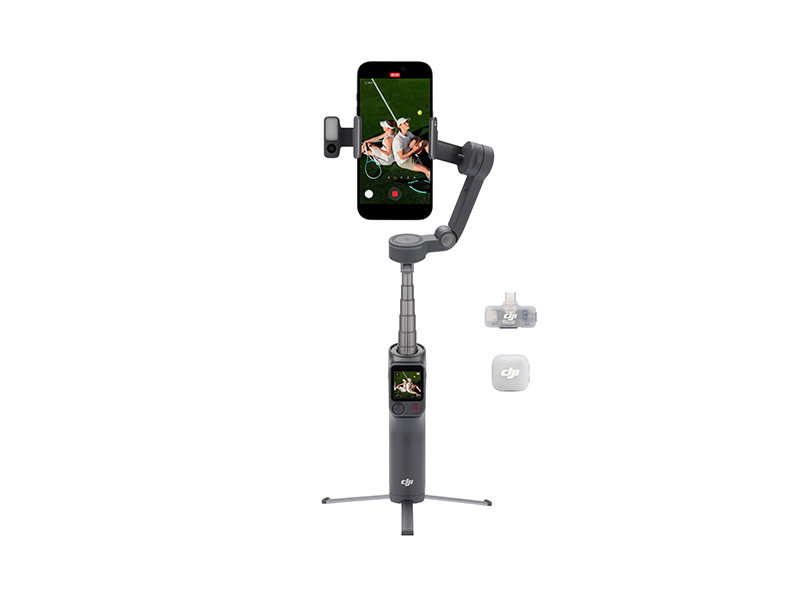 Osmo Mobile 8P Creator Combo
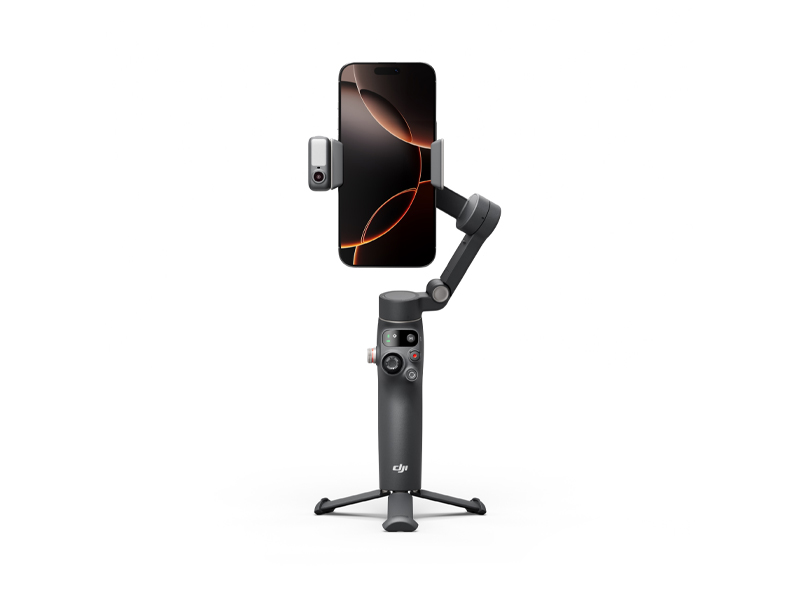 Osmo Mobile 8 Advanced Tracking Combo
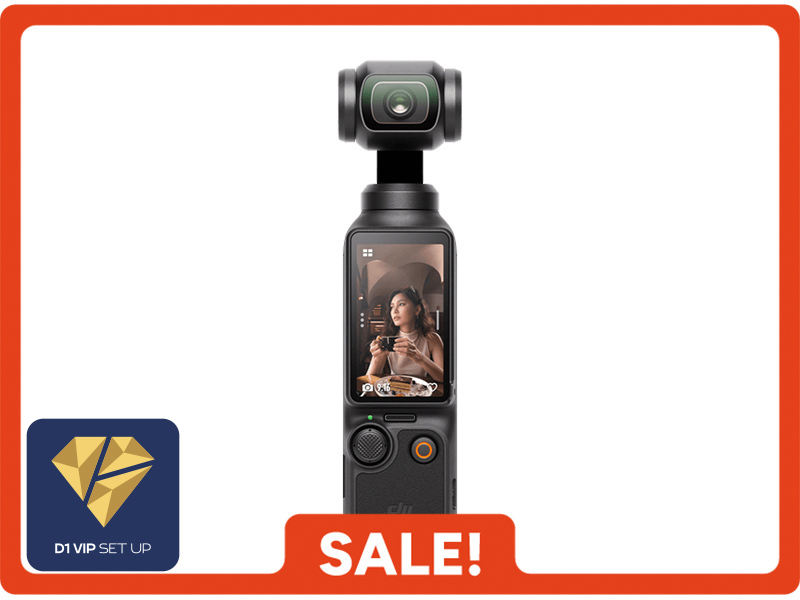 Osmo Pocket 3 Standard Combo
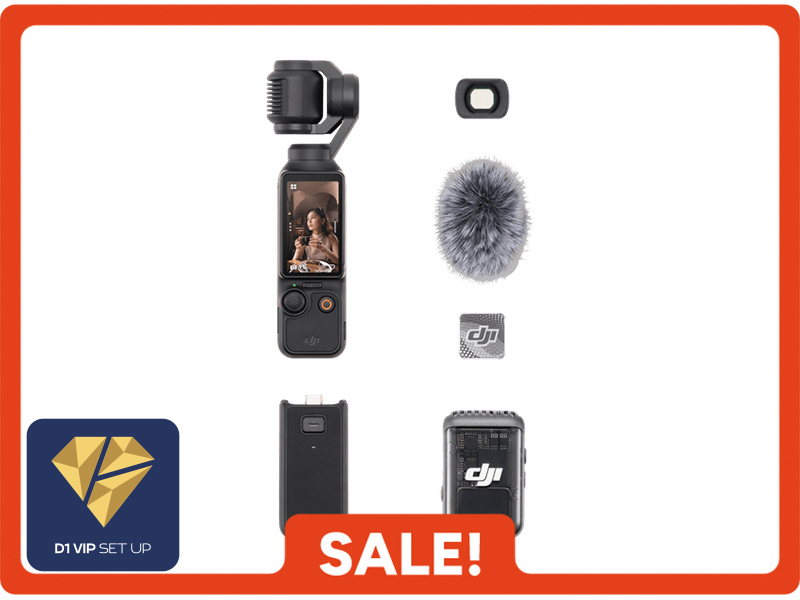 Osmo Pocket 3 Creator Combo
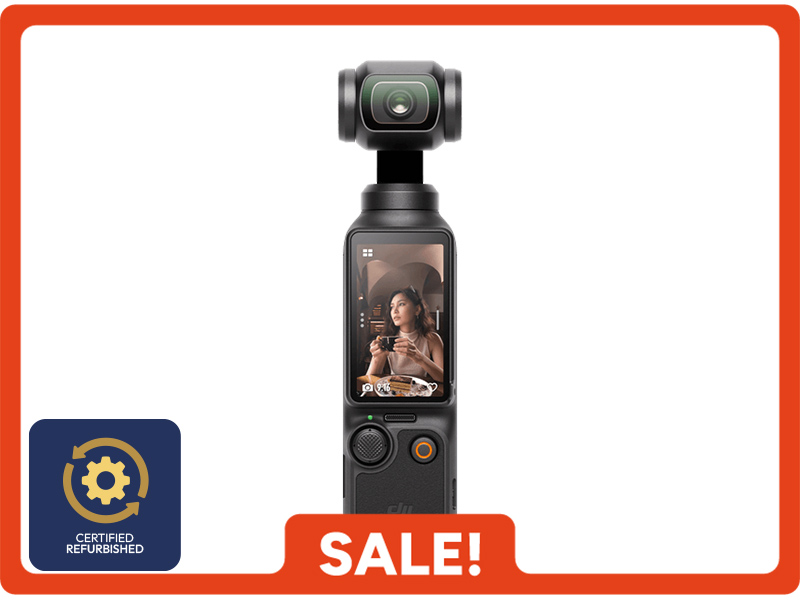 Osmo Pocket 3 (Refurbished)
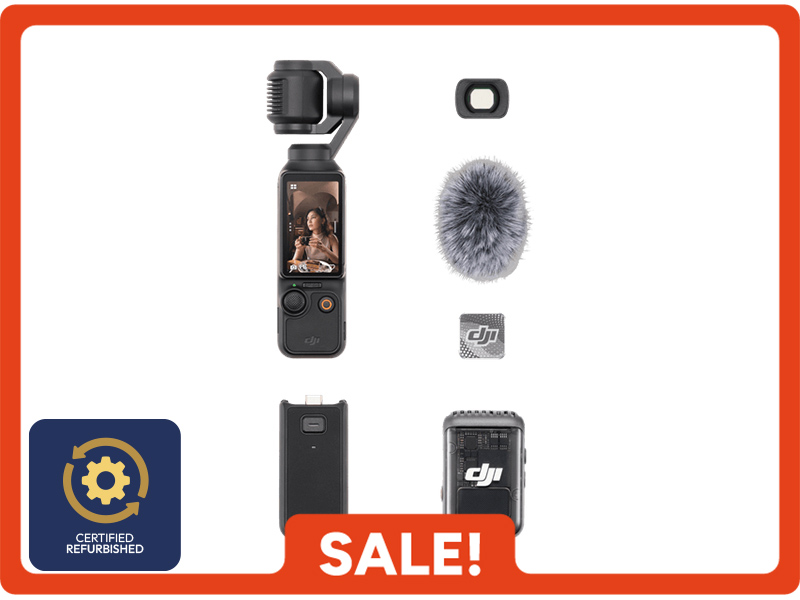 Osmo Pocket 3 Creator Combo (Refurbished)
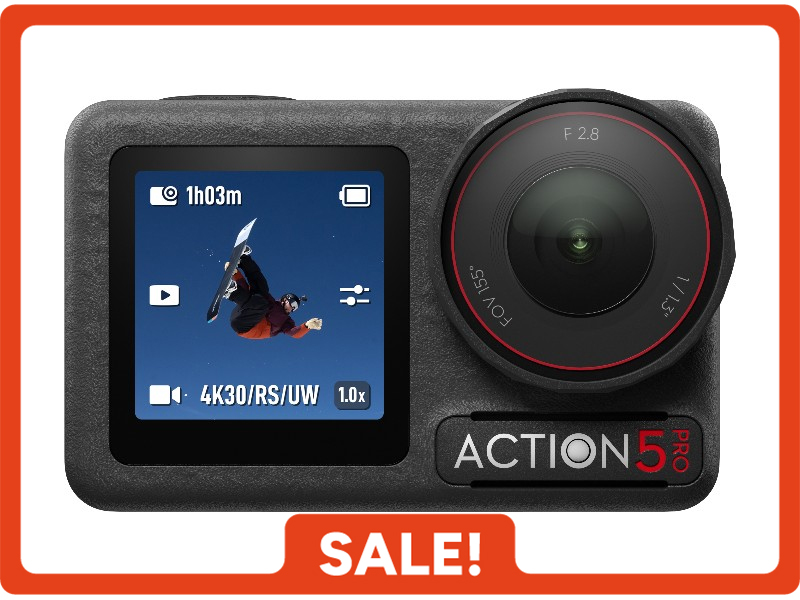 Osmo Action 5 Pro Standard Combo
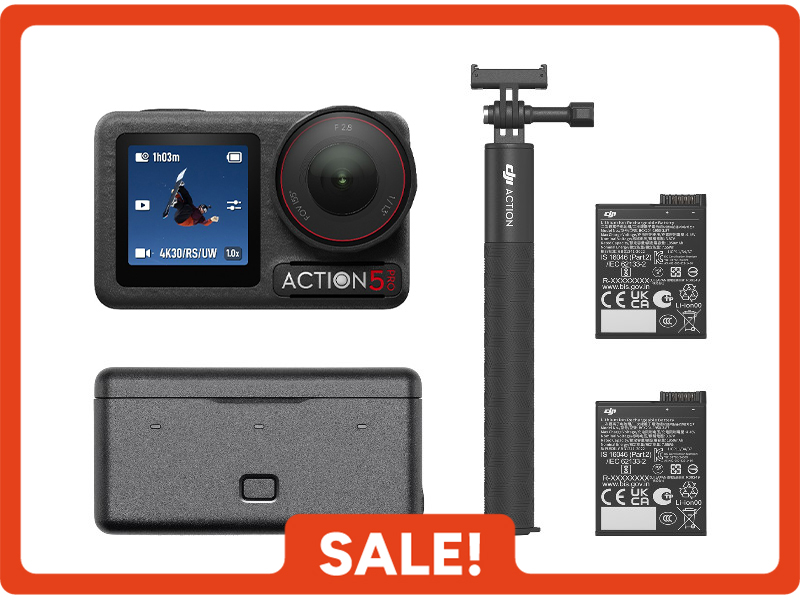 Osmo Action 5 Pro Adventure Combo
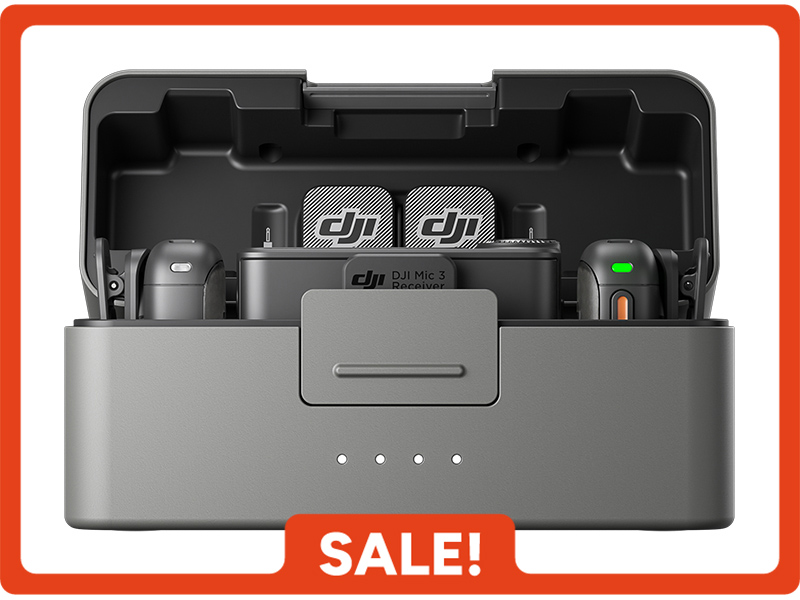 DJI Mic 3 Dual Microphone Combo
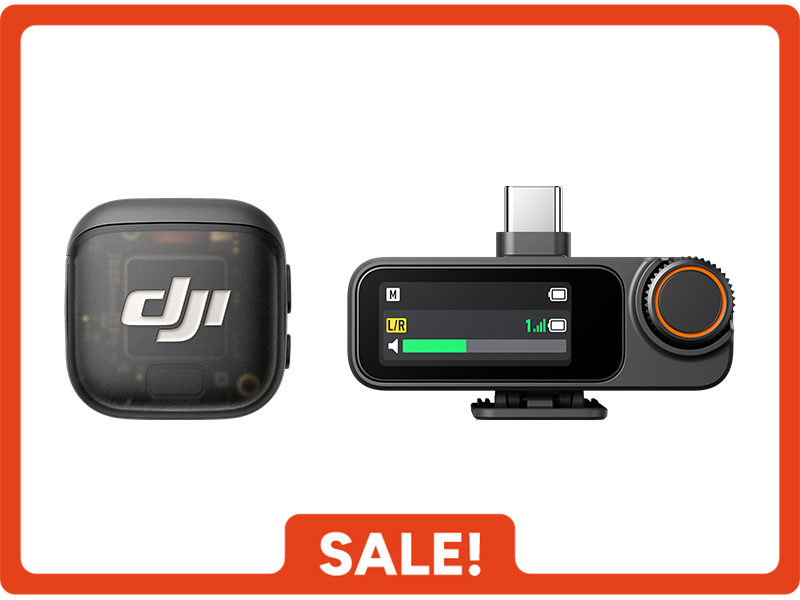 DJI Mic 3 Single Microphone Kit
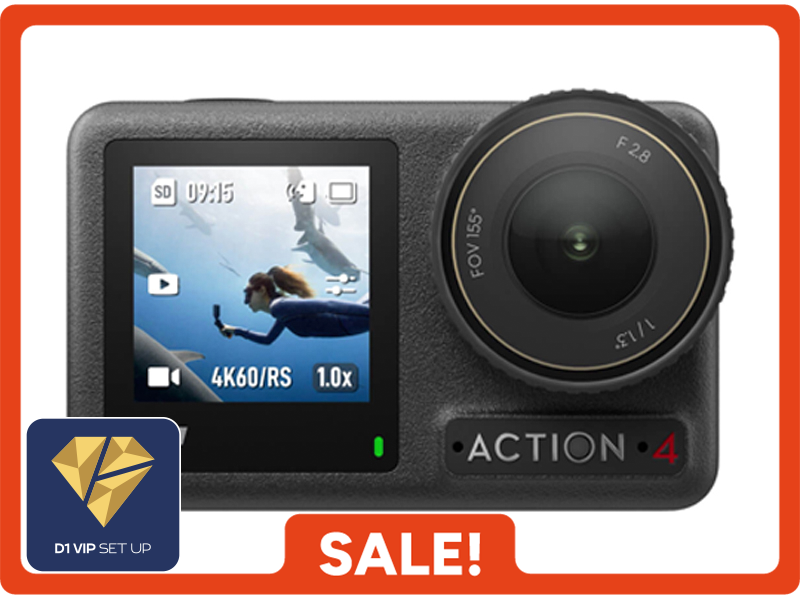 Osmo Action 4 Standard Combo
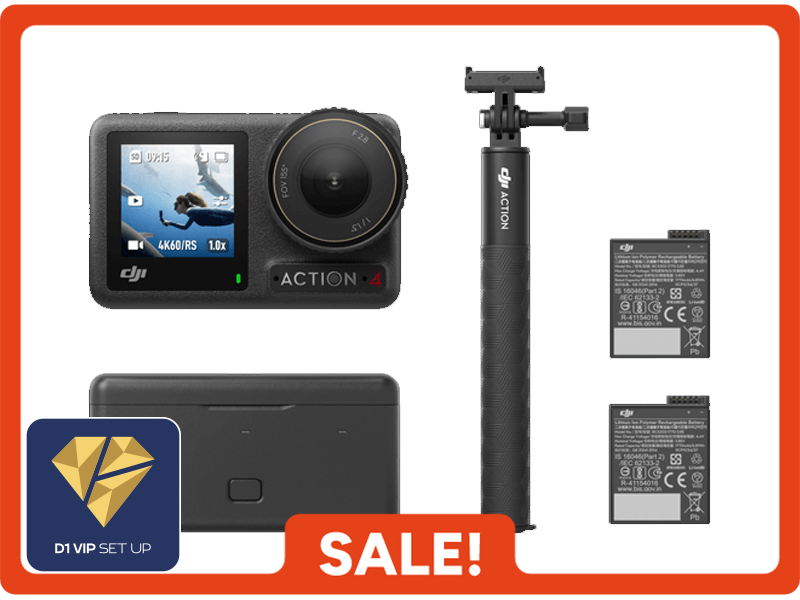 Osmo Action 4 Adventure Combo
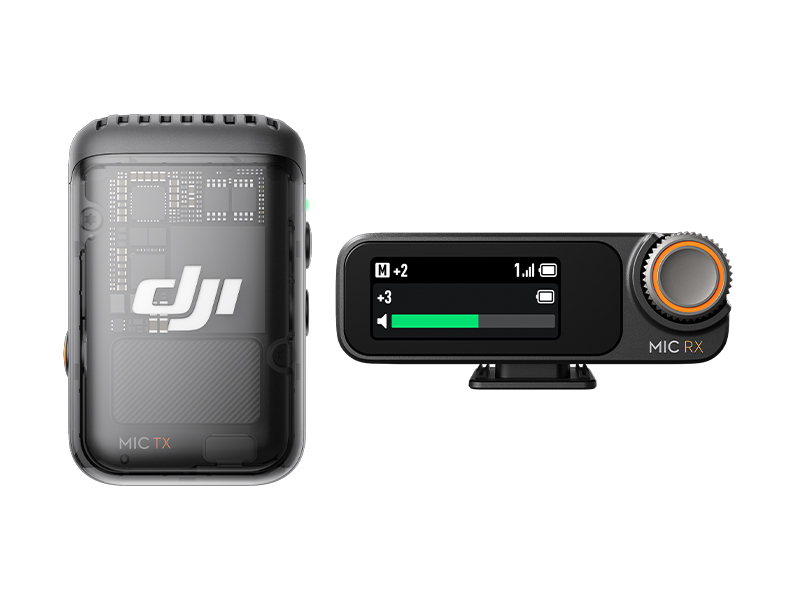 DJI Mic 2 Single Microphone Kit
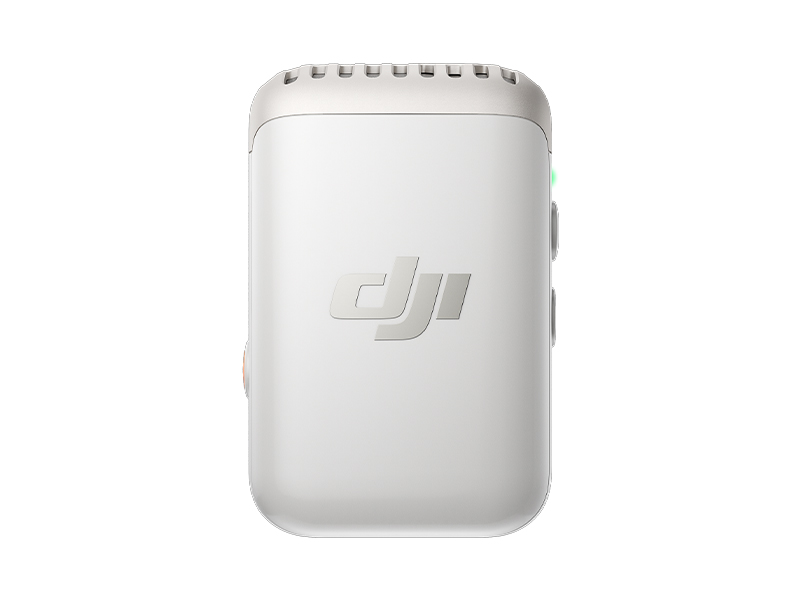 DJI Mic 2 Transmitter (Pearl White)
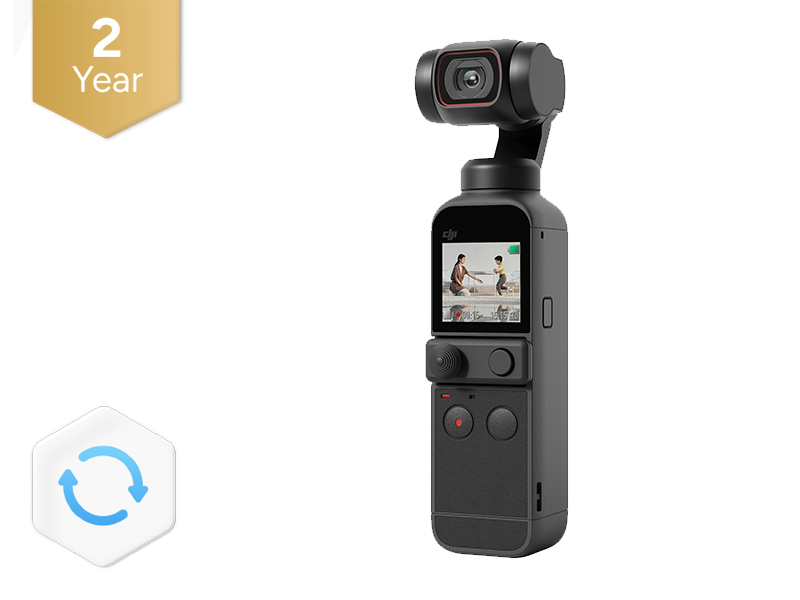 DJI Care Refresh 2-Year Plan (DJI Pocket 2)
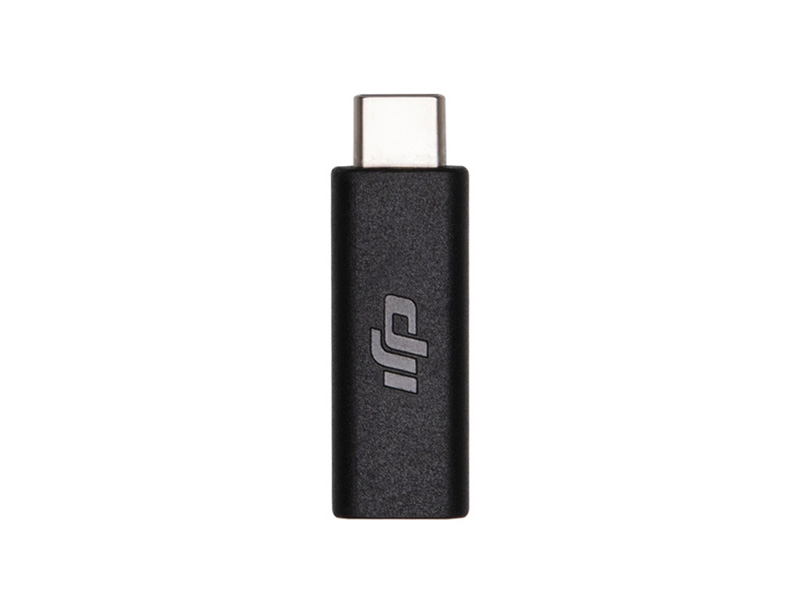 Osmo Pocket 3.5mm Adapter
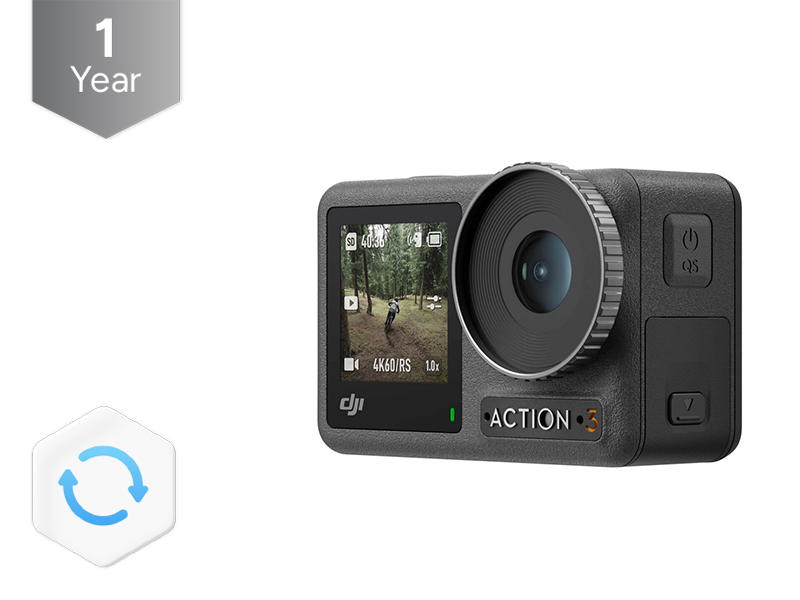 DJI Care Refresh 1-Year Plan (Osmo Action 3)
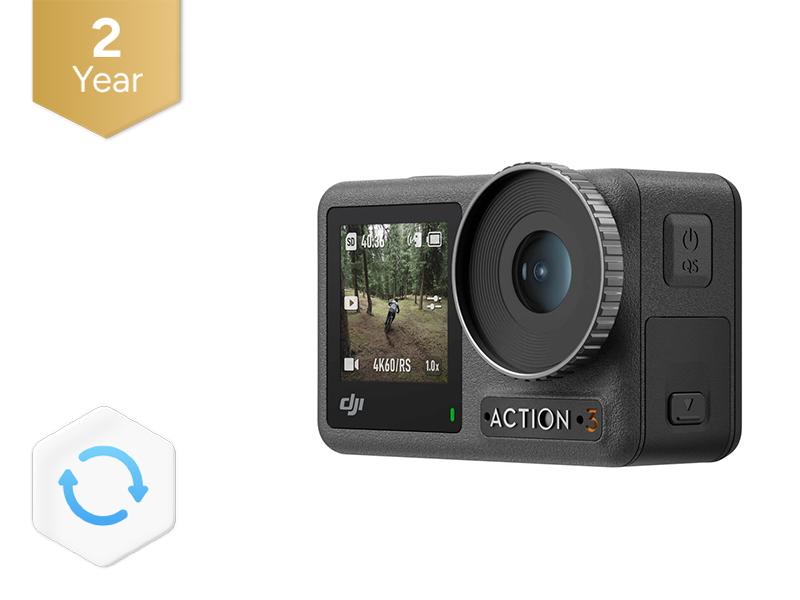 DJI Care Refresh 2-Year Plan (Osmo Action 3)
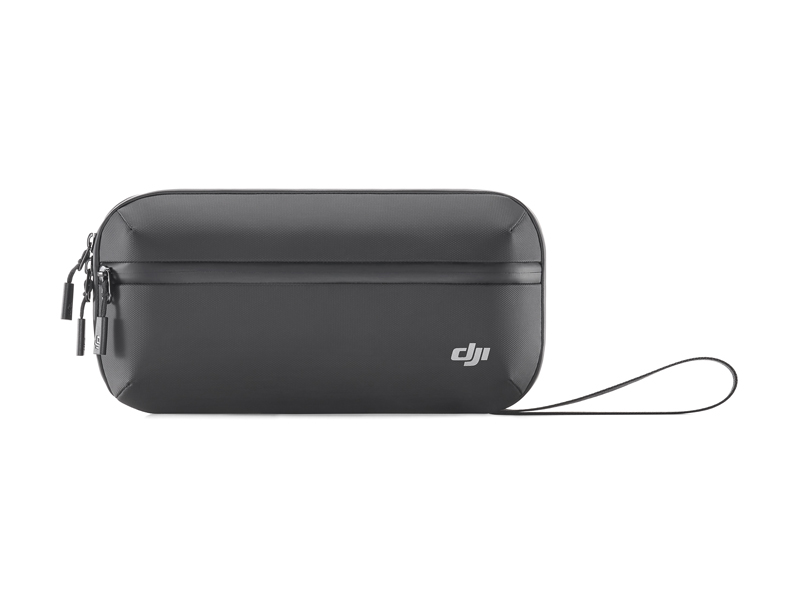 Osmo Action Carrying Bag
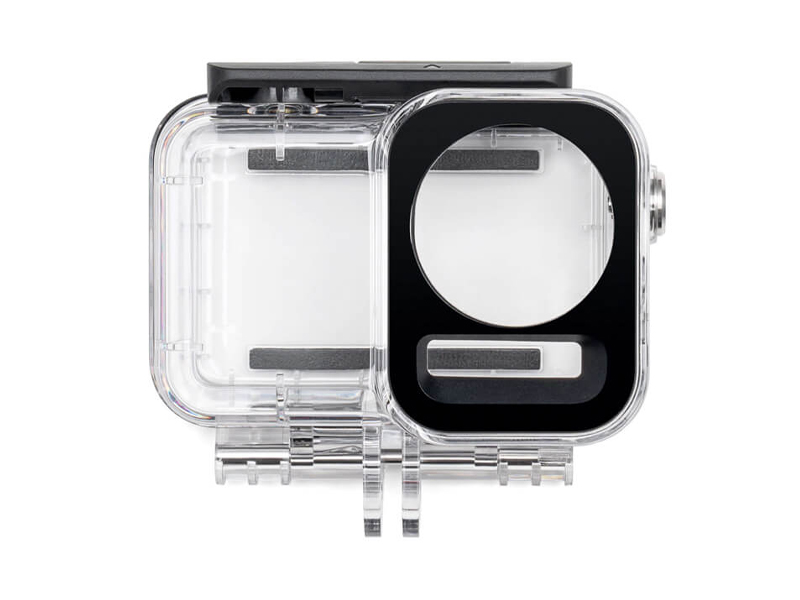 Osmo Action 60m Waterproof Case
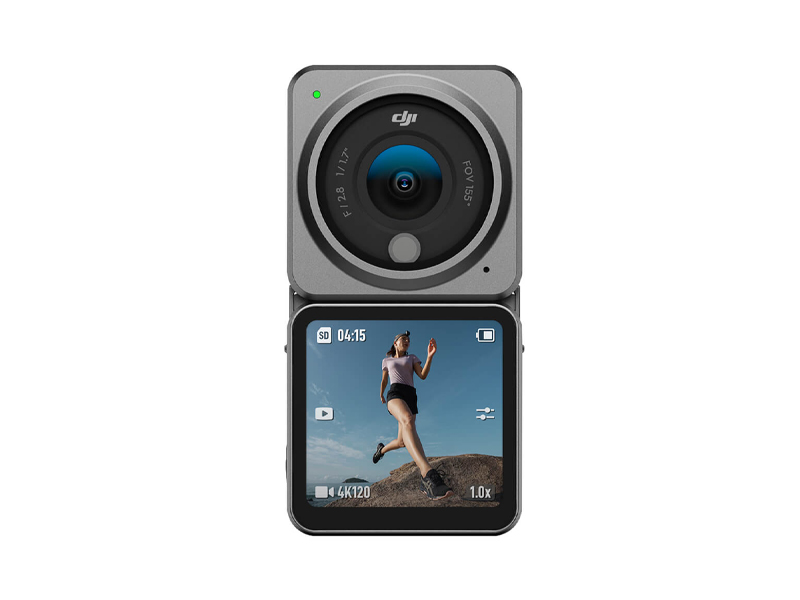 DJI Action 2 Dual Screen Combo
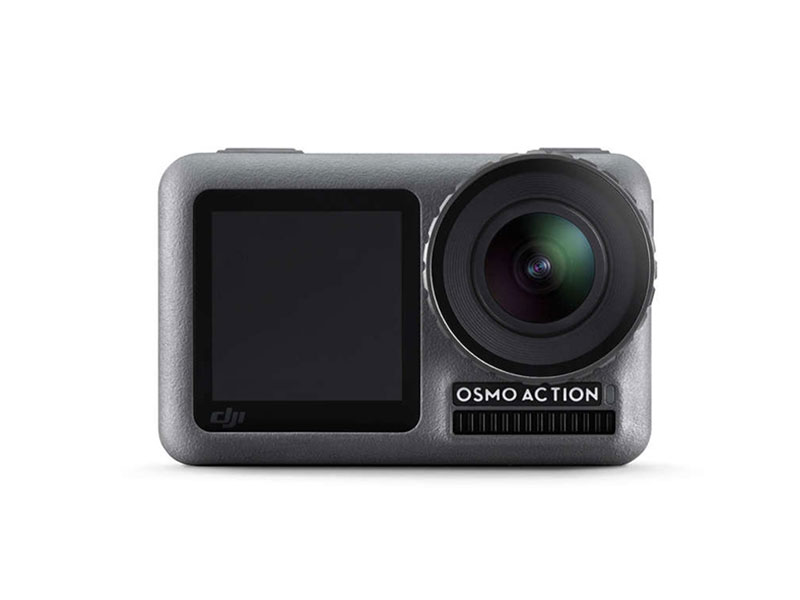 DJI Osmo Action
 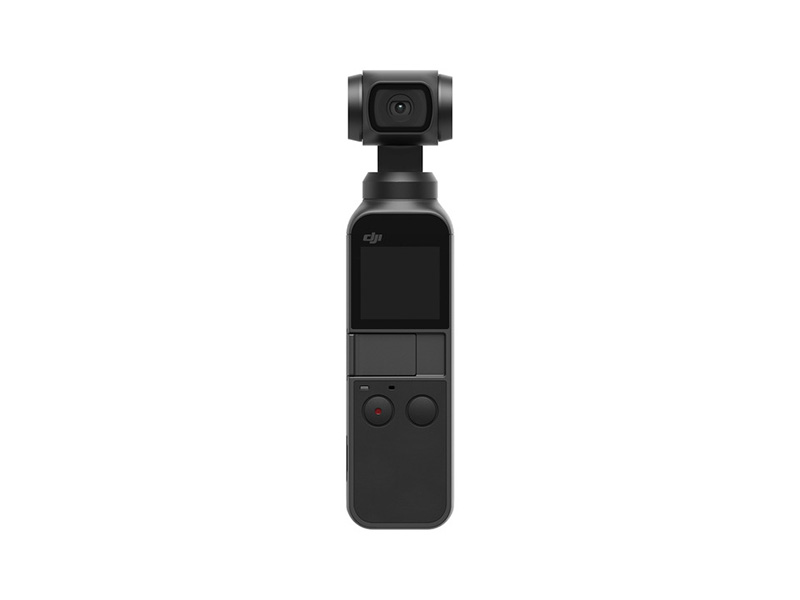 Osmo Pocket
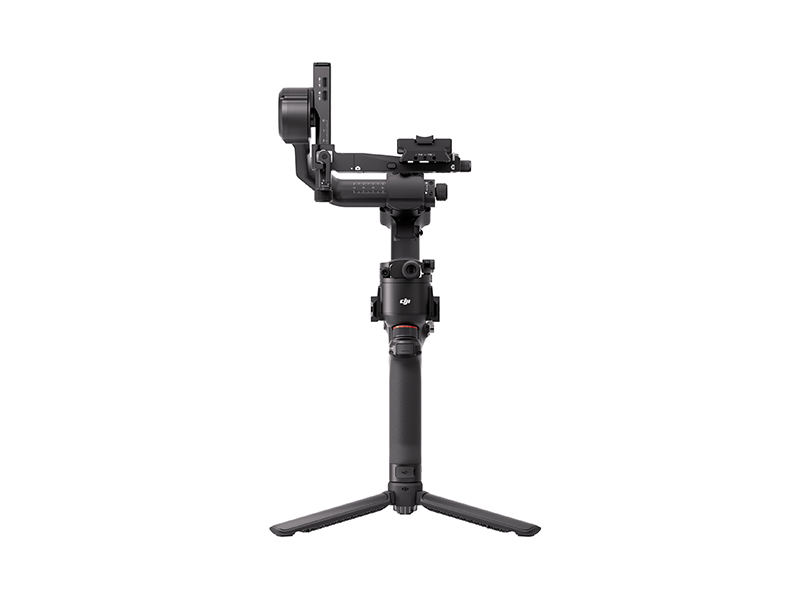 DJI RS 5
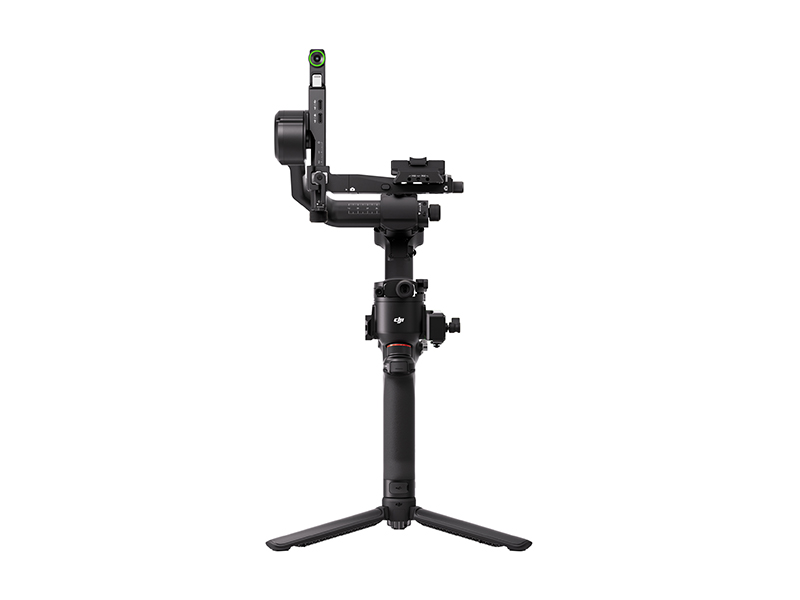 DJI RS 5 Combo
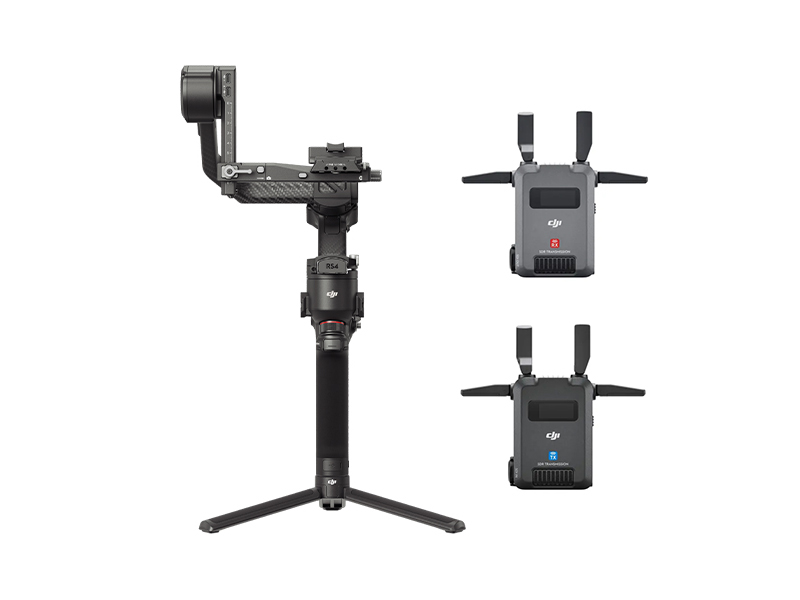 DJI RS 4 Pro Combo (2026)
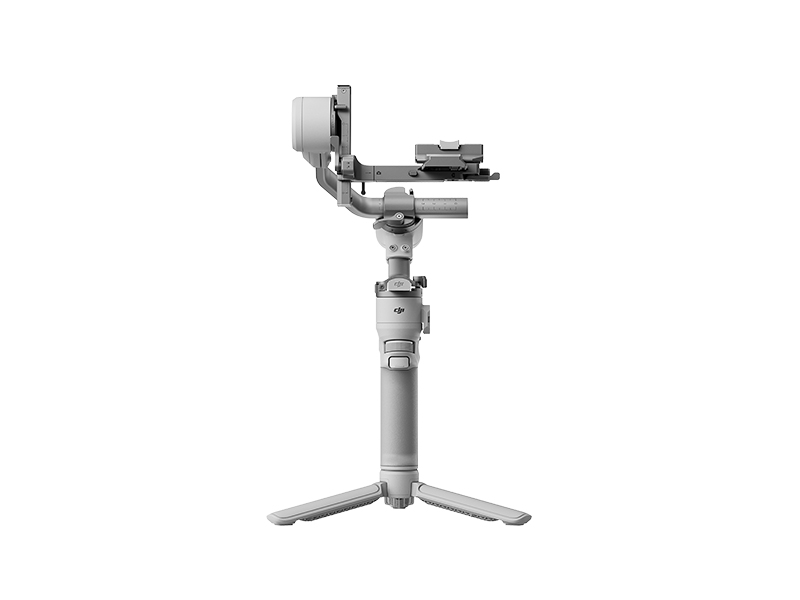 DJI RS 4 Mini
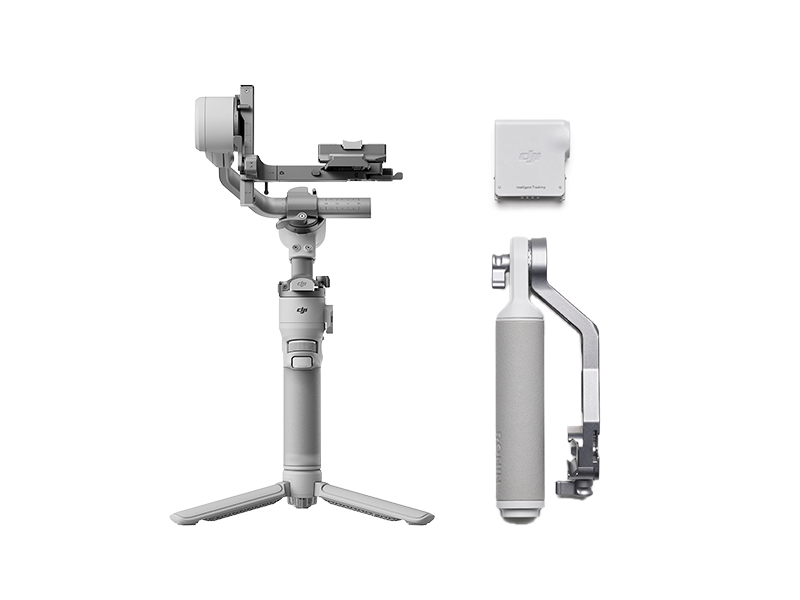 DJI RS 4 Mini Combo
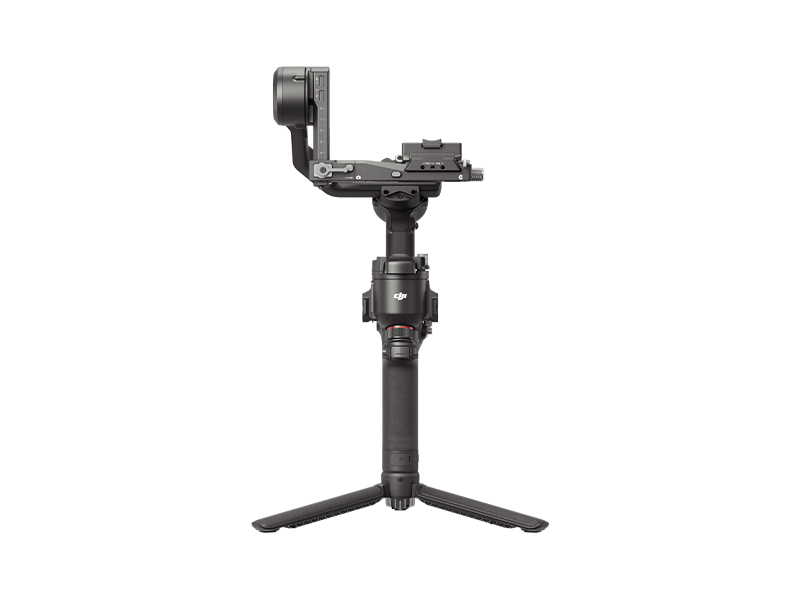 DJI RS 4
 DJI RS 3 Mini
 DJI RS 3
 DJI RS 3 Pro
 DJI RSC 2
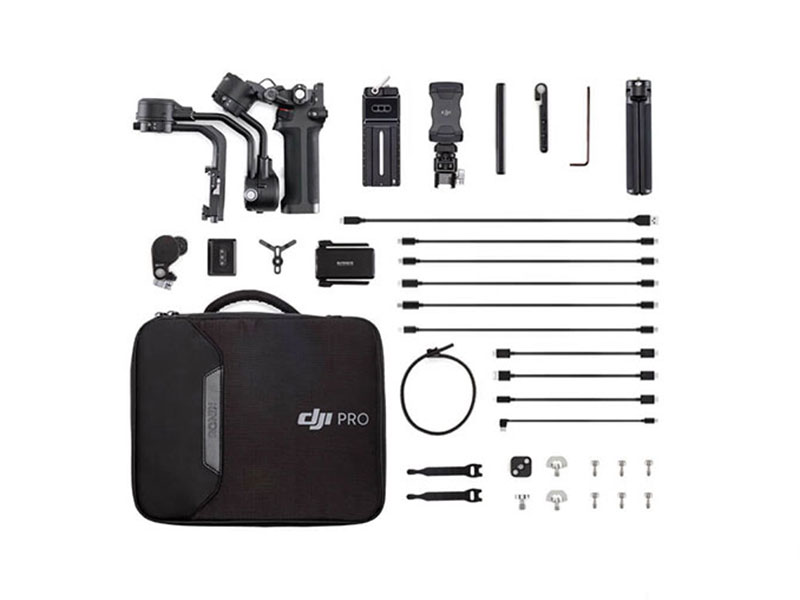 DJI RSC 2 Pro Combo
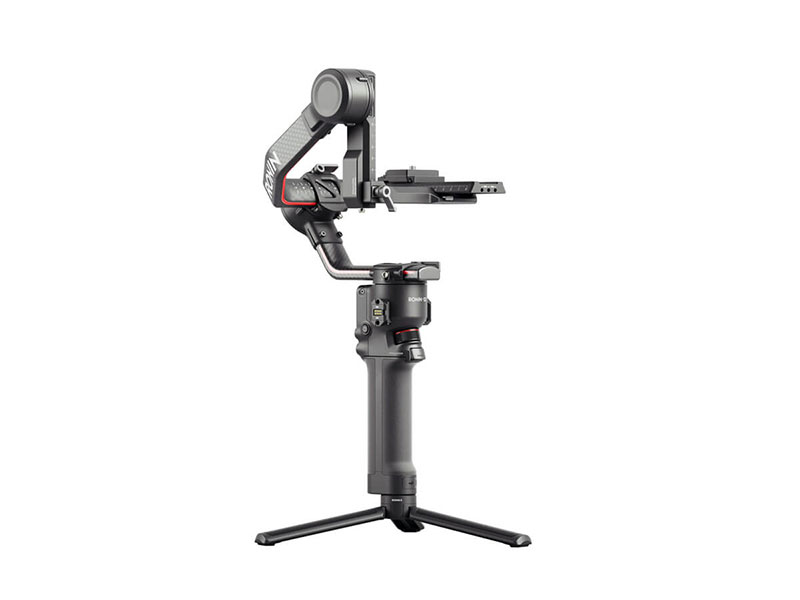 DJI RS 2
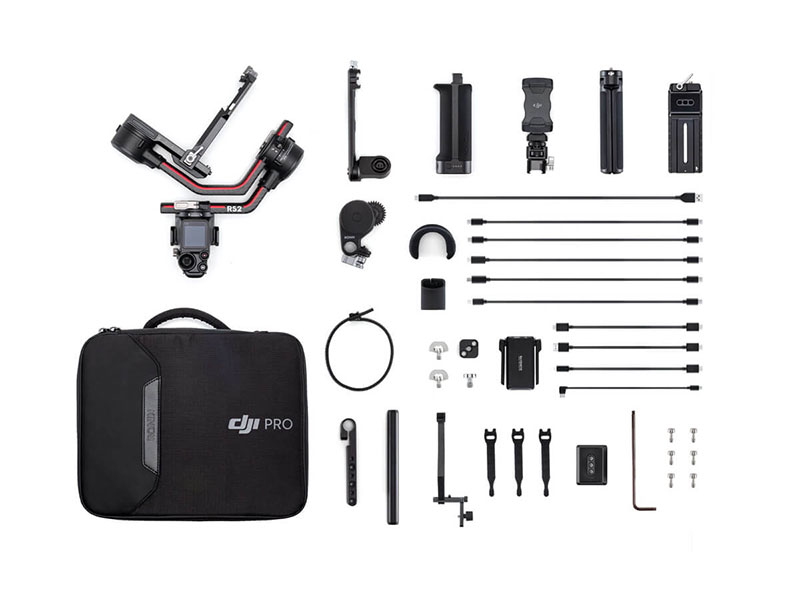 DJI RS 2 Pro Combo
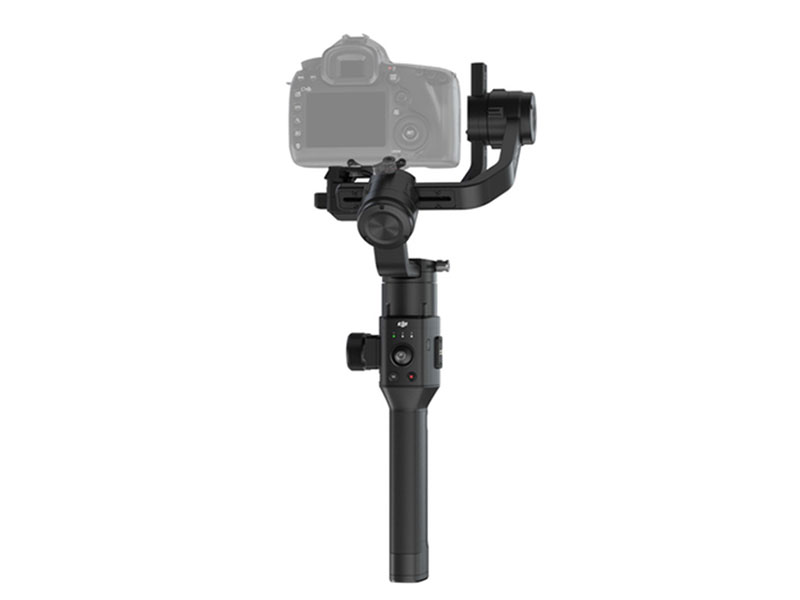 Ronin-S
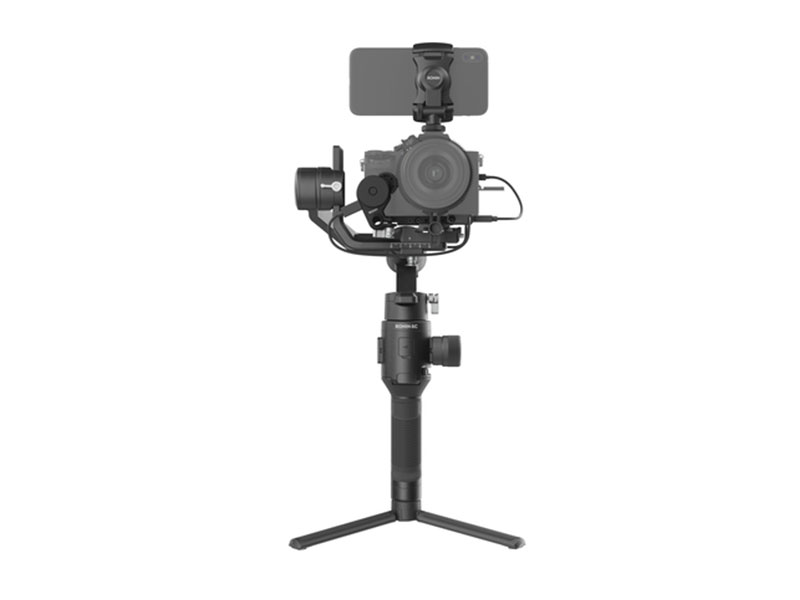 Ronin-SC
 Ronin 4D-6K
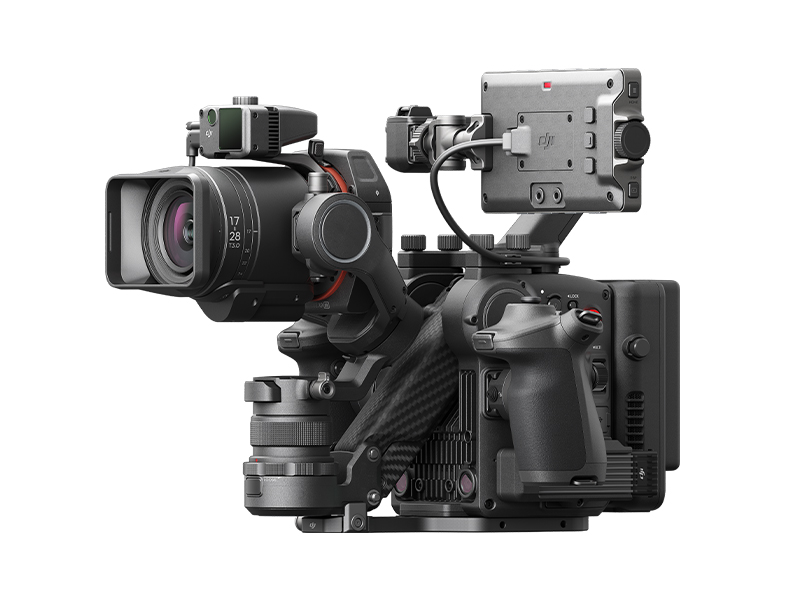 Ronin 4D-8K
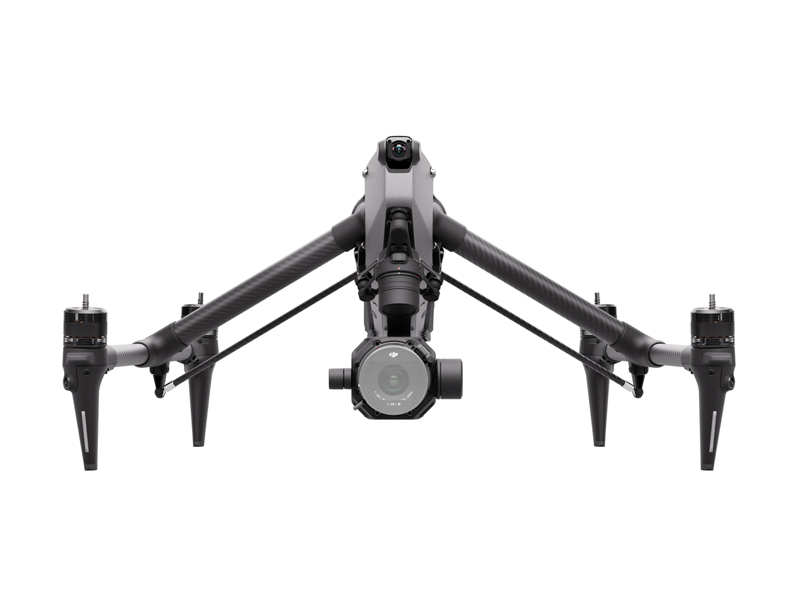 DJI Inspire 3 Basic Package
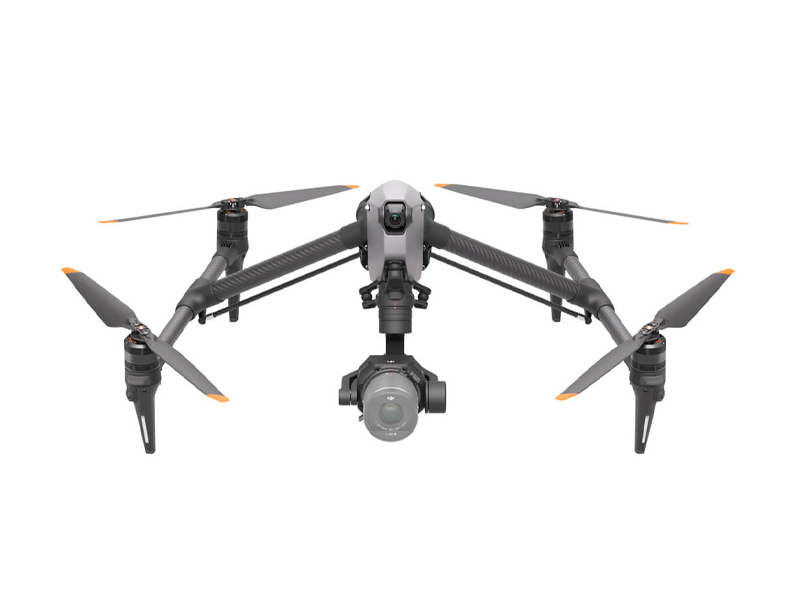 DJI Inspire 3
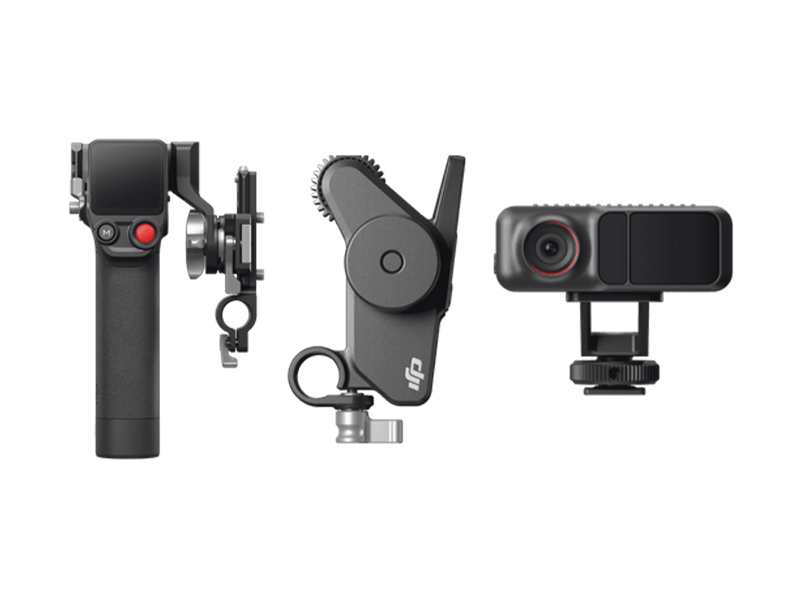 DJI Focus Pro Creator Combo
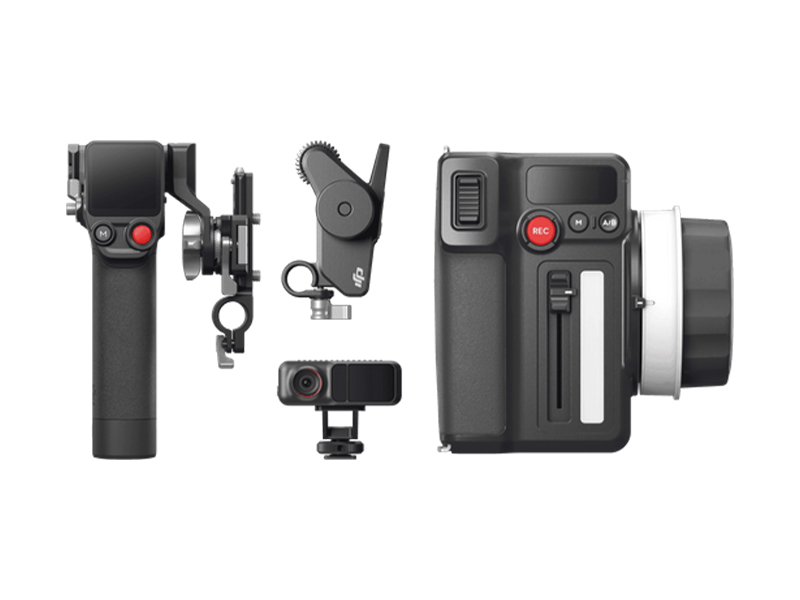 DJI Focus Pro All-In-One Combo
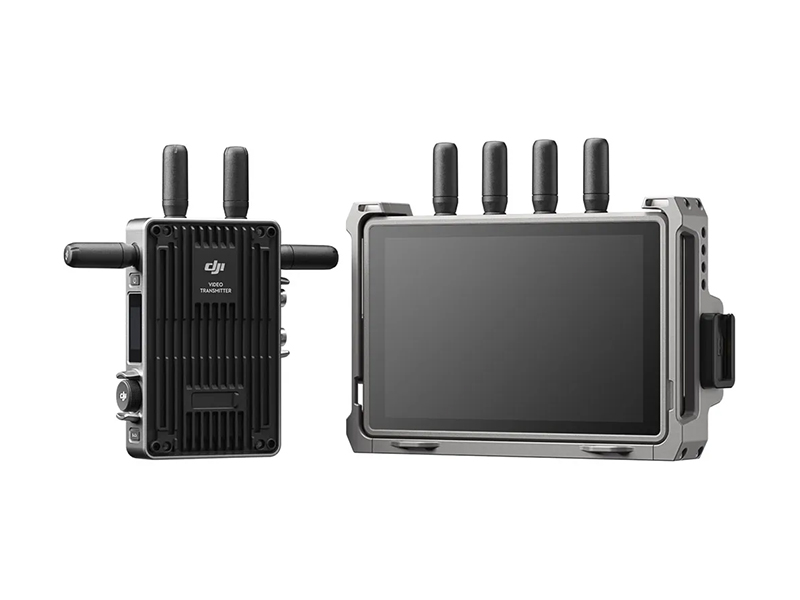 DJI Transmission (High-Bright Monitor Combo)
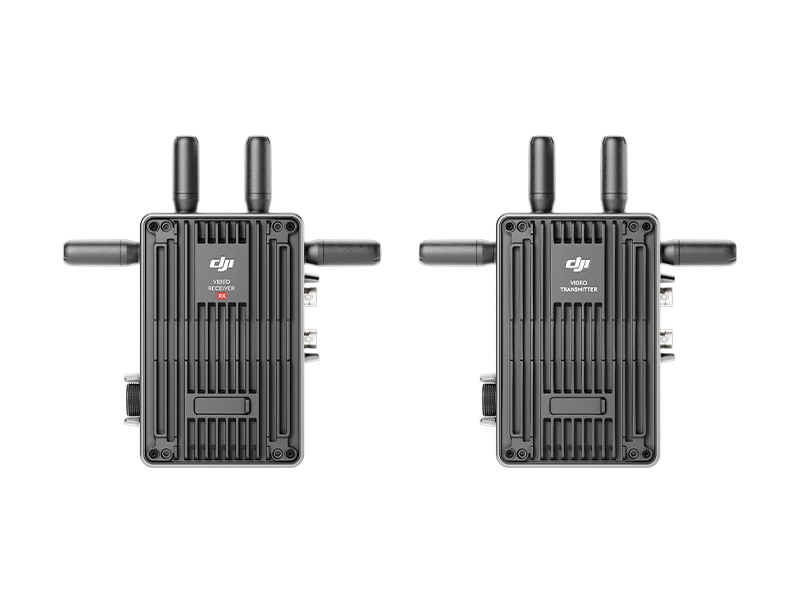 DJI Transmission (Standard Combo)
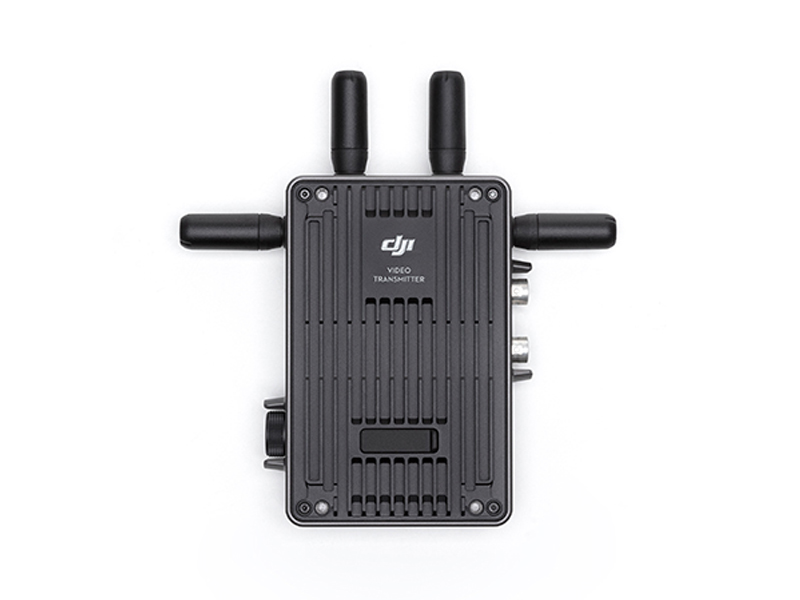 DJI Video Transmitter
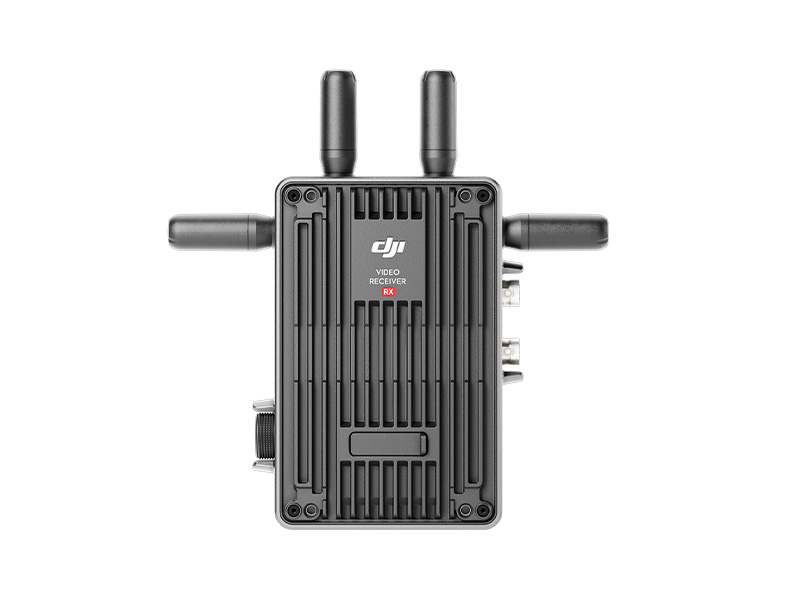 DJI Video Receiver
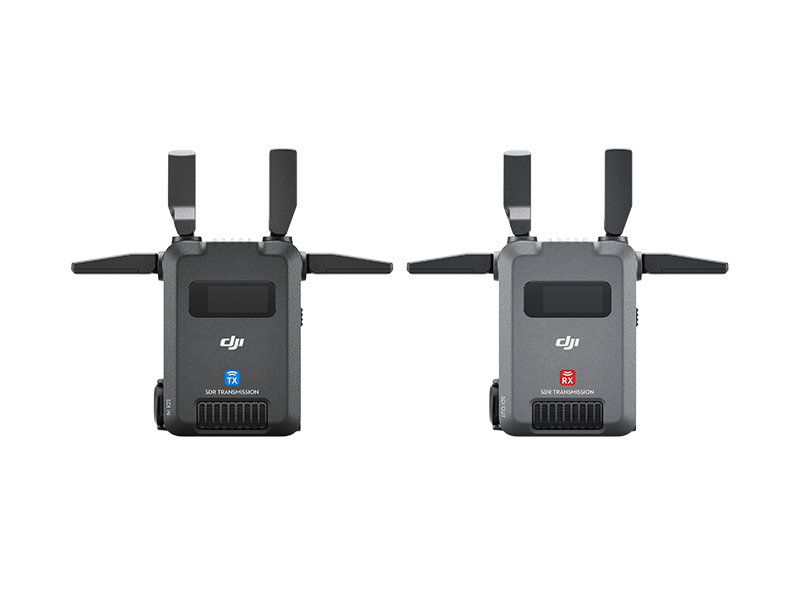 DJI SDR Transmission Combo
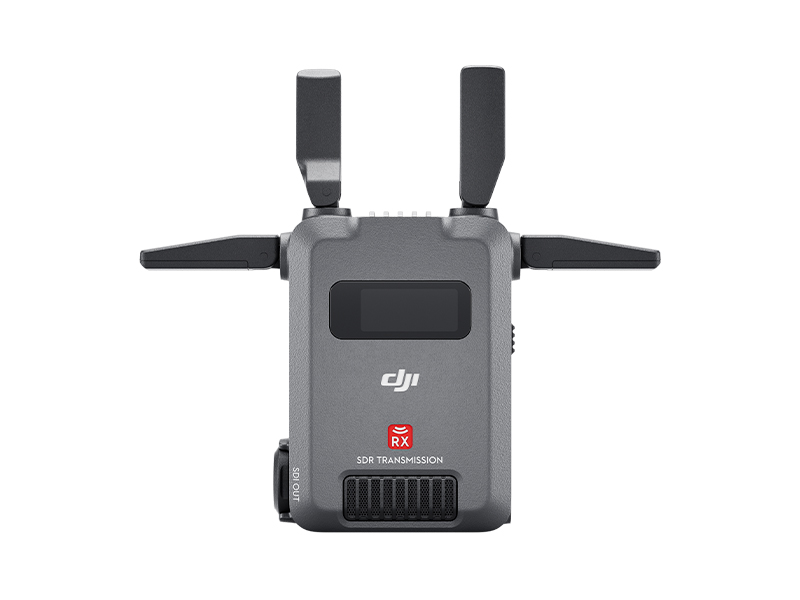 DJI SDR Transmission Receiver
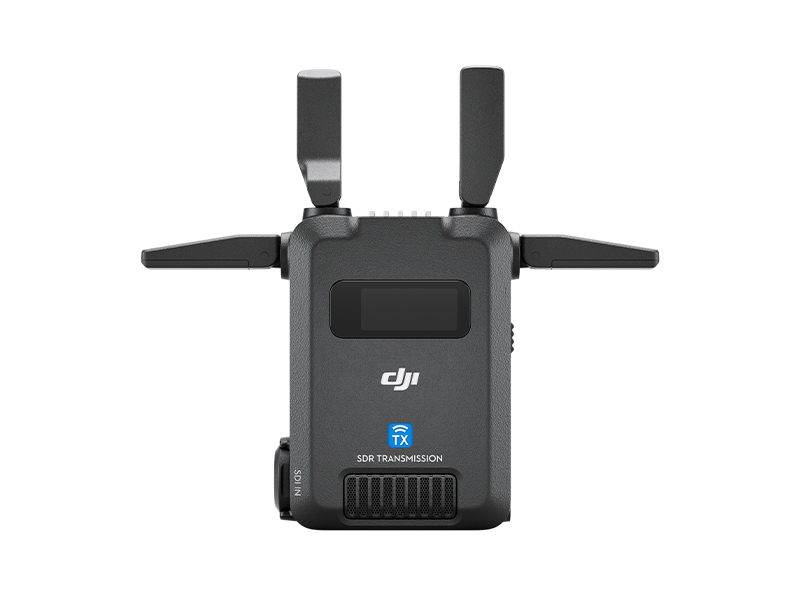 DJI SDR Transmission Transmitter
 Inspire 2
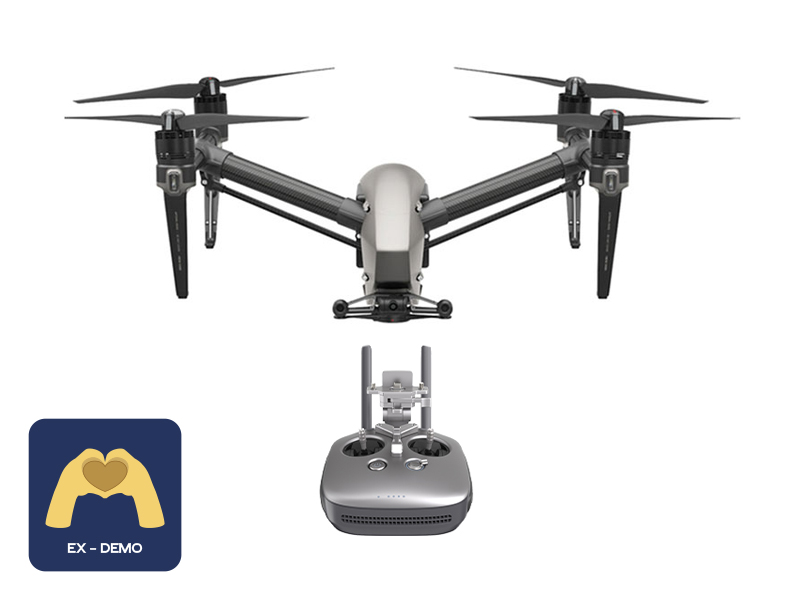 Ex-Demo Inspire 2
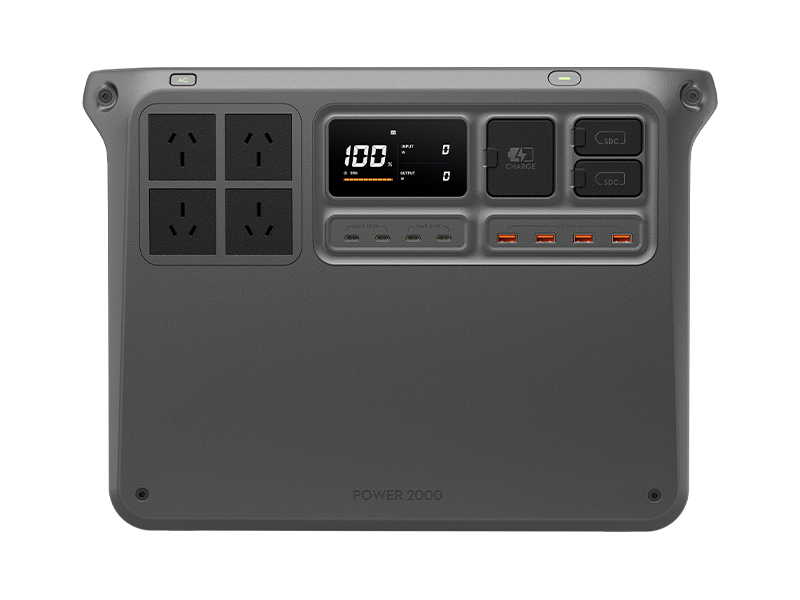 DJI Power 2000
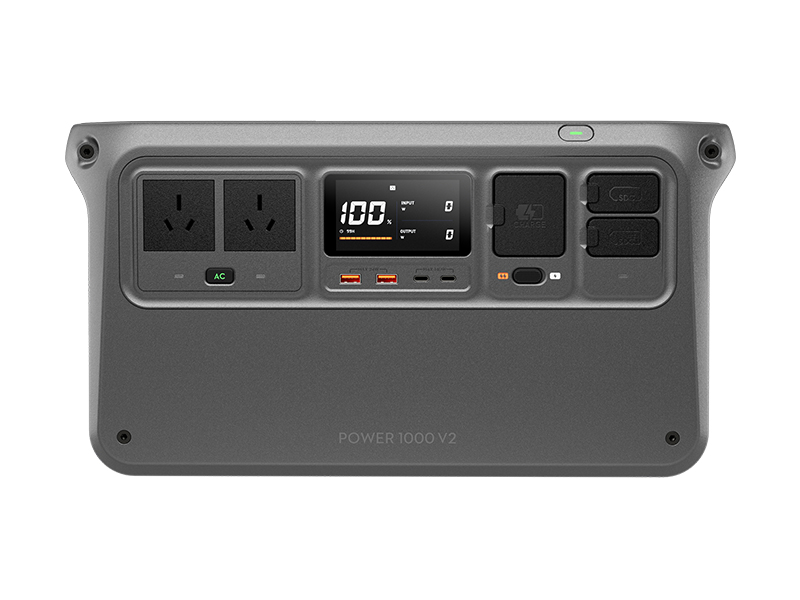 DJI Power 1000 V2
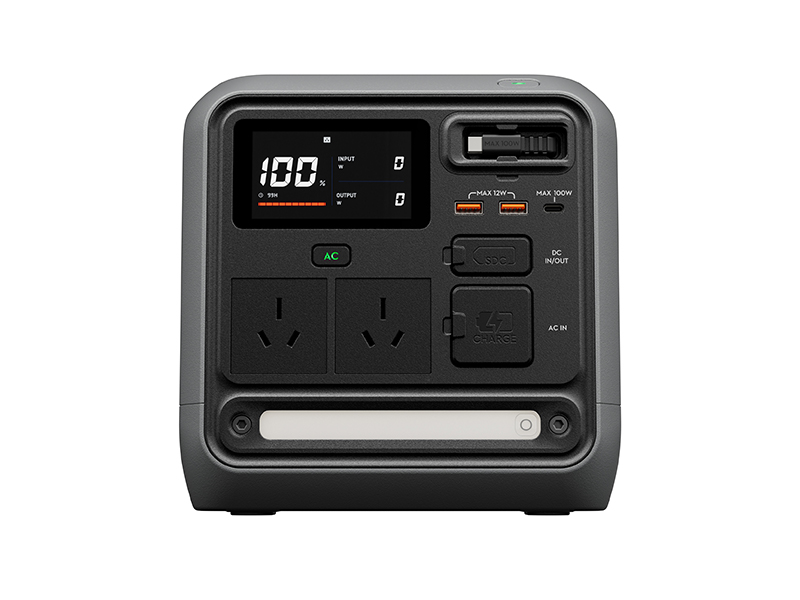 DJI Power 1000 Mini
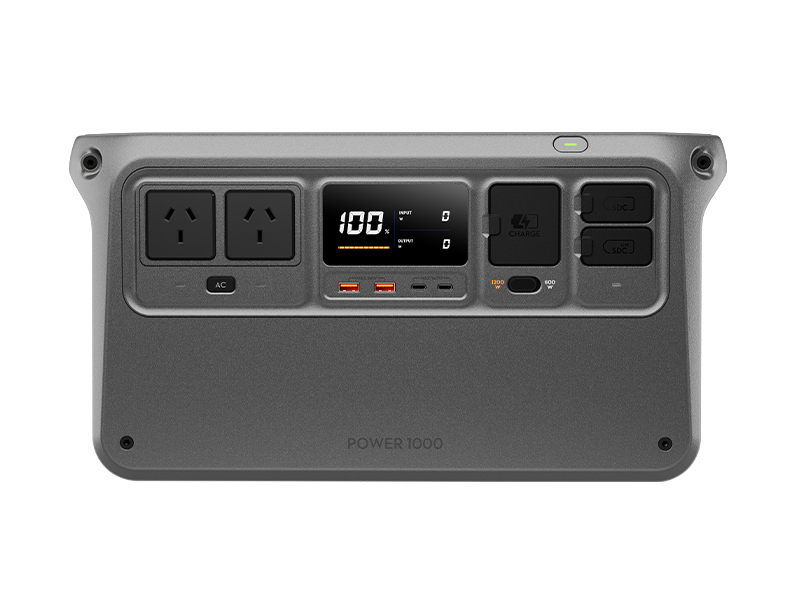 DJI Power 1000 Portable Power Station
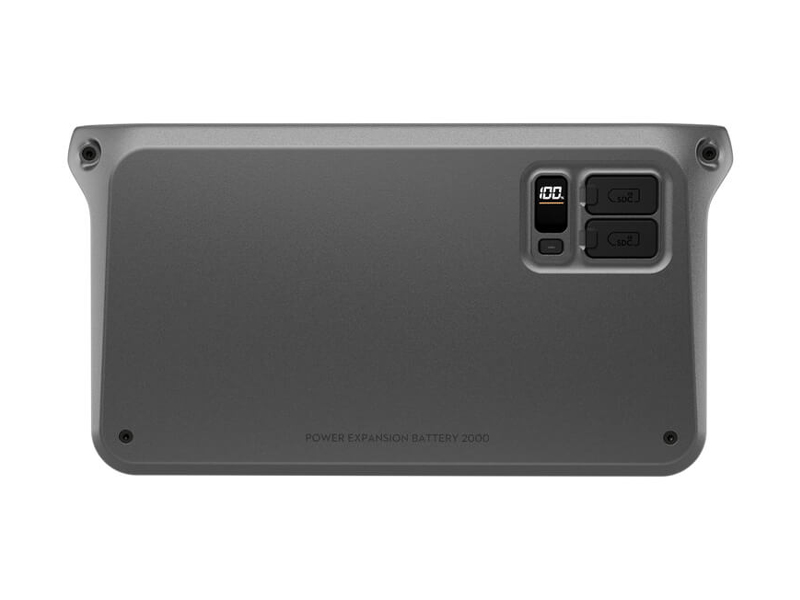 DJI Power Expansion Battery 2000
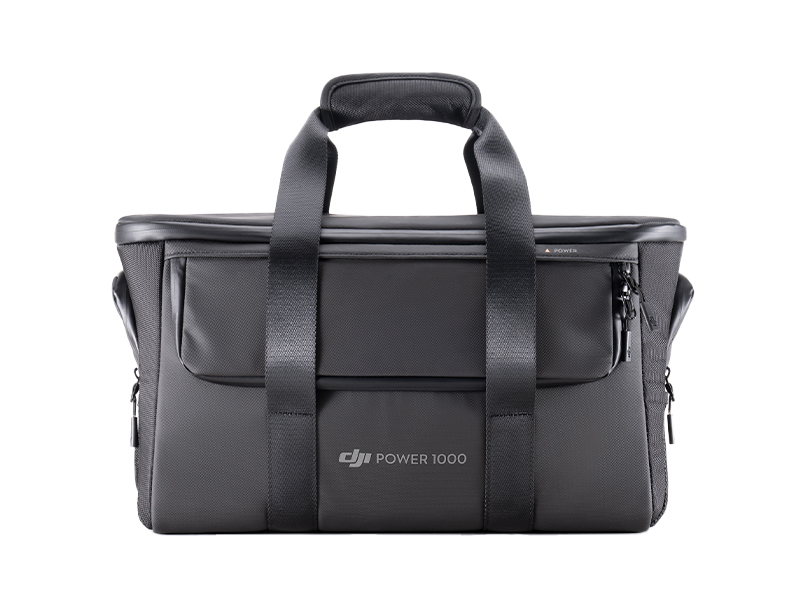 DJI Power 1000 Protective Storage Bag
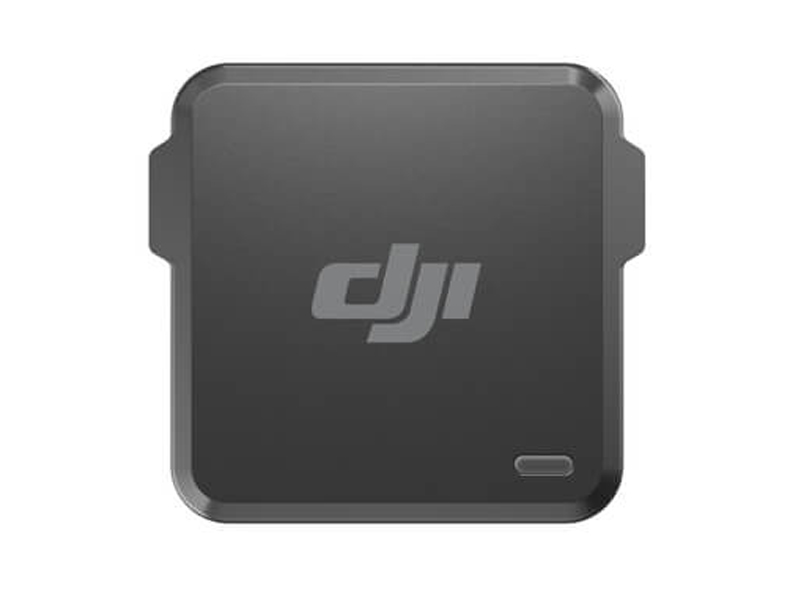 DJI Power Dongle
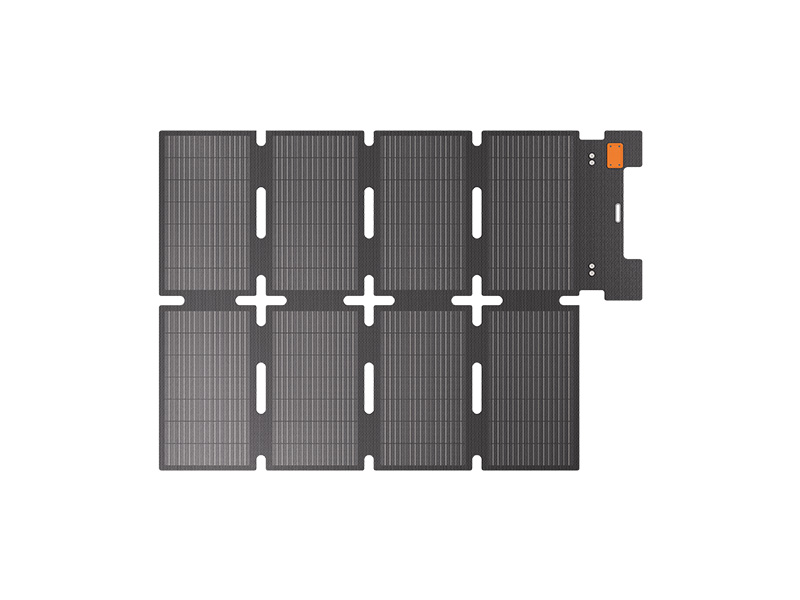 IBCPOWER 100W Foldable Solar Panel
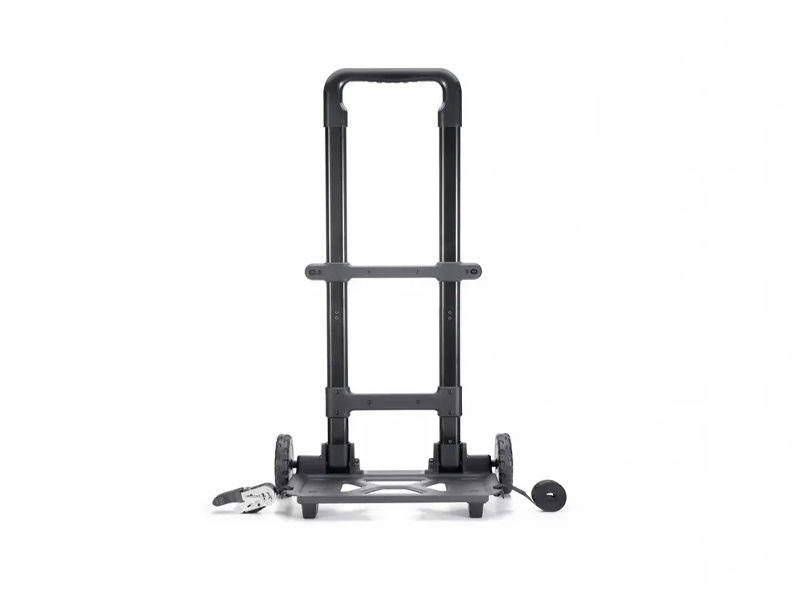 DJI Power Series Hand Truck
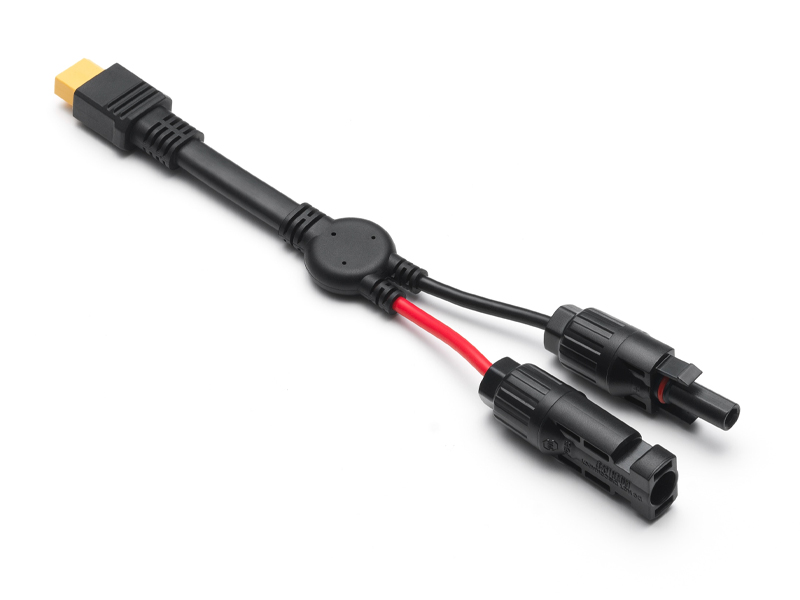 DJI Power MC4 to XT60 Solar Power Cable
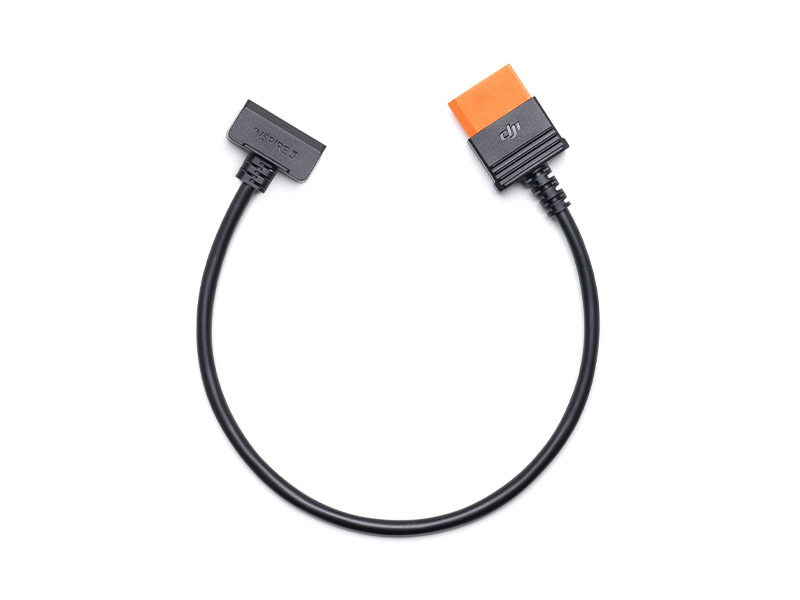 DJI Power SDC to DJI Inspire 3 Fast Charge Cable
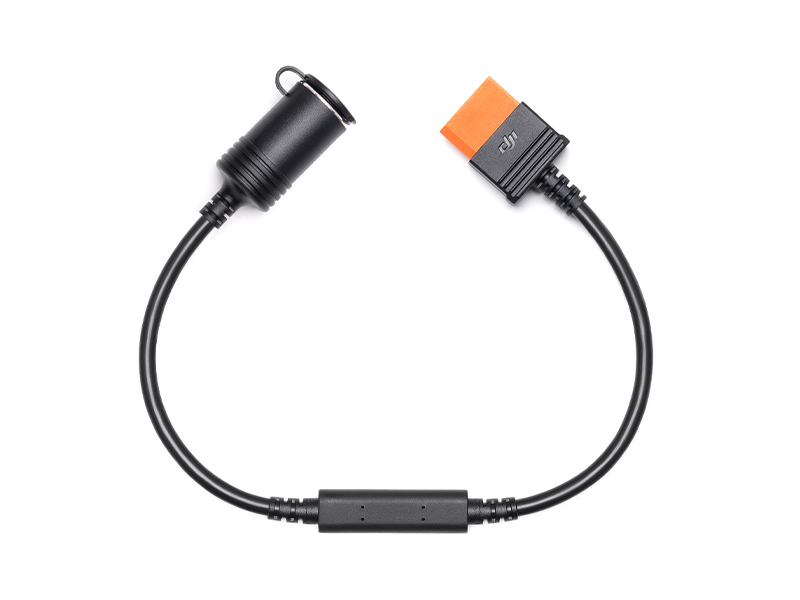 DJI Power SDC to Car Charger Plug Power Cable (12V)
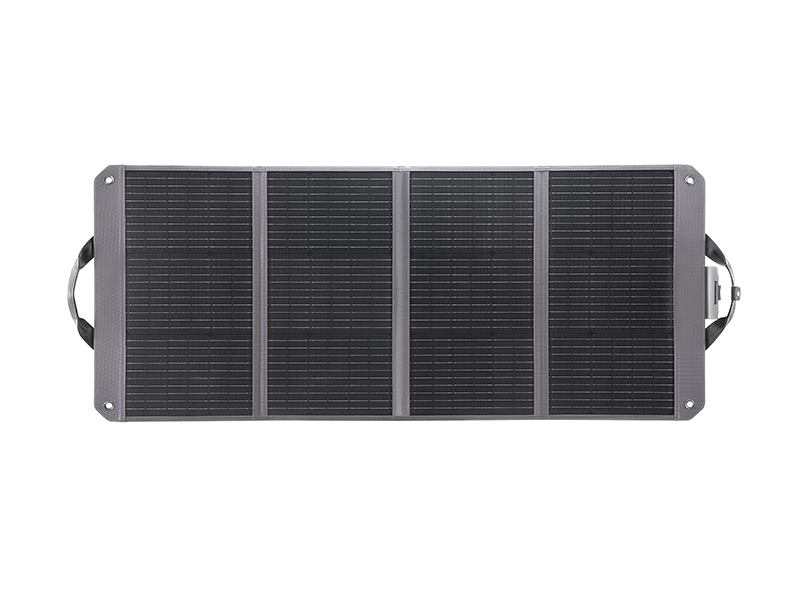 Zignes 120W Solar Panel
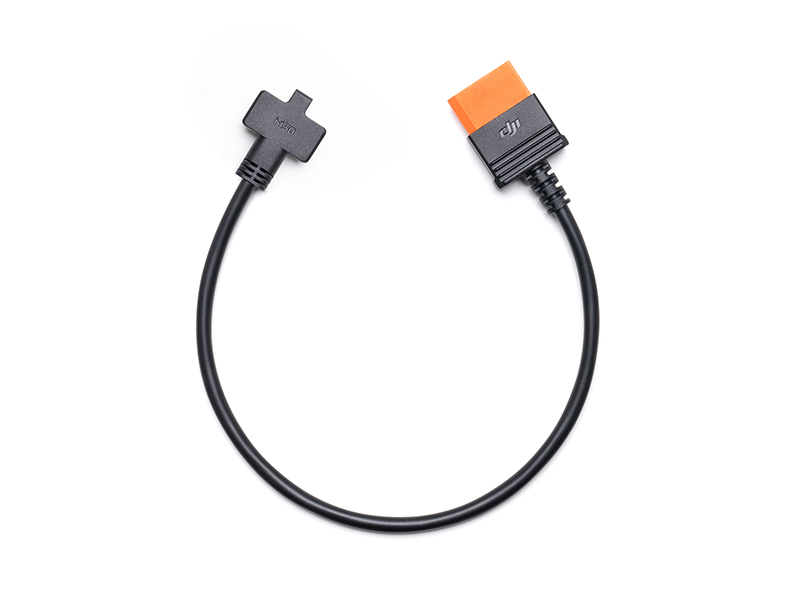 DJI Power SDC to Matrice 30 Series Fast Charge Cable
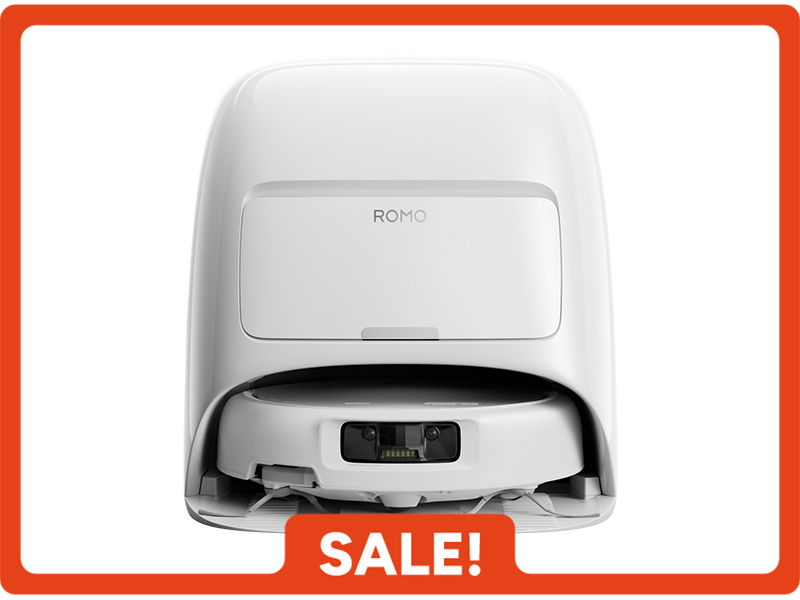 DJI ROMO S (Water Tank Version)
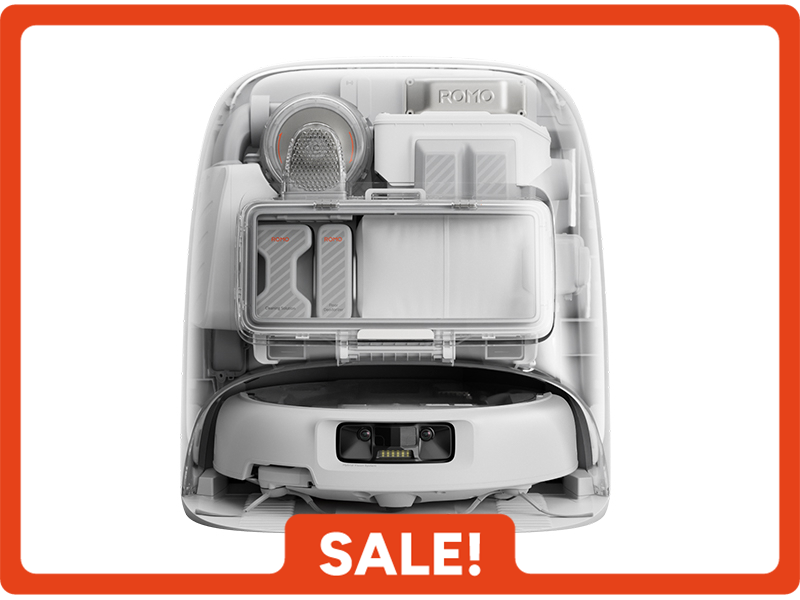 DJI ROMO P (Water Tank Version)
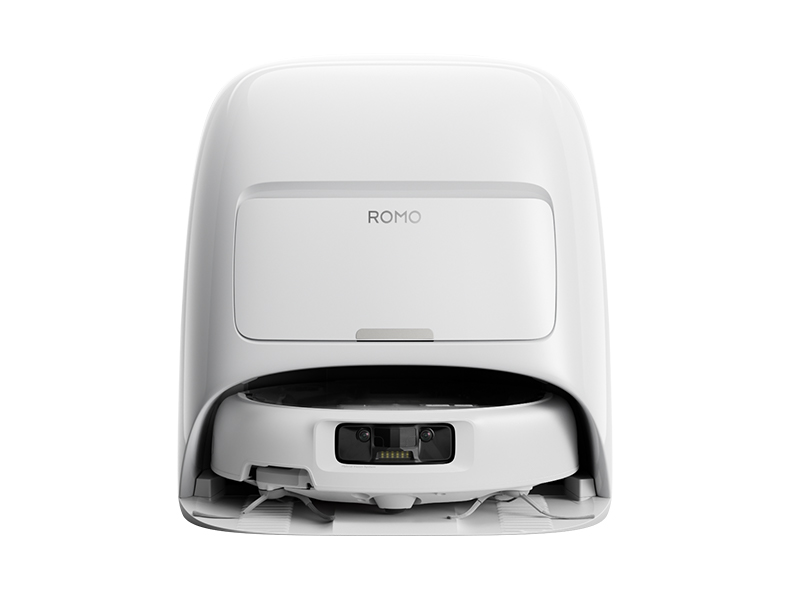 DJI ROMO A (Water Tank Version)
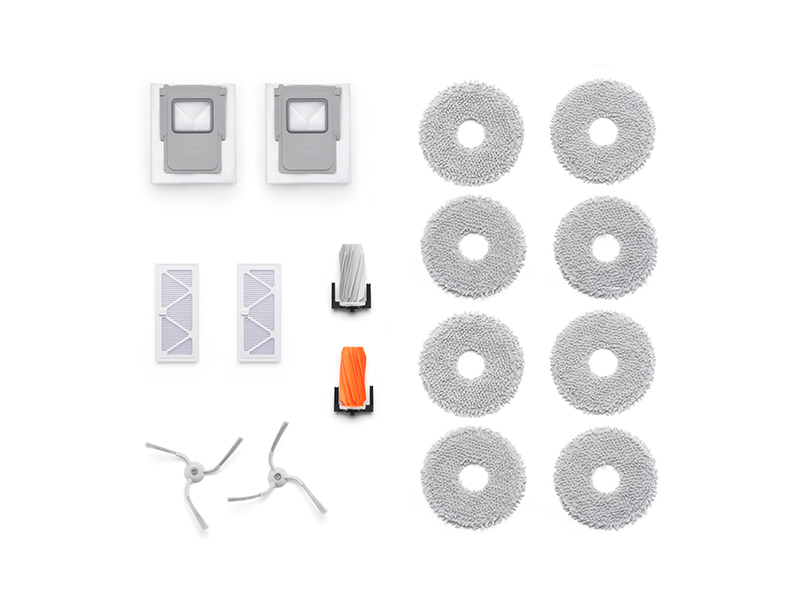 ROMO Accessory Kit
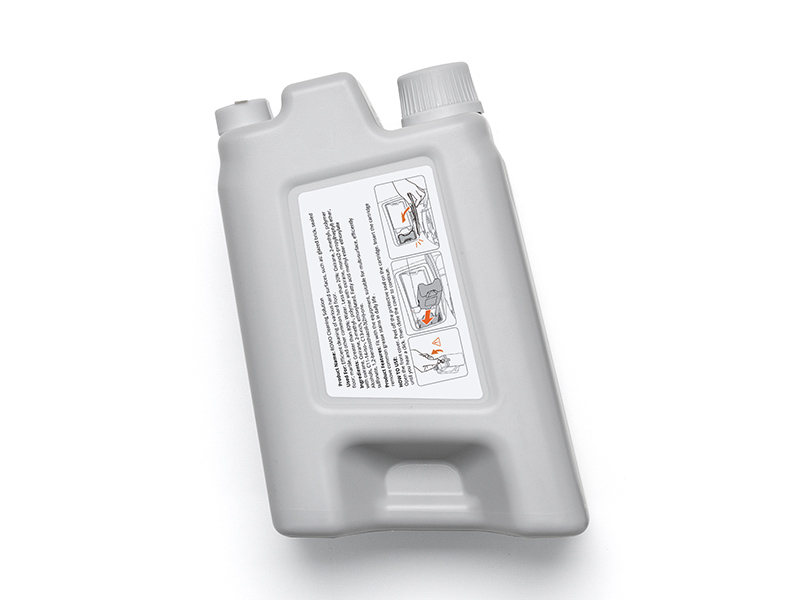 ROMO Cleaning Solution
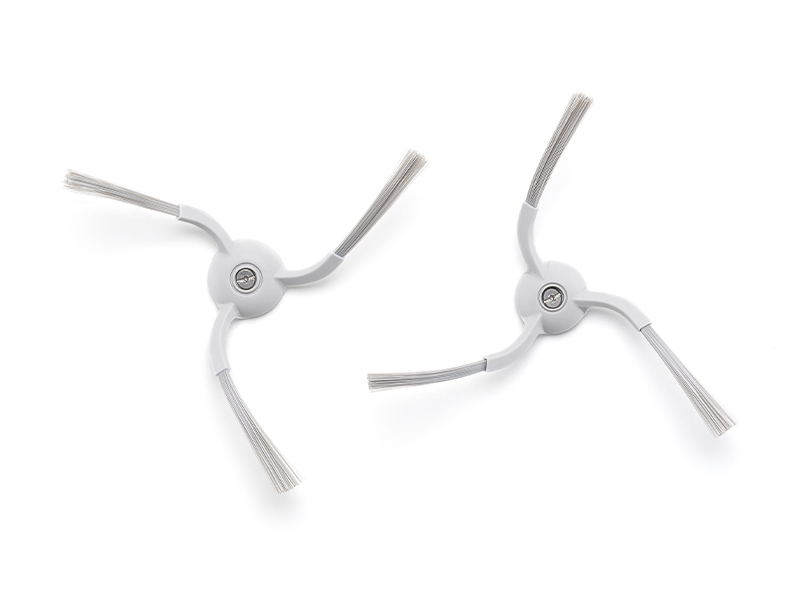 ROMO Side Brush
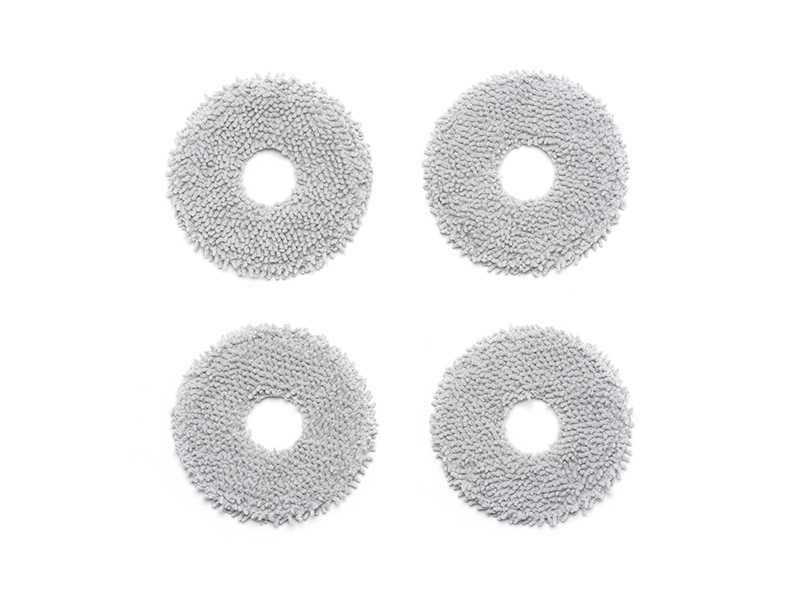 ROMO Mop Pad
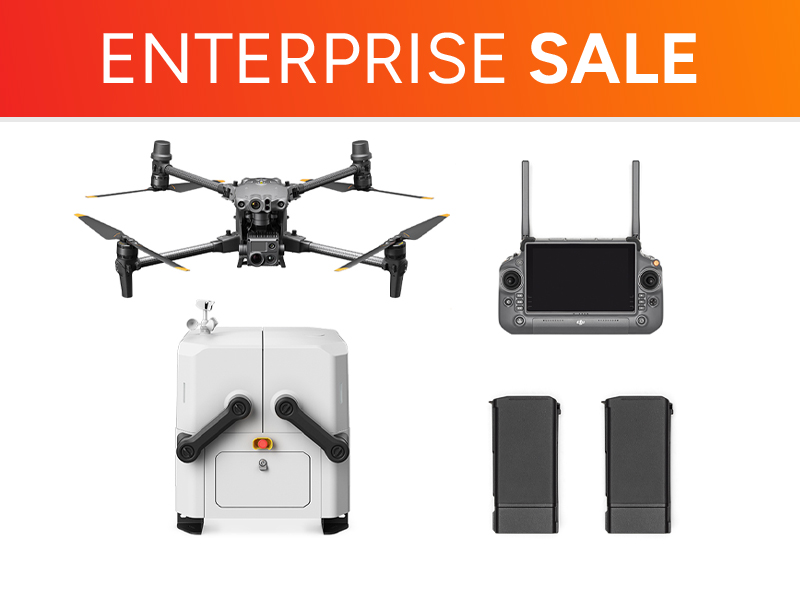 Matrice 30T Dock Bundle
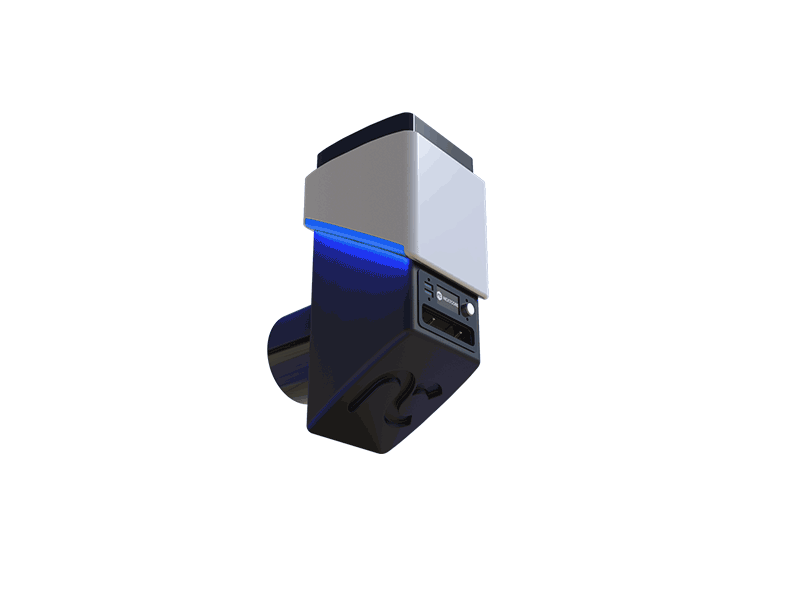 NextCore RN50 Drone LiDAR
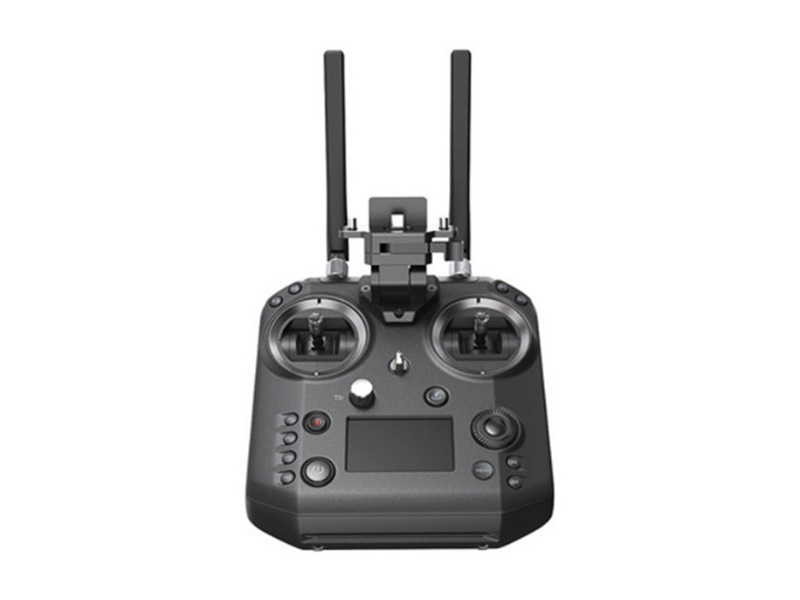 Cendence-S Remote Controller For M200 V2 Series
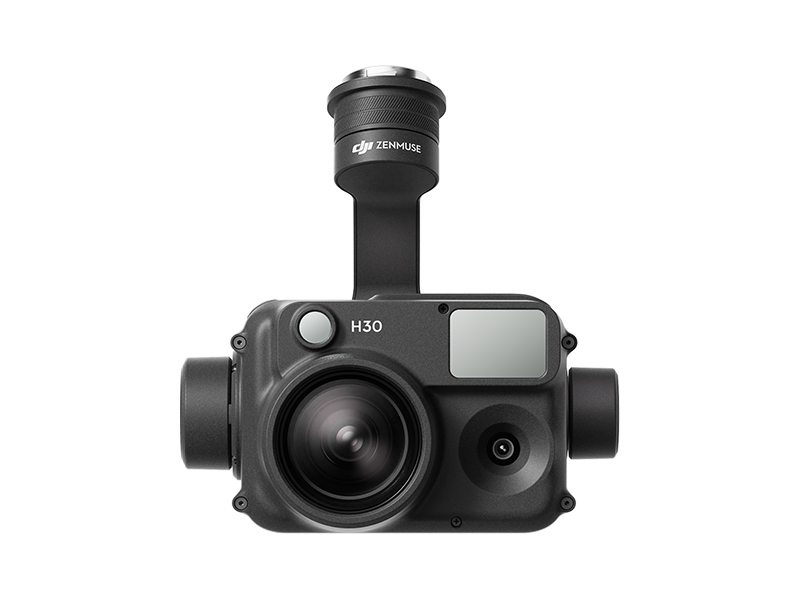 Zenmuse H30
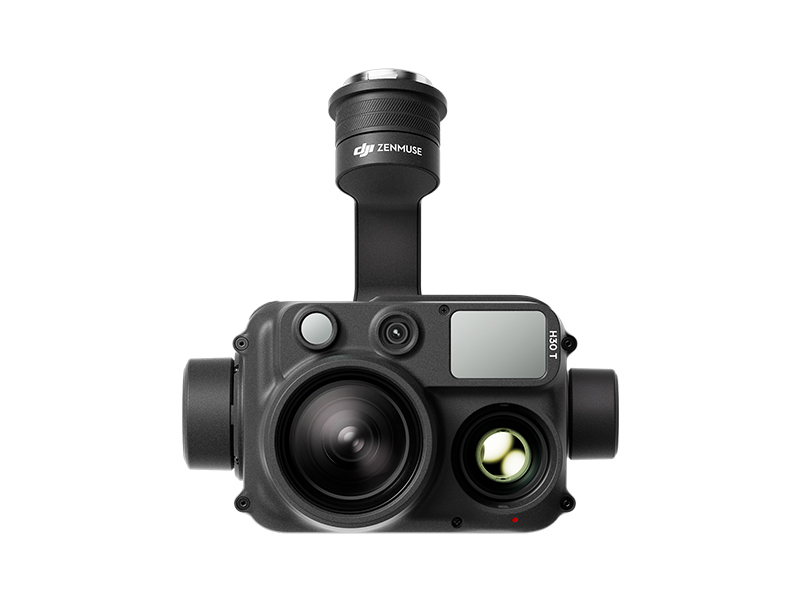 Zenmuse H30T
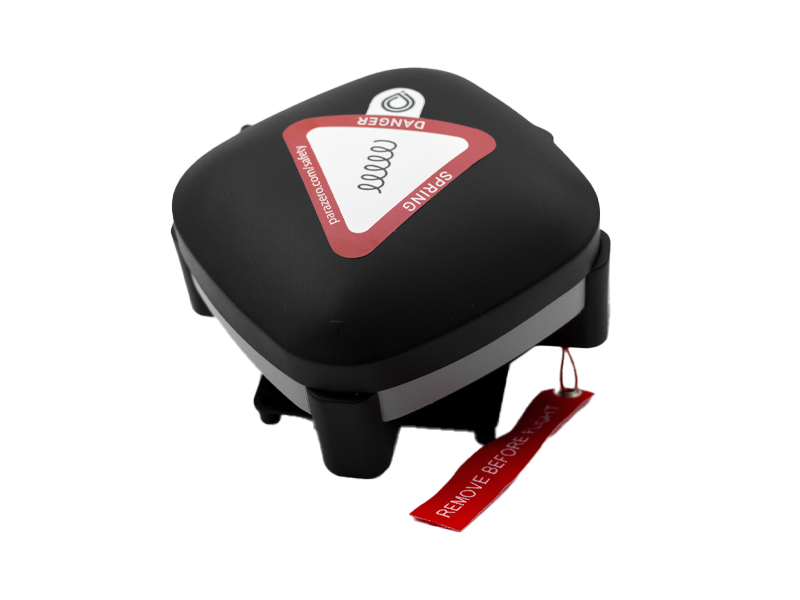 ParaZero SafeAir Parachute for Matrice 30 Series
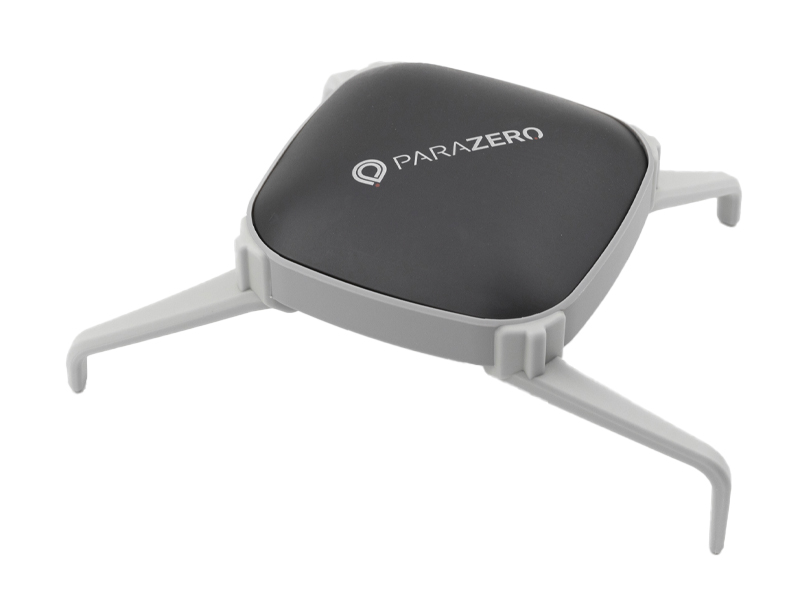 ParaZero SafeAir Parachute for DJI Mavic 3 Series (ASTM Compliant)
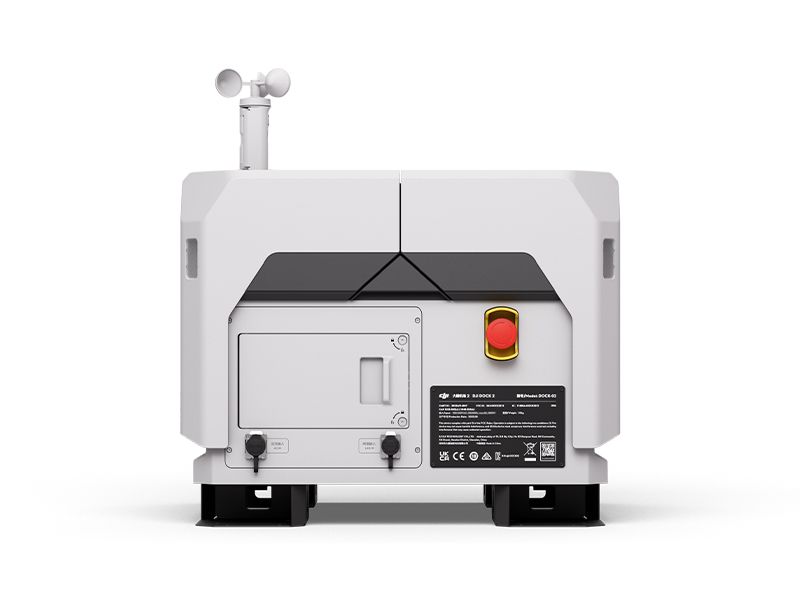 DJI Dock 2
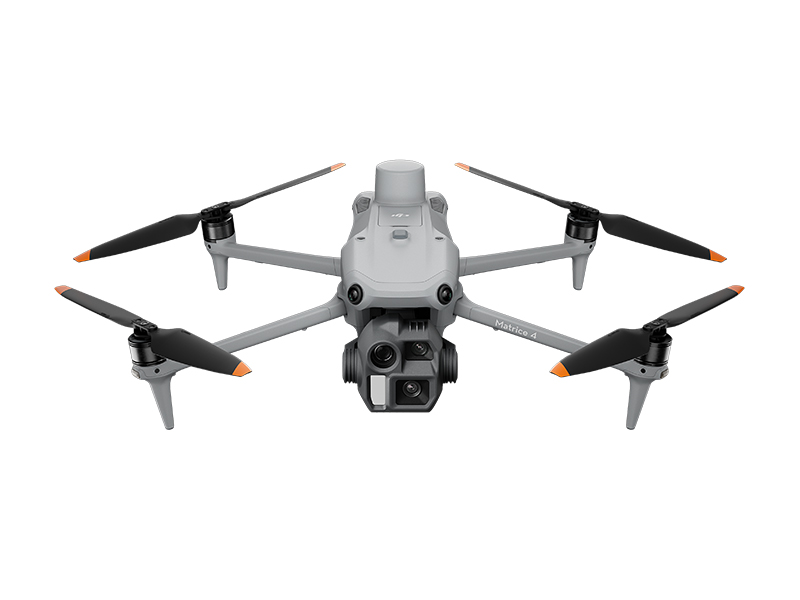 DJI Matrice 4E
 DJI Matrice 4T
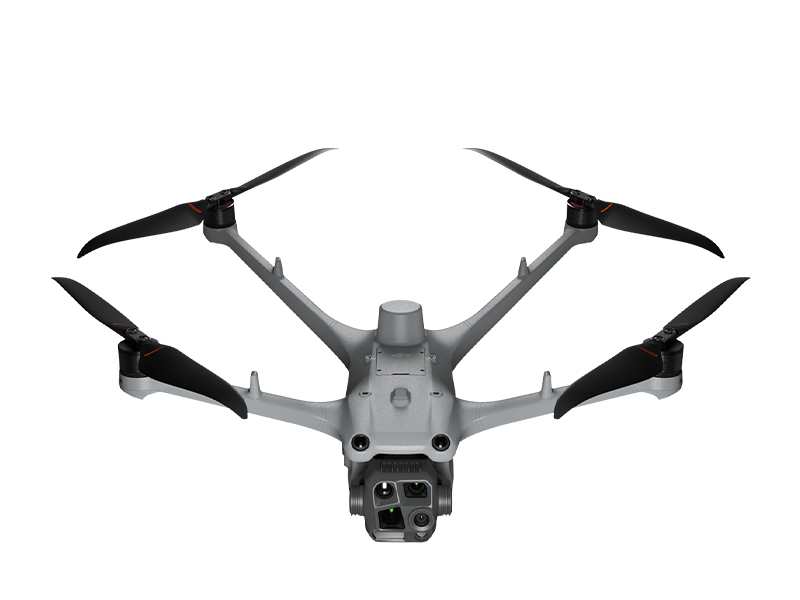 DJI Matrice 4TD
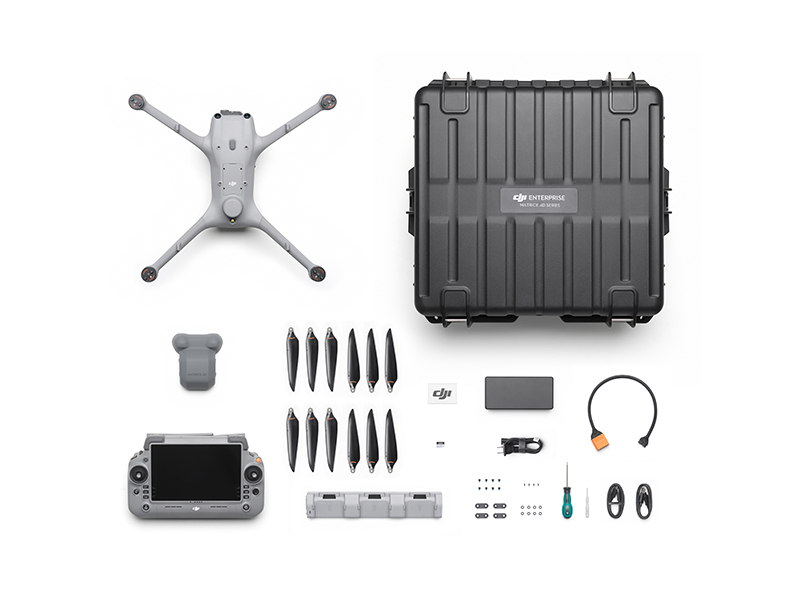 DJI Matrice 4TD Combo
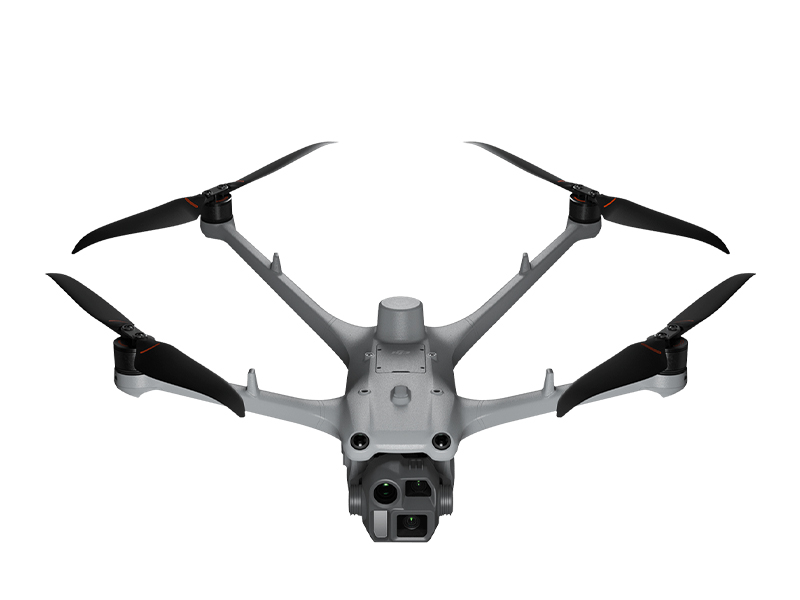 DJI Matrice 4D
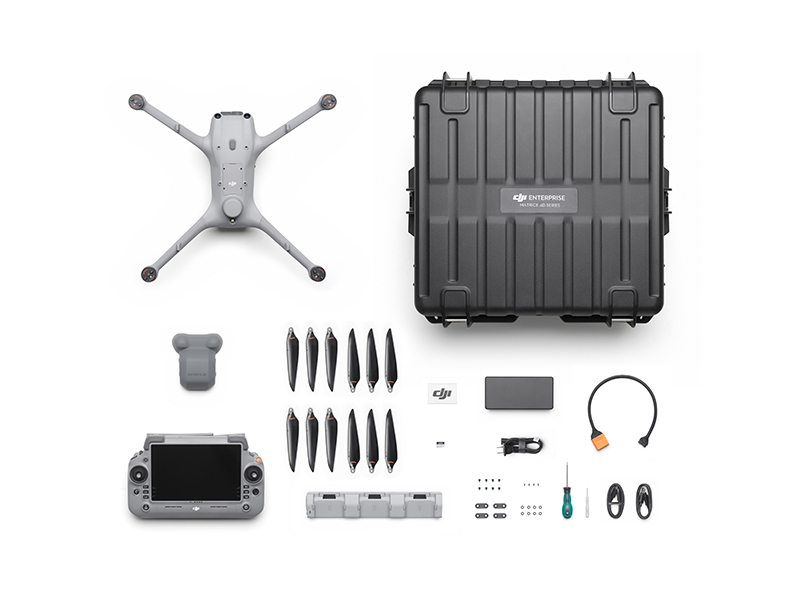 DJI Matrice 4D Combo
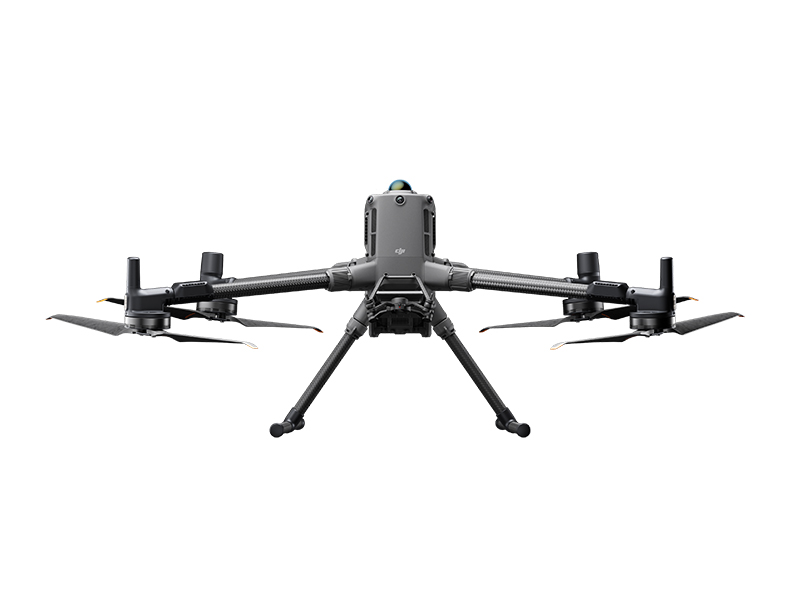 DJI Matrice 400
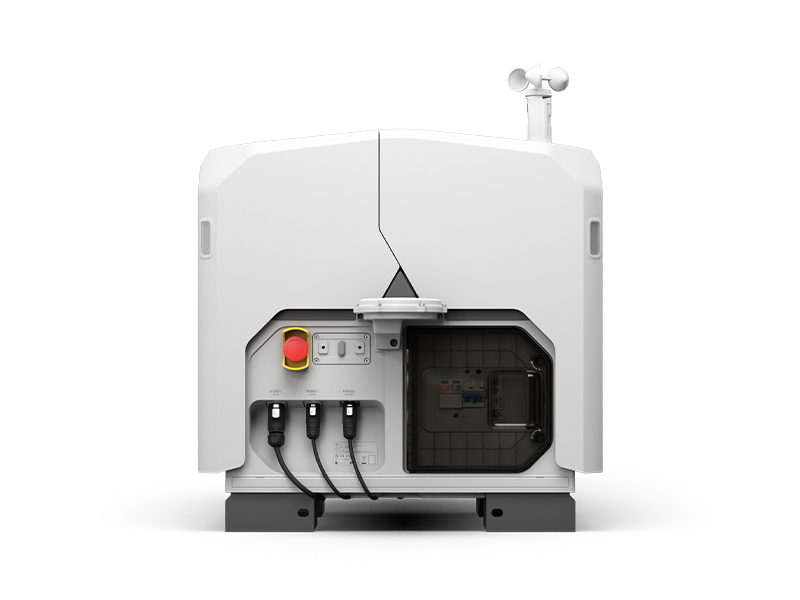 DJI Dock 3
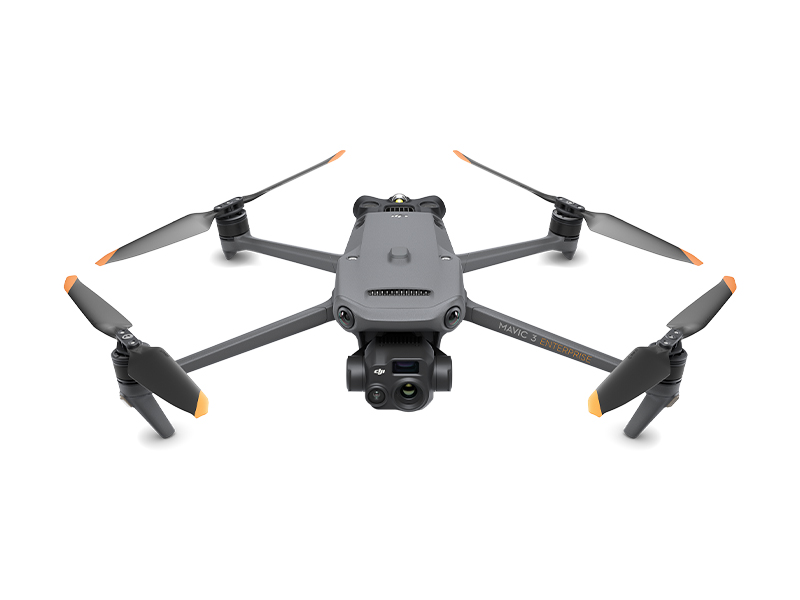 DJI Mavic 3 Thermal Advanced
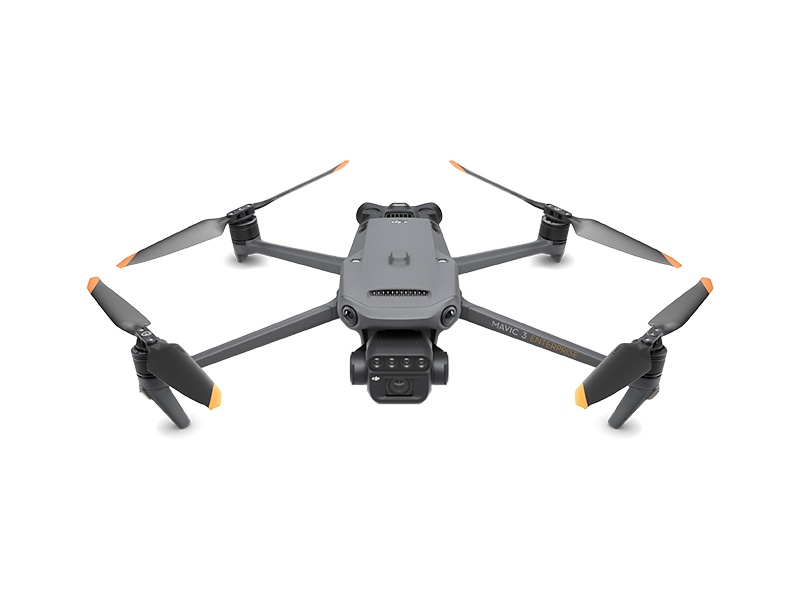 DJI Mavic 3 Multispectral
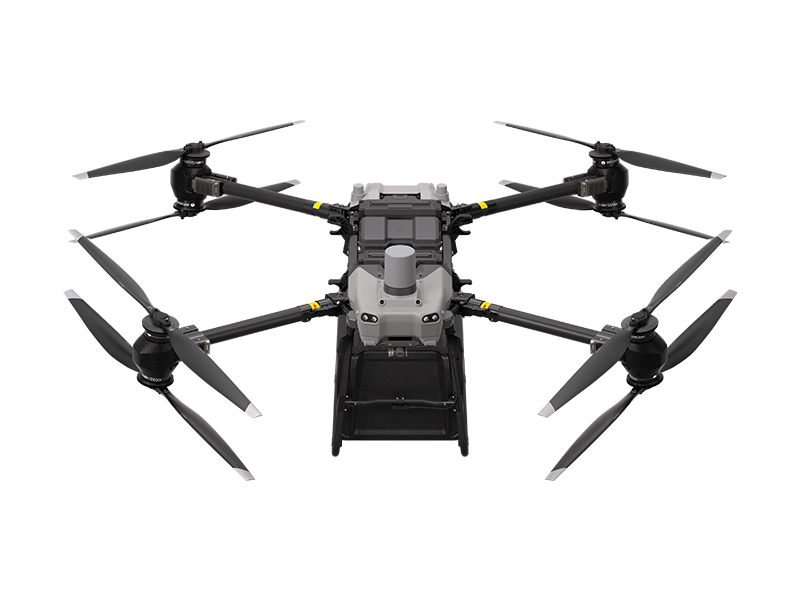 DJI FlyCart 30
 DJI FlyCart 100
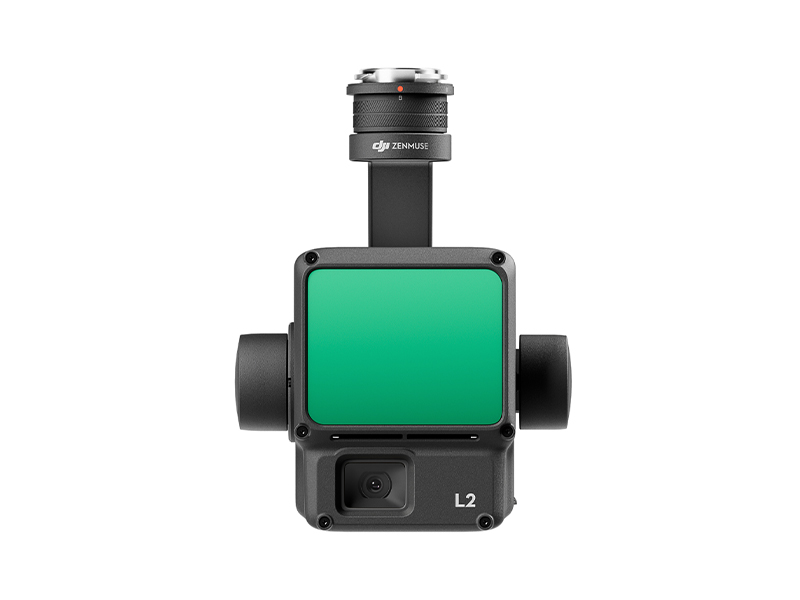 Zenmuse L2
 Zenmuse P1
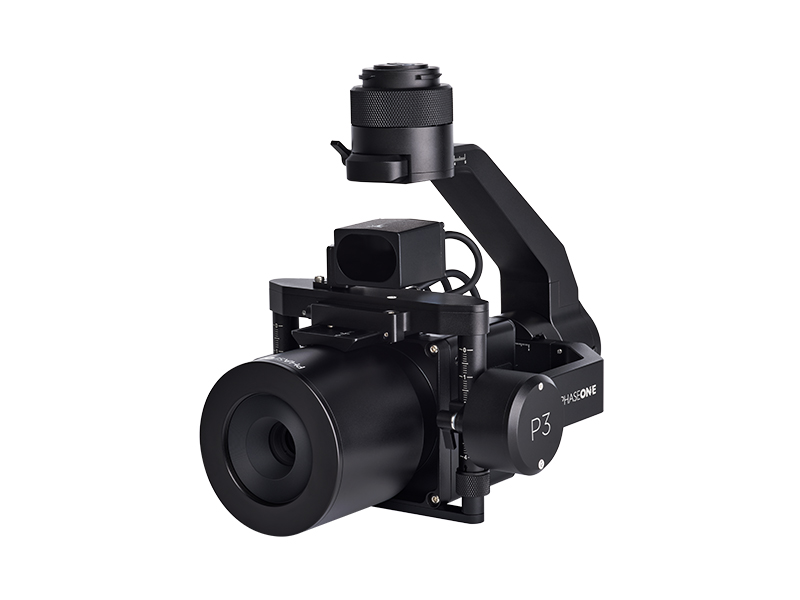 Phase One P3 Payload (iXM 120MP) with 80mm AF
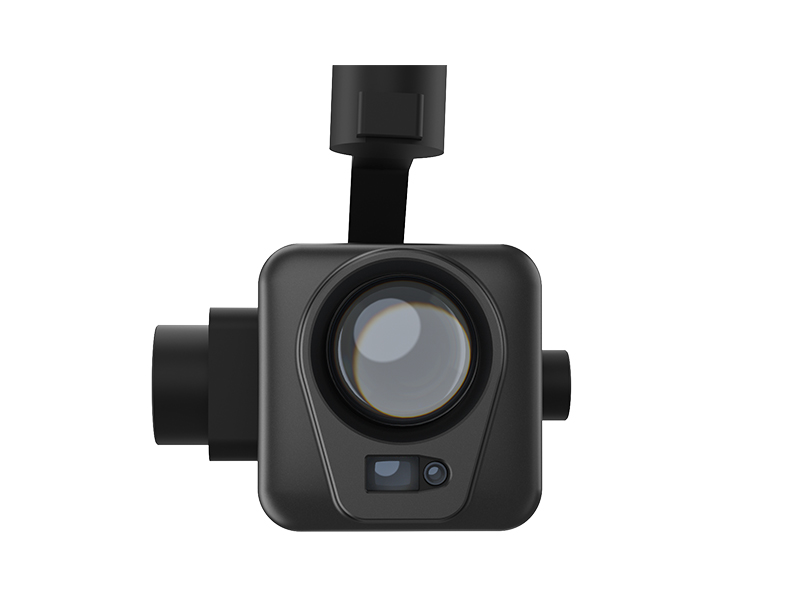 Deepthink S2 Pro Night Vision Payload
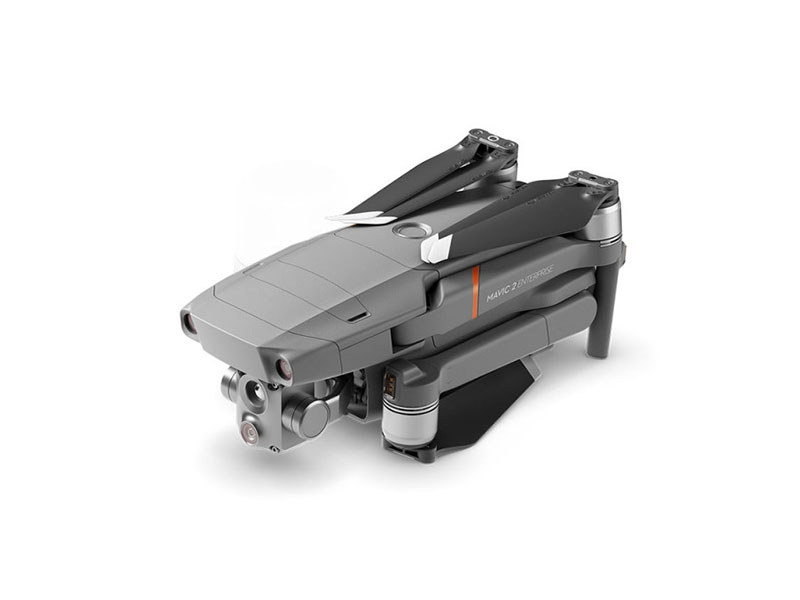 Mavic 2 Enterprise Advanced
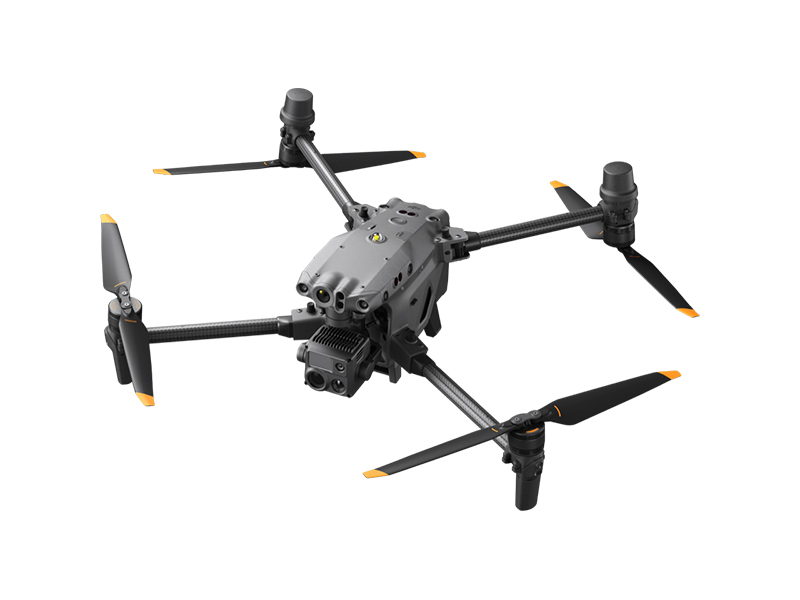 Matrice 30T
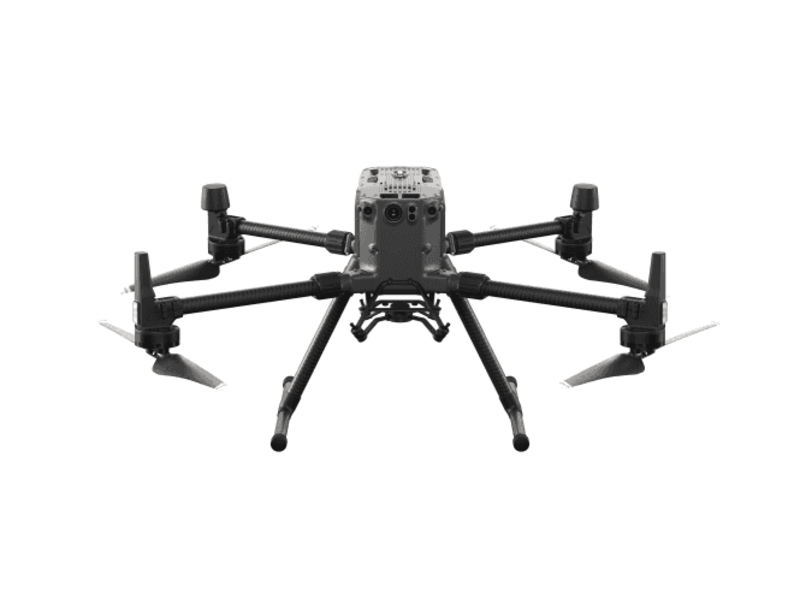 Matrice 300 RTK
 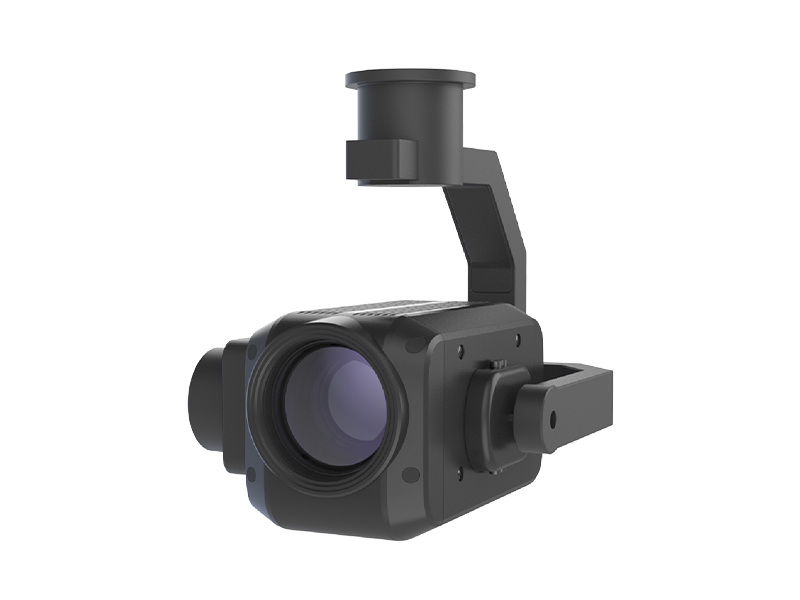 Deepthink S2 Night Vision Payload for Matrice 300 Series
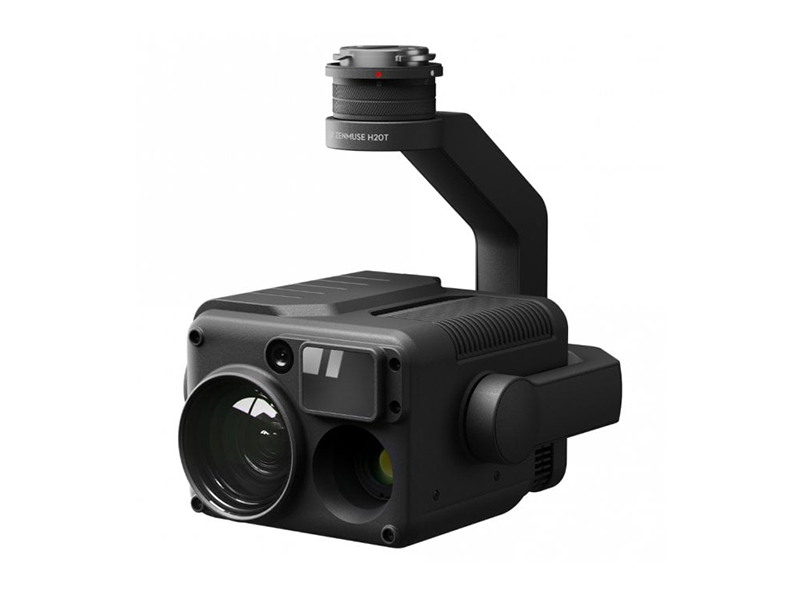 Zenmuse H20T
  DJI Care Enterprise Plus (DJI Matrice 400)
 DJI Care Enterprise Plus (DJI Matrice 4E)
 DJI Maintenance Program Standard Service (Matrice 300 RTK)
 DJI Maintenance Program Basic Service (Matrice 300 RTK)
 DJI Maintenance Program Standard Service (Mavic 2 Series)
 DJI AGRAS T100
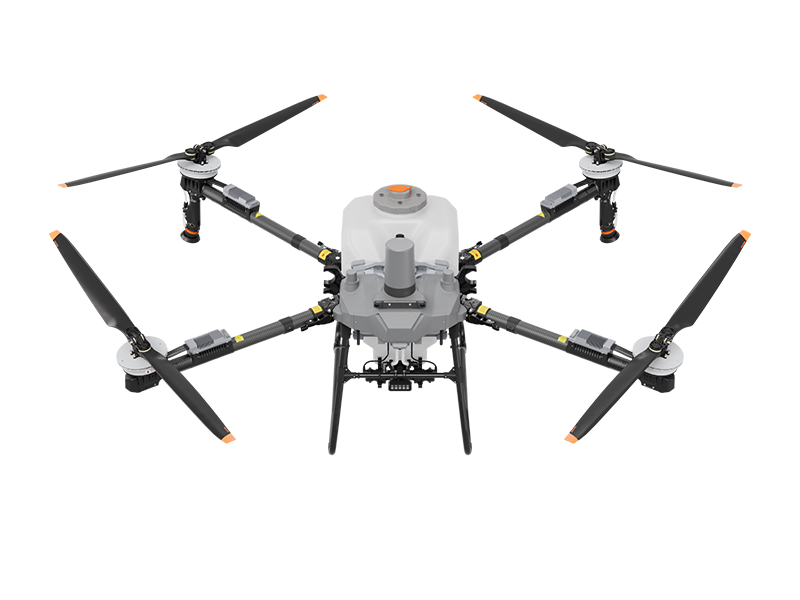 DJI AGRAS T70P
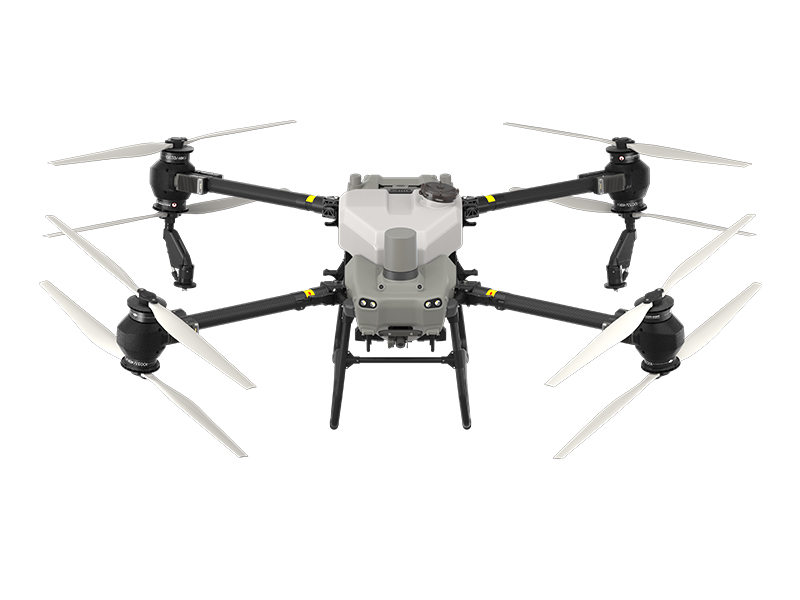 AGRAS T50
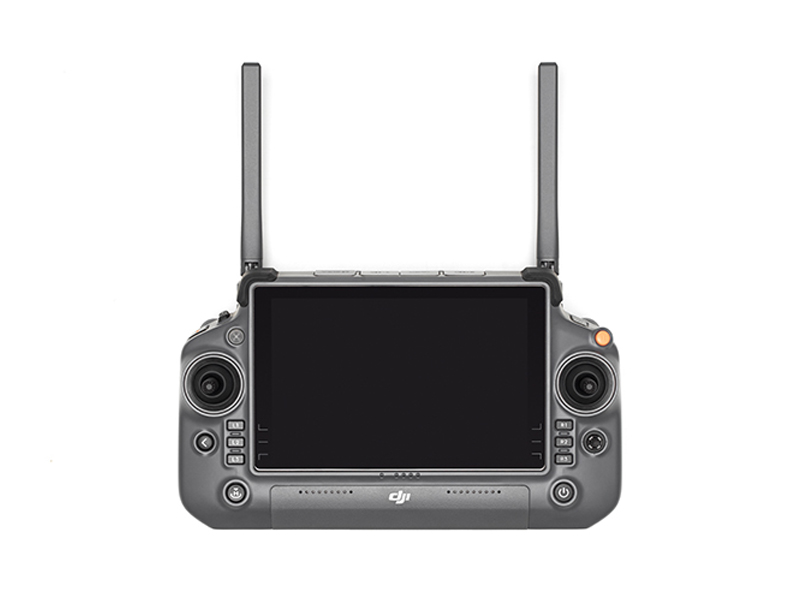 DJI RC Plus for AGRAS Series
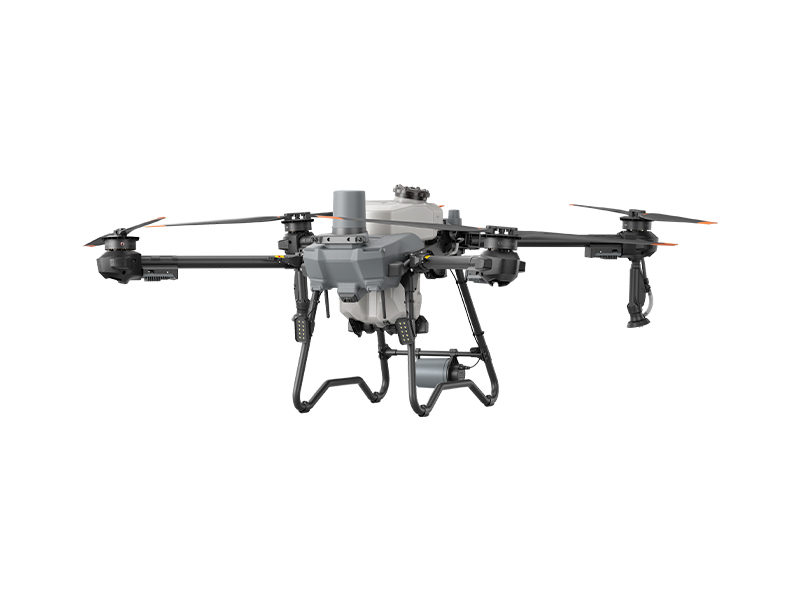 DJI AGRAS T25P
 AGRAS T25
 Ex-Demo AGRAS T40 (Drone Only, No Batteries)
 DJI AGRAS T30 (Excluding Batteries)
 X2D II 100C
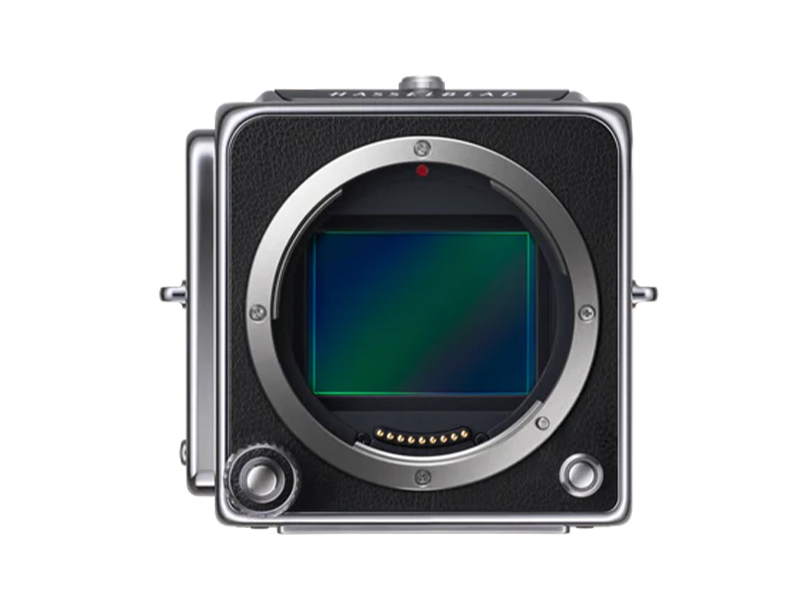 907X & CFV 100C
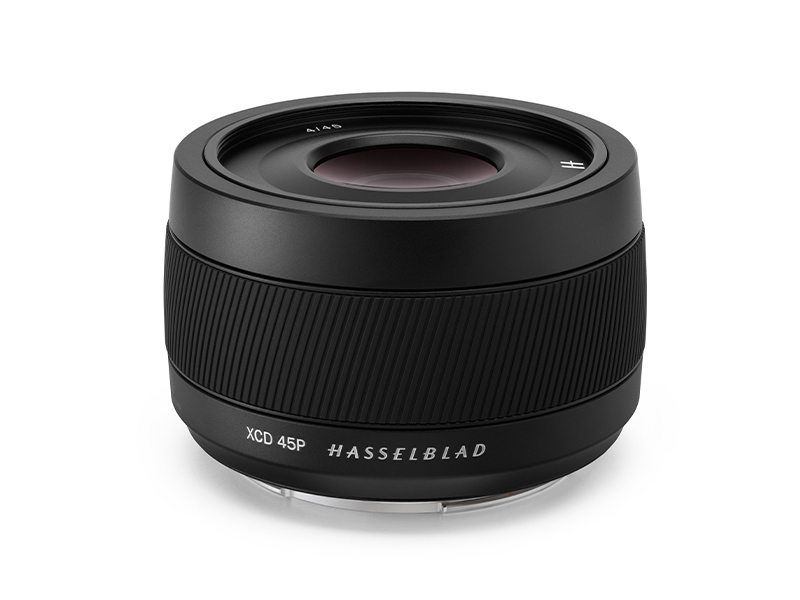 XCD 45P
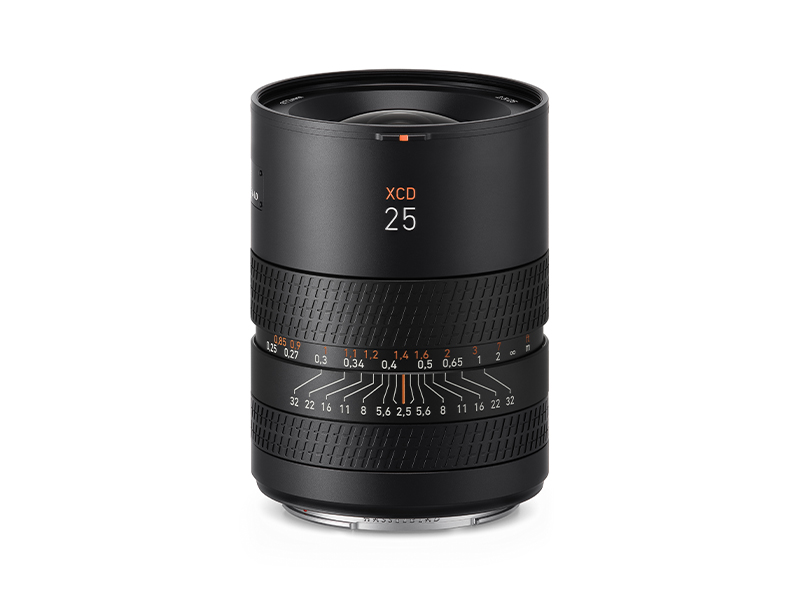 XCD 2,5/25V
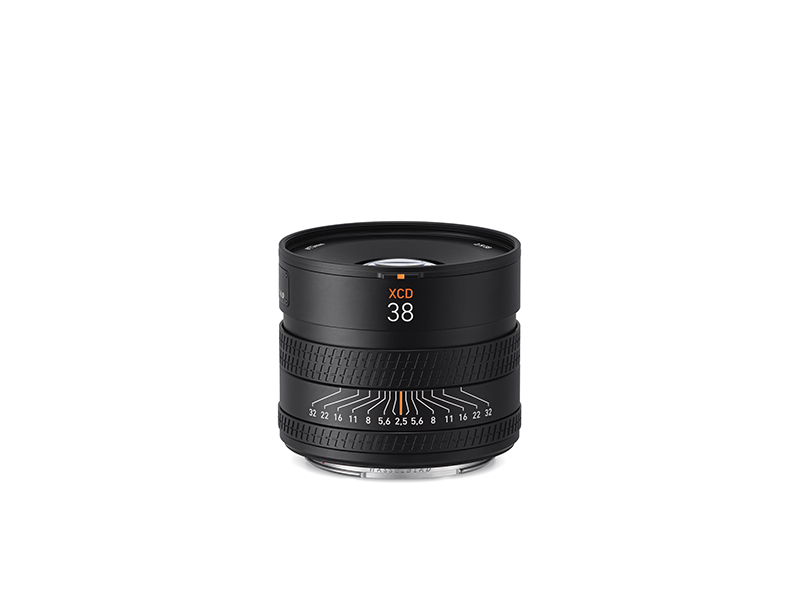 XCD 2,5/38V
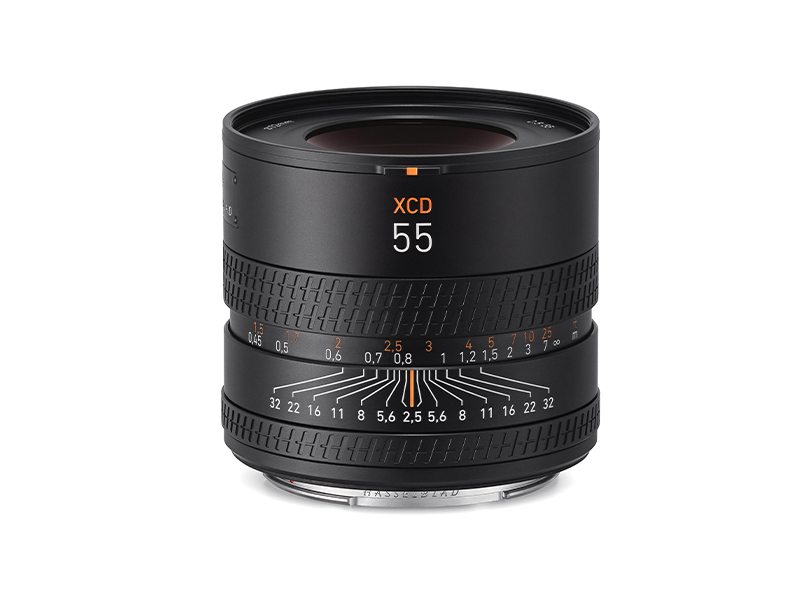 XCD 2,5/55V
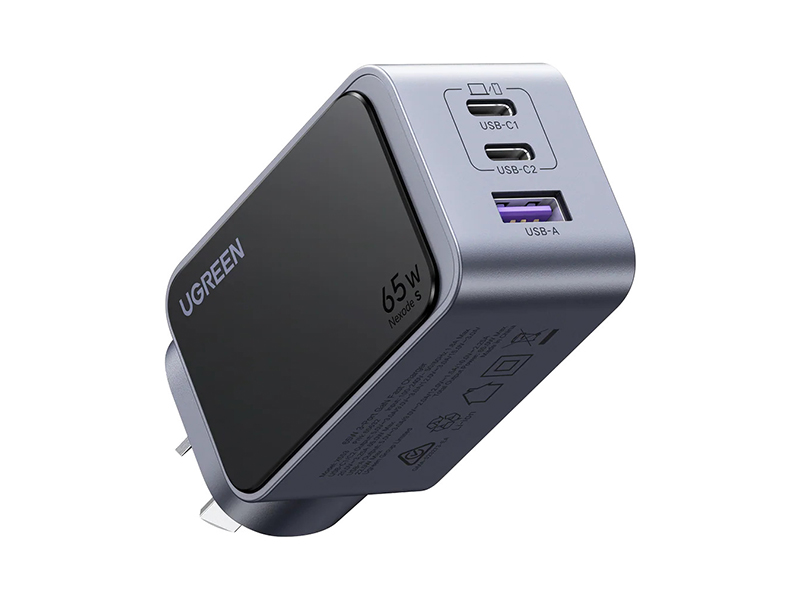 UGREEN 65W Nexode S GaN Charger
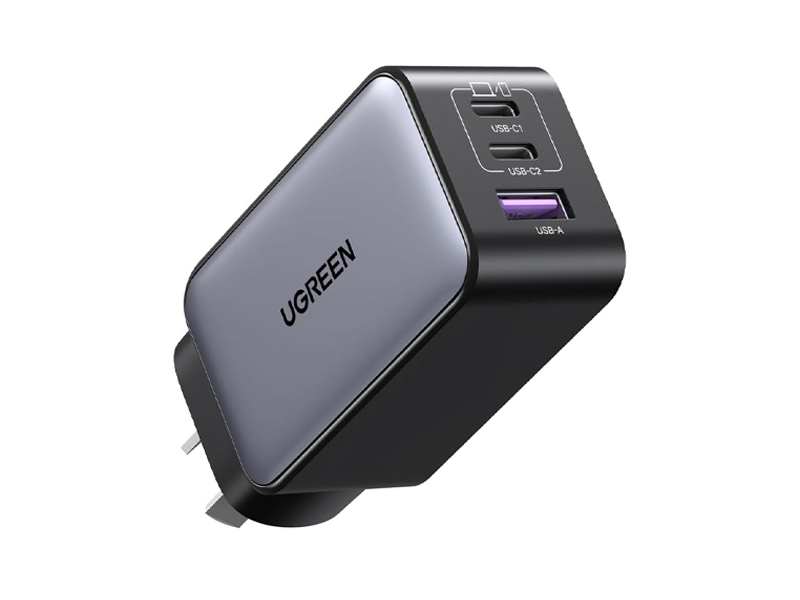 UGREEN 65W Nexode GaN II Charger
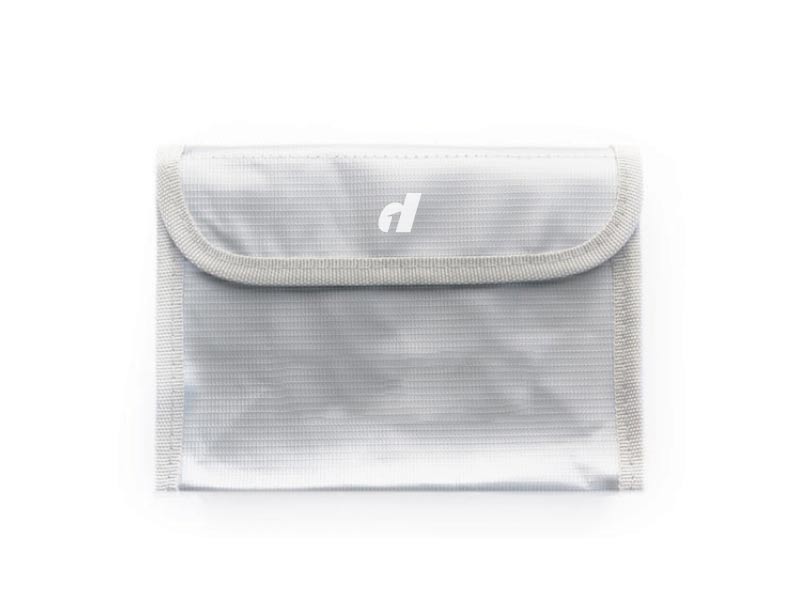 LiPO Battery Safe Bag (Medium)
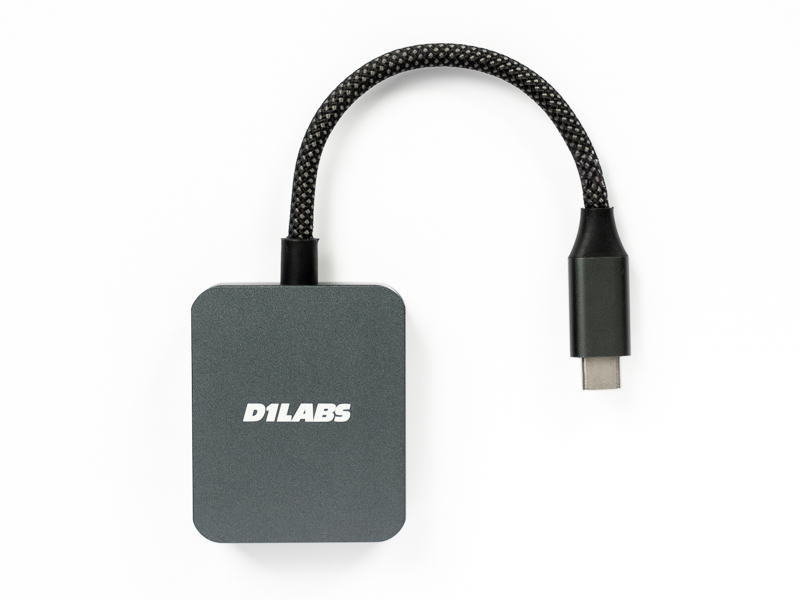 D1 Labs High-Speed SD Card Reader
 DJI Care Refresh 1-Year Plan (DJI Mini 5 Pro)
 DJI Care Refresh 2-Year Plan (DJI Mini 5 Pro)
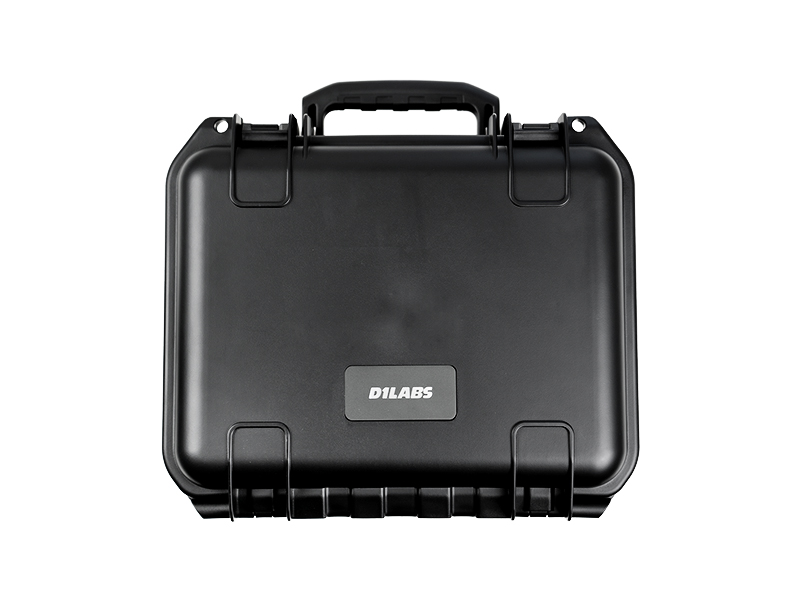 D1 Labs Safety Case for DJI Mini 5 Pro
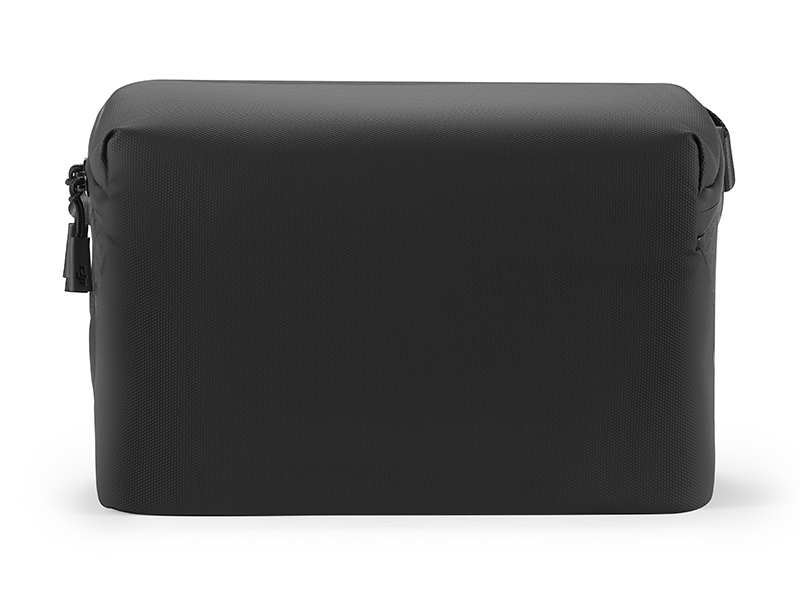 DJI Mini 5 Pro Shoulder Bag
 DJI Care Refresh 1-Year Plan (DJI Neo)
 DJI Care Refresh 2-Year Plan (DJI Neo)
 DJI Care Refresh 1-Year Plan (Osmo Pocket 3)
 DJI Care Refresh 2-Year Plan (Osmo Pocket 3)
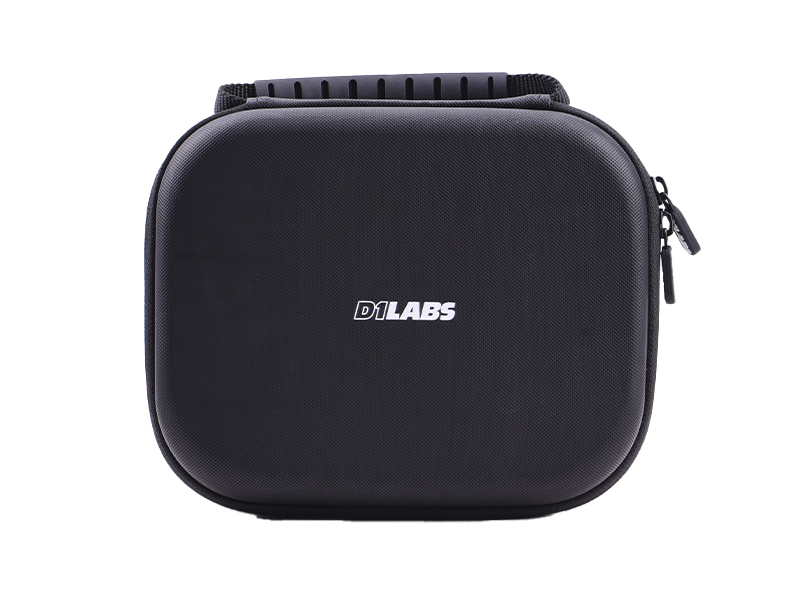 D1 Labs Carry Case for Osmo Pocket 3
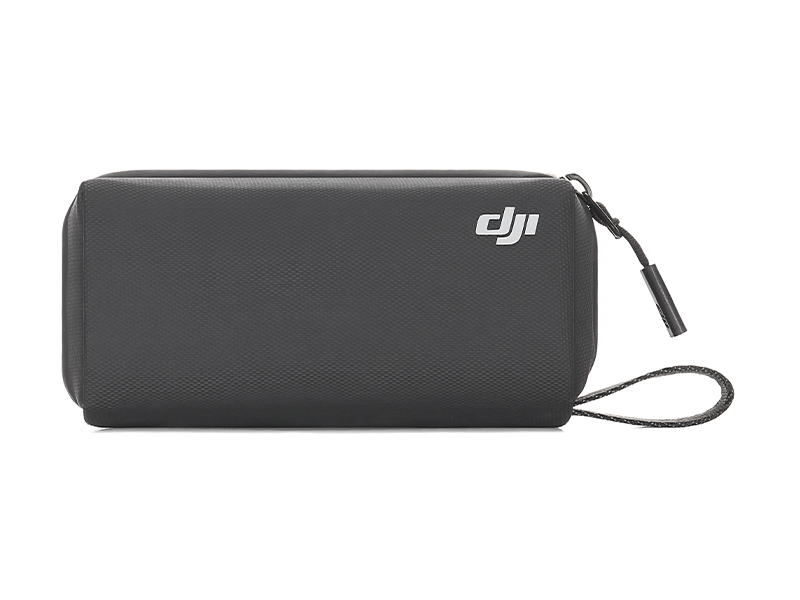 Osmo Pocket 3 Carrying Bag
 DJI Care Refresh 1-Year Plan (Osmo Mobile 7P)
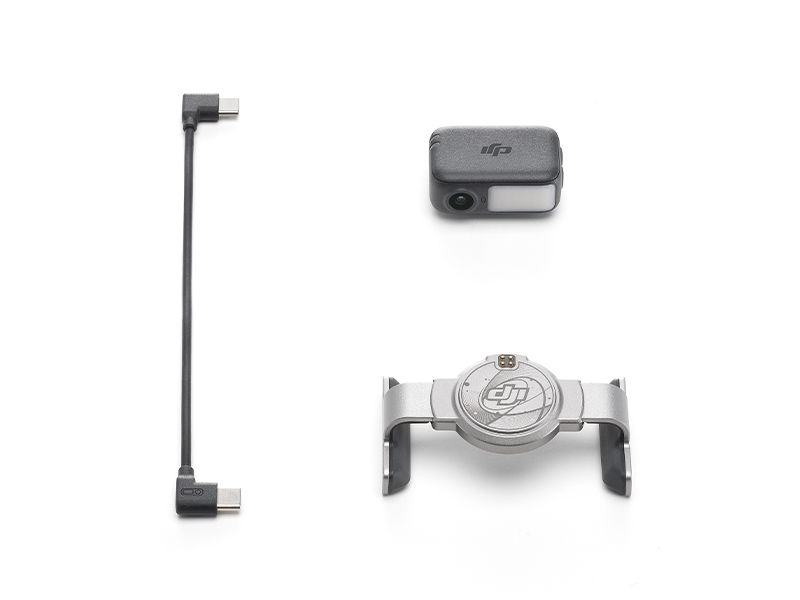 DJI OM 7 Series Tracking Kit
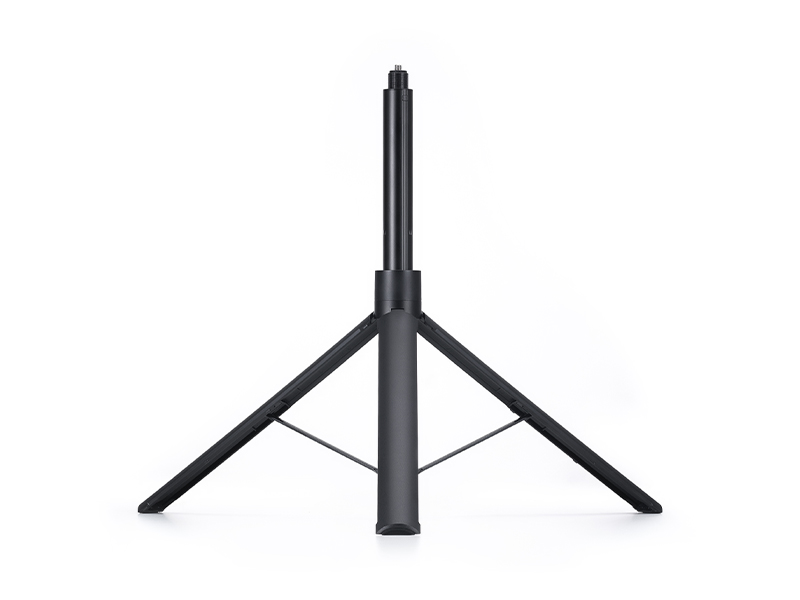 Osmo 1.6m Tripod Selfie Stick
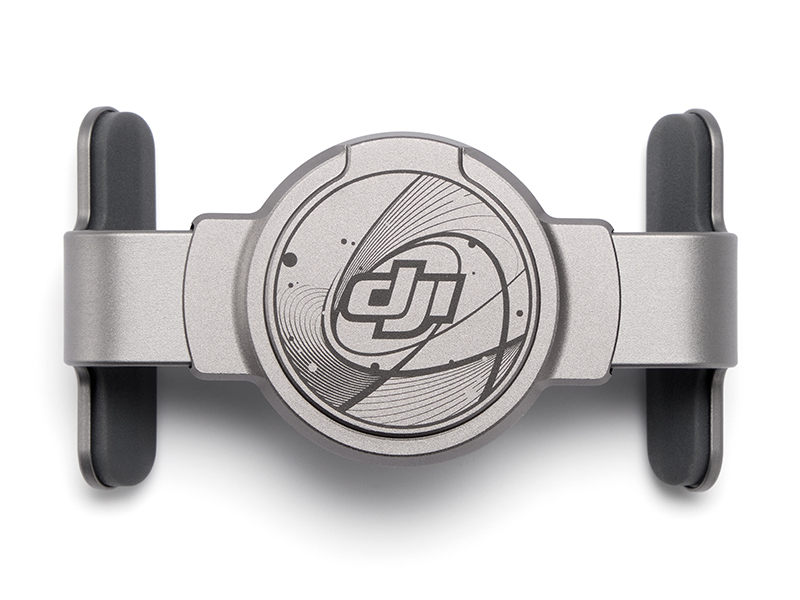 DJI OM Magnetic Phone Clamp 5
 DJI Care Refresh 1-Year Plan (Osmo Mobile 7)
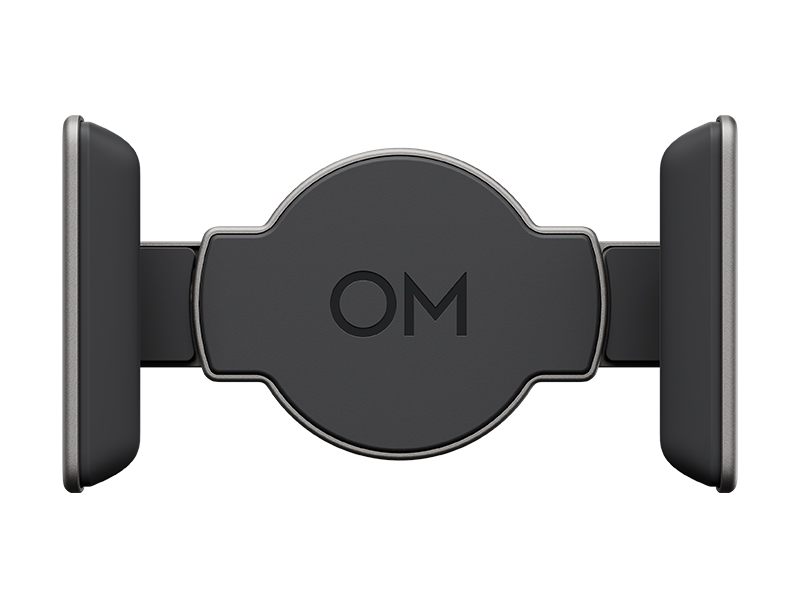 DJI OM 7 Series Magnetic Phone Clamp
 DJI Care Refresh 1-Year Plan (DJI RS 4 Mini)
 DJI Care Refresh 2-Year Plan (DJI RS 4 Mini)
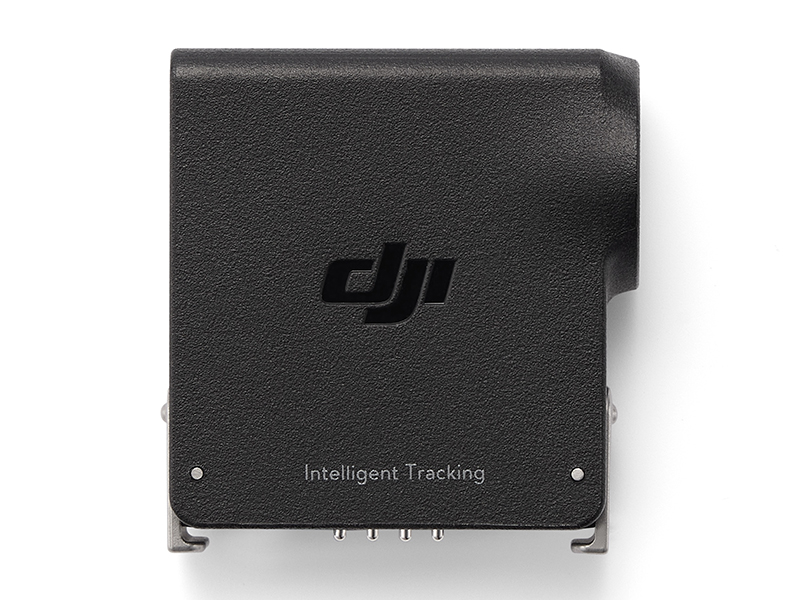 DJI RS Enhanced Intelligent Tracking Module
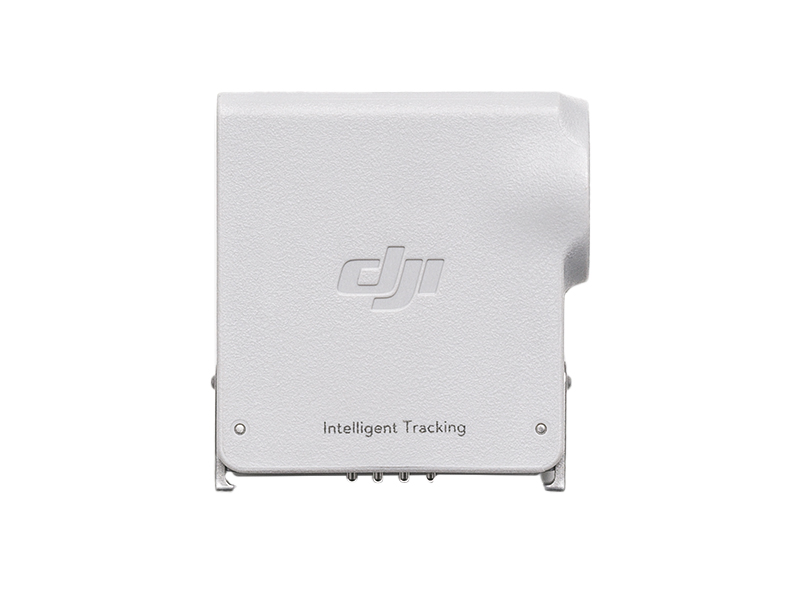 DJI RS Intelligent Tracking Module
 DJI Care Refresh 1-Year Plan (DJI Mini 4 Pro)
 DJI Care Refresh 2-Year Plan (DJI Mini 4 Pro)
 DJI Care Refresh 1-Year Plan (DJI Air 3S)
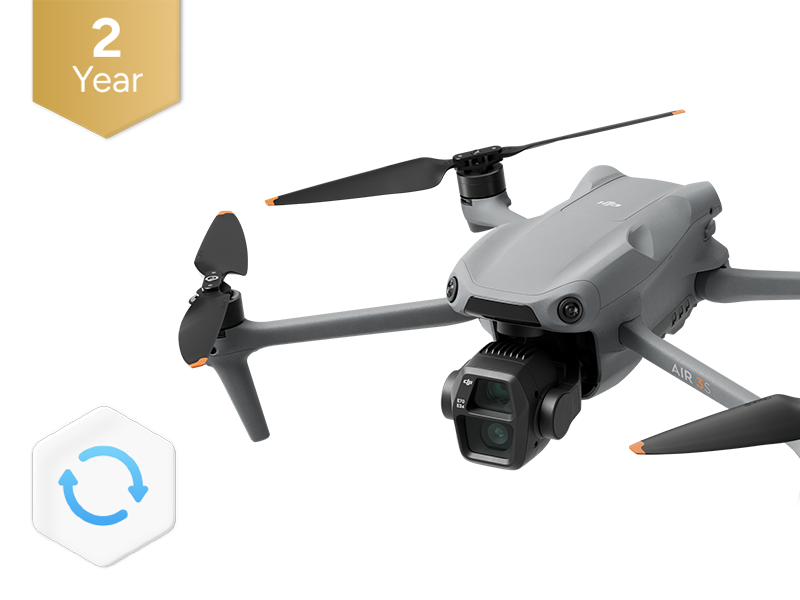 DJI Care Refresh 2-Year Plan (DJI Air 3S)
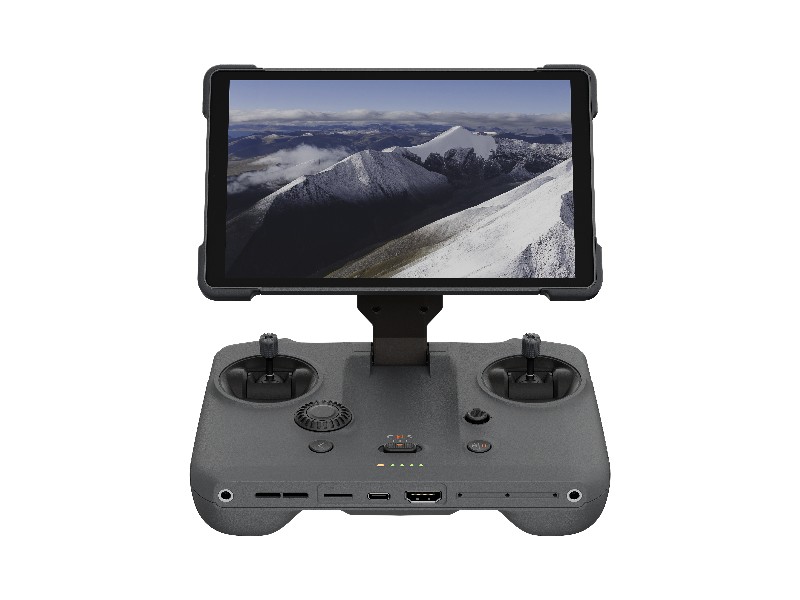 DJI RC Pro 2
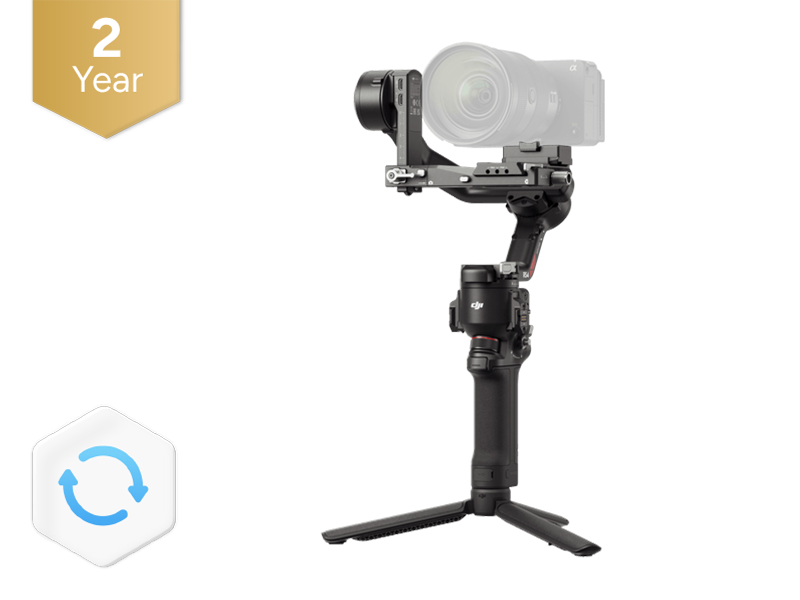 DJI Care Refresh 2-Year Plan (DJI RS 4)
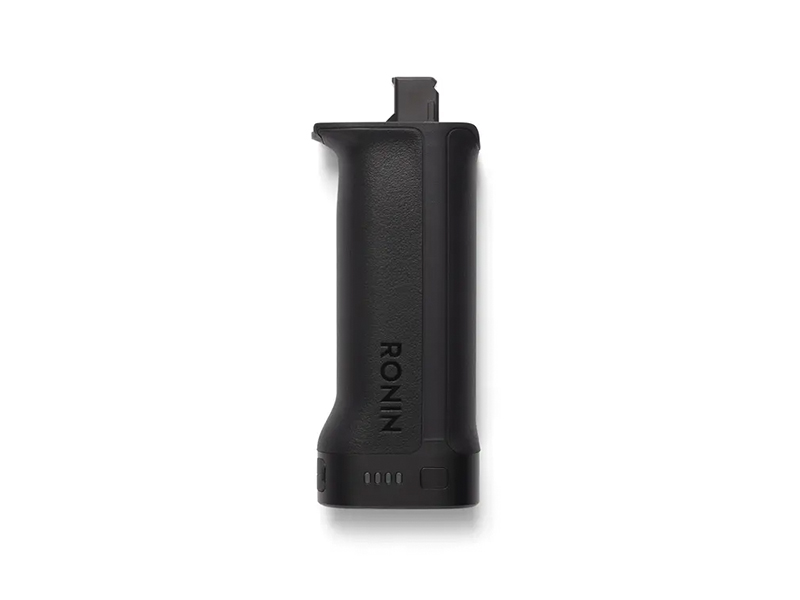 DJI BG33 Battery Grip
 DJI Care Refresh 1-Year Plan (Osmo Action 5 Pro)
 DJI Care Refresh 2-Year Plan (Osmo Action 5 Pro)
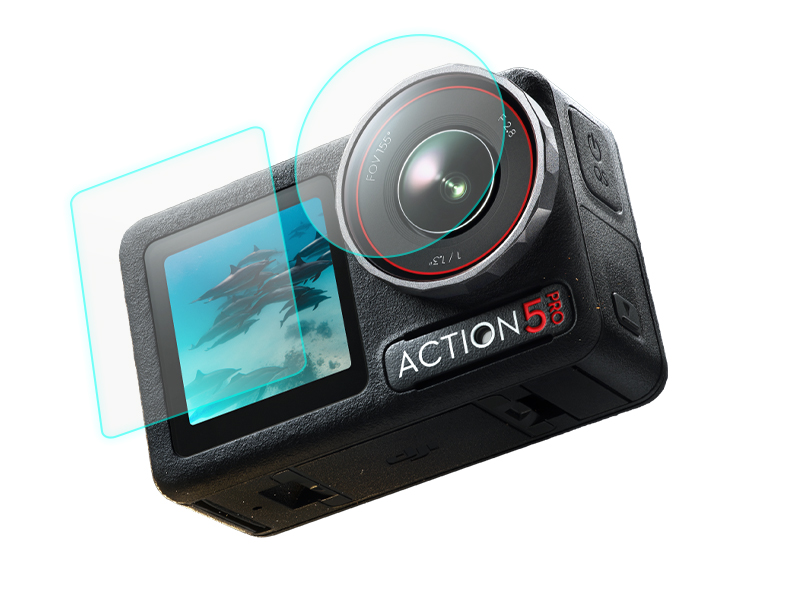 D1 Labs Screen & Lens Protector for Osmo Action 5 Pro
 DJI Care Refresh 1-Year Plan (DJI Mavic 4 Pro)
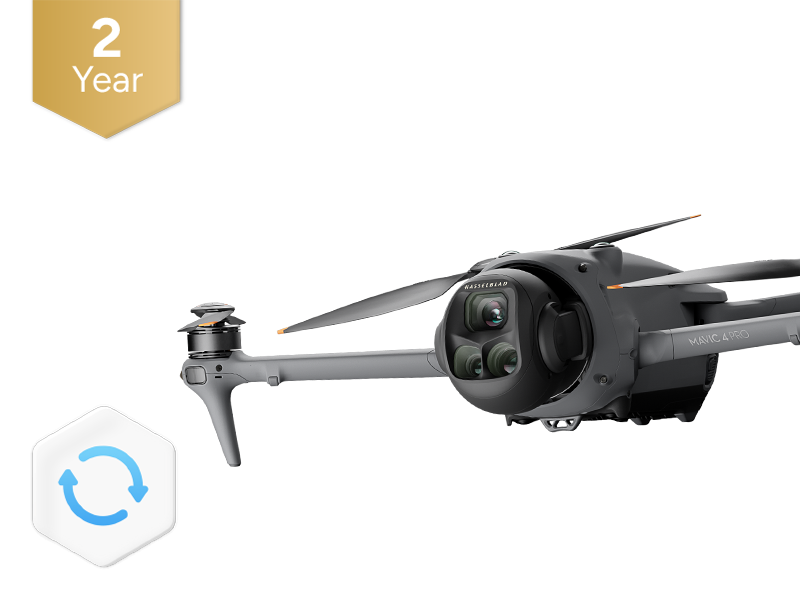 DJI Care Refresh 2-Year Plan (DJI Mavic 4 Pro)
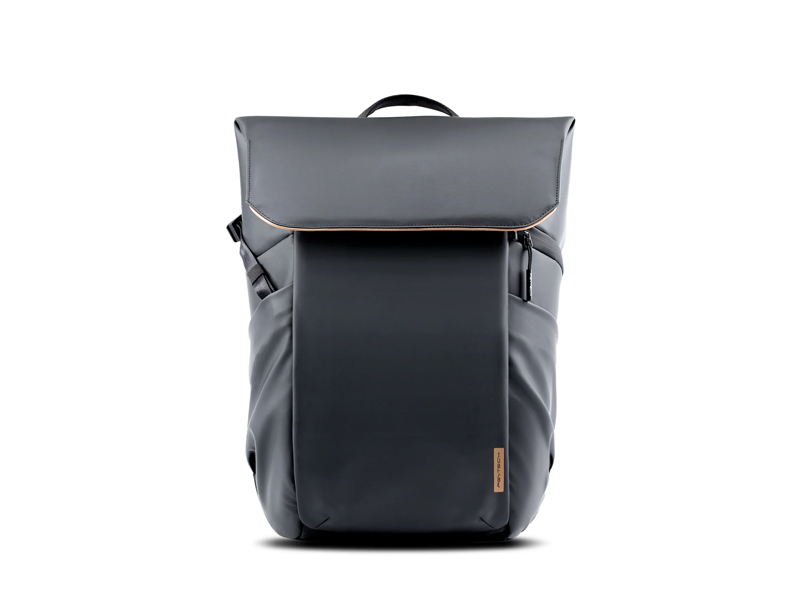 PGYTECH OneGo Air Backpack 25L | Obsidian Black
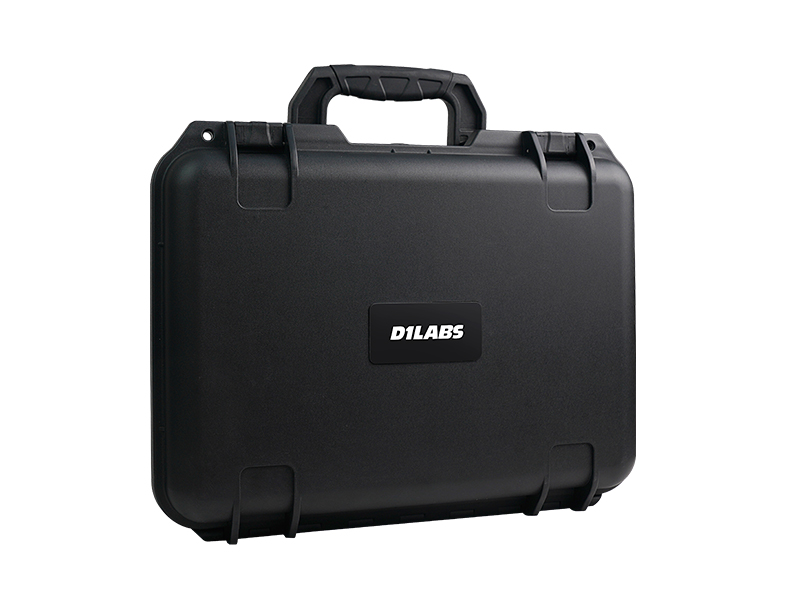 D1 Labs Safety Case for DJI Mavic 4 Pro
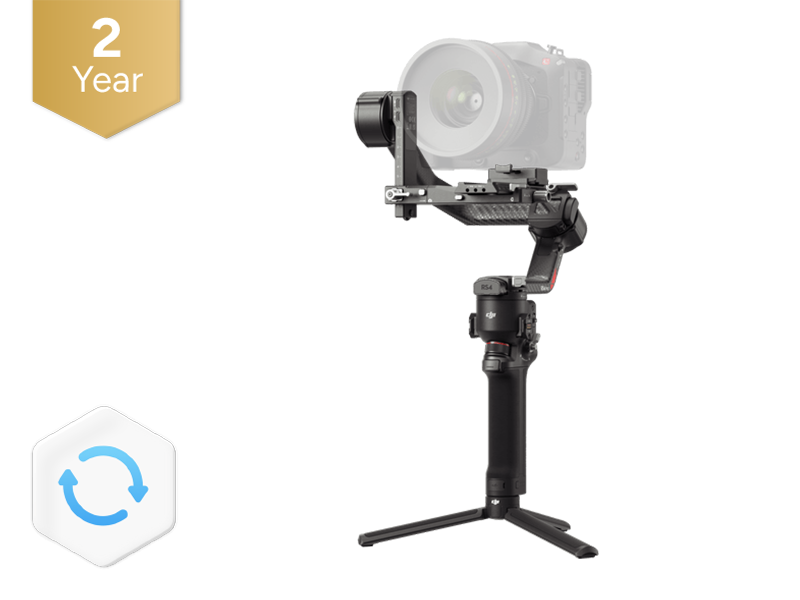 DJI Care Refresh 2-Year Plan (DJI RS 4 Pro)
 DJI Care Refresh 1-Year Plan (Osmo Action 4)
 DJI Care Refresh 2-Year Plan (Osmo Action 4)
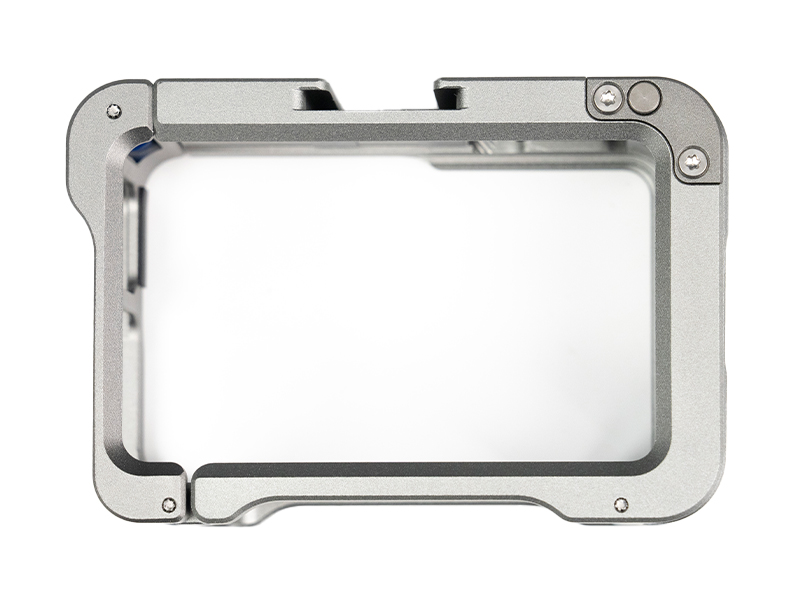 D1 Labs Camera Cage for Osmo Action 3/4/5 Pro
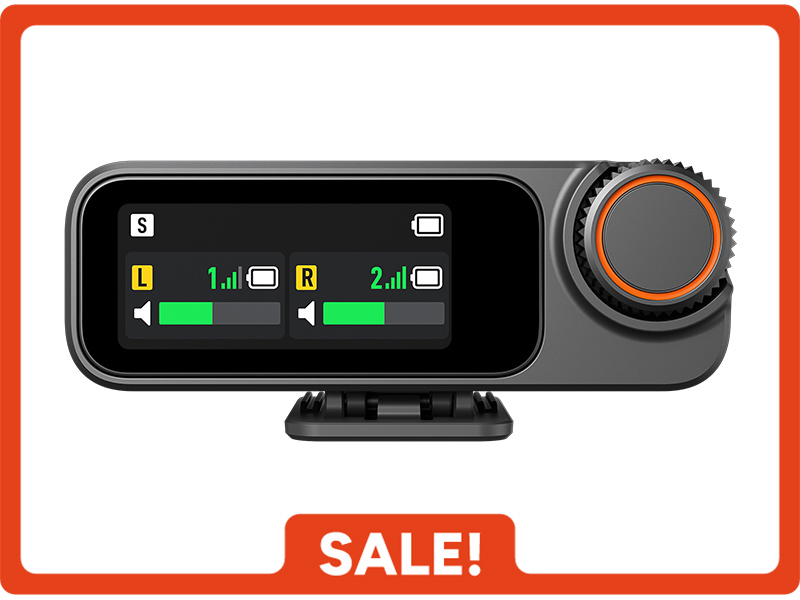 DJI Mic 3 Receiver
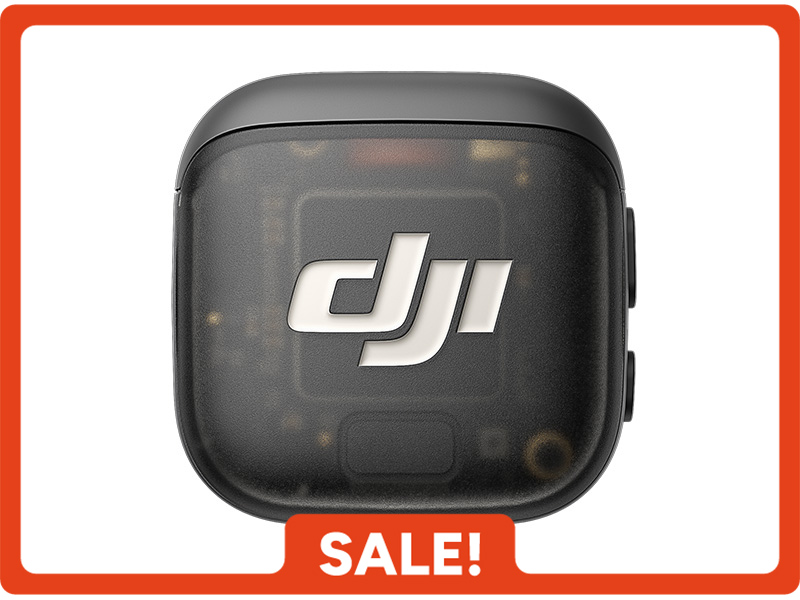 DJI Mic 3 Transmitter
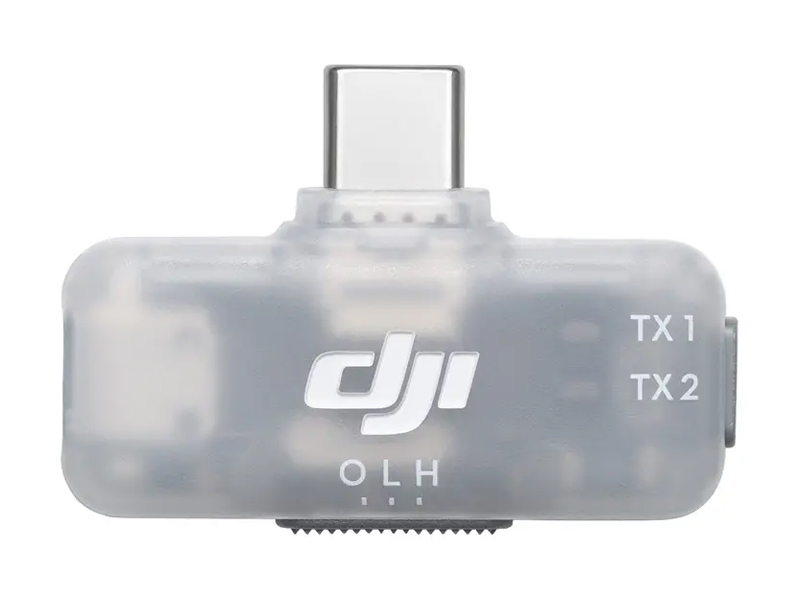 DJI Mic Series Mobile Receiver
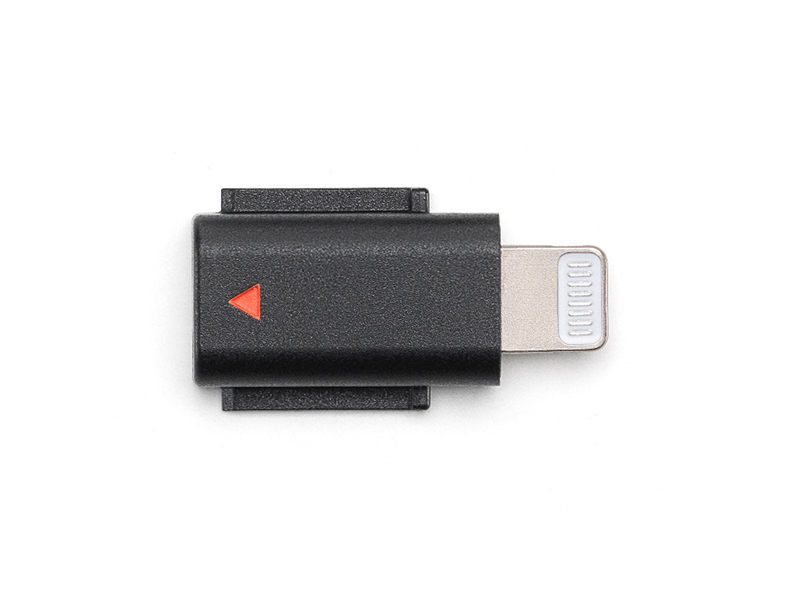 DJI Mic 3 Mobile Phone Adapter (Lightning)
 DJI Mic Series Carrying Pouch
 DJI Mic Mini Windscreen (Black & Grey w. Black Clip)
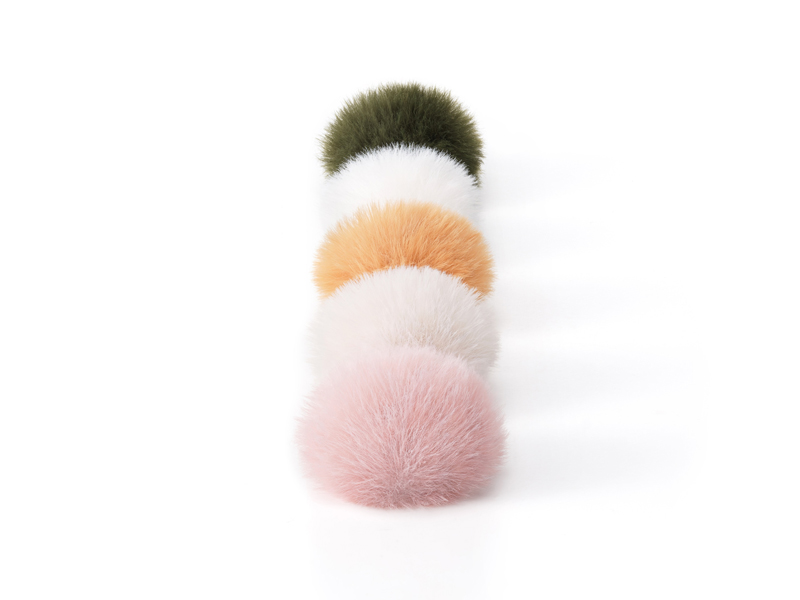 DJI Mic Mini Multi-Color Windscreens
 DJI Care Refresh 1-Year Plan (Osmo Nano)
 DJI Care Refresh 2-Year Plan (Osmo Nano)
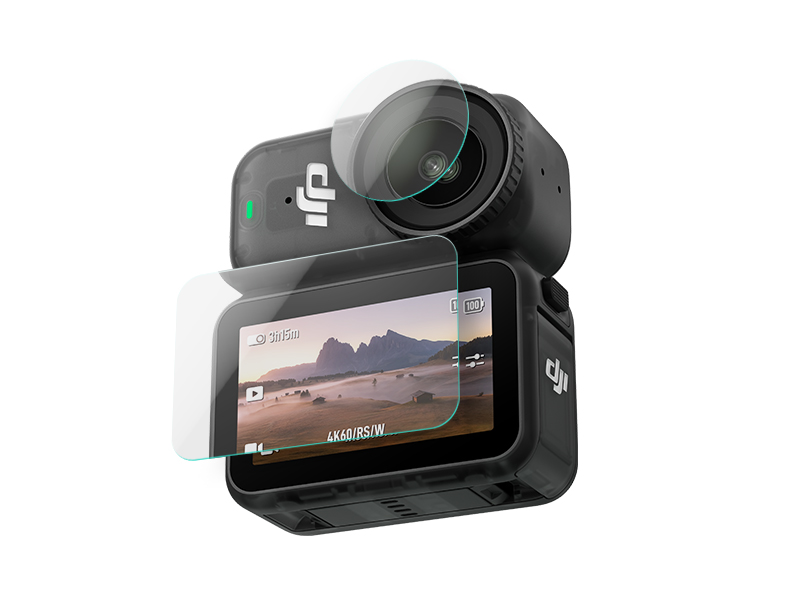 D1 Labs Screen & Lens Protector for Osmo Nano
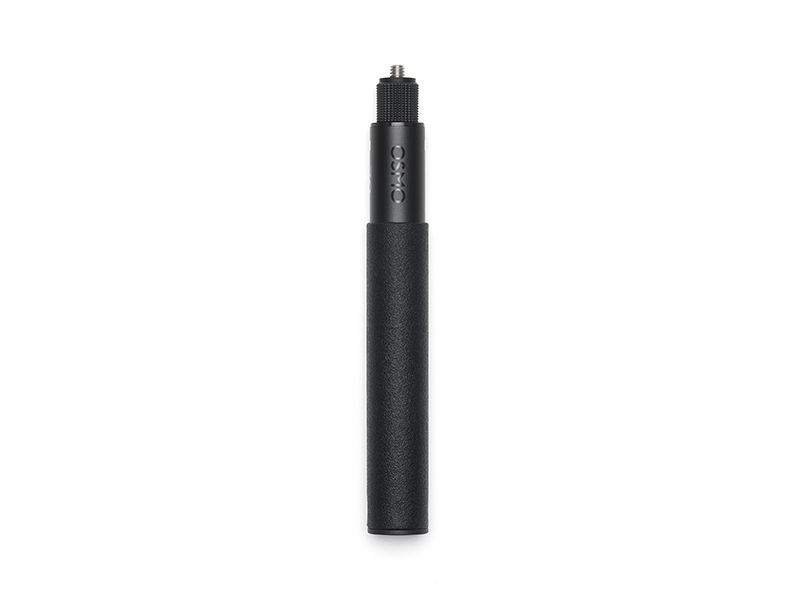 Osmo 70cm Invisible Selfie Stick
 DJI Care Refresh 1-Year Plan (Osmo 360)
 DJI Care Refresh 2-Year Plan (Osmo 360)
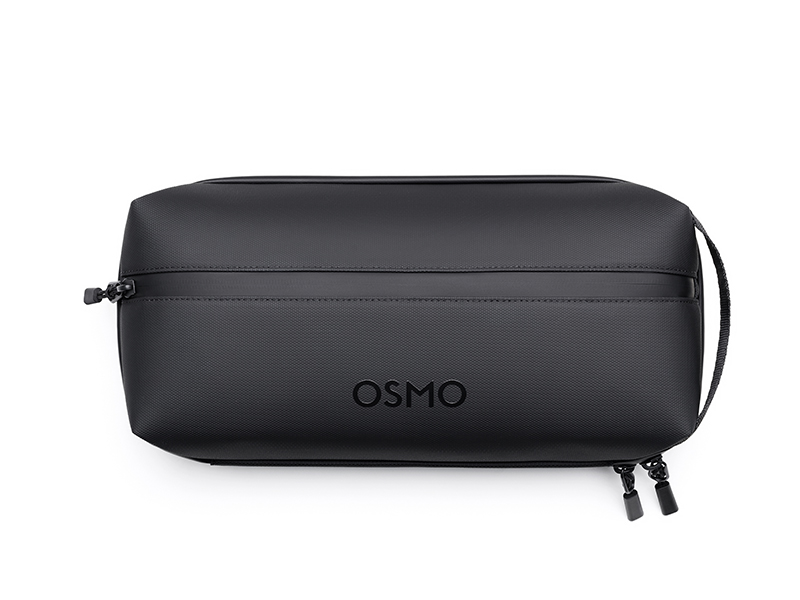 Osmo 360 Carrying Bag
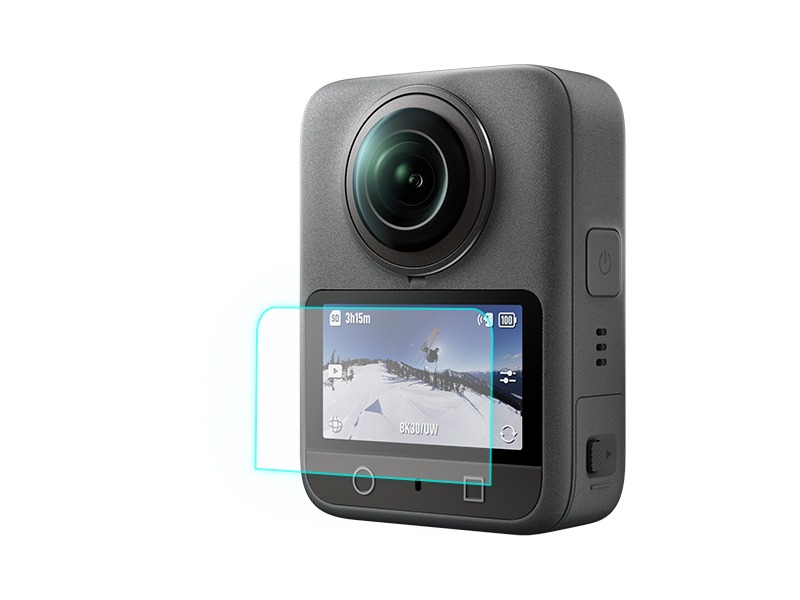 D1 Labs Screen Protector for Osmo 360
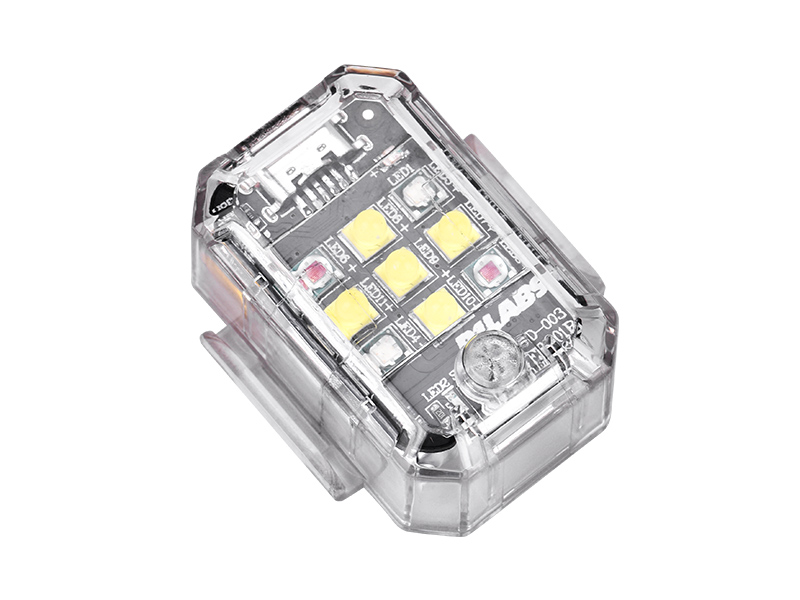 D1 Labs Tri-Colour Drone Strobe Light
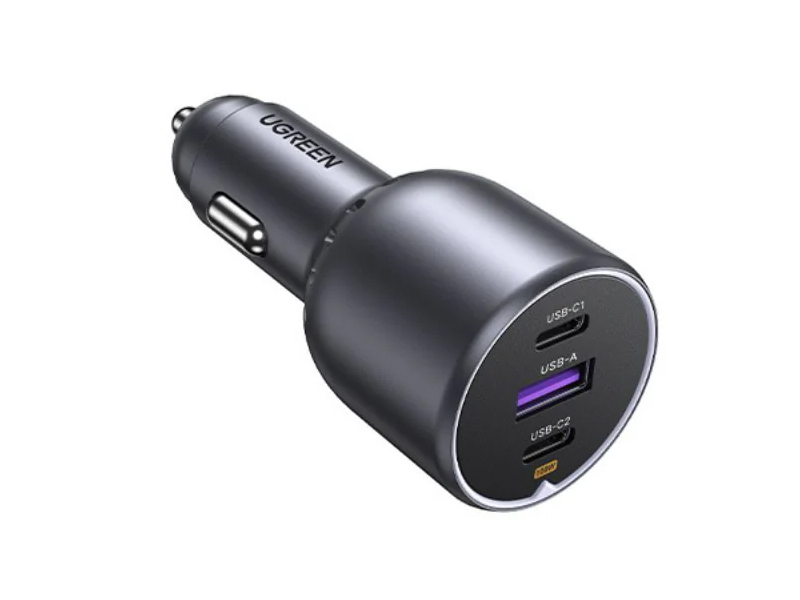 UGREEN 130W USB-C Car Charger
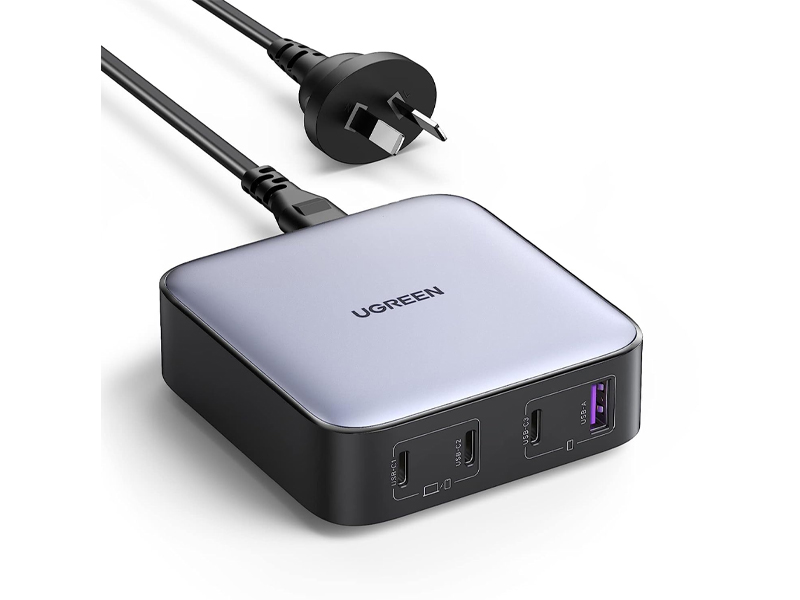 UGREEN 100W USB-C Charging Station
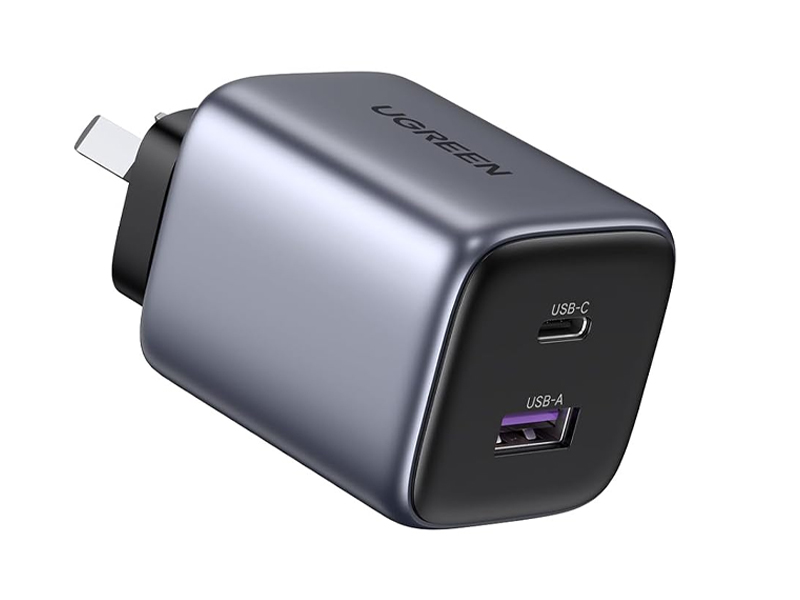 UGREEN 35W Nexode GaN II Charger
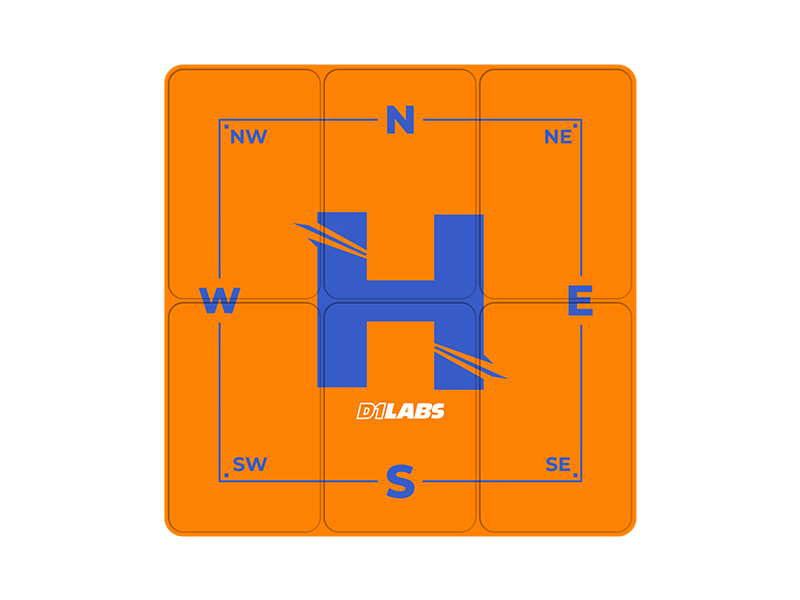 D1 Labs Landing Pad Pro (50CM)
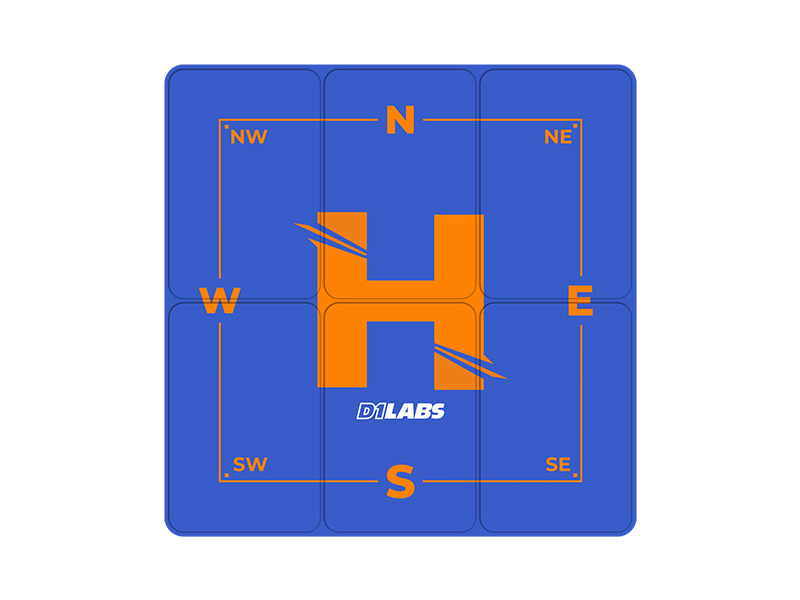 D1 Labs Landing Pad Pro (65CM)
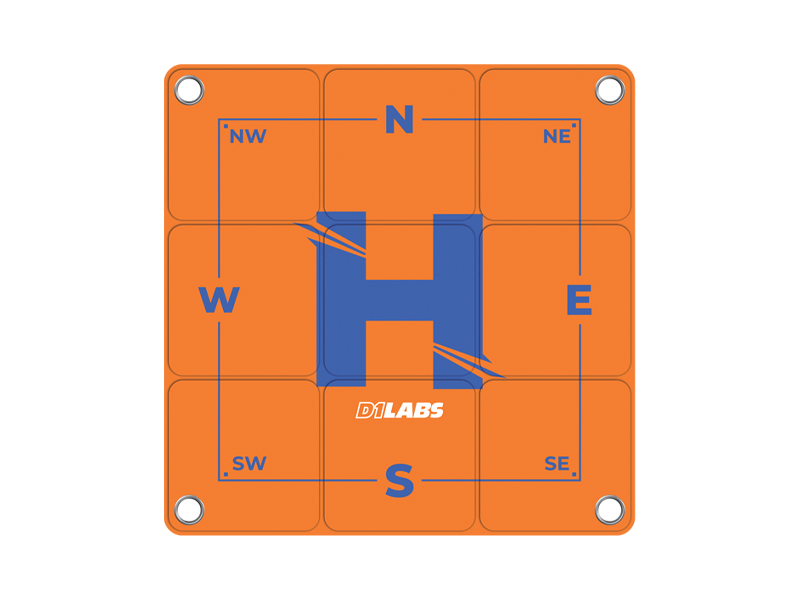 D1 Labs Landing Pad Pro (100CM)
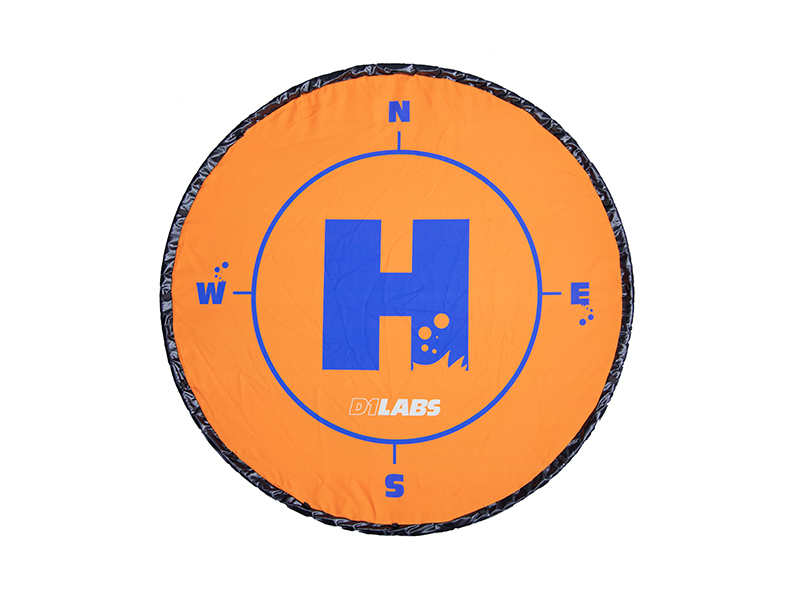 D1 Labs Weighted Drone Landing Pad (92 cm)
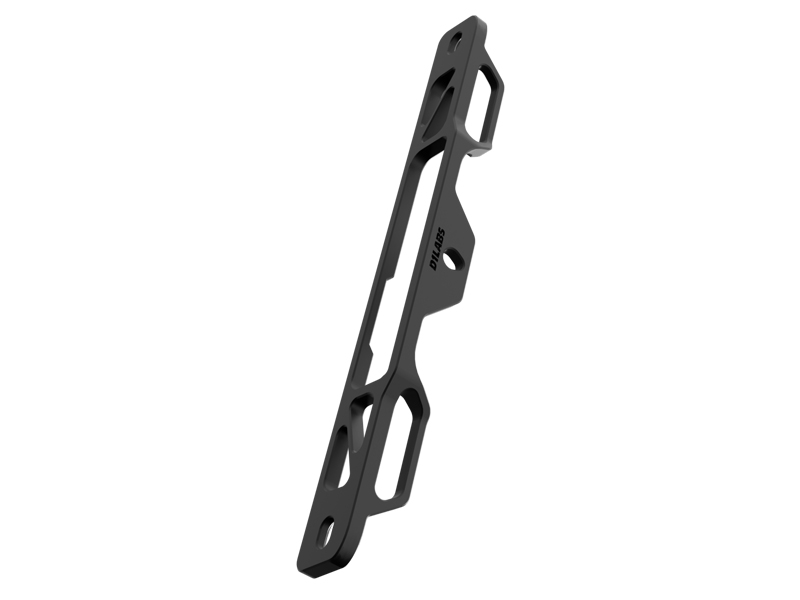 D1 Labs Lanyard Bracket for DJI RC Series
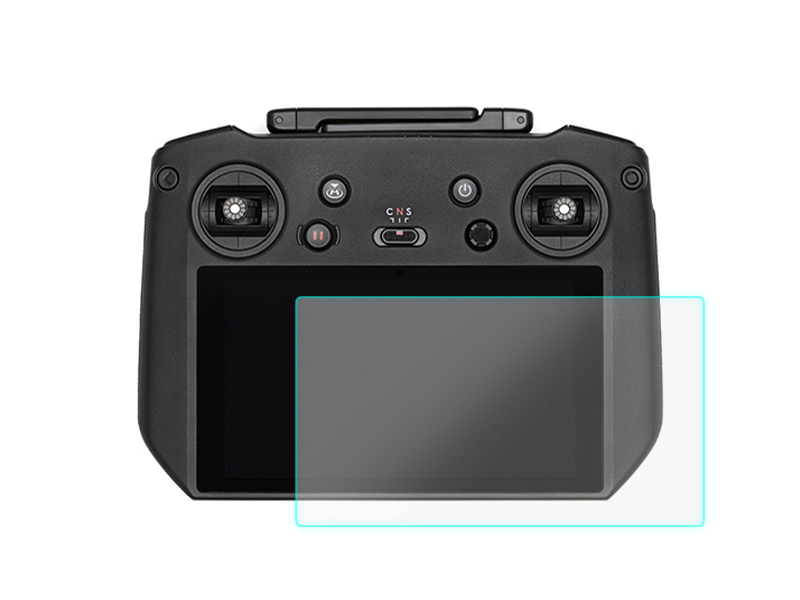 D1 Labs Screen Protector for DJI RC Pro
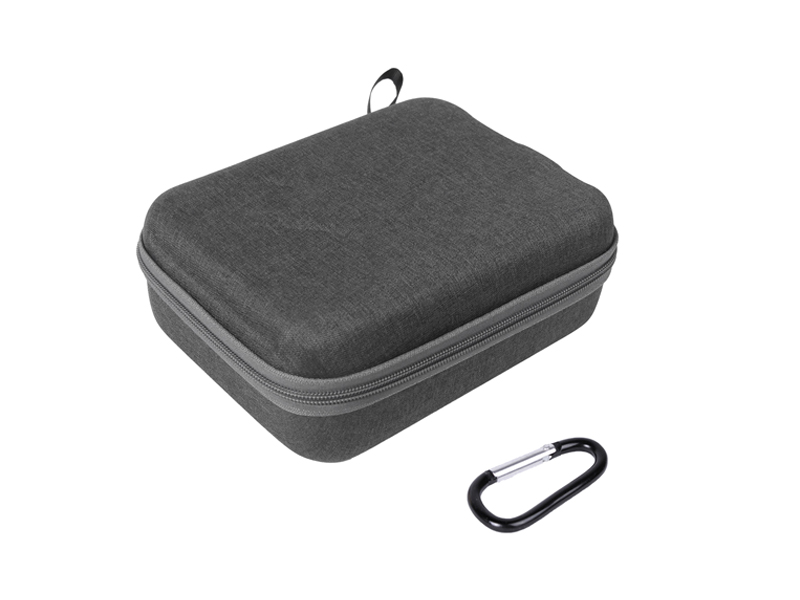 SunnyLife Carrying Case for DJI RC Pro
 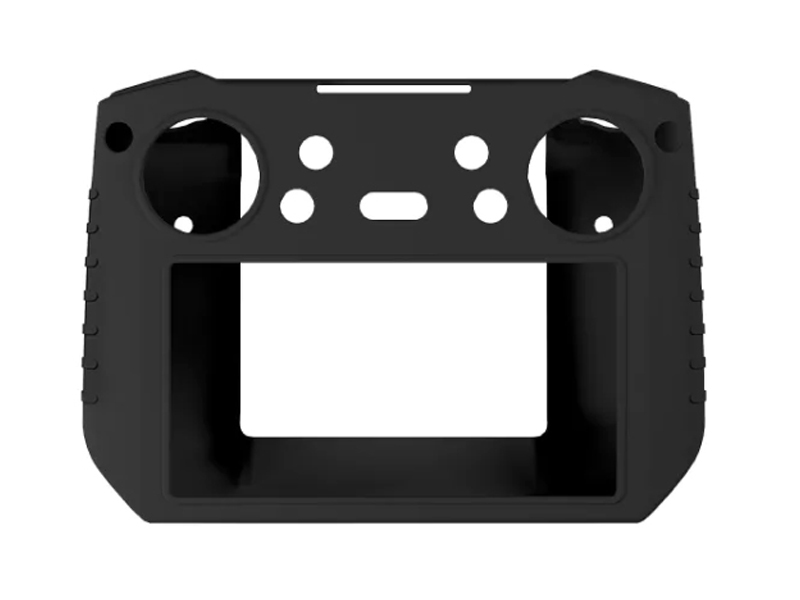 SunnyLife Protective Cover for DJI RC Pro
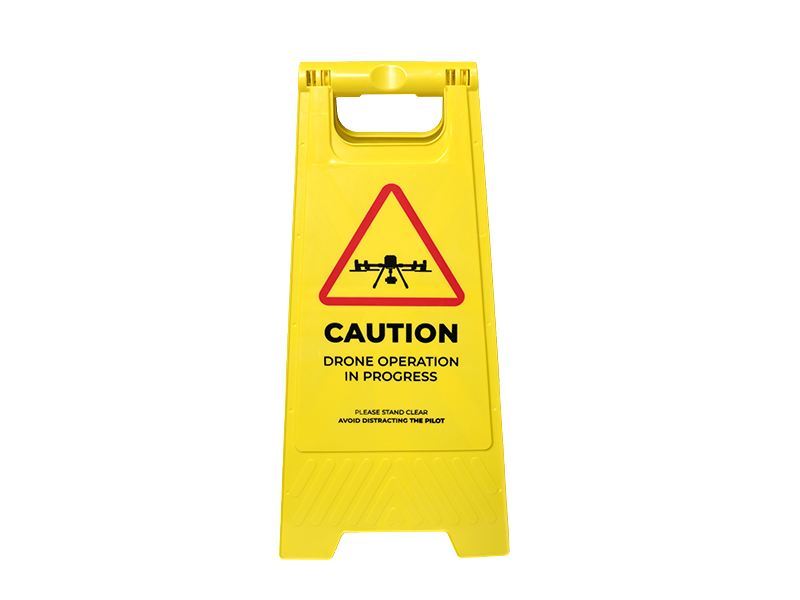 D1 Labs Drone Safety Sign
 D1 Labs Retractable Safety Cone (450 mm)
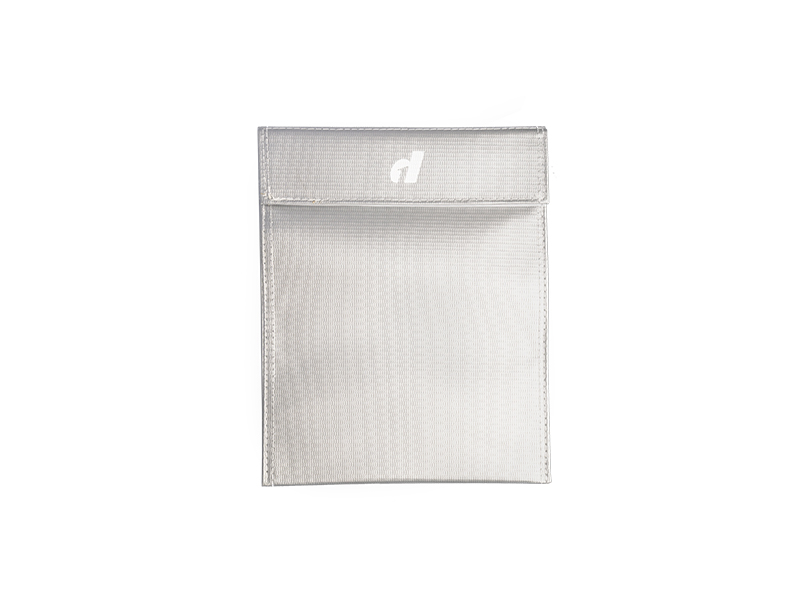 LiPO Battery Safe Bag (Large)
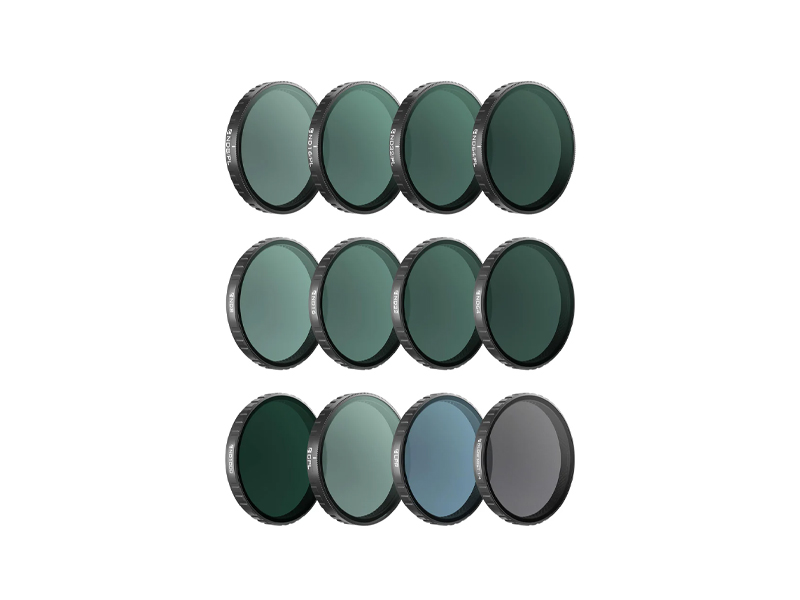 Freewell Mega Filter Pack for Osmo Action 6 (12 Pack)
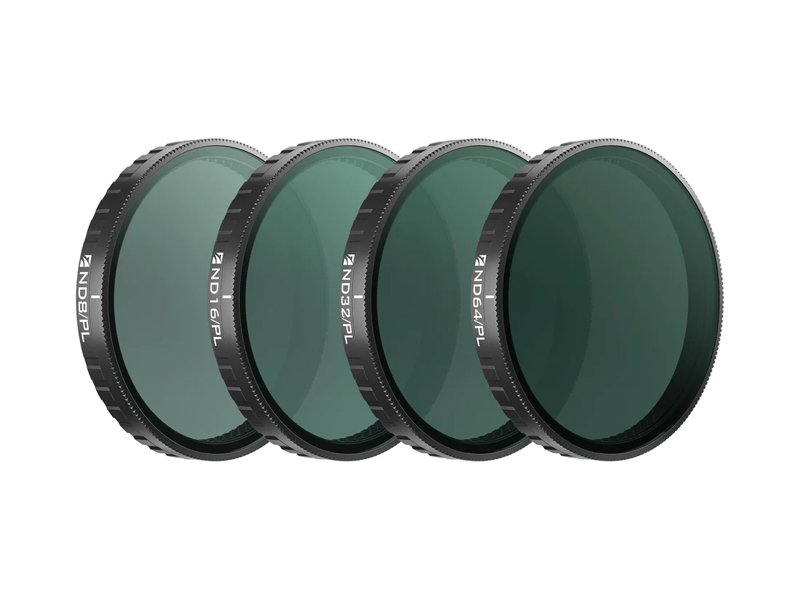 Freewell Bright Day Filters for Osmo Action 6 (4 Pack)
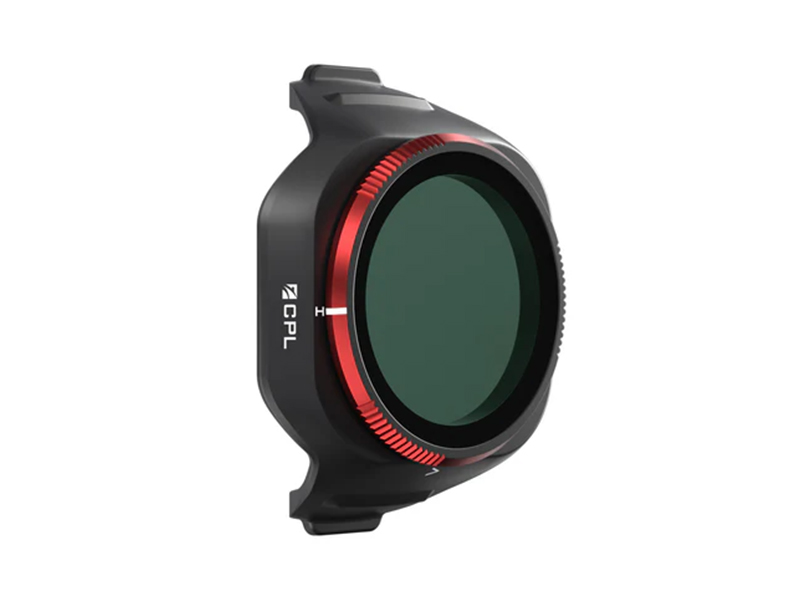 Freewell CPL Filter for DJI Mini 5 Pro
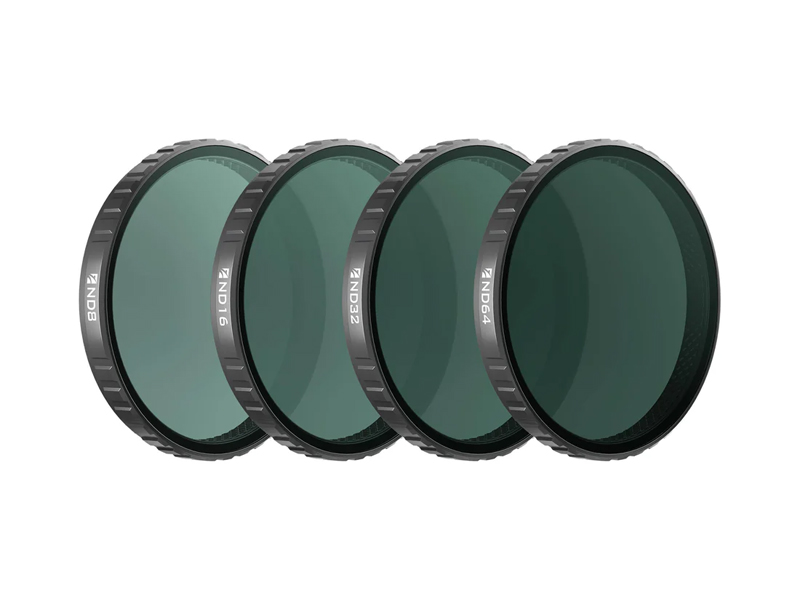 Freewell Standard Day Filters for Osmo Action 6 (4 Pack)
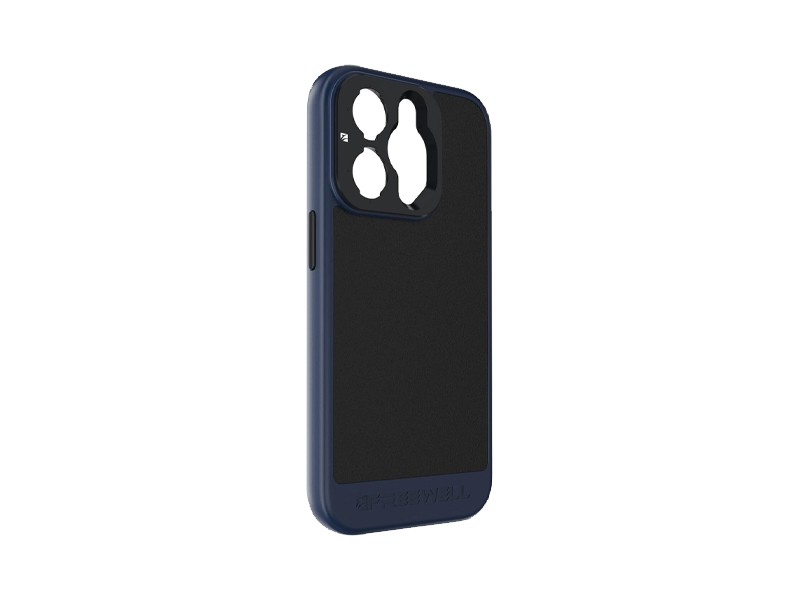 Freewell Sherpa Series Case for iPhone 13 Pro Max
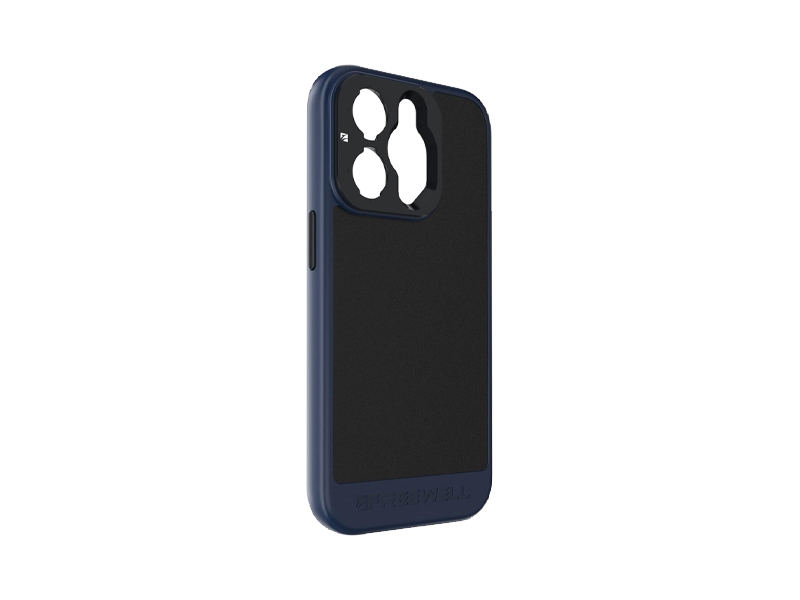 Freewell Sherpa Series Case for iPhone 14 Pro
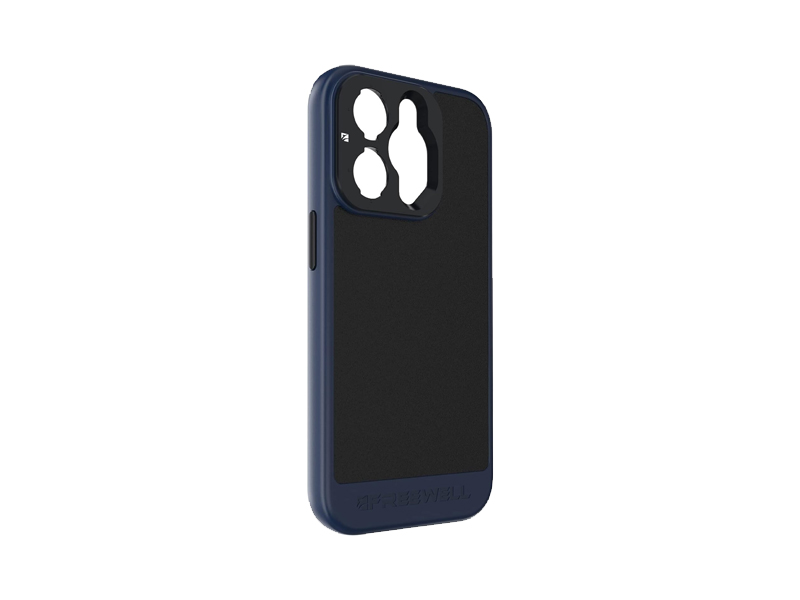 Freewell Sherpa Series Case for iPhone 14 Pro Max
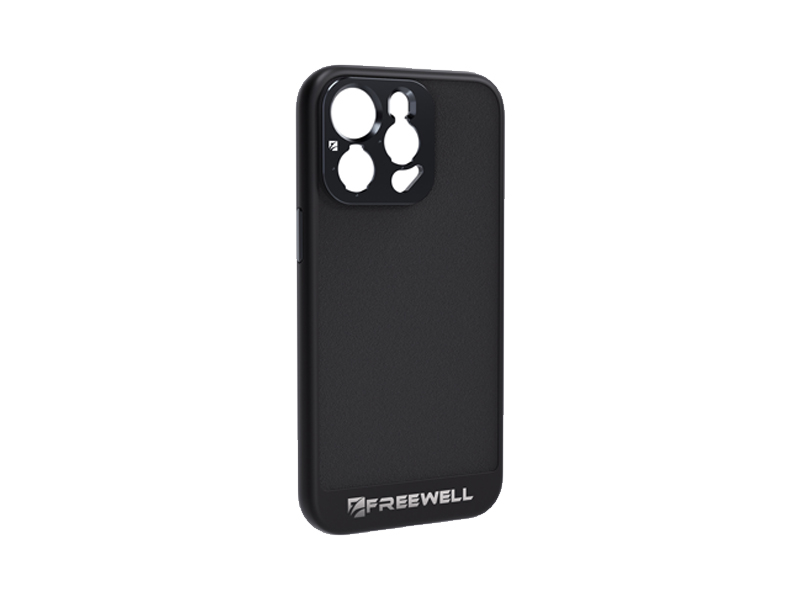 Freewell Sherpa Series Case for iPhone 15 Pro
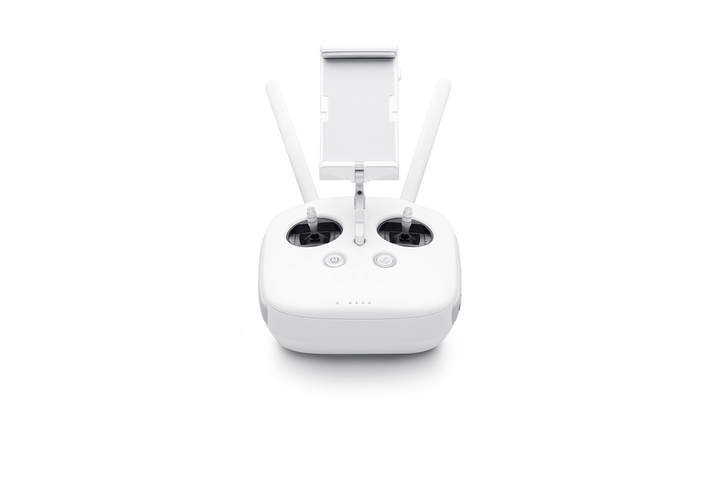 Phantom 4 Pro V2.0 Remote Controller
 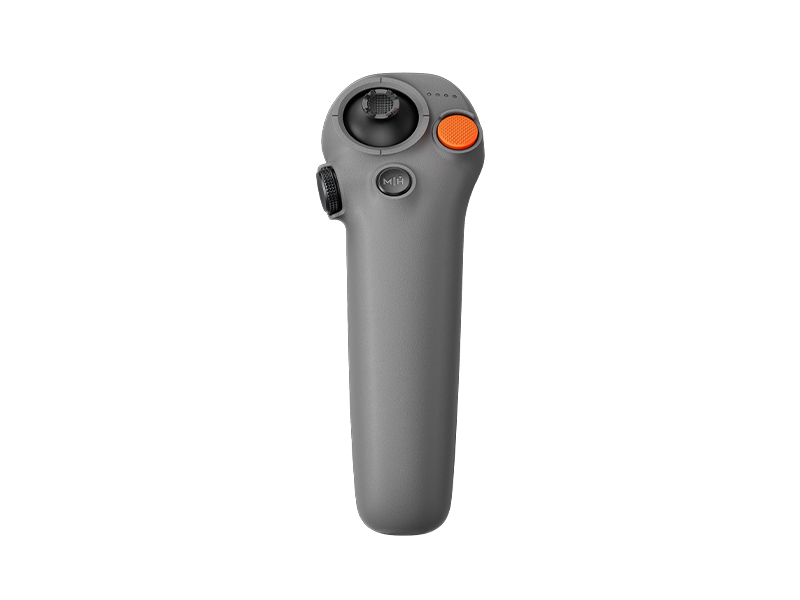 DJI RC Motion 3
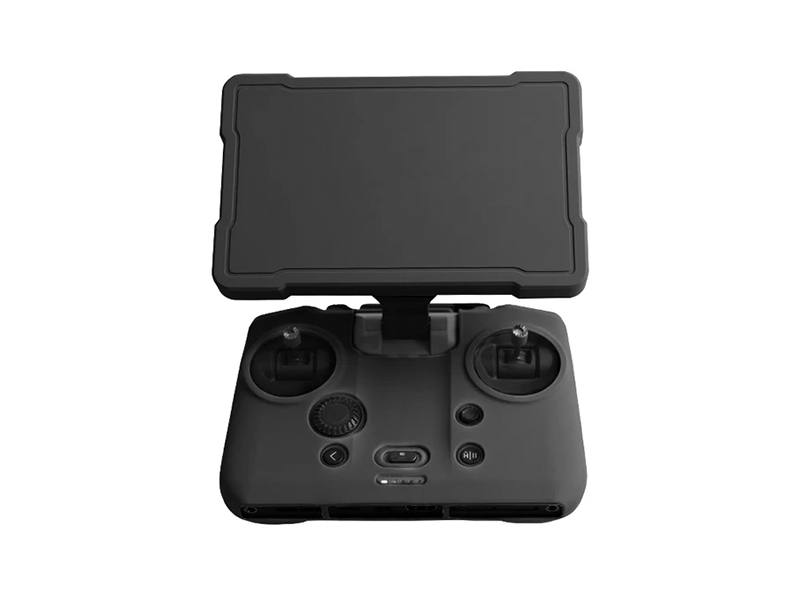 Cynova Protective Cover for DJI RC Pro 2
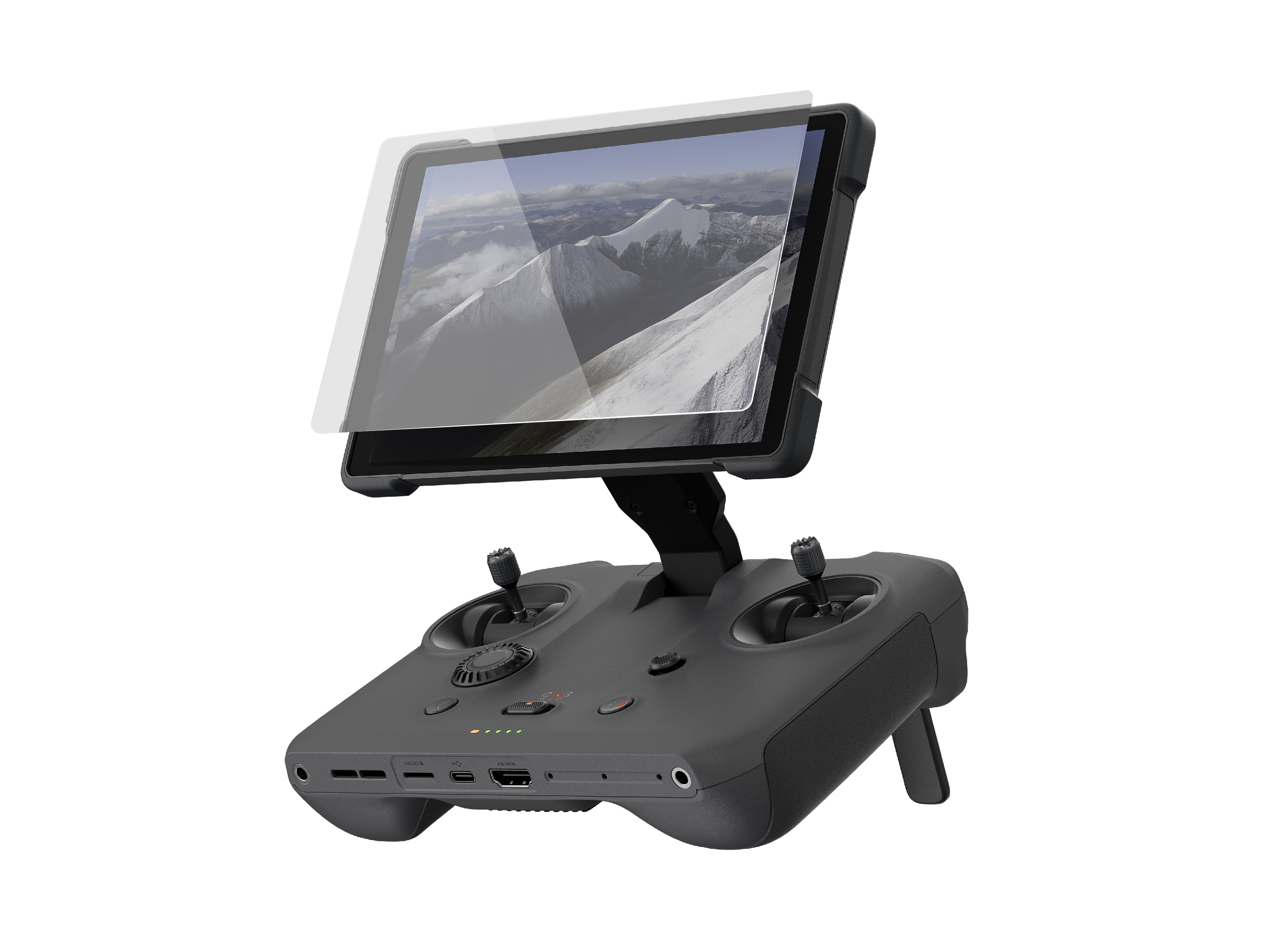 D1 Labs Screen Protector for DJI RC Pro 2
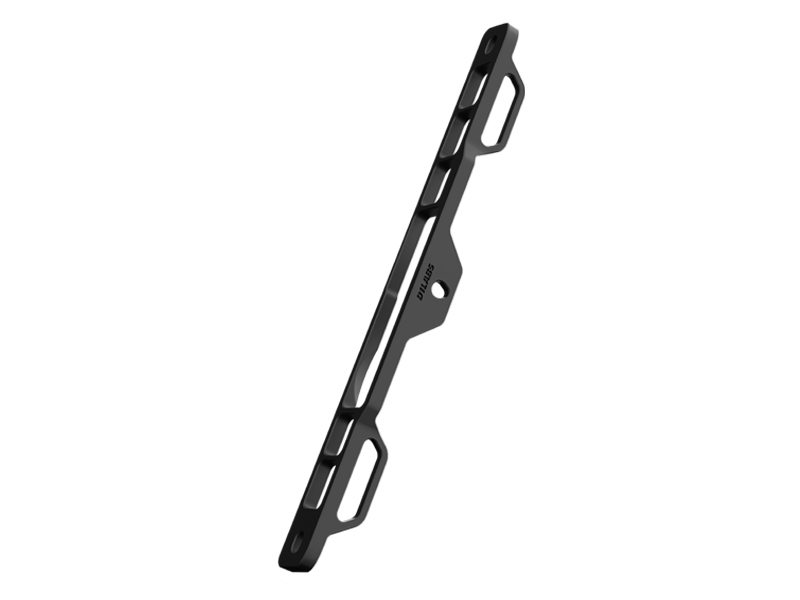 D1 Labs Lanyard Bracket for DJI RC Pro 2
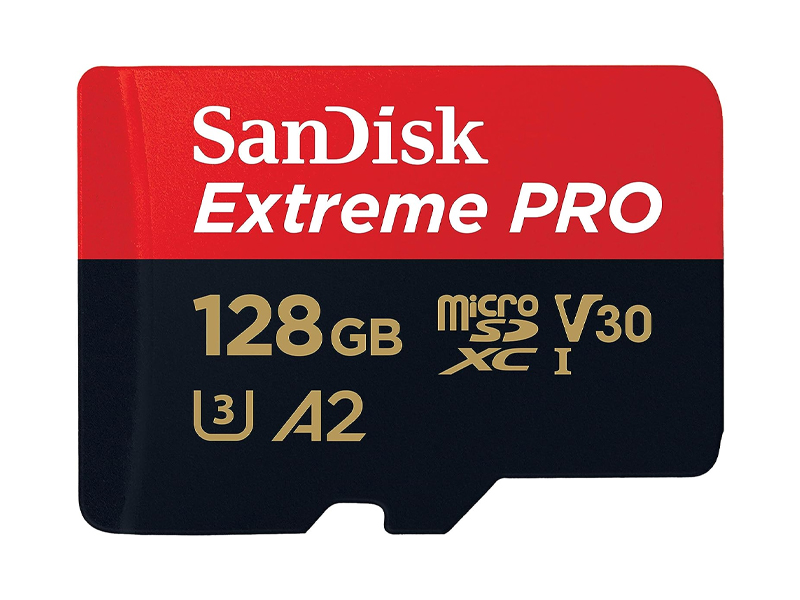 SanDisk Extreme Pro 128GB 200MB/s MicroSD Card
 DJI Care Refresh 1-Year Plan (DJI Lito X1)
 DJI Care Refresh 1-Year Plan (Osmo Mobile 8P)
 DJI Care Refresh 2-Year Plan (Osmo Mobile 8P)
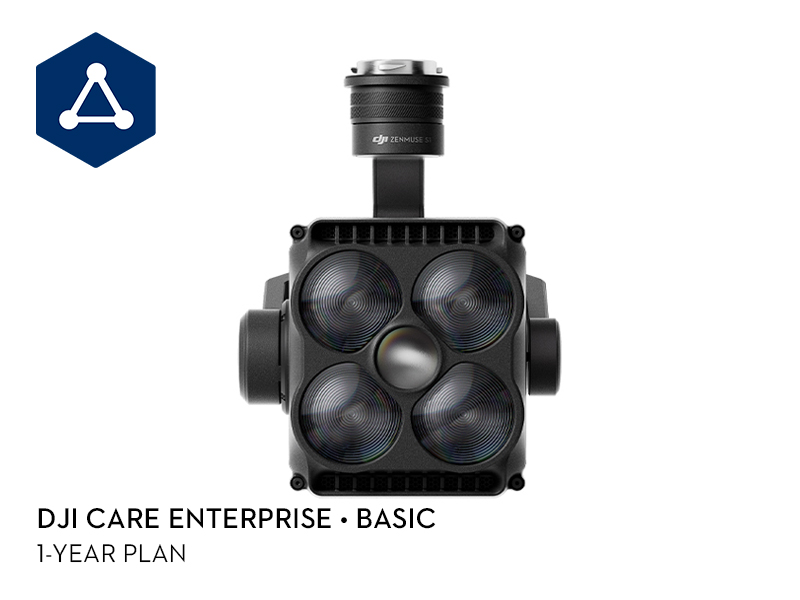 DJI Care Enterprise Basic (Zenmuse S1)
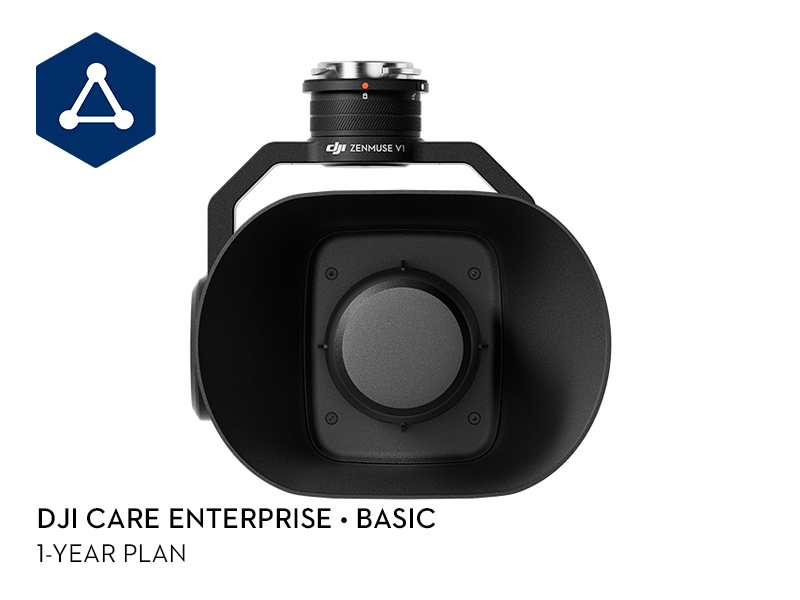 DJI Care Enterprise Basic (Zenmuse V1)
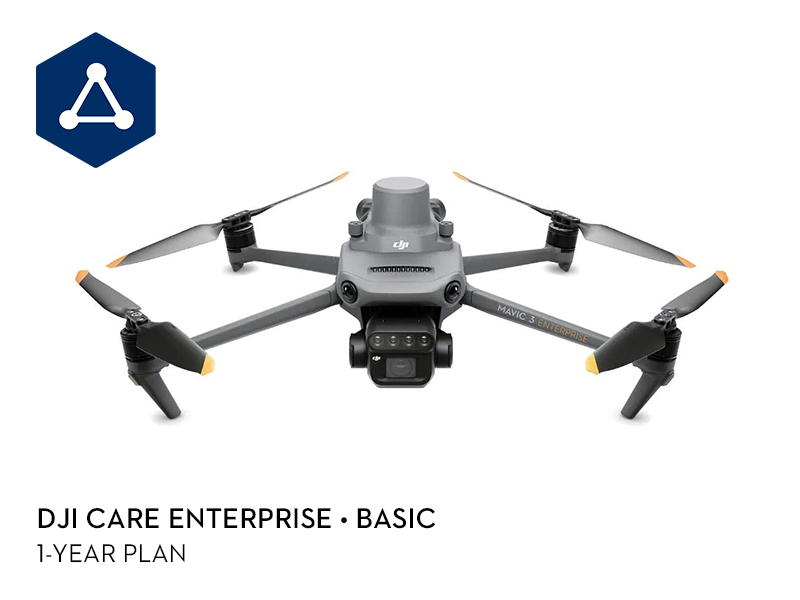 DJI Care Enterprise Basic (DJI Mavic 3 Multispectral)
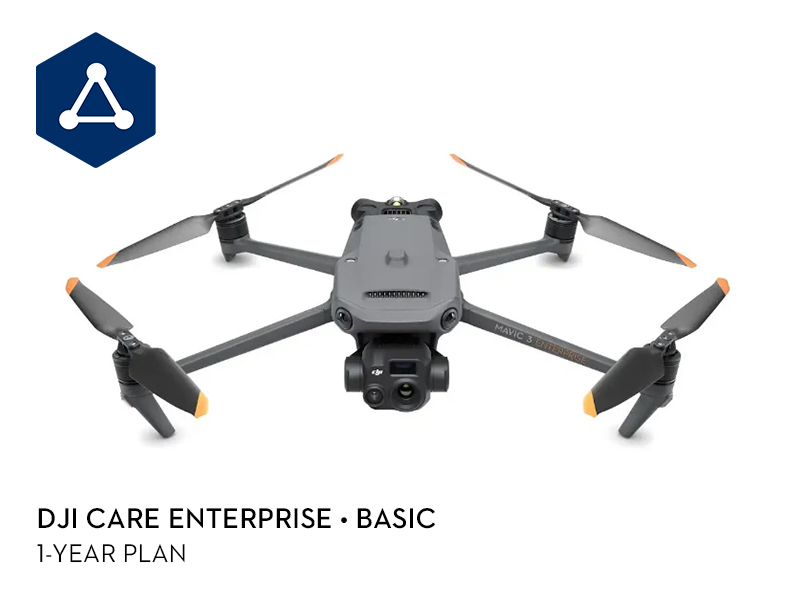 DJI Care Enterprise Basic (DJI Mavic 3 Thermal)
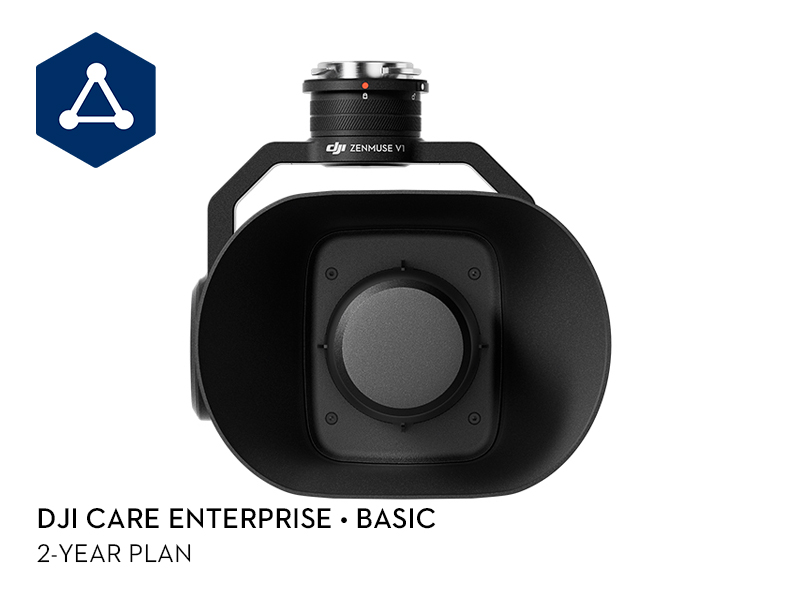 DJI Care Enterprise Basic 2-Year Plan (Zenmuse V1)
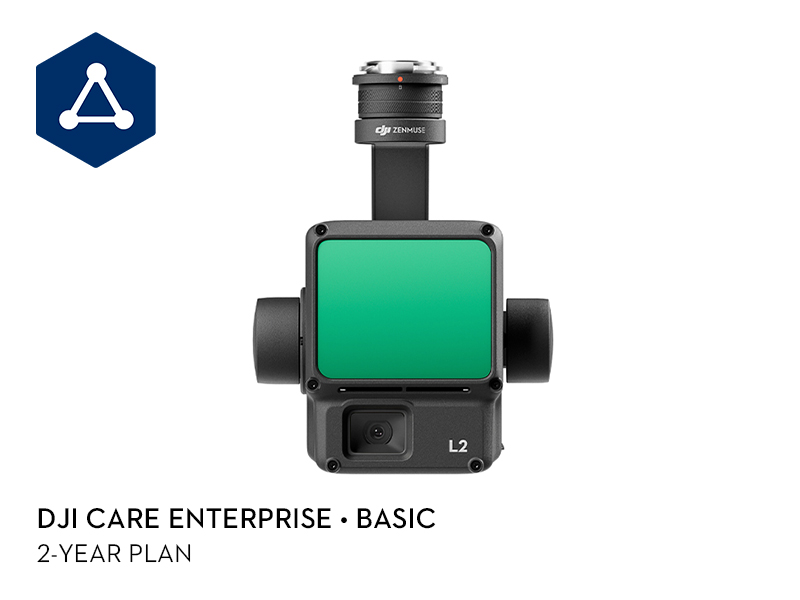 DJI Care Enterprise Basic 2-Year Plan (Zenmuse L2)
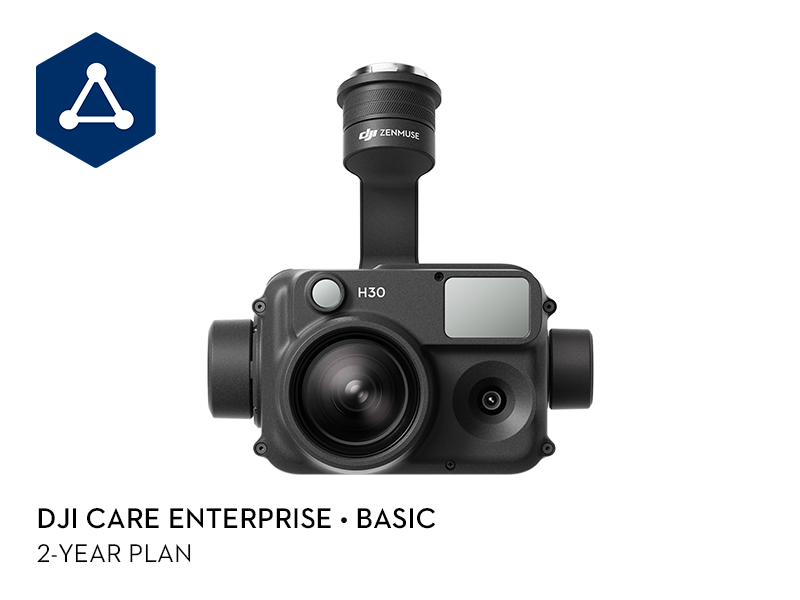 DJI Care Enterprise Basic 2-Year Plan (Zenmuse H30)
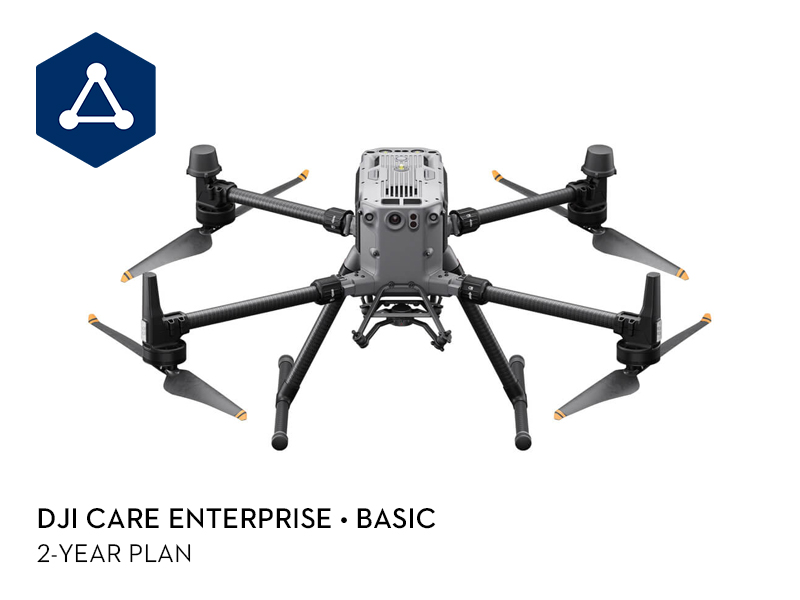 DJI Care Enterprise Basic 2-Year Plan (Matrice 350 RTK)
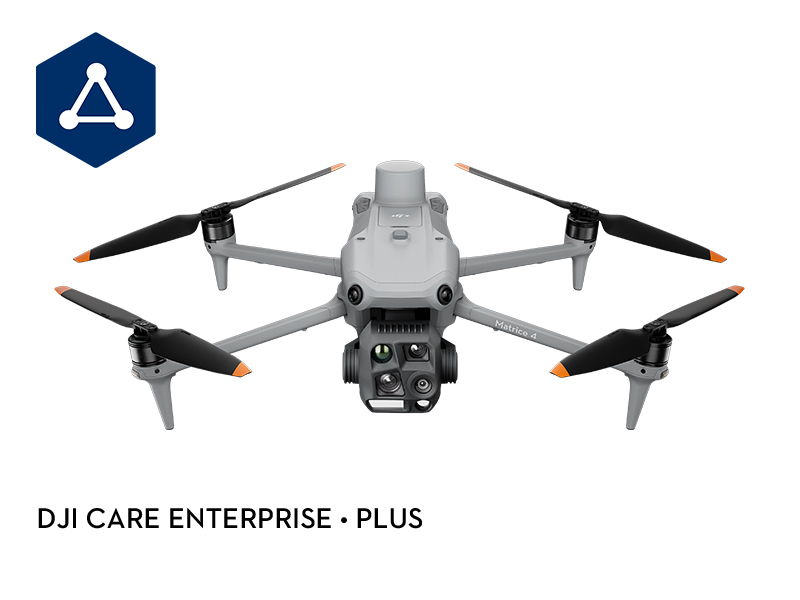 DJI Care Enterprise Plus (DJI Matrice 4T)
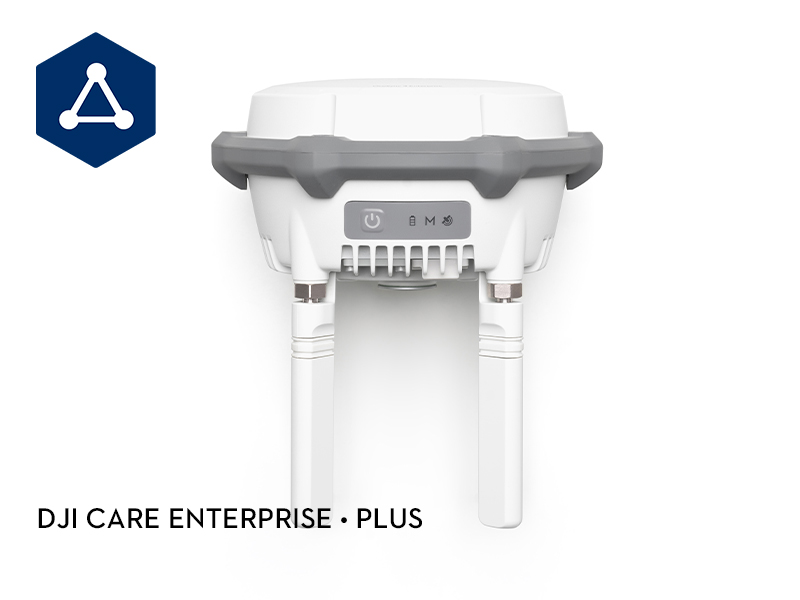 DJI Care Enterprise Plus (D-RTK 3 Multifunctional Station)
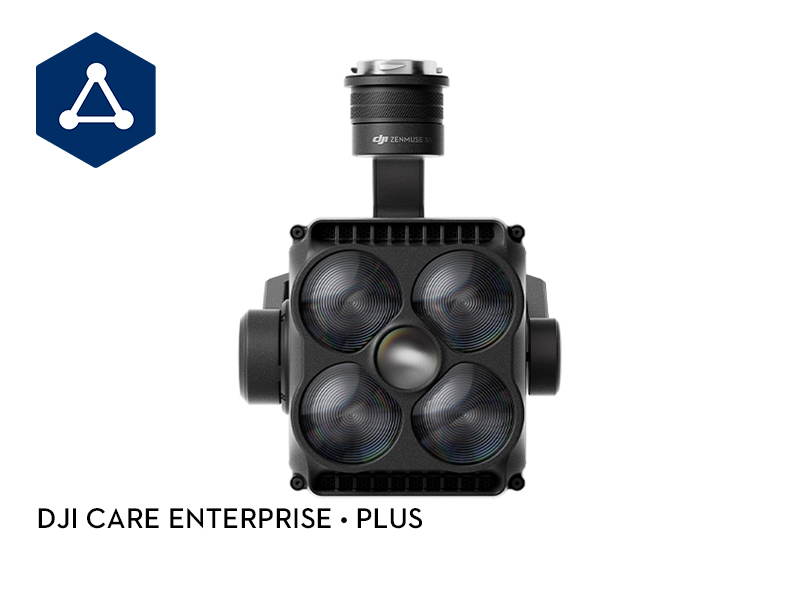 DJI Care Enterprise Plus (Zenmuse S1)
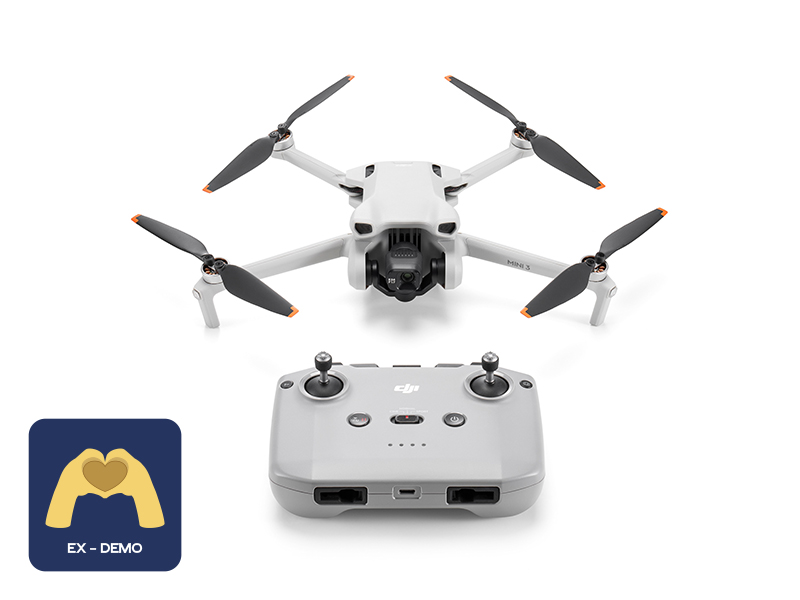 Ex-Demo DJI Mini 3 (DJI RC-N1)
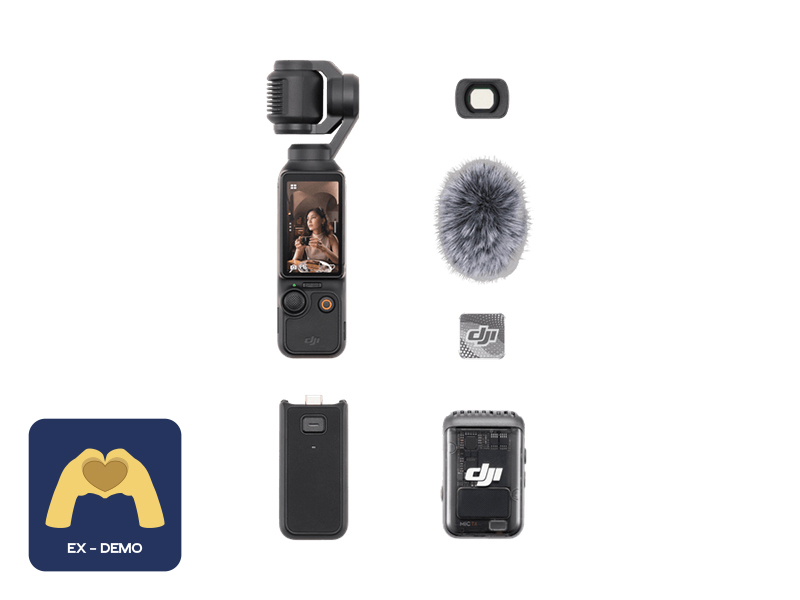 Ex-Demo Osmo Pocket 3 Creator Combo
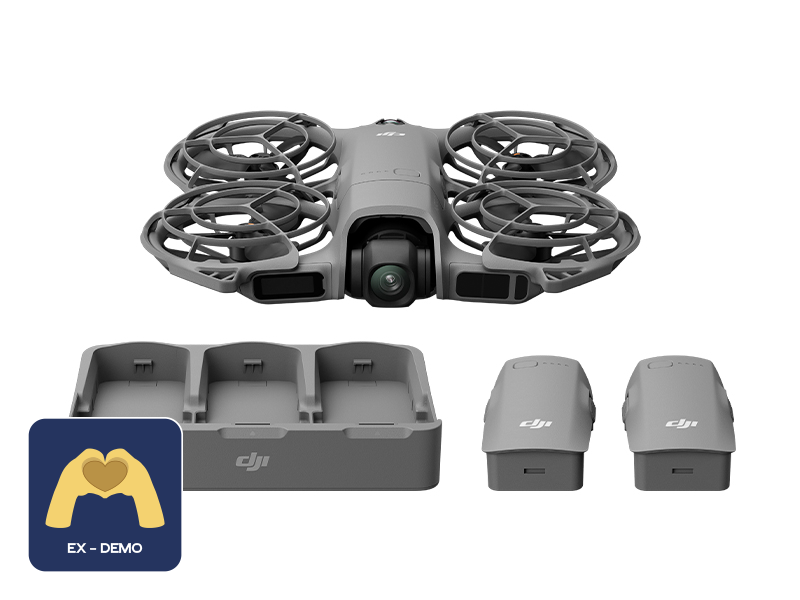 Ex-Demo DJI Neo 2 Fly More Combo (Drone Only)
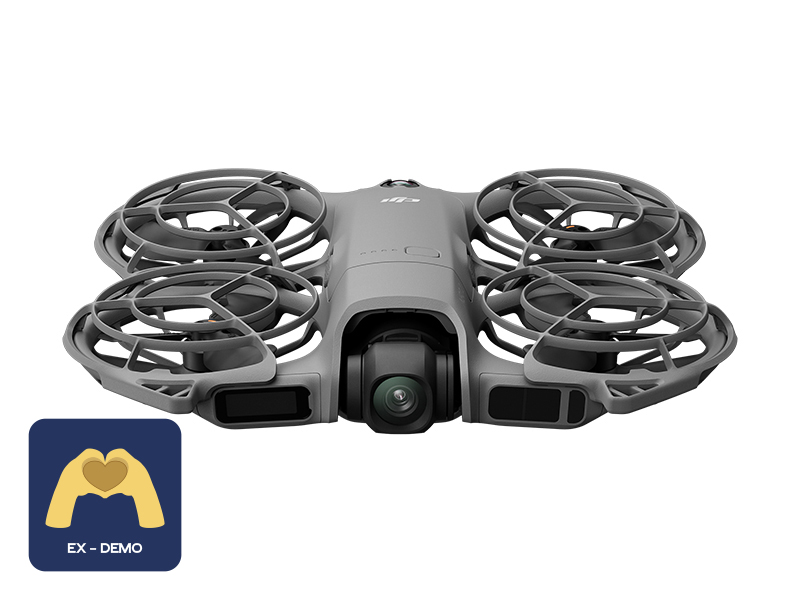 Ex-Demo DJI Neo 2 (Drone Only)
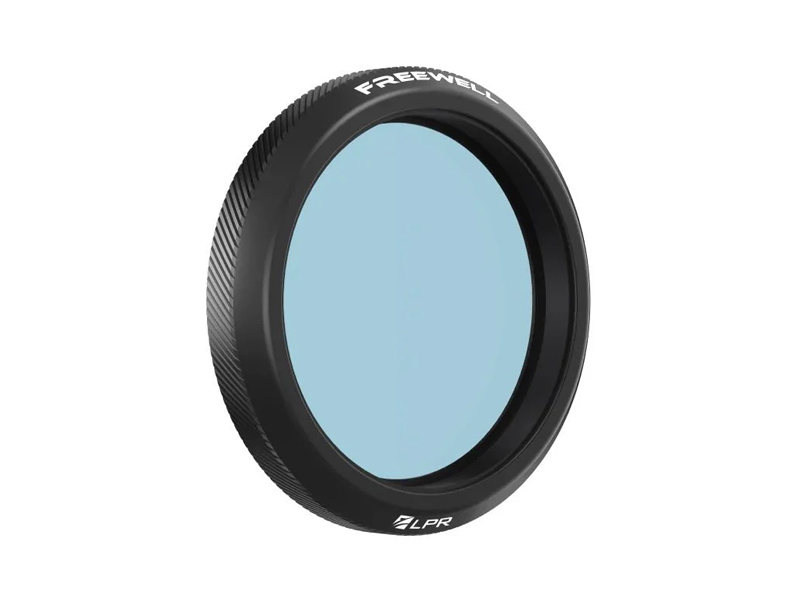 Freewell Light Pollution Reduction Filter for Osmo Action Series
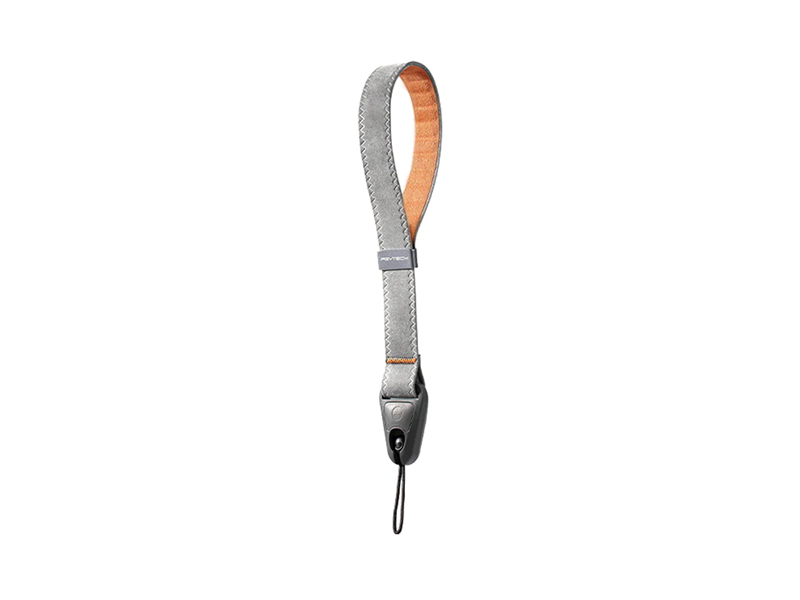 PGYTECH Camera Wrist Strap
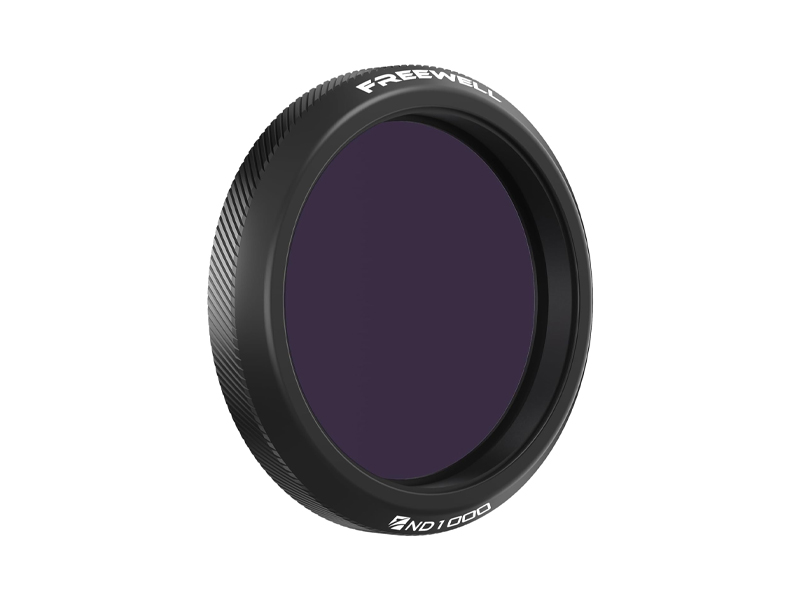 Freewell ND1000 Filter for Osmo Action 3/4/5 Pro
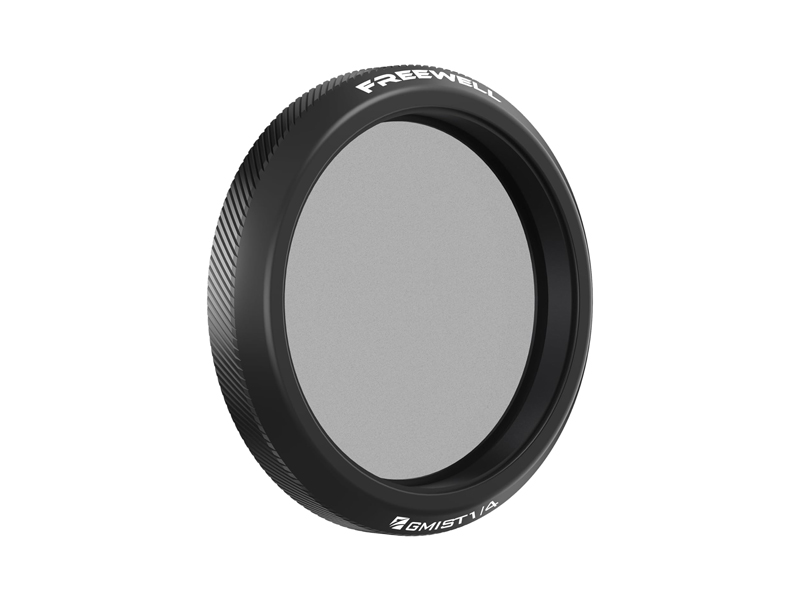 Freewell Glow Mist 1/4 for Osmo Action 3/4/5 Pro
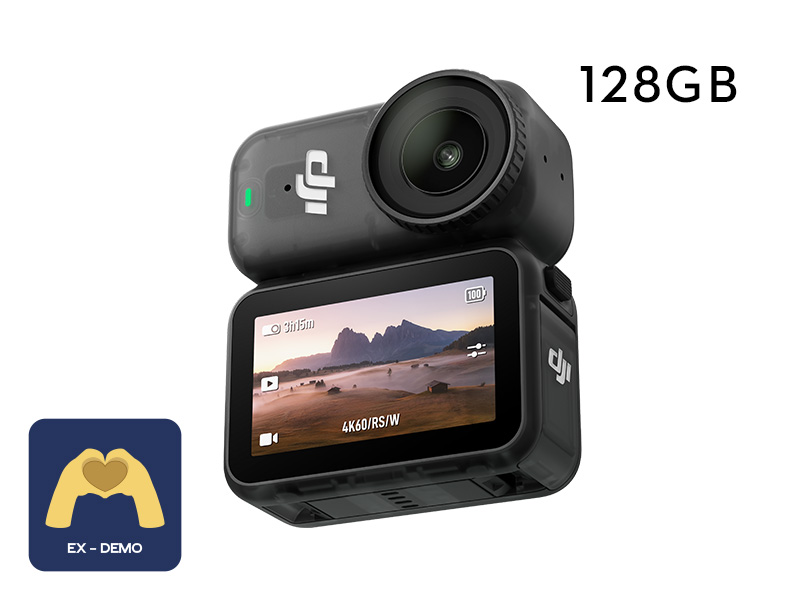 Ex-Demo Osmo Nano Standard Combo (128GB)
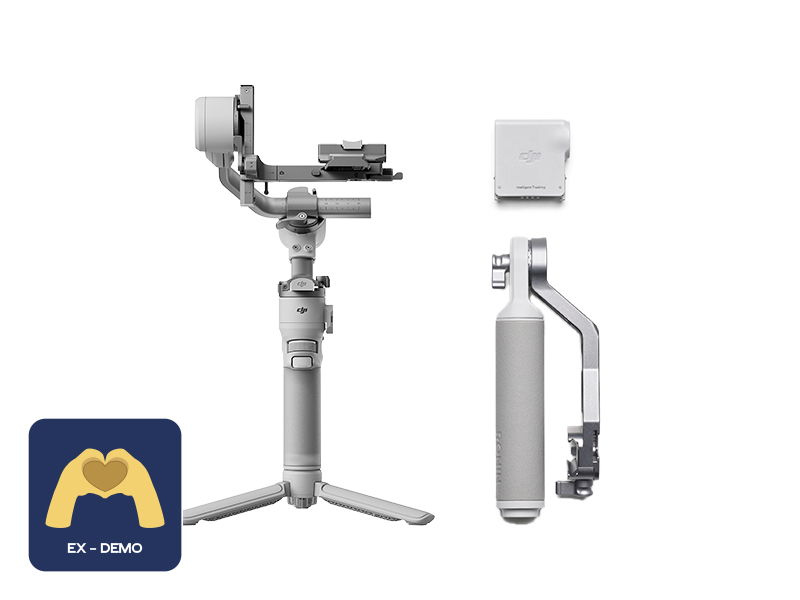 Ex-Demo DJI RS 4 Mini Combo
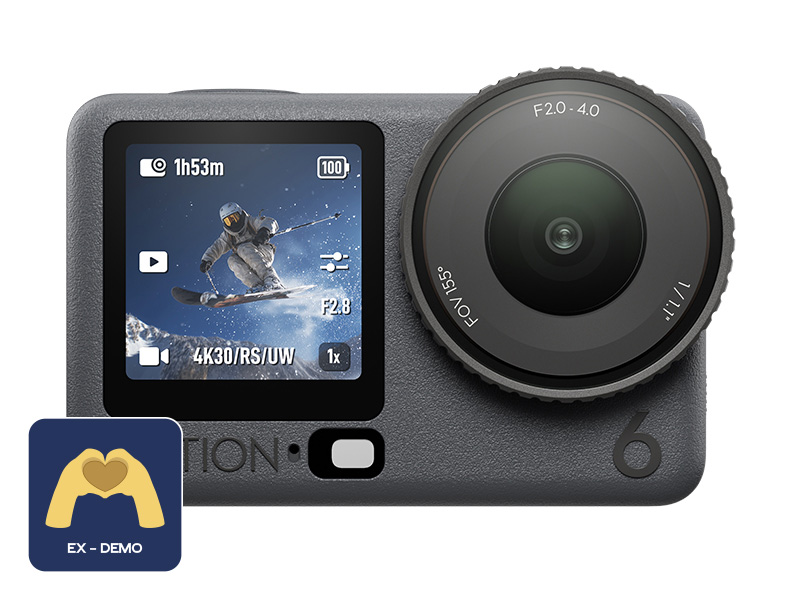 Ex-Demo Osmo Action 6 Standard Combo
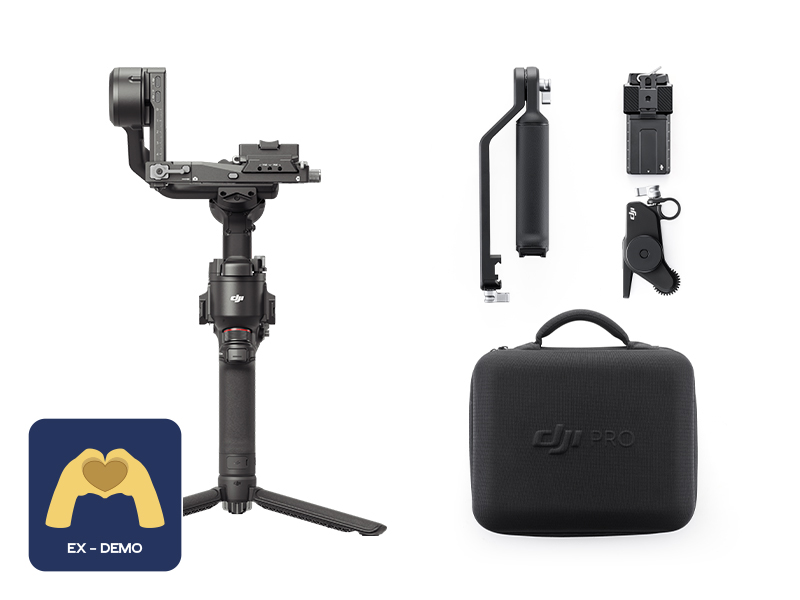 Ex-Demo DJI RS 4 Combo
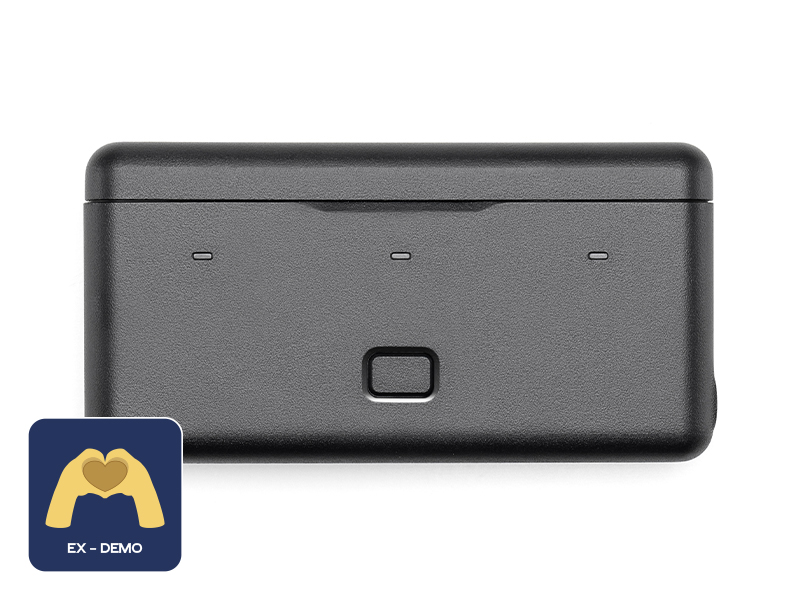 Ex-Demo Osmo Action Multifunctional Battery Case 2
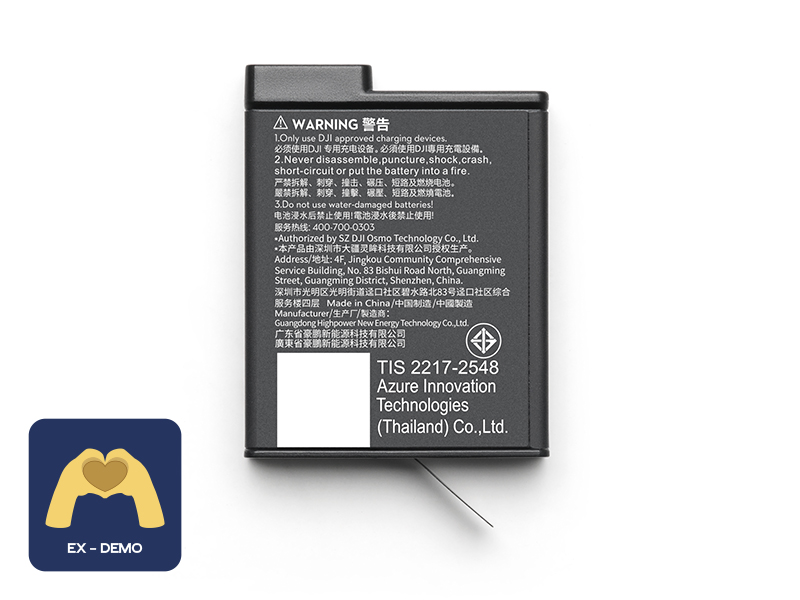 Ex-Demo Osmo Action Extreme Battery Plus (1950 mAh)
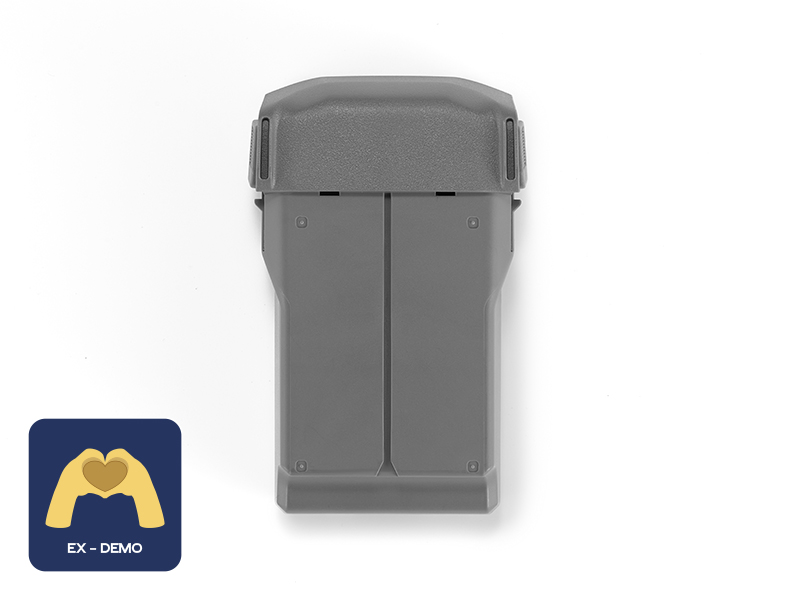 Ex-Demo DJI Mini 5 Pro Intelligent Flight Battery
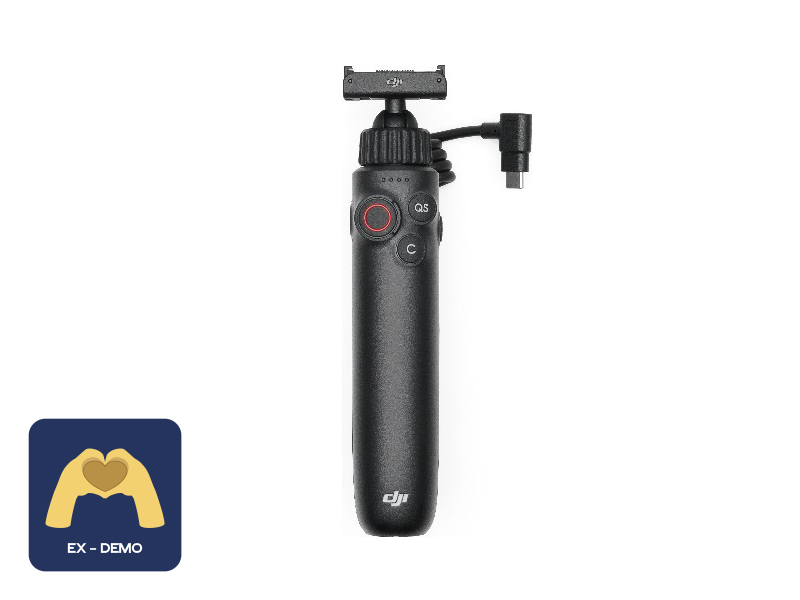 Ex-Demo Osmo Action Multifunctional Charging Handle
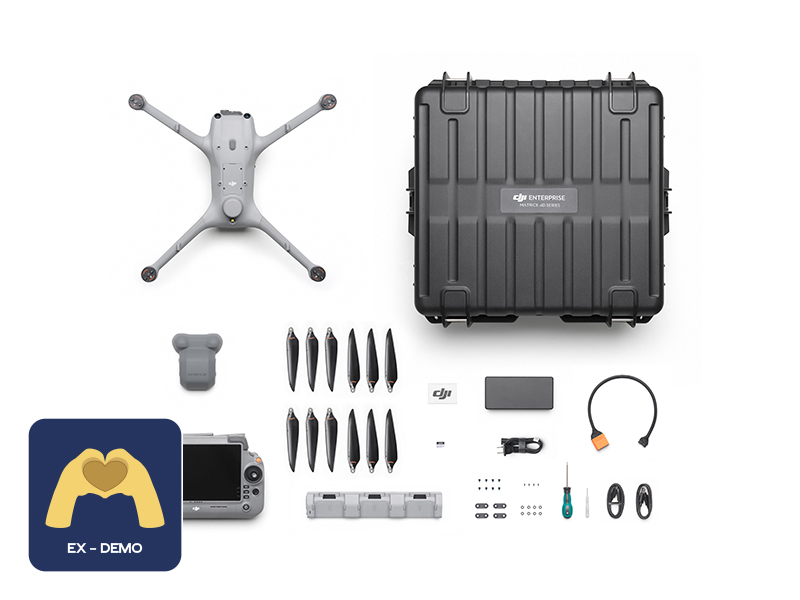 Ex-Demo DJI Matrice 4D Combo
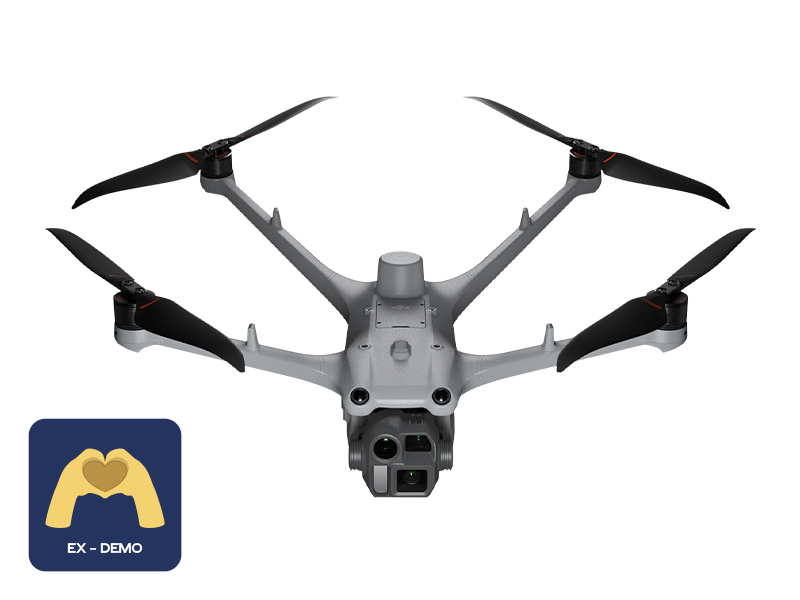 Ex-Demo DJI Matrice 4TD
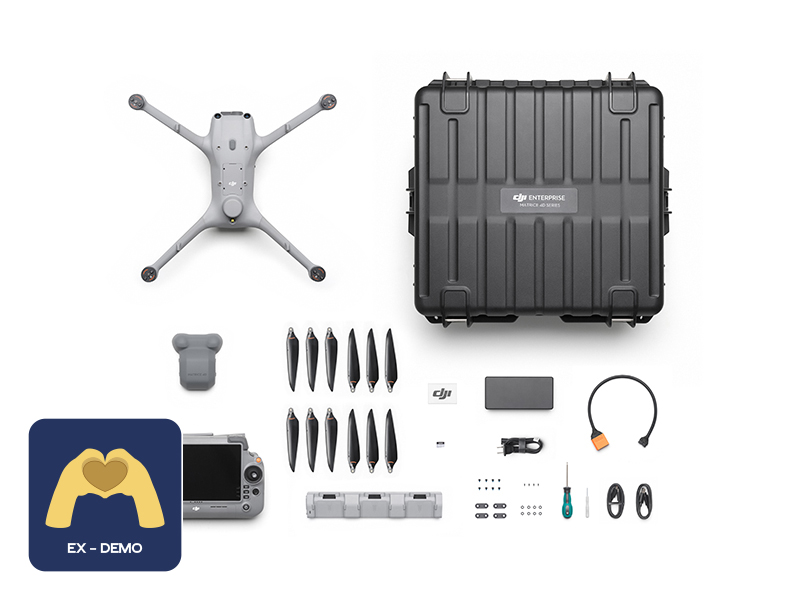 Ex-Demo DJI Matrice 4TD Combo
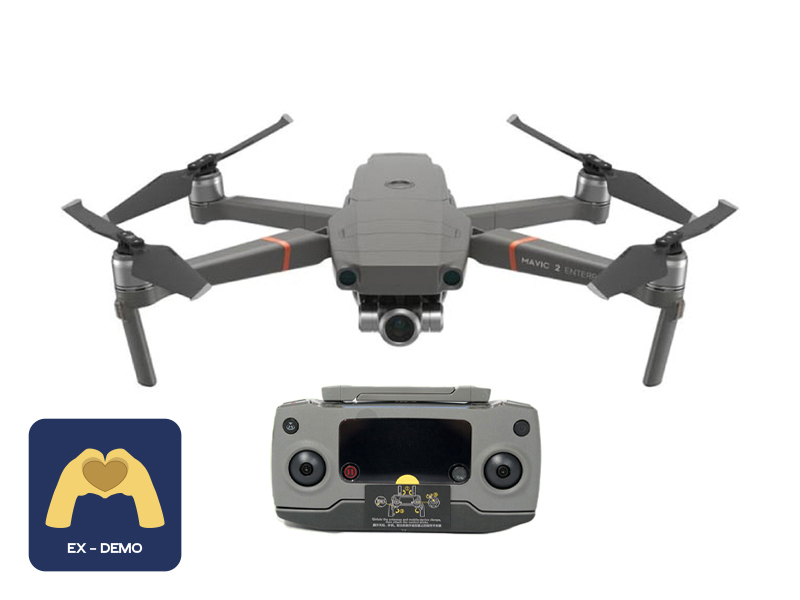 Ex-Demo Mavic 2 Enterprise Zoom
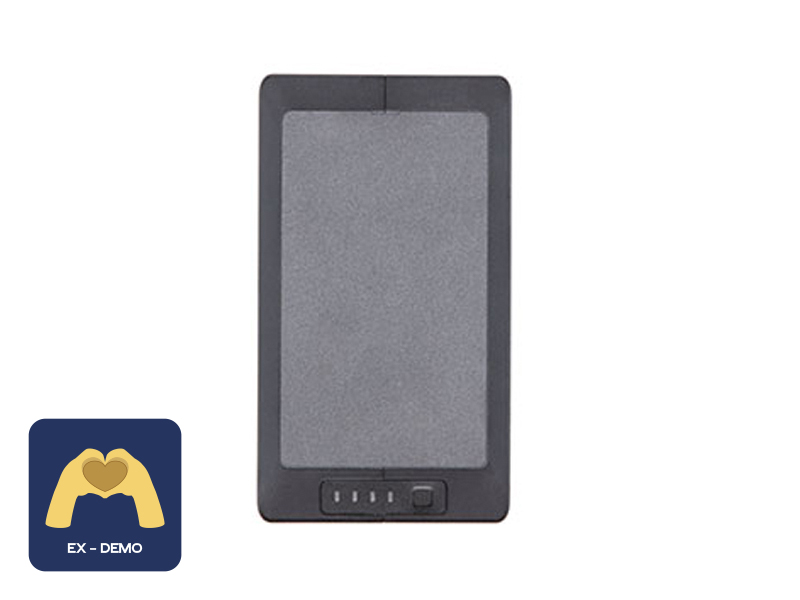 Ex-Demo TB60 Intelligent Flight Battery
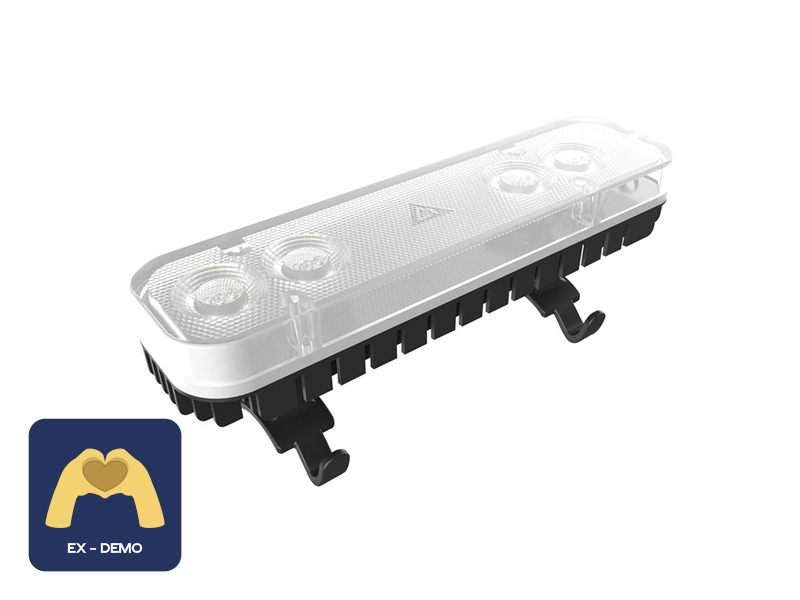 Ex-Demo ChengZhi FL48 Lighting System
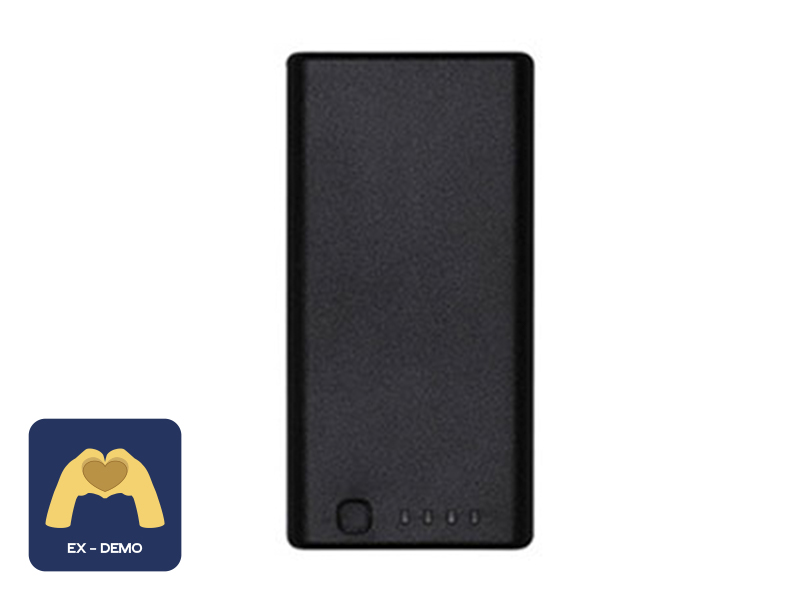 Ex-Demo WB37 Intelligent Battery
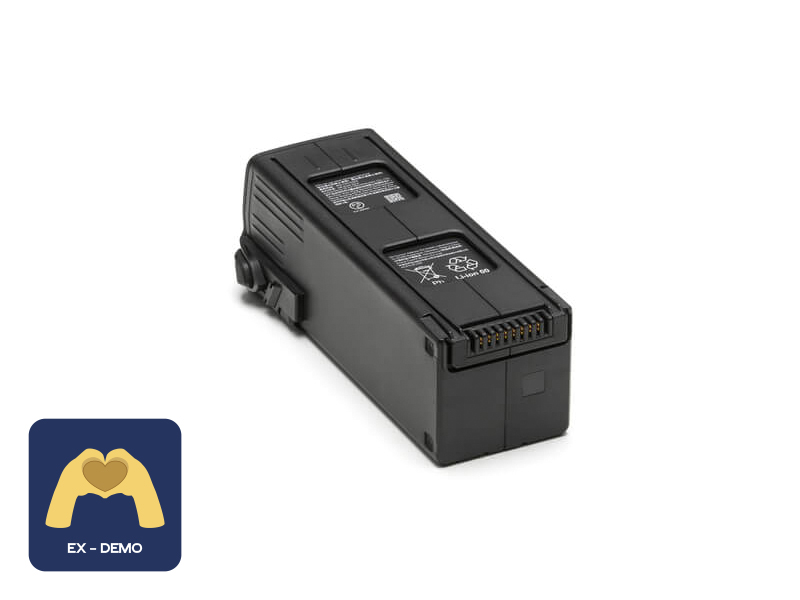 Ex-Demo DJI Mavic 3 Series Intelligent Flight Battery
 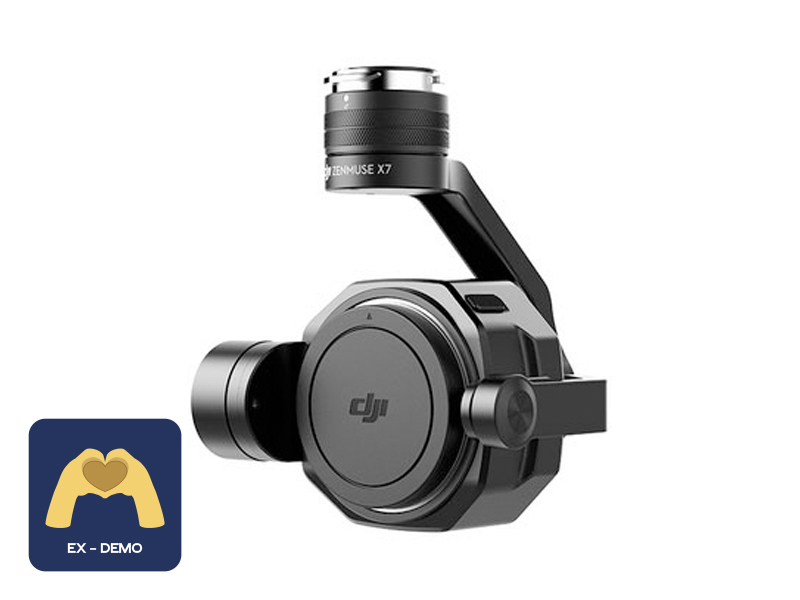 Ex-Demo Zenmuse X7
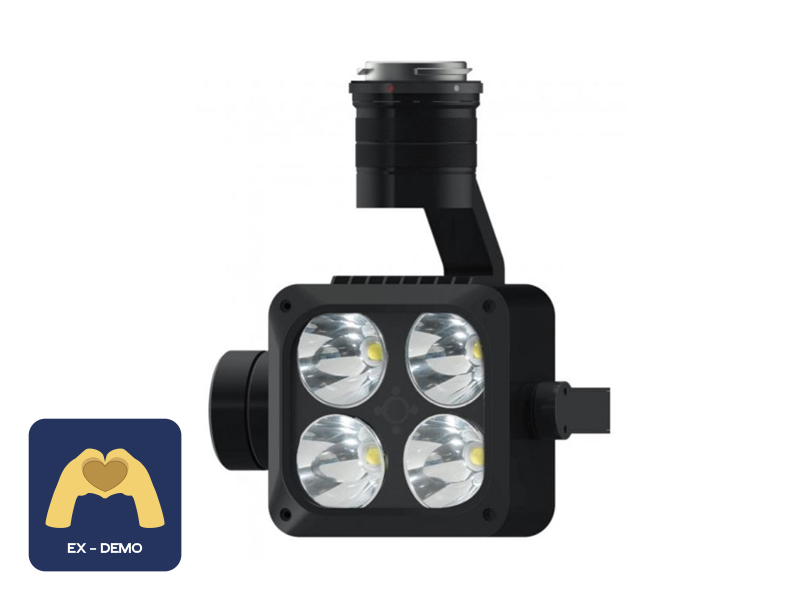 Ex-Demo Wingsland Z15 Gimbal Spotlight
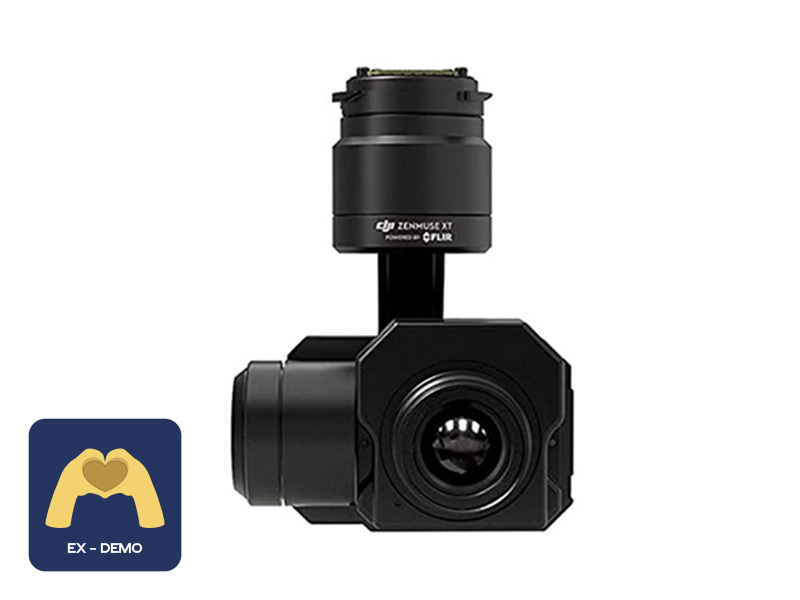 Ex-Demo FLIR Zenmuse XT 640 13mm 30Hz
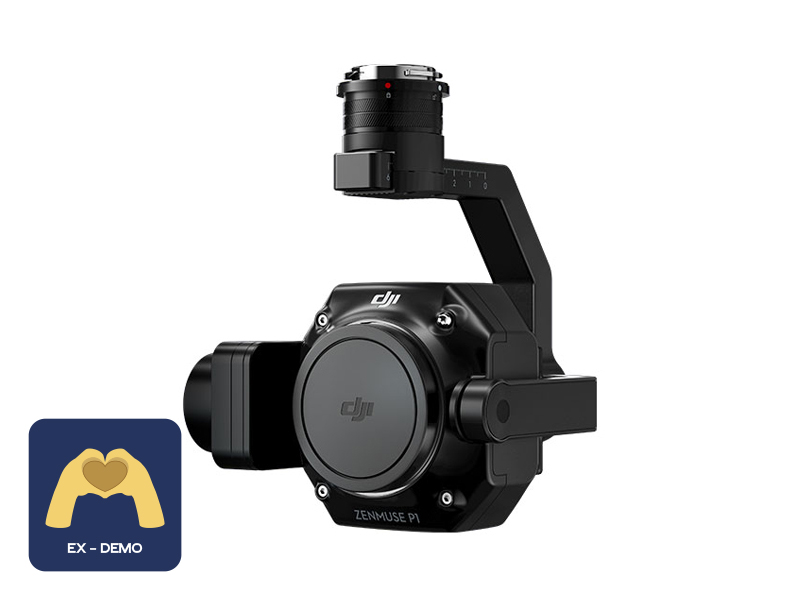 Ex-Demo Zenmuse P1


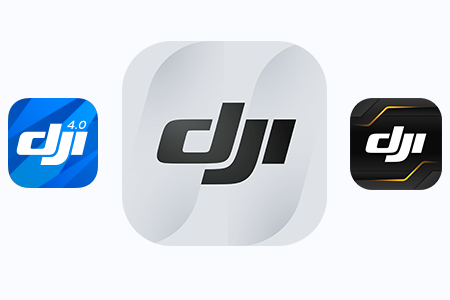
Download DJI apps
Click here to open the DJI downloads page. Choose the app for your device, then download and install.
Note: Android users will need to install the .apk.


Lifetime product support from a local Australian team. Guides, workshops, Care Refresh, repairs, and trade-in — everything in one place.
We know that when you first unbox a new drone, camera, or gimbal, the features and services can feel like a lot. This page brings together lifetime support from D1, product guides, apps, Care Refresh, repairs, and the same quick answers you’re used to — in one modern layout.
Download software, manage Care Refresh, or book in with our authorised repair centre.
Click here to open the DJI downloads page. Choose the app for your device, then download and install.
Note: Android users will need to install the .apk.
Click here for DJI Care Refresh activation steps.
Click here if your drone has been activated for more than 48 hours.
Click here to make a DJI Care Refresh claim.
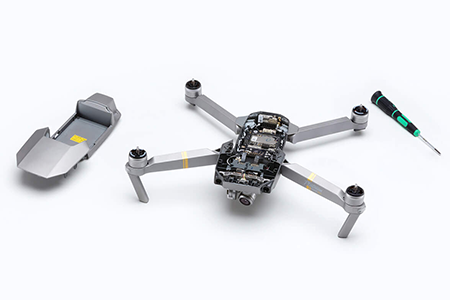
D1 Store is a DJI Authorised Repair Centre. To submit a repair request, click here.
Our officially certified DJI technicians use 100% genuine parts and test every repair and maintenance job so your gear leaves in full working order. Repairs include a 3-month warranty for your peace of mind.

Terms and conditions of your DJI warranty and Australian Consumer Law.
Learn more about warranty

Orders, learning your product, Care Refresh, repairs, trade-in, and in-store help.
We send an automated email once your order has shipped with your tracking number and invoice. Check junk/spam; the subject line is usually “D1Store - Order Processed and Shipped”.
Just picked up your new DJI product? Great to hear! You can learn more by heading to the D1 Lounge, regularly updated with the latest DJI news, tutorials, support articles, and more. Popular reads:
We’ve created a live workshop, New Pilot Experience, which you can sign up for here. To complement that, we have a Facebook group where you can ask questions and get answers from our community of pilots.
To activate DJI Care Refresh, visit DJI’s activation page. If you purchased Care Refresh from D1 Store, check your junk/spam folders for your activation code (often the serial number on your invoice) and follow the three-step process. If you are struggling to activate or the product has been activated for more than 48 hours, see Care Refresh beyond 48 hours for more information.
If you aren’t able to activate DJI Care Refresh because the 48-hour period has passed, click here to submit your details for DJI Care Refresh verification. Your drone must not be more than a few weeks old and must not have any internal or external damage to qualify.
Need a drone repair? Click here to submit your product for repair or a warranty claim. Enter your details with the drone model and damage details — the more detail the better — and our team will be in touch. If you’re submitting a warranty claim, include your D1 Store proof of purchase.
If you’ve had an accident and need to make a Care Refresh claim, visit DJI Support and submit an online repair request here. If the damage is minor (repair cost under the excess fee), we recommend a paid repair and saving your Care claims for larger incidents.
You may be asked to log in, then select your service area (4 — Asia Pacific and Australia).
Yes. At D1 we offer a trade-in service that turns eligible pre-loved DJI products into D1 Store credit you can put toward any new product. Find out about eligibility and how to upgrade here.
Yes, absolutely. If you’re still struggling, call our stores with your invoice number or use the enquiry form below to organise time with our product specialists.
Submit your enquiry — technical support, orders, shipping, returns, and more. A team member will get back to you. Please fill out the following and we’ll be in touch.